To get Spotify presale tickets, you must first ensure your account is eligible to receive them, which involves adjusting your notification settings and, for the most exclusive offers, having an active Premium subscription. This guide details the exact steps to qualify for both the standard Spotify presale code system and the invite-only 'Reserved by Spotify' program, ensuring you know precisely how to secure early access to your favorite artists' concerts.
What is the Spotify presale tickets program?
Spotify offers two distinct methods for users to access presale tickets, each with its own set of rules. The first is a standard email/code system, where Spotify partners with artists and ticketing platforms to distribute unique codes to fans. The second, more exclusive method is the 'Reserved by Spotify' program, which provides a limited number of users with a temporary hold on tickets. Understanding the difference is key to knowing which eligibility requirements you must meet and how you will receive your offer.
How to qualify for a standard Spotify presale code
Qualifying for a standard Spotify presale code is straightforward and does not require a paid subscription. The most critical step is to adjust your account settings to allow Spotify to send you promotional content. Without these changes, you will not receive the emails or push notifications containing presale codes, even if you are a top listener.
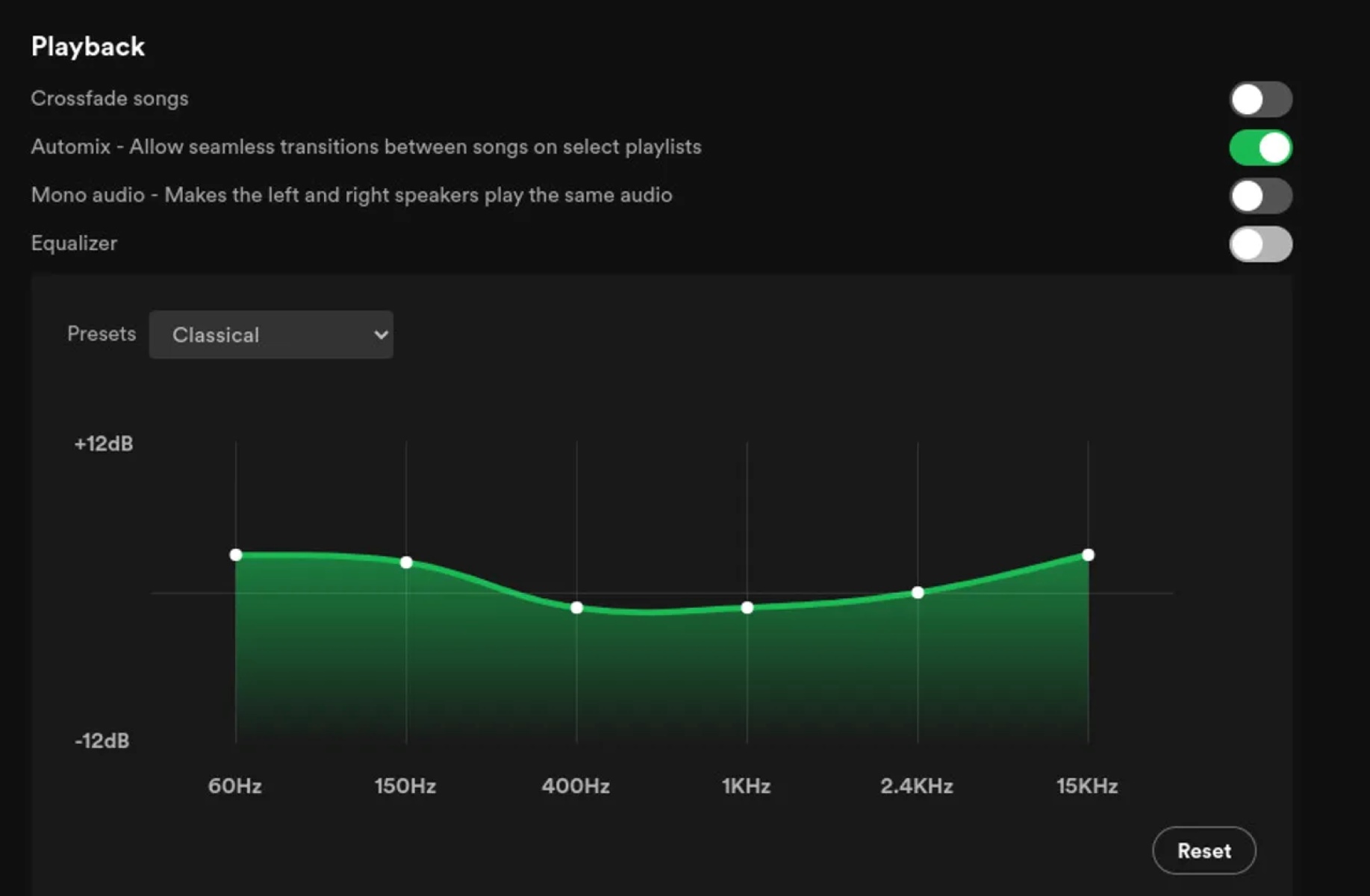
First, log into your Spotify account via the web player or app and navigate to 'Settings'. From there, select 'Account' and then 'Notifications'. Ensure that both the 'Spotify News and Offers' and 'Artist Updates' toggles are switched on. These are the primary channels through which Spotify sends presale announcements and unique codes. Next, verify that the email address associated with your account is current and accessible, as this is where your presale code will be delivered. A simple typo or an outdated inbox can cause you to miss out on a ticket.
How to qualify for 'Reserved by Spotify' offers
The 'Reserved by Spotify' program is a more exclusive tier with stricter eligibility criteria. Unlike standard presales, this premium program is currently only available to users who meet specific account and demographic requirements. If you do not meet all of these conditions, you will not be considered for a reserved offer, regardless of how much you stream an artist.
To be eligible for 'Reserved by Spotify', you must have an active Premium subscription. Note that Spotify's Mini or Lite plans are not eligible for this program. Your account must also be older than one week from the date of registration. Furthermore, you must be at least 18 years old and reside in an available market, which is currently limited to the United States or Canada. If you meet these criteria, you may be randomly selected to receive a hold on up to two tickets for a specific event.
How Spotify chooses who gets an offer
Spotify's algorithm determines eligibility for both standard and reserved presales by analyzing your listening behavior and engagement. The system identifies "top fans" by looking at a combination of factors, including your streaming history, how often you save an artist's tracks, your shares, and your follows. Your location also plays a role, as some offers are geographically targeted to specific cities or regions.
However, it is crucial to understand that even if you are a top listener, an offer is never guaranteed. The number of presale tickets is limited, and demand almost always exceeds supply. Spotify does not promise that every eligible fan will receive a code or a reserved hold. The selection process is partially random, so your best strategy is to ensure your account is set up correctly and your listening habits are active, then wait to see if you are chosen.
How to use your Spotify presale code to buy tickets
Once you receive a presale offer, the process to purchase tickets is simple but time-sensitive. Offers are delivered via email and/or an in-app notification, so keep an eye on both channels. The notification will contain a unique code or a direct link to the ticket purchase page, typically hosted by a third-party vendor like Ticketmaster or See Tickets.
For a standard presale, click the link in the email or notification, which will take you to the event's ticketing page. Enter your unique code in the designated field to unlock the presale inventory, select your seats, and complete the purchase. For 'Reserved by Spotify' offers, the process is slightly different. You will receive a notification that you have a hold on up to two tickets. You typically have a 24-hour window to claim these tickets by clicking the provided link and completing the transaction. If you do not claim them within that time, the hold expires, and the tickets are released to other fans.
What to do if you have problems with your tickets
If you encounter any issues after purchasing your tickets, whether it is a problem with the presale code, shipping delays, ticket delivery, cancellations, or refunds, you must contact the ticketing company directly. Spotify does not handle ticket sales, customer service, or post-purchase logistics. The support team at Spotify cannot access your ticket order or assist with any issues related to the event.
Your first point of contact should be the company that processed your transaction, such as Ticketmaster, AXS, or Eventbrite. Look for a 'Contact Us' or 'Help' section on their website, and have your order confirmation number ready. For issues related to the presale code itself, such as a code not working, you should also contact the ticketing company, as they are the ones who manage the redemption system. Spotify's support team can only help with questions regarding your Spotify account, not your concert tickets.
\nRelated reading: How To Get Subtitles On Spotify Podcast, How Do I Contact Spotify, and How To Use DJ On Spotify.