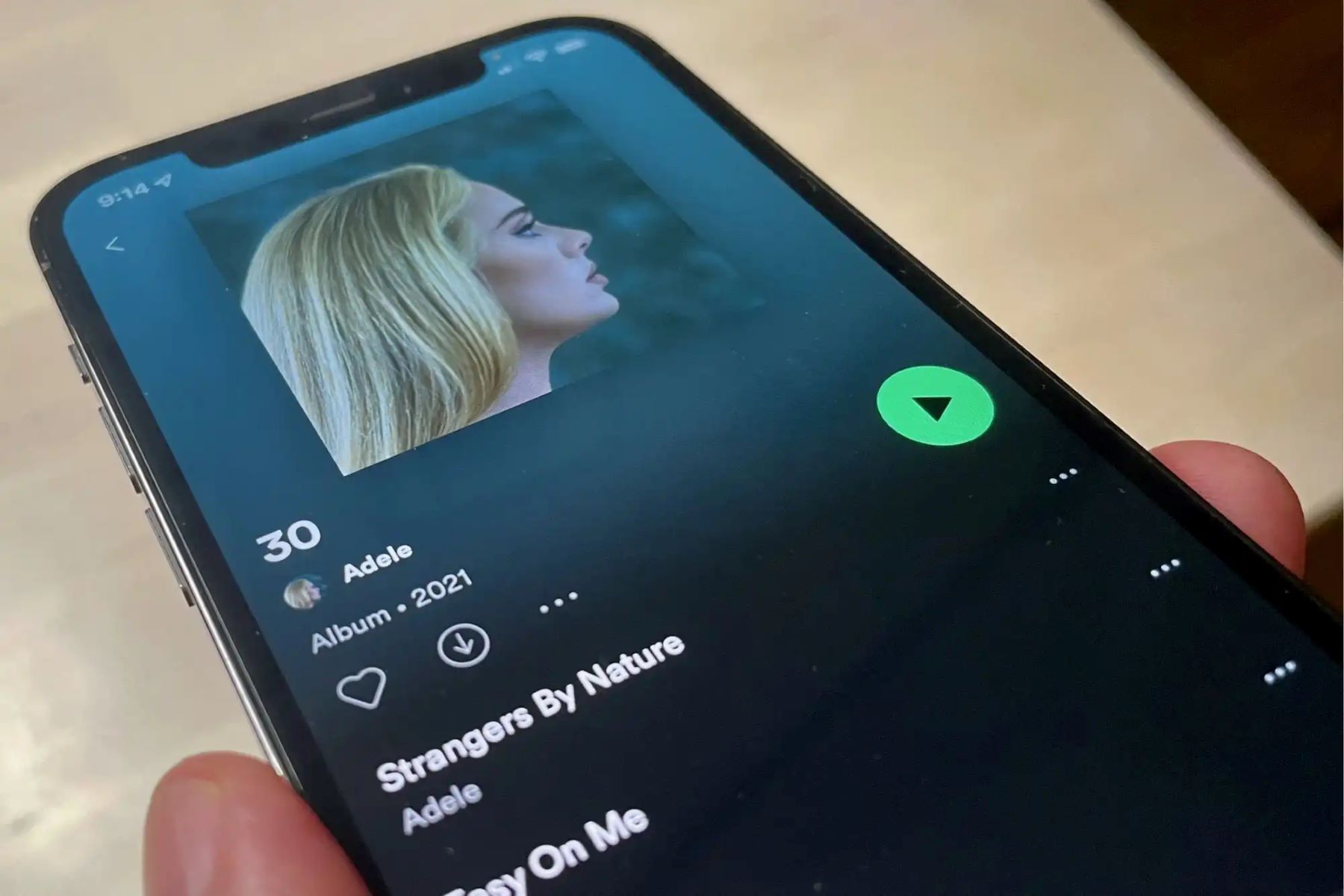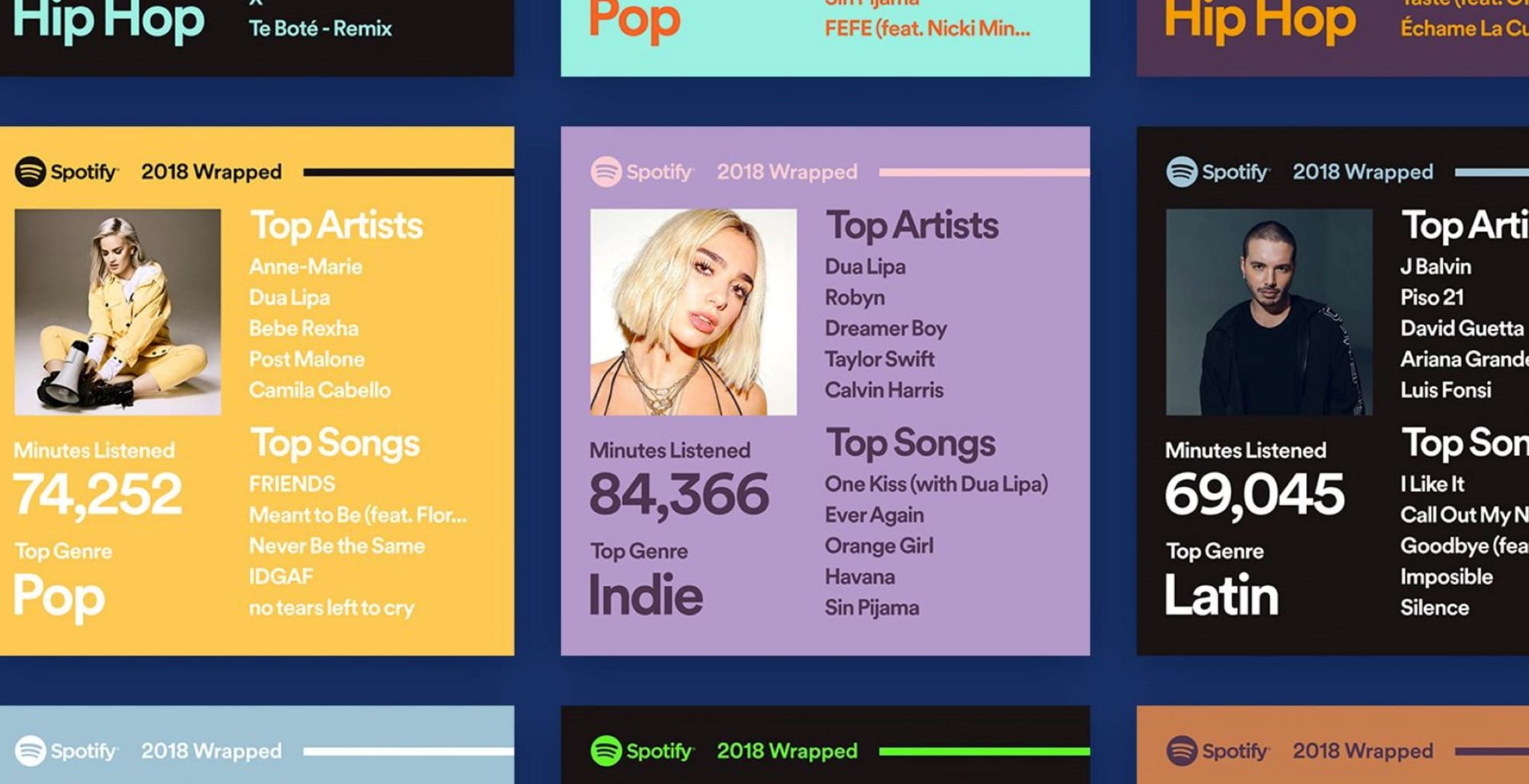
To look at your Spotify Wrapped, open the Spotify app on your mobile device and tap the search icon, then type "Wrapped" or the specific year (like "2025 Wrapped") into the search bar. The Wrapped story will appear as a top result; tap it to start your personalized year-in-review.
How to look at your Spotify Wrapped
The most reliable way to look at your Spotify Wrapped is through the Spotify mobile app. Follow these steps:
- Open the Spotify app on your phone or tablet and make sure you are logged in to your account.
- Tap the search icon (magnifying glass) at the bottom of the screen.
- In the search bar, type "Wrapped" or the year you want (for example, "2025 Wrapped").
- Tap the Wrapped result that appears, which is usually a banner or card featuring the current year.
- Your personalized Wrapped story will begin playing automatically. Swipe or tap through the slides to see your data.
If you prefer to use a computer, you can also look at your Spotify Wrapped by visiting the official Spotify Wrapped website in a web browser. Log in with your Spotify account credentials, and your Wrapped experience will load on the page.
Fix it when Spotify Wrapped won't show up
If you follow the steps above but cannot find your Wrapped, try these troubleshooting fixes based on verified facts.
Update the Spotify app
Ensure your Spotify app is updated to the latest version on your mobile device or desktop. An outdated app may not support the Wrapped feature. Check your device's app store for any available updates and install them before searching again.
Clear the app cache
On Android devices, clearing the app cache can resolve display issues. Go to your device's system settings, find the Spotify app under "Apps," and select "Clear cache." After clearing the cache, reopen the app and search for Wrapped.
Check eligibility
Wrapped and some Wrapped features may not be available to all users, as they are subject to specific eligibility criteria. Additionally, Wrapped may not be available in all countries due to local data privacy laws. If you have listened in Private Mode or used "Exclude from Taste Profile," note that those count towards total listening time but do not shape taste-based stories. Verify that your account meets the requirements by checking Spotify's official support page.
What you'll see in your Spotify Wrapped
Spotify Wrapped is a year-in-review report that summarizes your listening activity on the platform. The data collected for Wrapped covers listening activity from January 1st until mid-November of the year, but you can see how many minutes you've listened on Spotify year-round. Here is what you can expect to see:
- Your top artists of the year
- Your top songs of the year
- Your top genres
- Your total minutes listened
- Other personalized insights based on your listening history
Share your Spotify Wrapped
After you finish viewing your Wrapped story, you can share it directly from the app. At the end of the Wrapped experience, you will see a share button. Tapping it generates a shareable card that you can post to social media platforms like Instagram, Twitter, or Facebook, or send as a direct message to friends and family. The card includes your top artists, songs, and other highlights, making it easy to show off your year in music. If you also use Amazon Music, you can see Amazon music stats to compare your listening habits across platforms.
\nRelated reading: How Do I Turn Off Spotify.