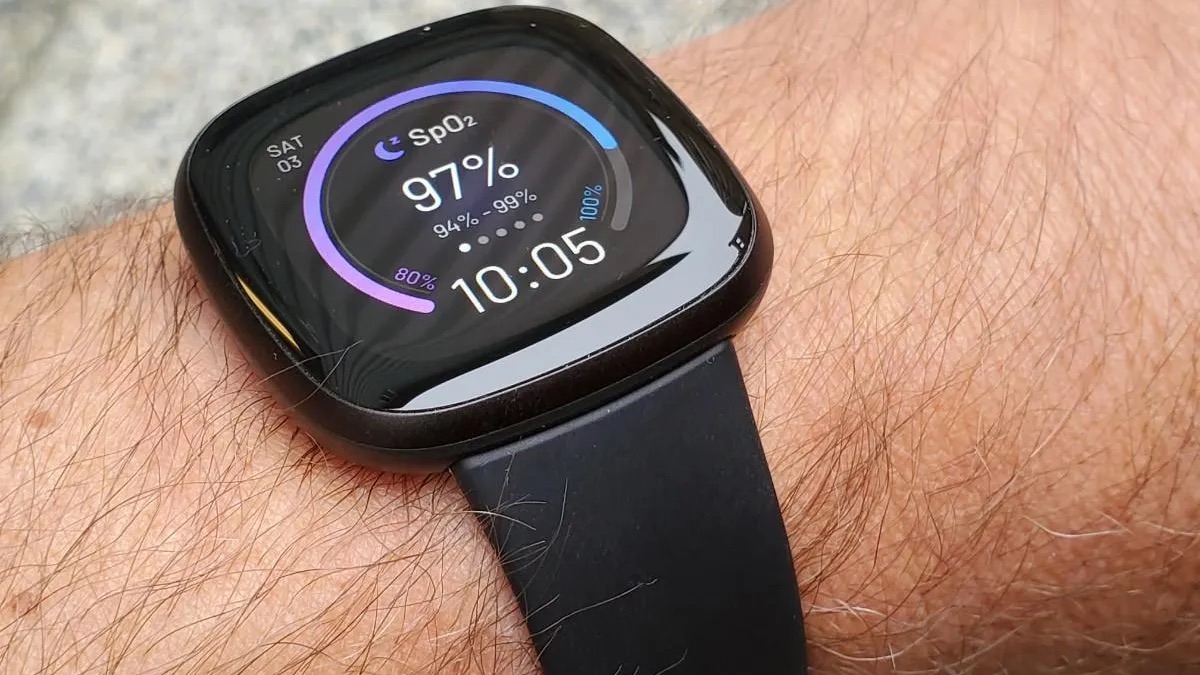

This tag collects articles about keeping your devices in step with one another and with the world around them. It is for everyday users who own a phone, tablet, smartwatch, or fitness tracker and want those gadgets to share information reliably, show the correct time, and behave predictably. Whether you are setting up a new Fitbit, troubleshooting a Spotify sync failure, or simply trying to stop your tablet from buzzing every time your phone gets a notification, these guides are written for non-technical readers who want clear, practical steps.
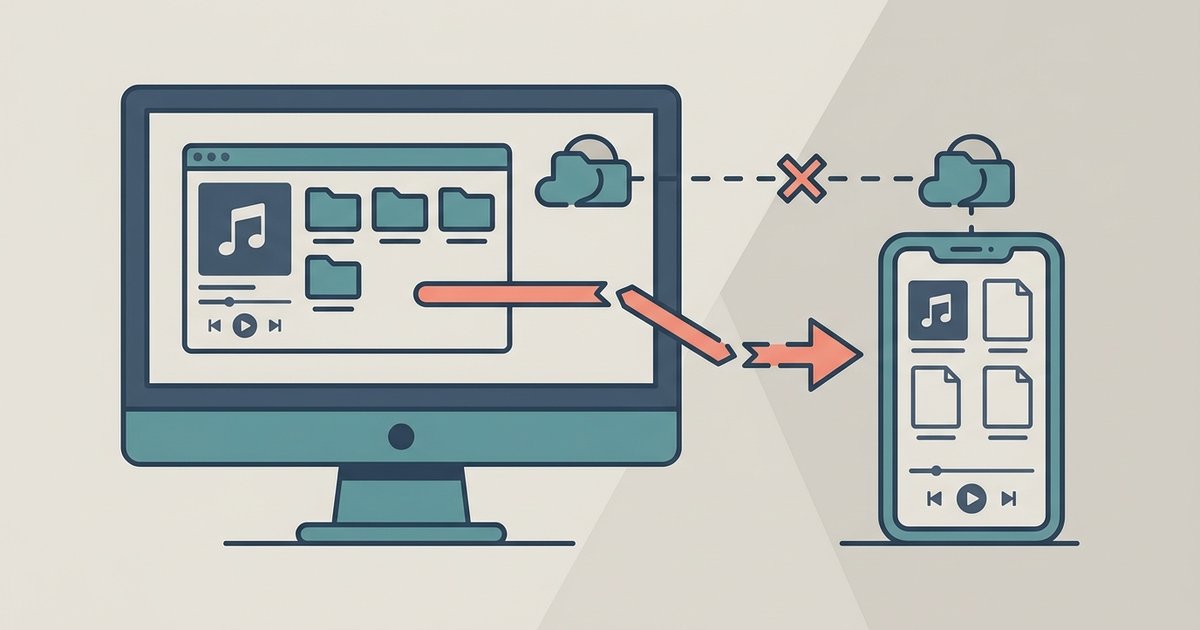
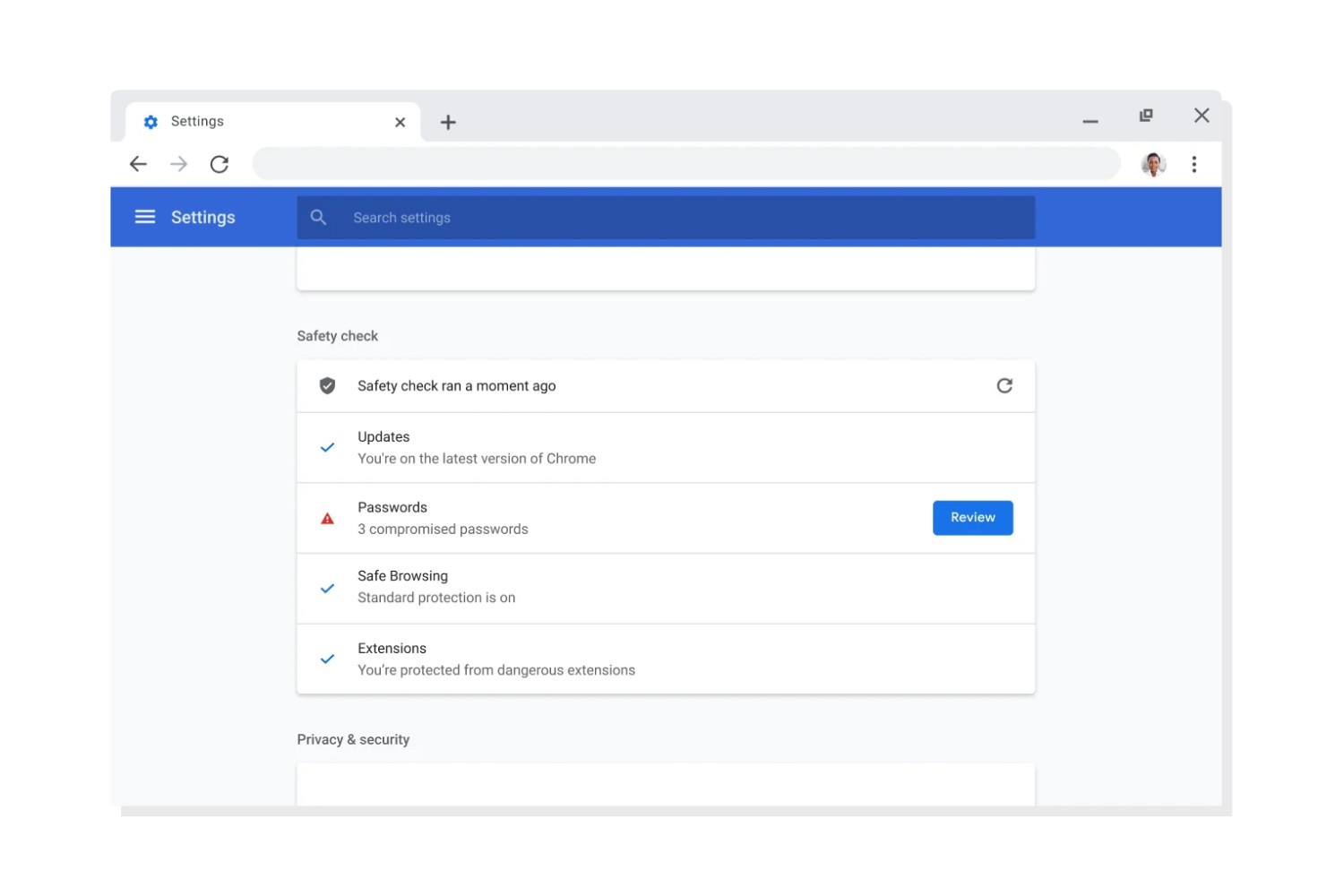
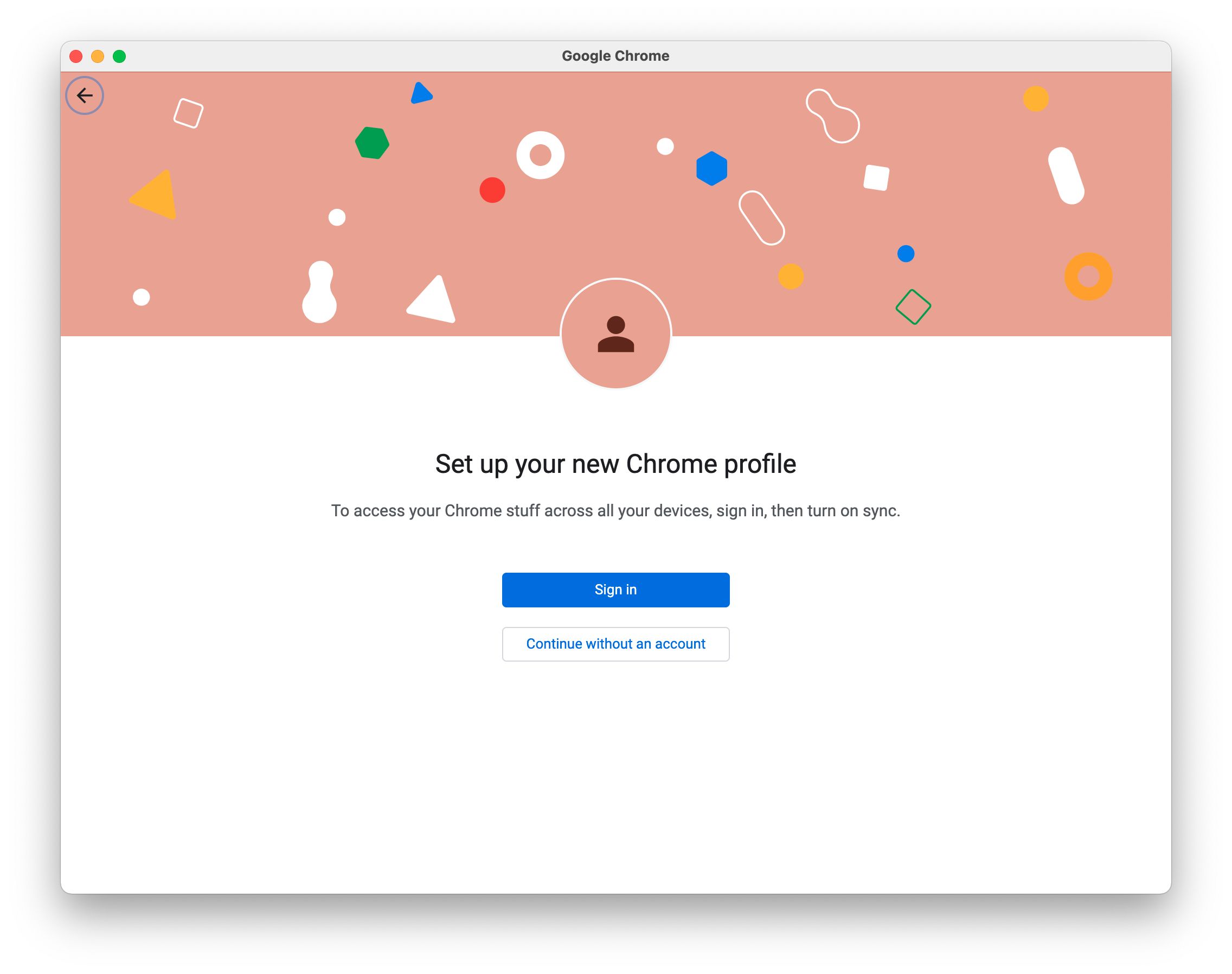
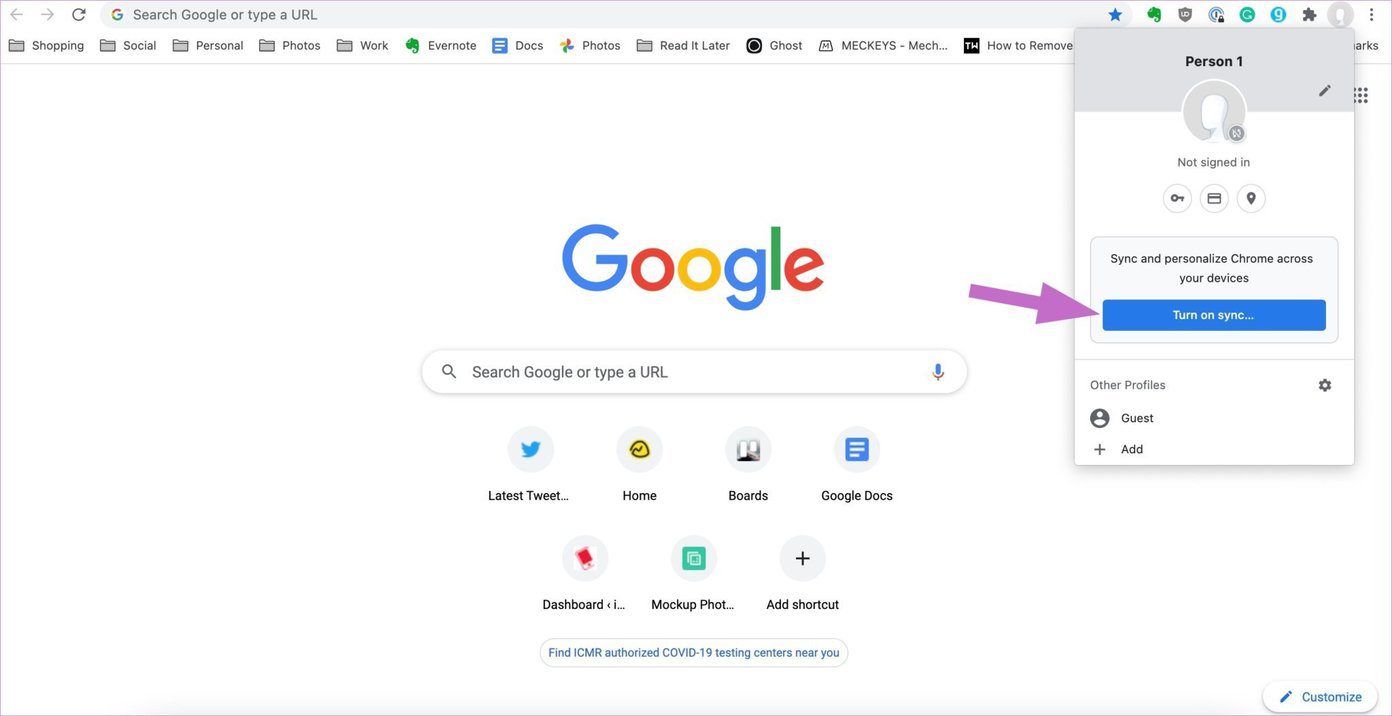
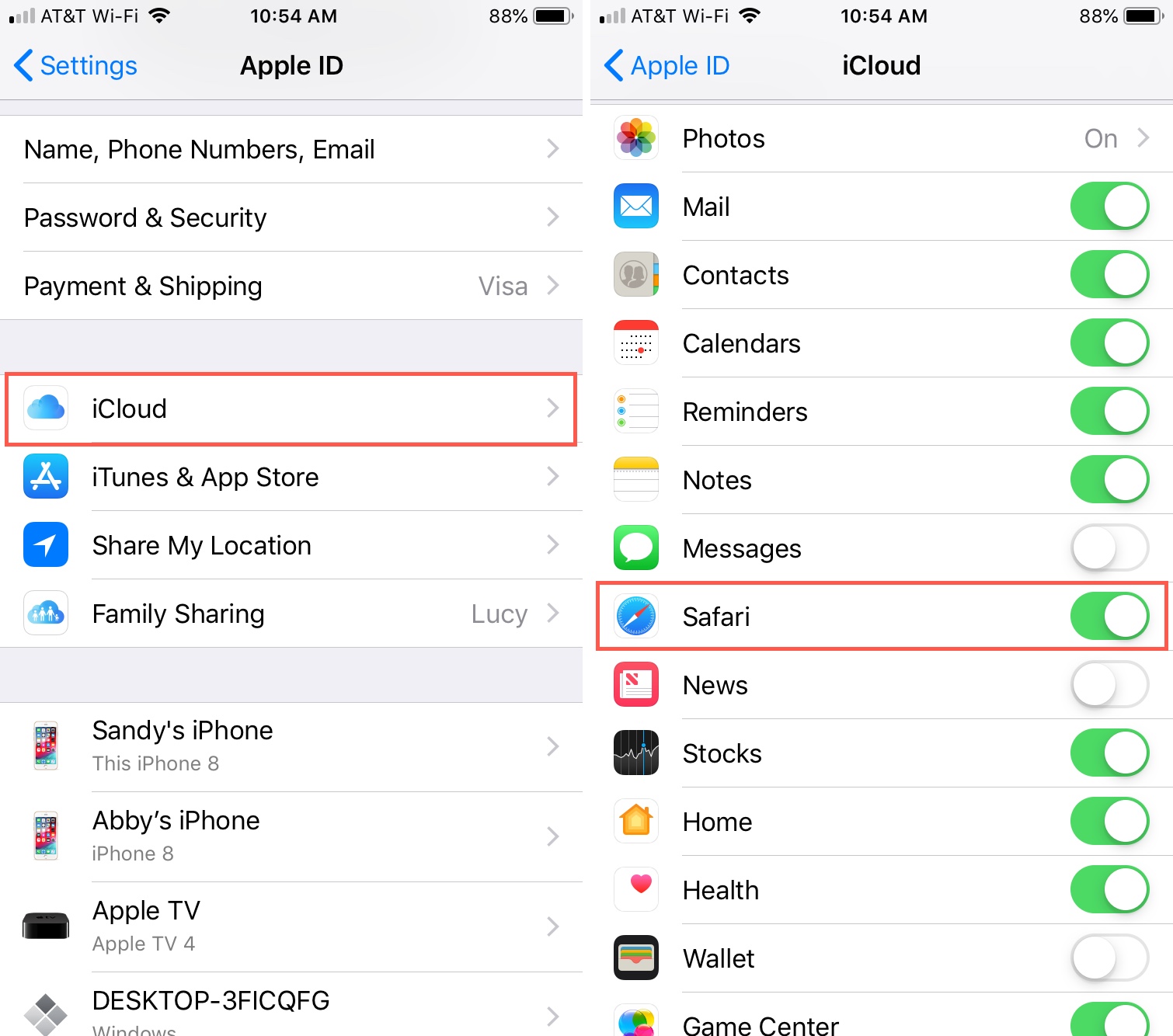
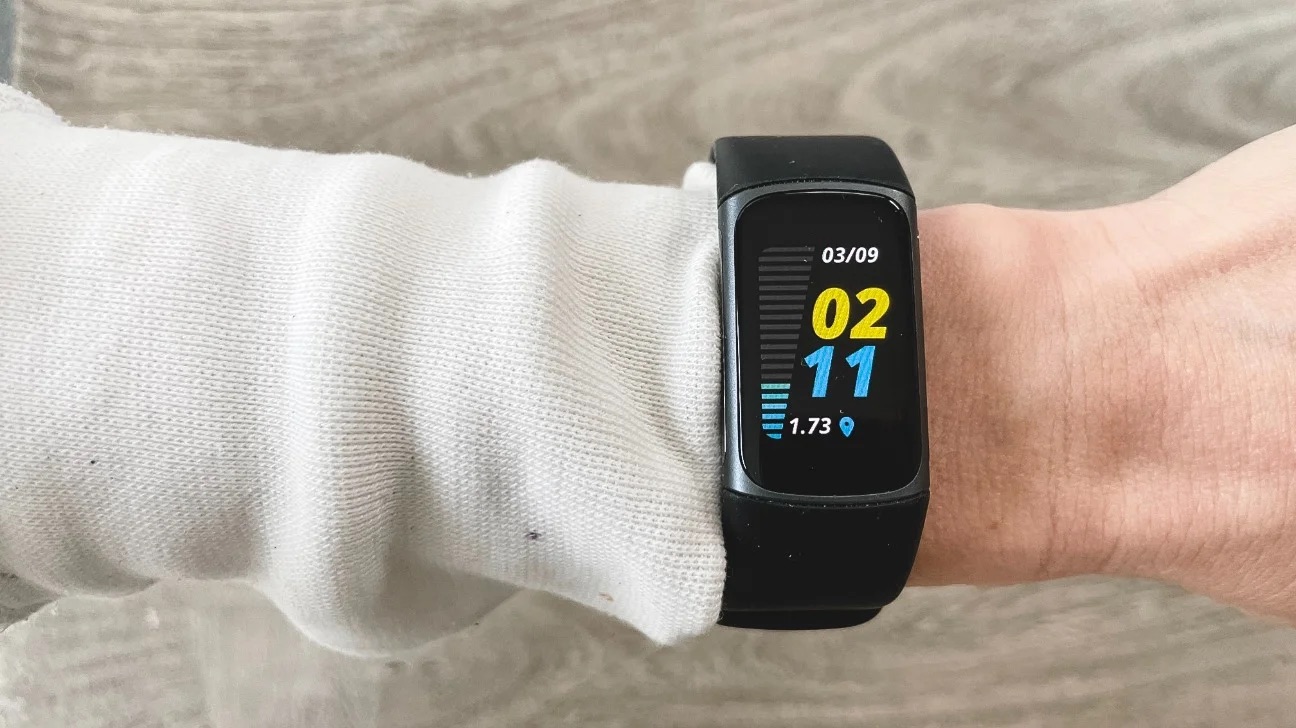
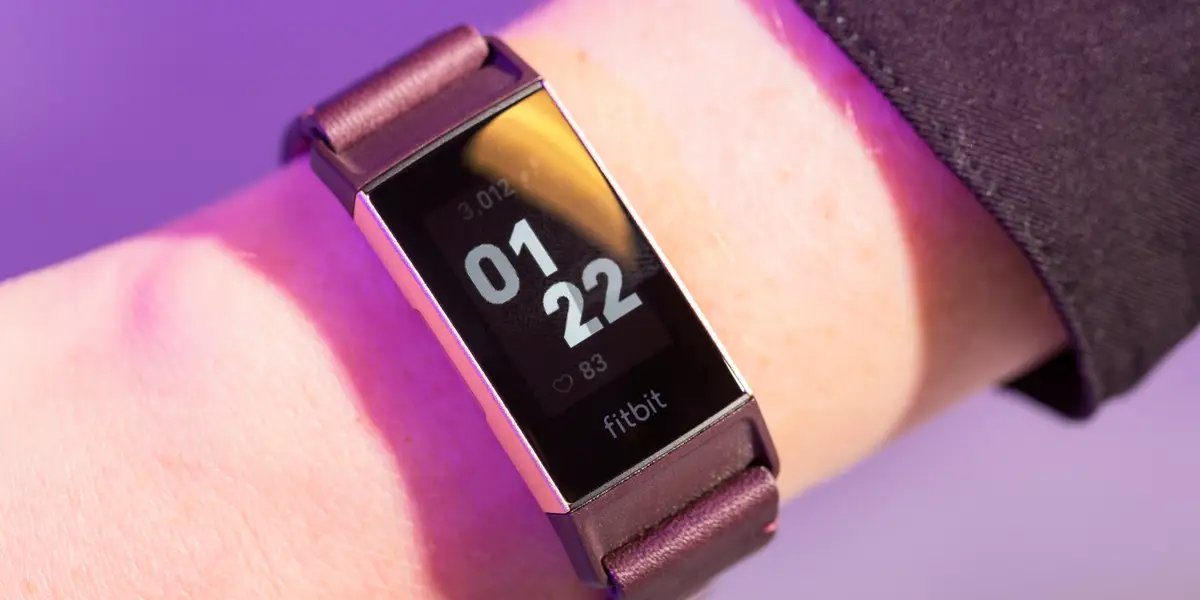
The articles here fall into a few common themes. One is device-to-device synchronization: you will find help on unsyncing a tablet from a phone, getting contacts onto a smartwatch, and figuring out why Spotify local files will not transfer to your phone. Another theme is time and time-zone accuracy, with guides on resetting the date and time on a Fitbit, adjusting the clock on a Versa 3 or Charge 5, and changing the time zone across multiple devices. A third, smaller theme covers browser settings and general setup, including how to check Chrome’s configuration and a broader walkthrough for Fitbit setup and troubleshooting.
These articles help you take control of your own hardware and software in a safe, legitimate way. They show you how to change settings, pair devices, and fix common glitches, not how to bypass security or access anything you should not. For example, the guide on unsyncing your tablet from your phone helps you protect your privacy by cutting an unwanted connection, and the time-adjustment guides ensure your wearable shows accurate information for your schedule and safety. By following these instructions, you can keep your gadgets working as intended, without resorting to risky workarounds.