This tag collects articles about setting up, connecting, and troubleshooting Xfinity equipment and apps across common home devices. It is written for everyday users, renters, homeowners, and gamers, who want to get their Wi‑Fi, streaming, or console online without calling support or digging through dense manuals. The guides assume no prior networking knowledge and focus on practical, step‑by‑step actions.
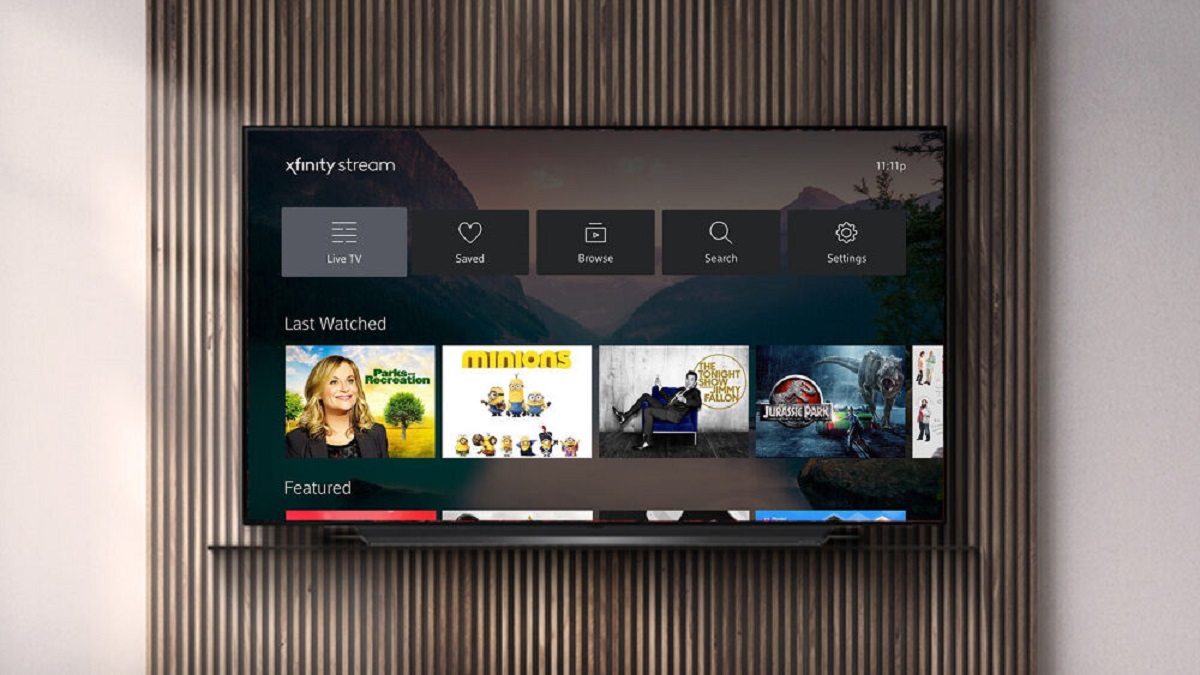
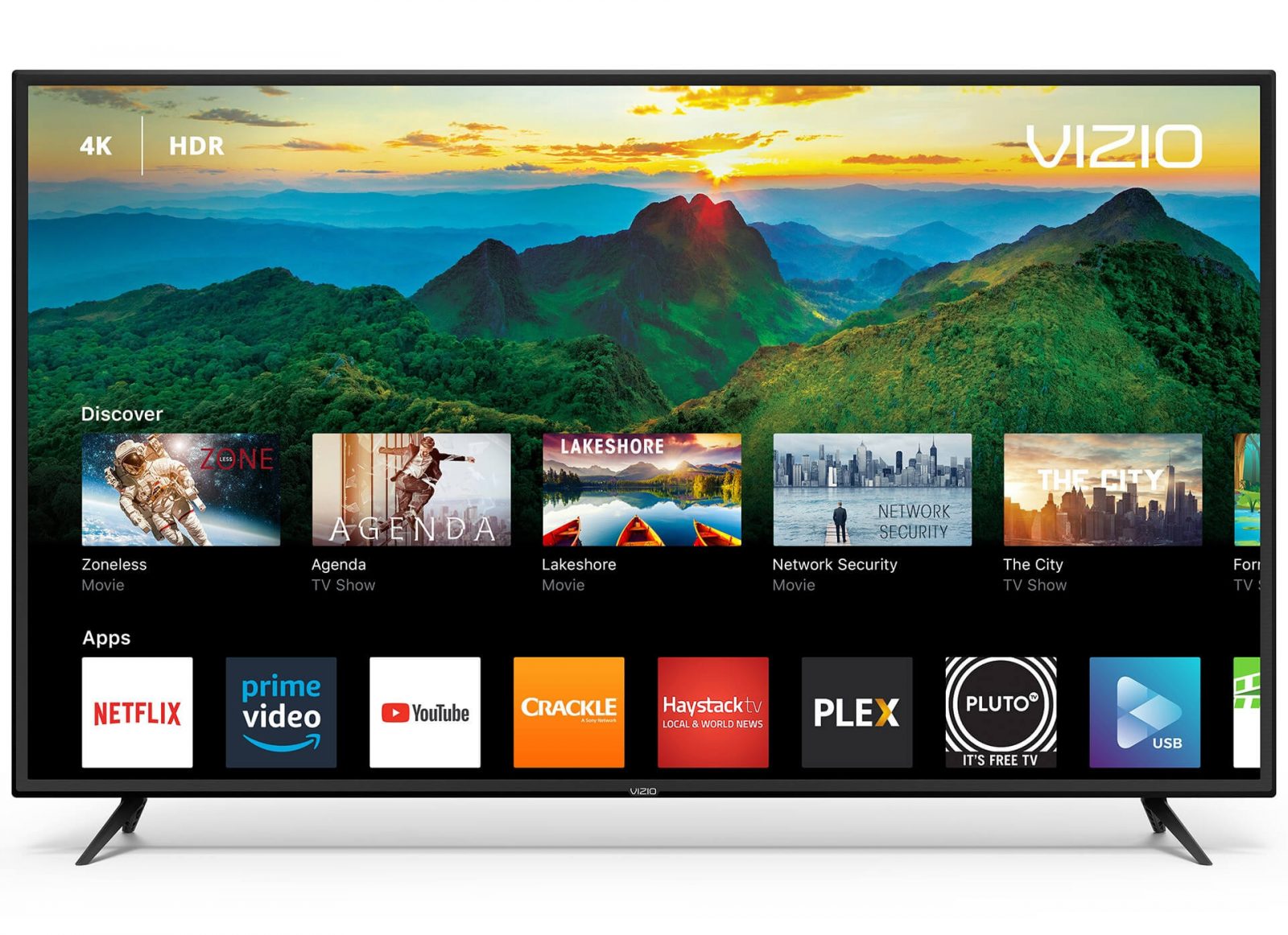
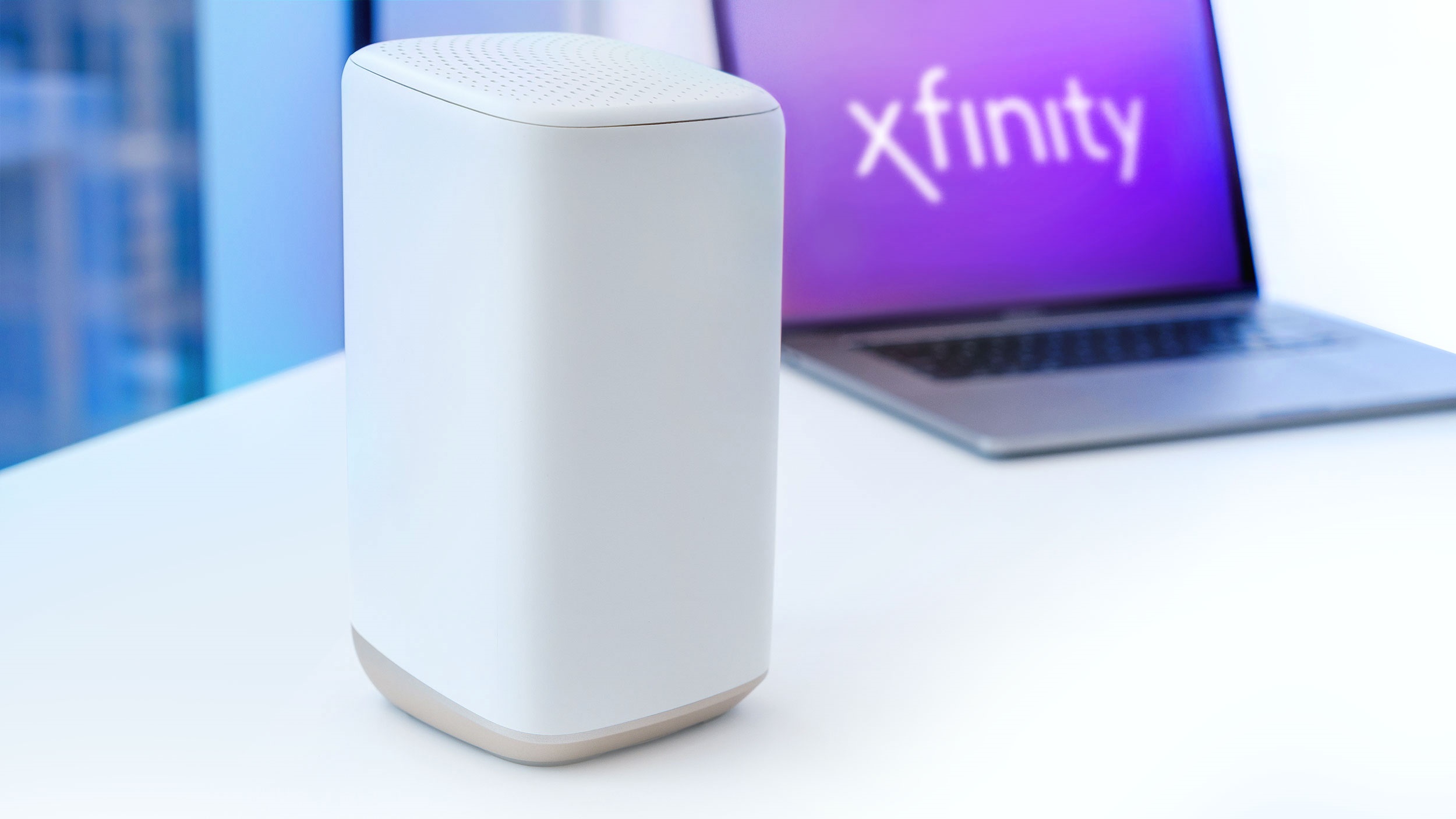
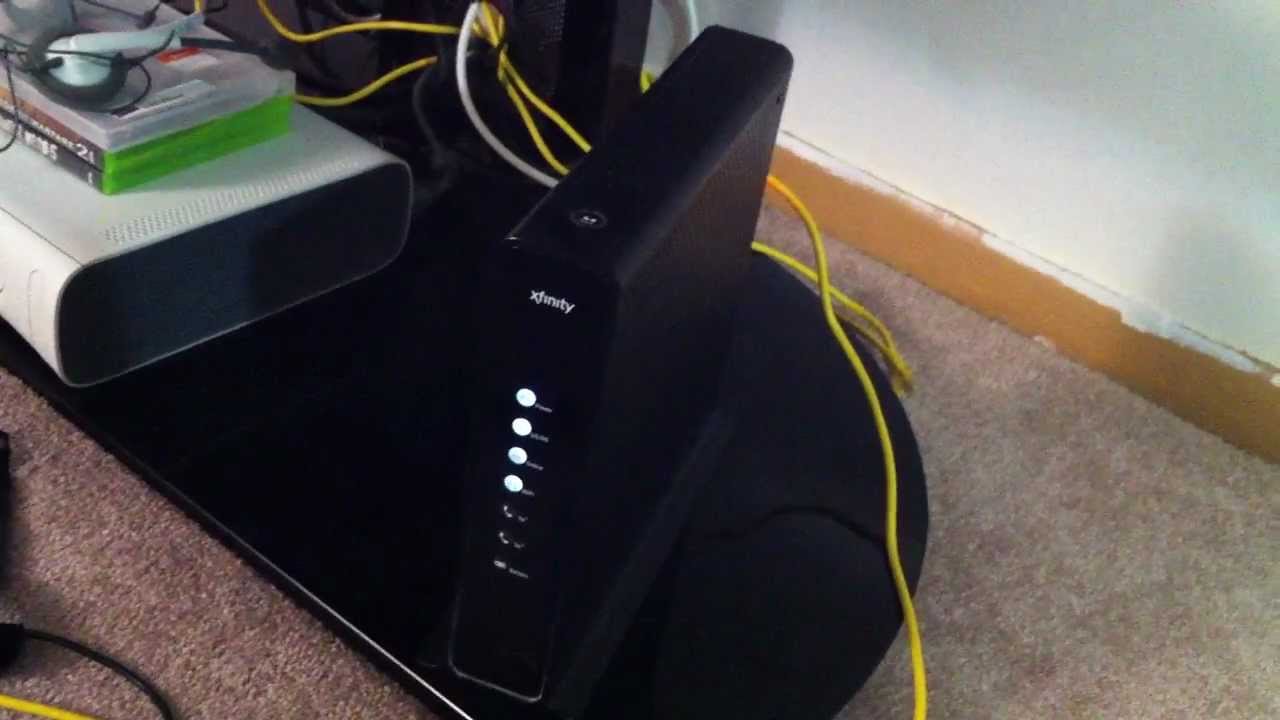
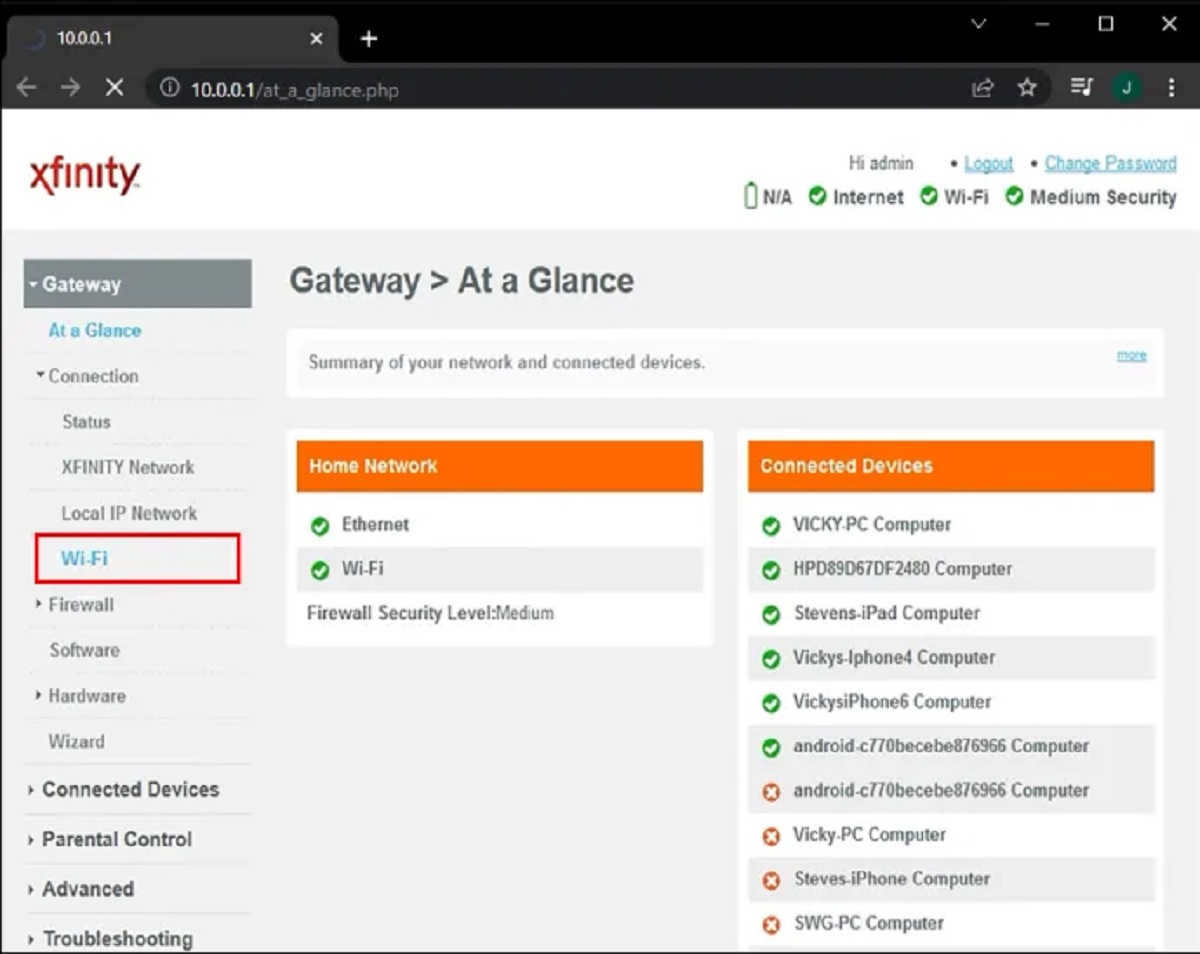
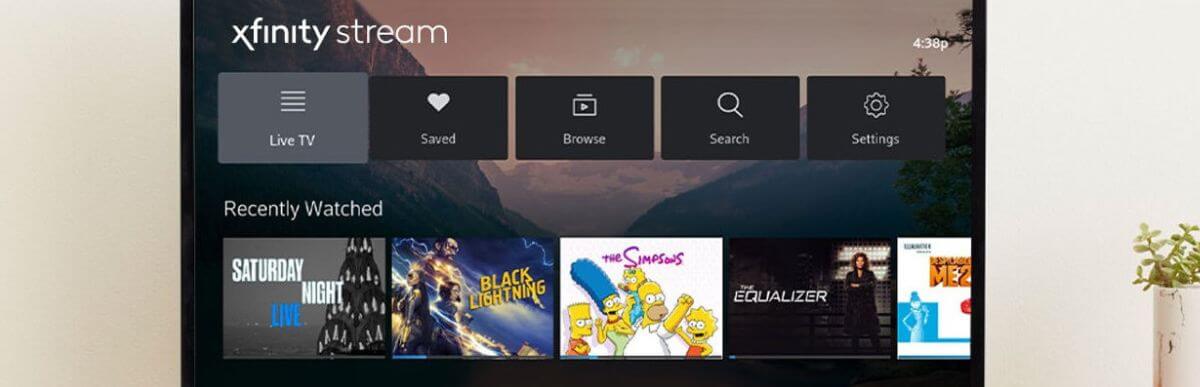
The articles fall into two clear themes. The first is hardware and network setup: you will find straightforward instructions for placing and activating an Xfinity Wi‑Fi box, as well as connecting an Ethernet cable to an Xfinity router for a more stable wired connection. The second theme is app and device compatibility, covering how to get the Xfinity app on a Vizio Smart TV, how to stream Xfinity on LG and Samsung Smart TVs, and how to connect a PS5 to an Xfinity hotspot, a specific but common request for gamers who need to get online away from their main router. One article also addresses data usage and caps when streaming Xfinity on a Samsung TV, helping you understand how much bandwidth you are actually consuming and how to avoid overage fees.
Beyond the “how to” steps, several pieces take a practical, safety‑aware angle. For example, the PS5 hotspot guide explains the proper way to join a public or home Xfinity hotspot securely, emphasizing password protection and network selection rather than any workaround. Similarly, the data‑usage article is less about squeezing more data and more about monitoring your plan so you stay within legal limits. These pieces help you manage your equipment and your account responsibly, not circumvent any restrictions.