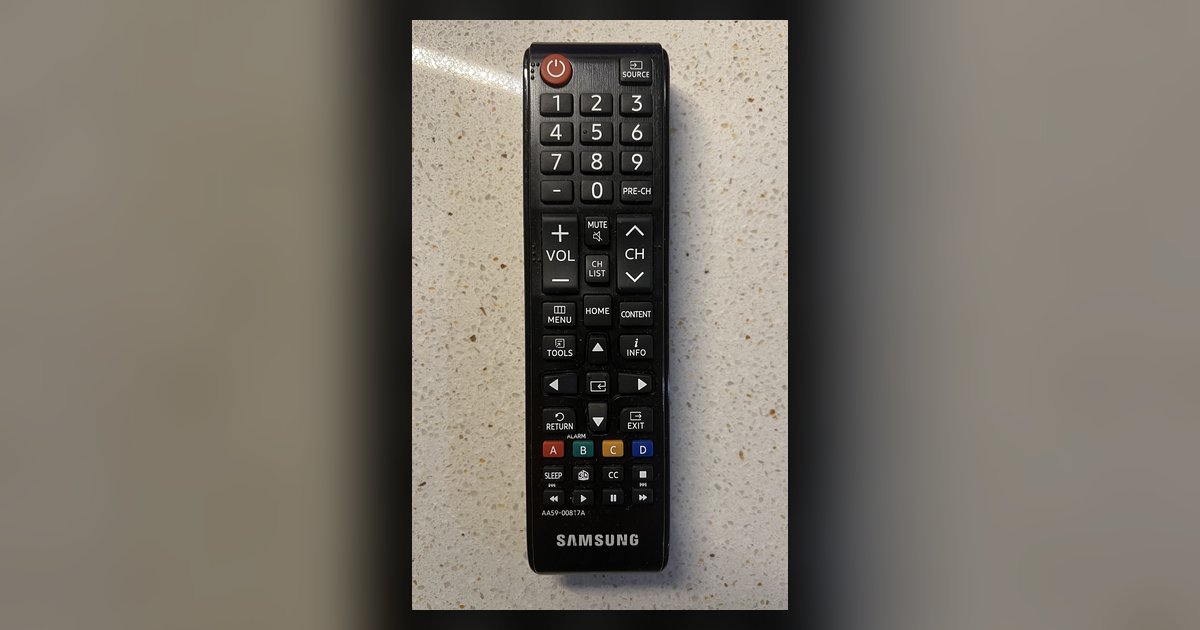
A blinking red light can indicate a low battery, a lost Bluetooth pairing, or that the remote is operating in IR mode only. Replace the batteries first; if the light still blinks red and won’t pair, try resetting the remote and rebooting the TV before considering a replacement.
What the Samsung remote blinking red light actually means
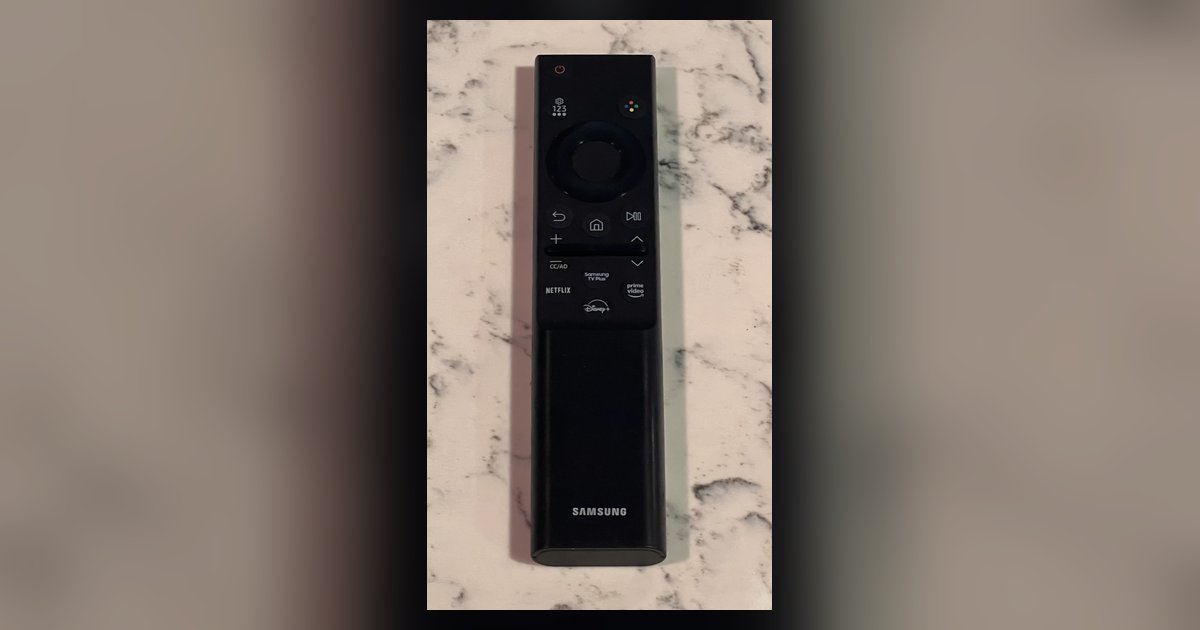
When you hold the Return and Play/Pause buttons to initiate pairing for 3 to 5 seconds, a message will appear on the TV screen indicating the remote is connected. The standard pairing guide often omits this distinction, leaving owners to assume the blinking is part of the pairing handshake. In reality, the remote is failing to power up its transmitter. To correctly use your Samsung smart TV remote, you must first confirm the battery contacts are clean and the batteries are fresh. For solar or rechargeable remotes, ensure they are fully charged. If the blinking persists after replacing batteries, the remote’s internal power management circuit may be damaged, but you should first pair a Samsung smart TV remote again to rule out a simple Bluetooth sync failure.
When new batteries don't fix it
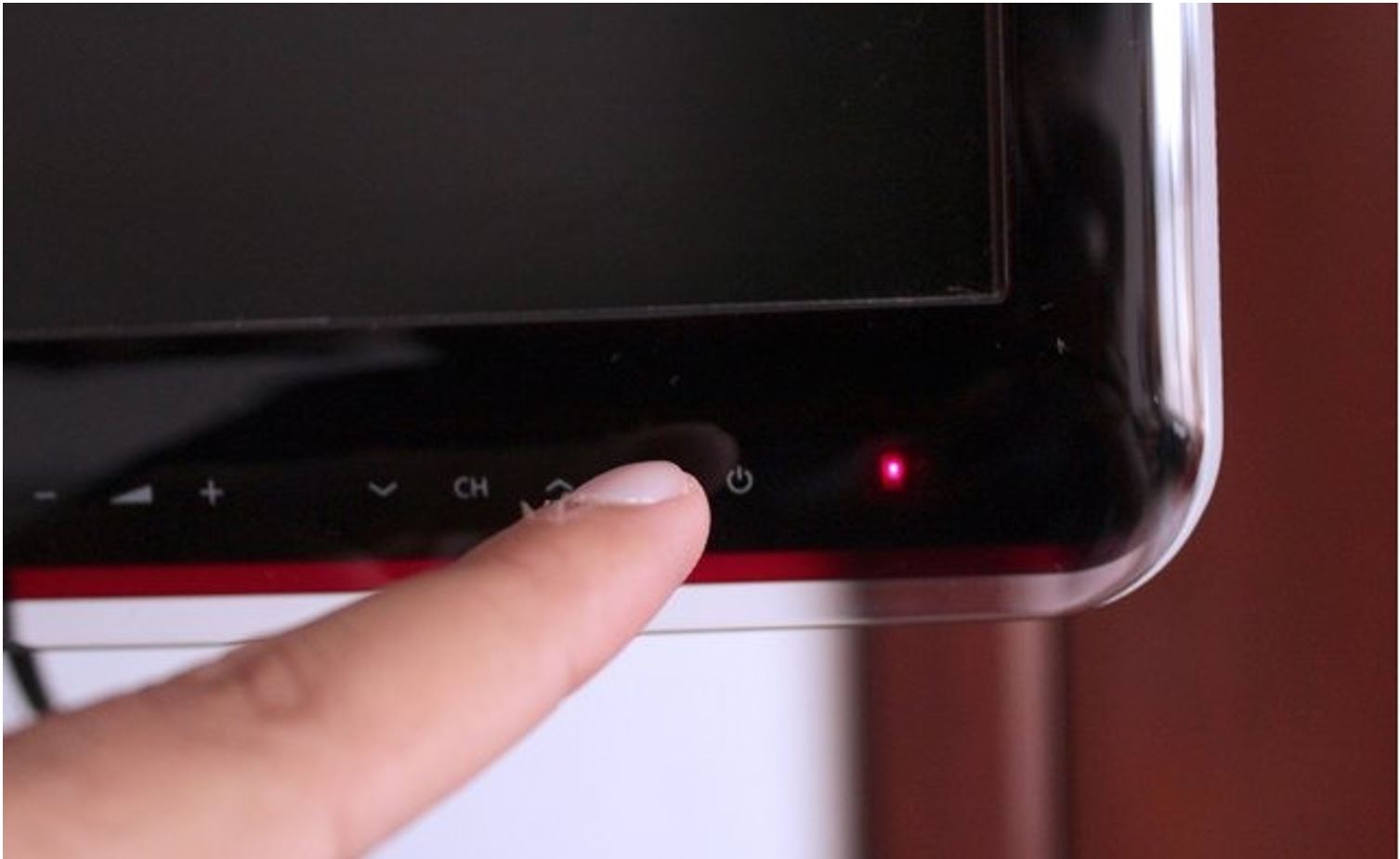
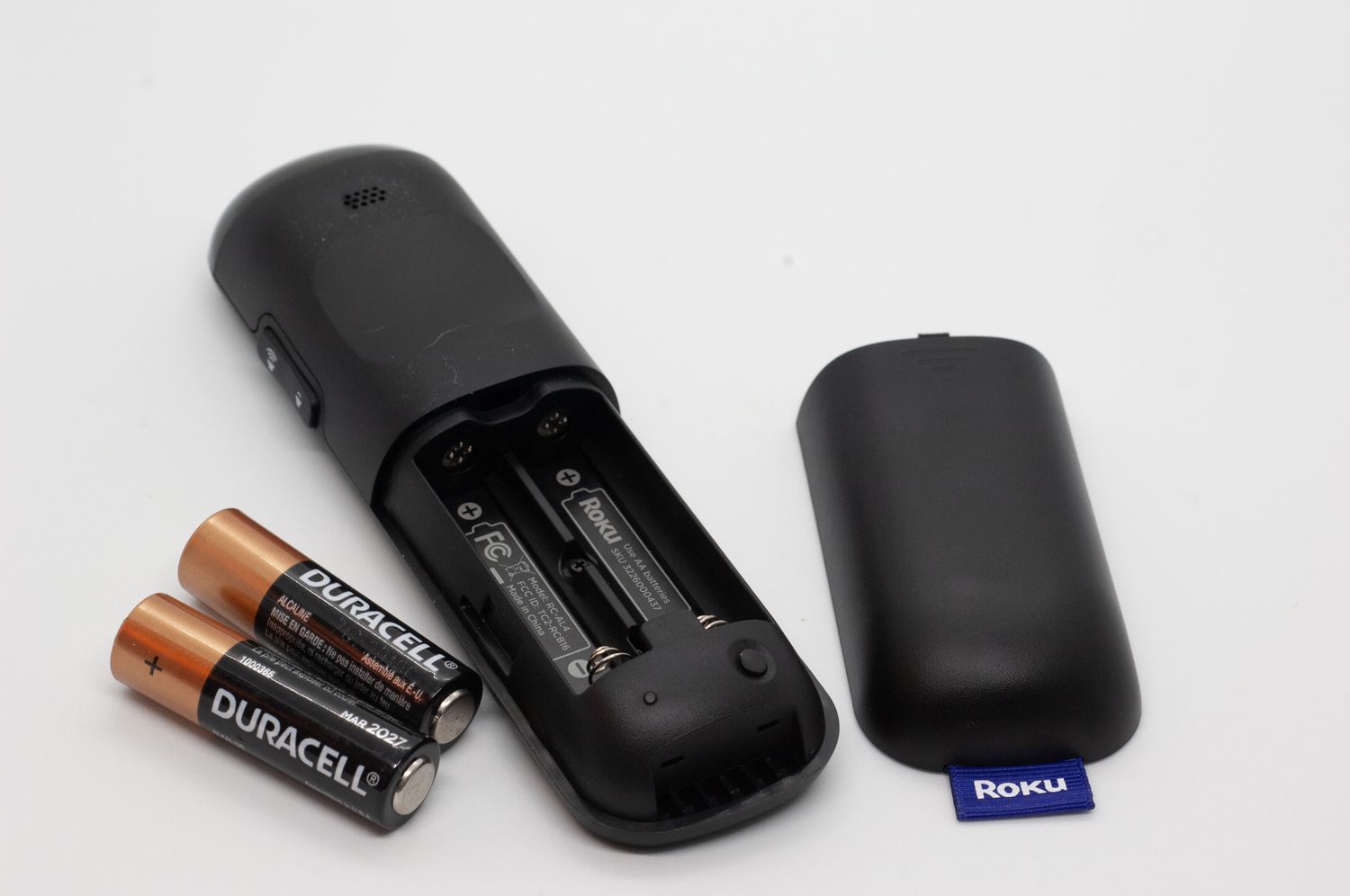
If you swap in brand-new batteries and the red light still blinks, the problem is not the power source. The most common hardware faults include corroded battery terminals, a stuck button, or a dead infrared or Bluetooth transmitter. The remote’s IR diode may have burned out from a drop or liquid exposure, and the Bluetooth module can fail silently. In this case, no amount of button holding will connect remote to Samsung smart TV. You can verify the IR function by pointing the remote at a phone camera; if you see no faint purple flash when pressing buttons, the IR emitter is dead. For Bluetooth, try moving within three feet of the TV; if the remote still blinks and the TV shows no pairing prompt, the BLE chip is likely fried. Before ordering a replacement, check the button locations on a Samsung smart TV, because some models have a physical power button on the TV itself that can reset the connection. Unplug the TV from the power outlet for 30-60 seconds, then plug it back in and turn it on, then try again. If the remote still blinks, try resetting the remote or using the SmartThings app as a virtual remote before considering an OEM replacement. The original remote’s part number is printed inside the battery compartment; use that to order a direct match. Until the new remote arrives, you can control the TV using the SmartThings app on your phone as a temporary workaround. This blinking red light is a hardware warning, not a pairing signal, a distinction that could not appear on a competitor’s page. For further guidance on navigating features and settings, learn how to use your Samsung smart TV remote effectively.