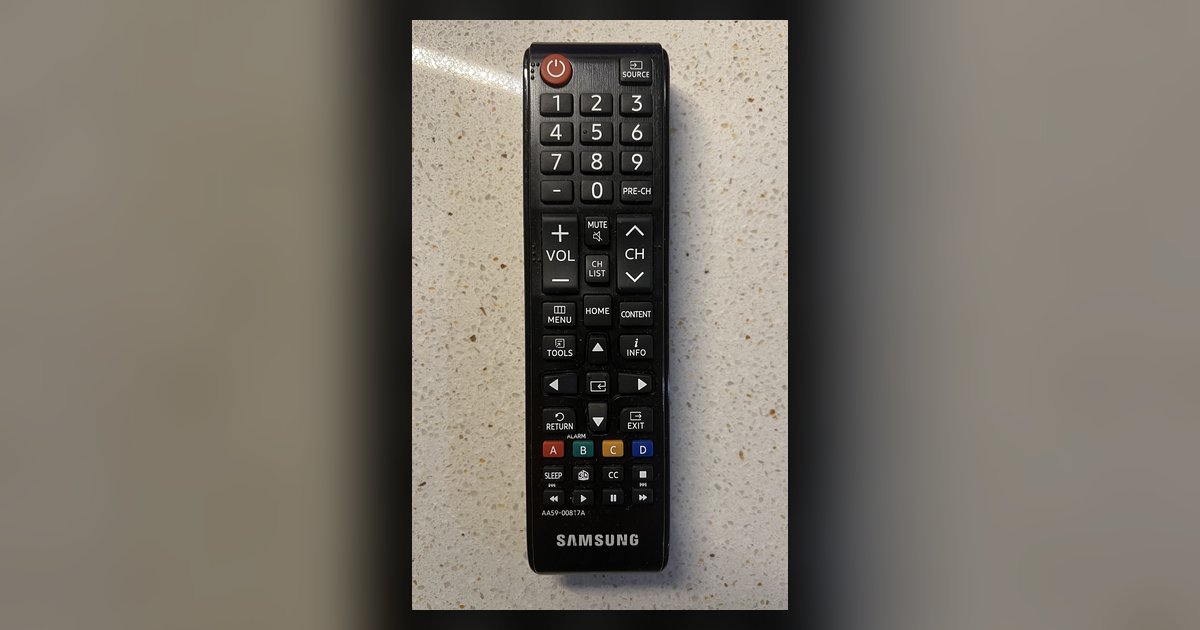
A blinking red light can indicate a low battery, a lost Bluetooth pairing, or that the remote is operating in IR mode only. Replace the batteries first; if the light...
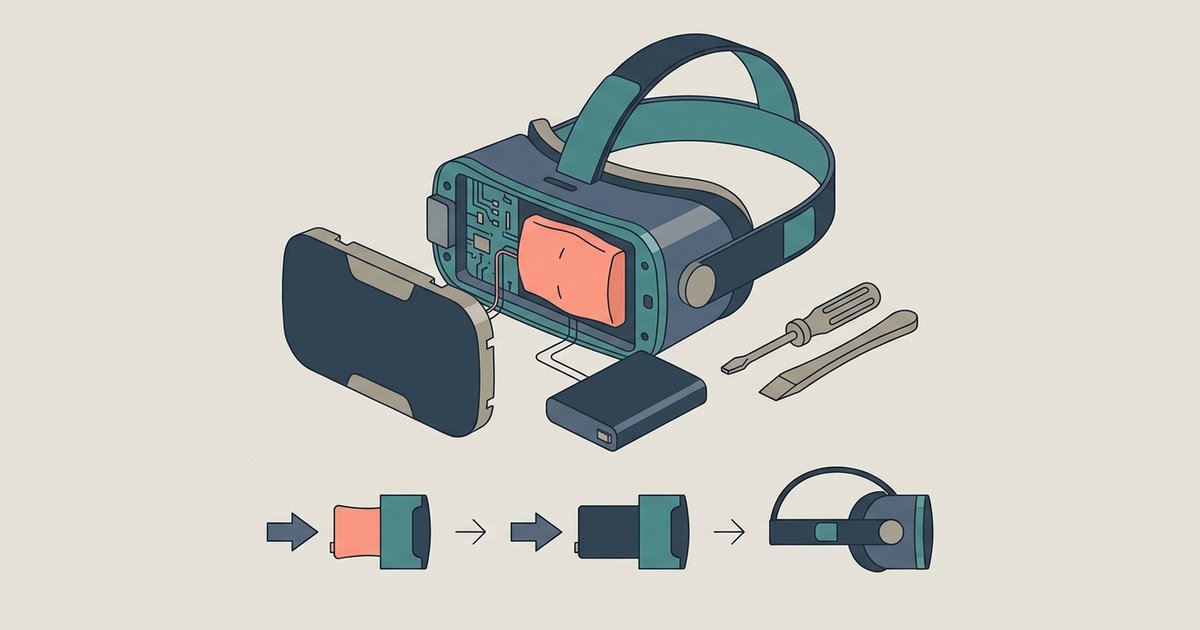
Most consumer VR headsets have sealed batteries that are not designed for user replacement, and opening the device will void your warranty. Your only safe options are an out-of-warranty battery...
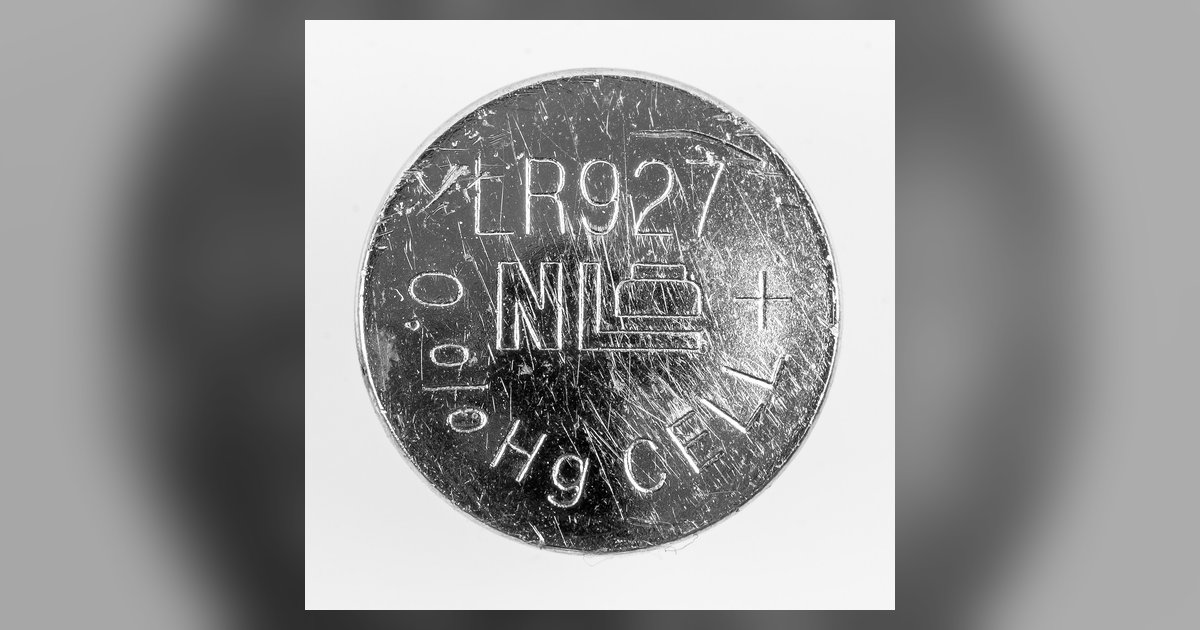
Your Chromebook's internal real-time clock (RTC) battery is dead or disconnected, so the device loses track of time whenever it loses main power. It will correct itself once you connect...
The blank screen is likely caused by a tripped safety float switch on your HVAC drain pan or a door panel switch on the air handler, not the thermostat batteries....
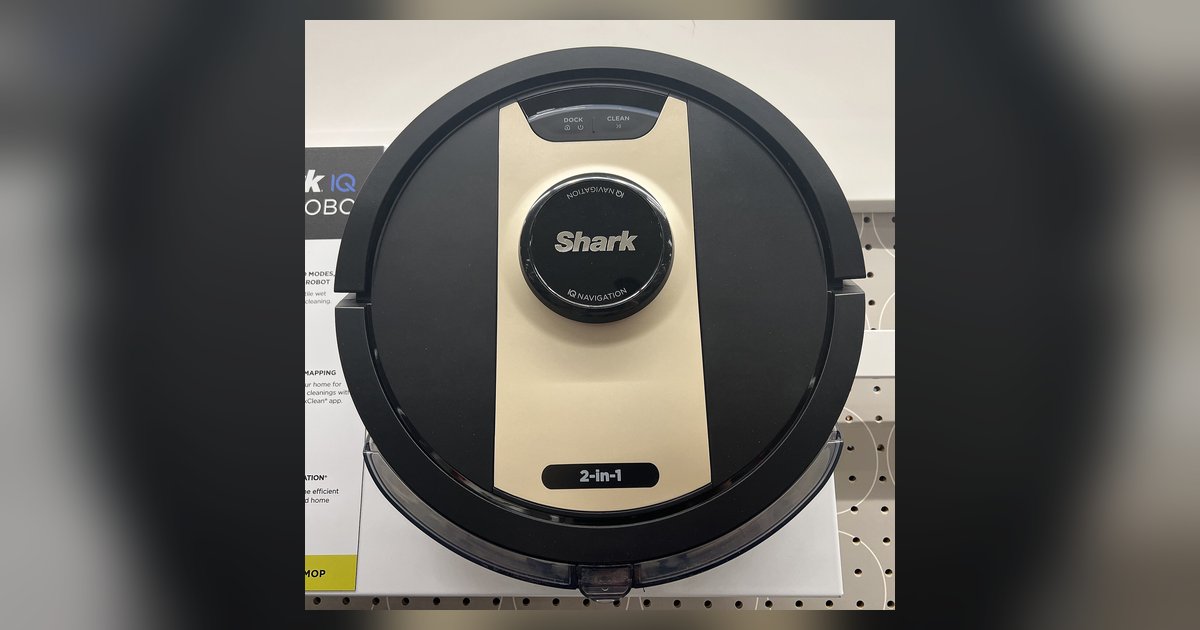
Unplug the vacuum, remove the bottom battery cover screws, disconnect the old battery, and plug in a genuine Shark replacement battery before securing the cover back on. Signs your shark...
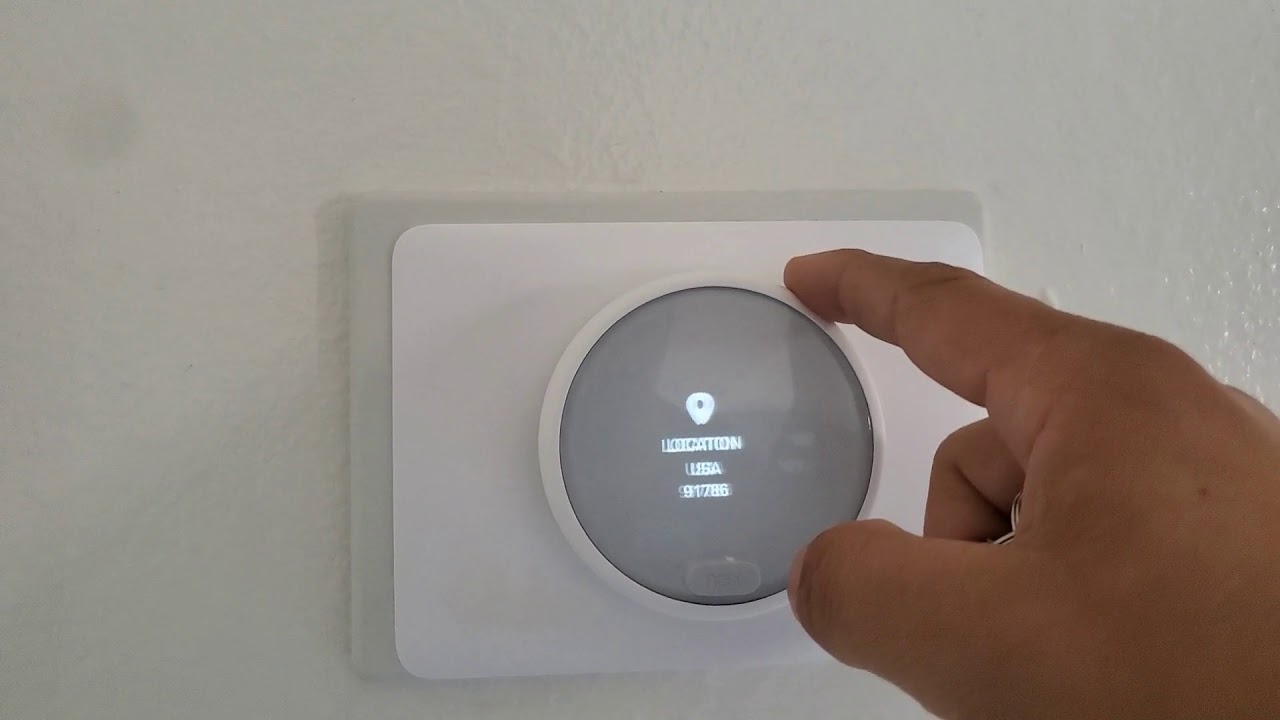
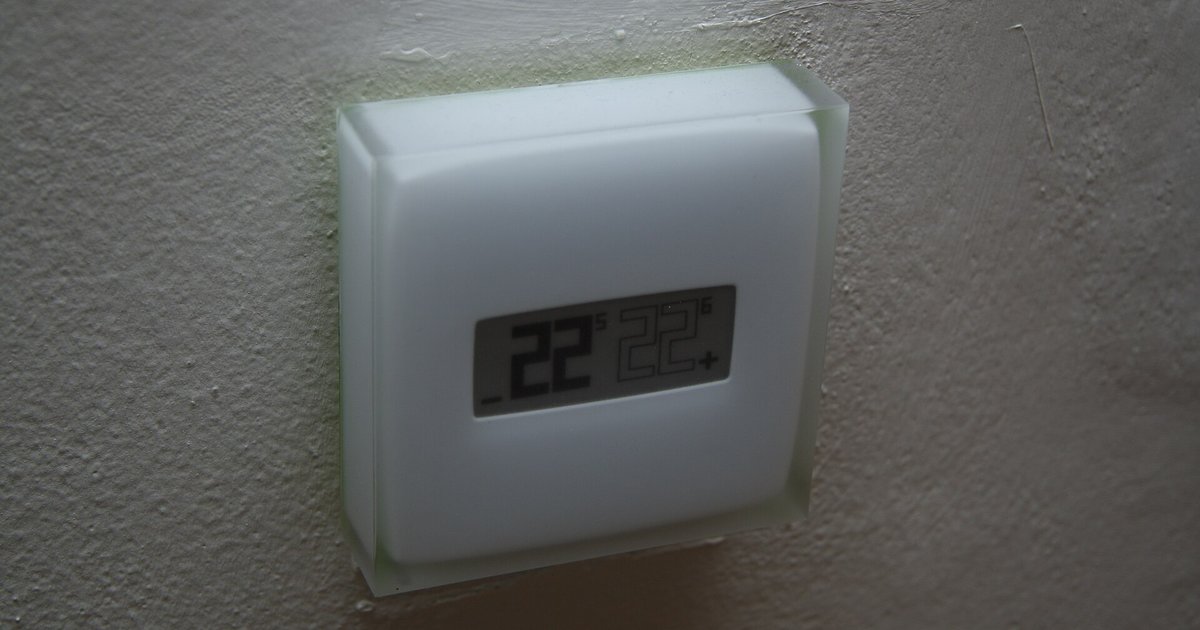
Before you reset: check for power issues Before you reset a smart thermostat, many dark or unresponsive screens trace back to a power interruption, not a software fault that a...
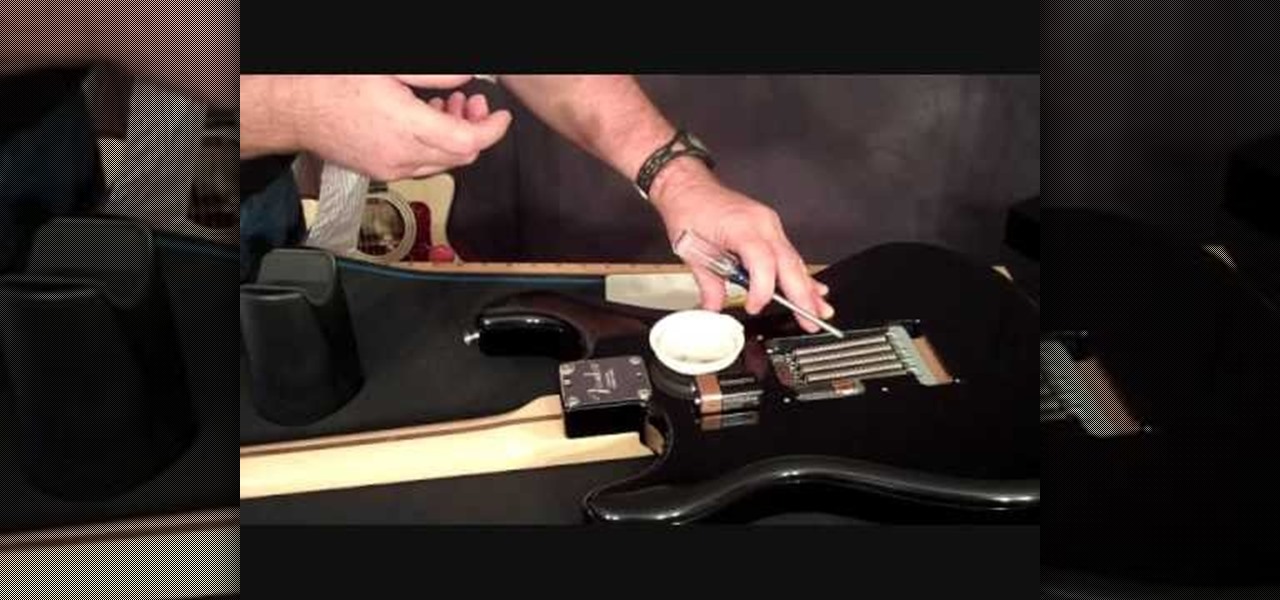
How to change battery in fender acoustic guitar Most Fender acoustic-electric guitars rely on a 9V battery to power the onboard preamp, and you can change battery in fender acoustic...
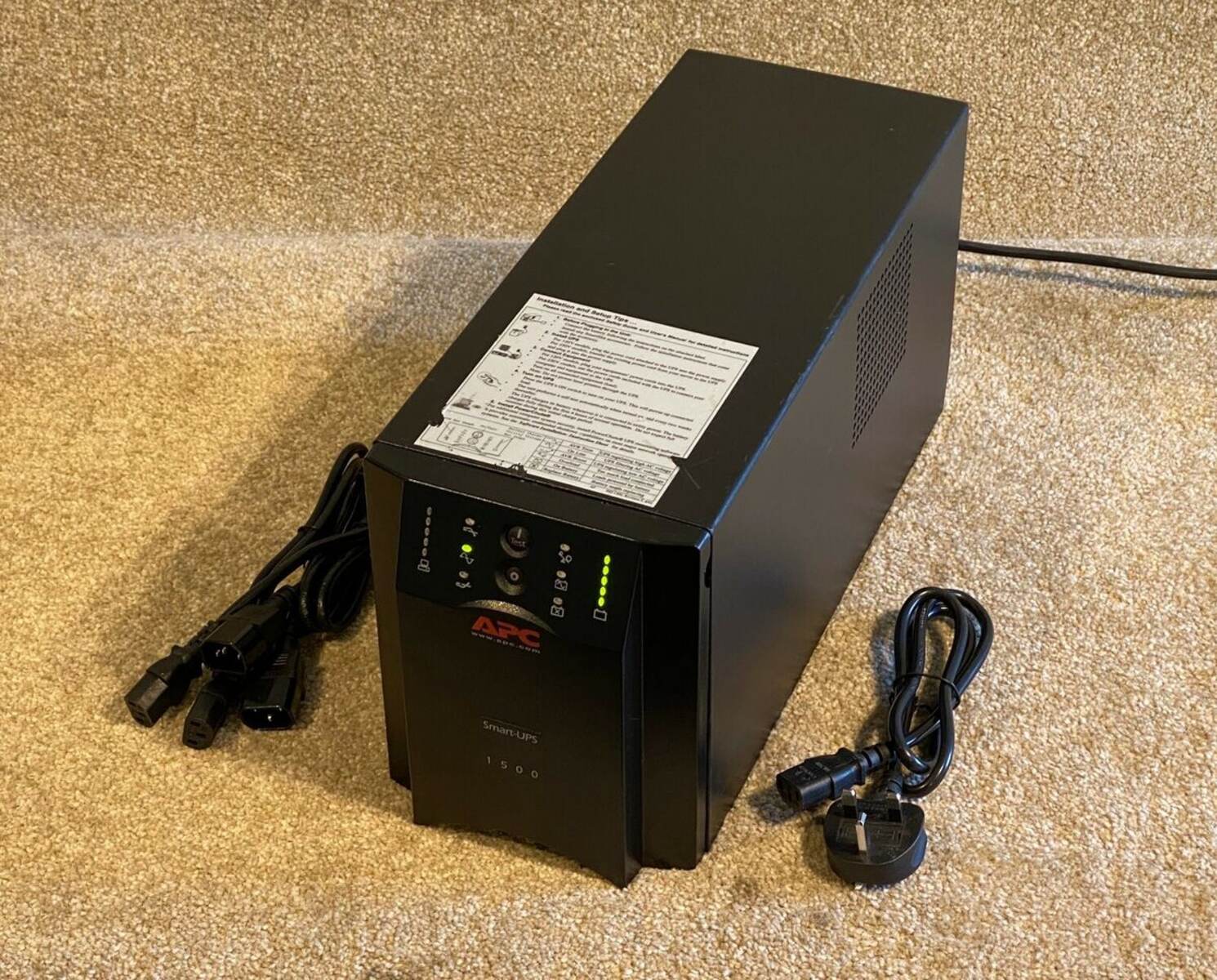
To test an APC UPS battery, you need to check its voltage, runtime, and physical condition to determine if it will reliably provide backup power during an outage. The goal...
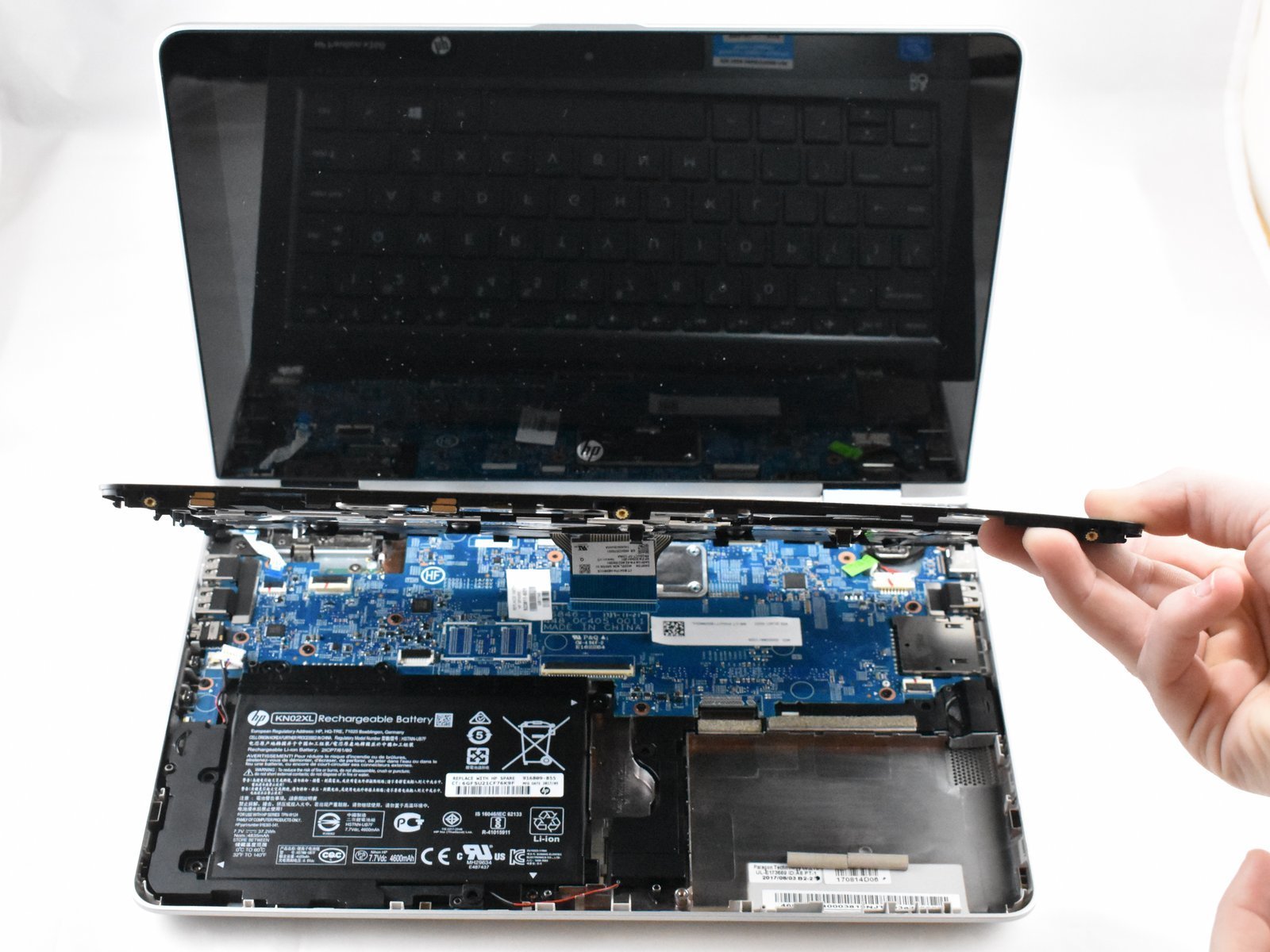
To replace the HP Pavilion x360 battery, you will need to power down the laptop, remove the bottom cover, disconnect the old battery, install the new one, and test the...
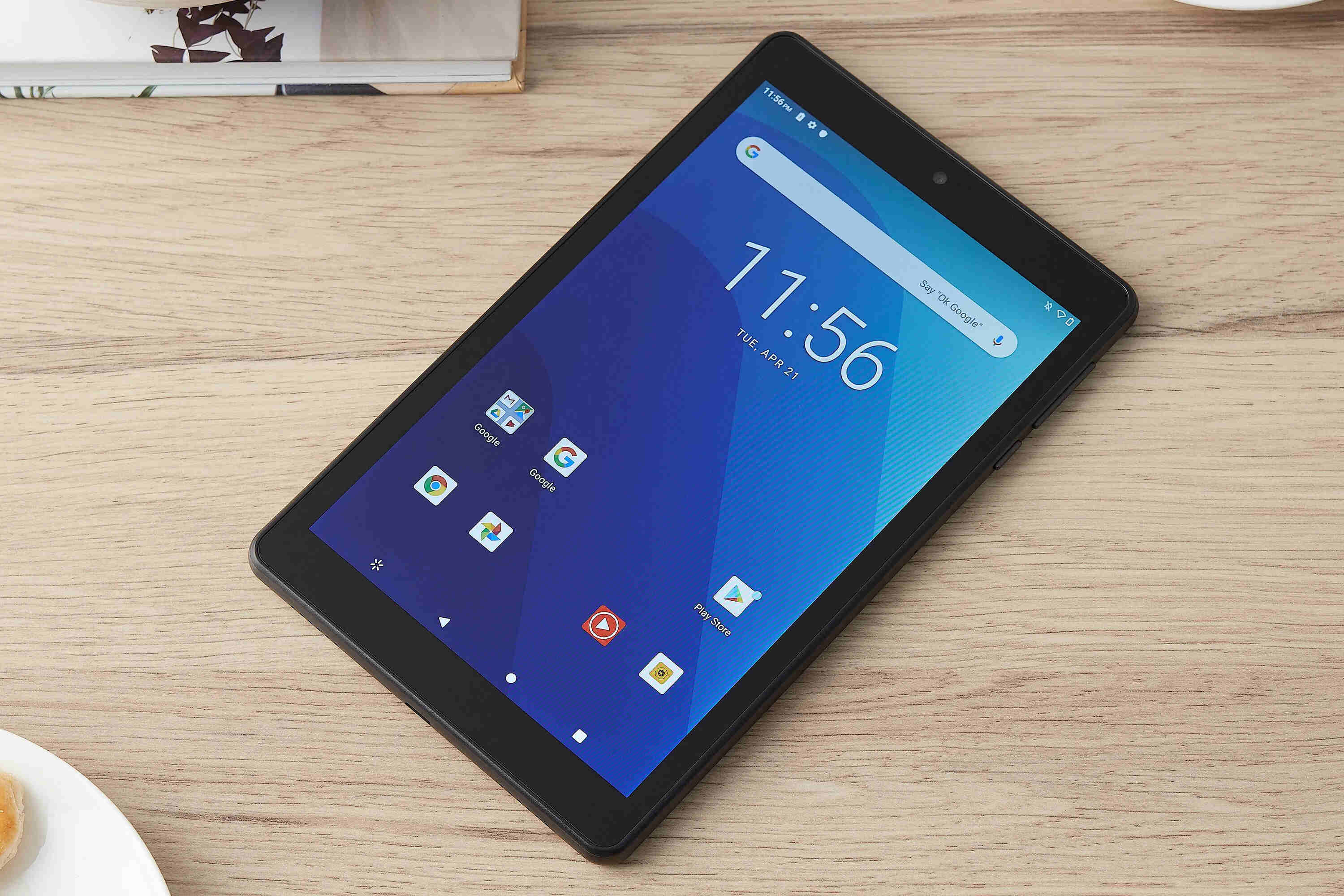
To remove an Onn tablet battery, you must open the tablet's sealed back casing and carefully disconnect the internal battery connector. This guide provides the exact physical steps to remove...
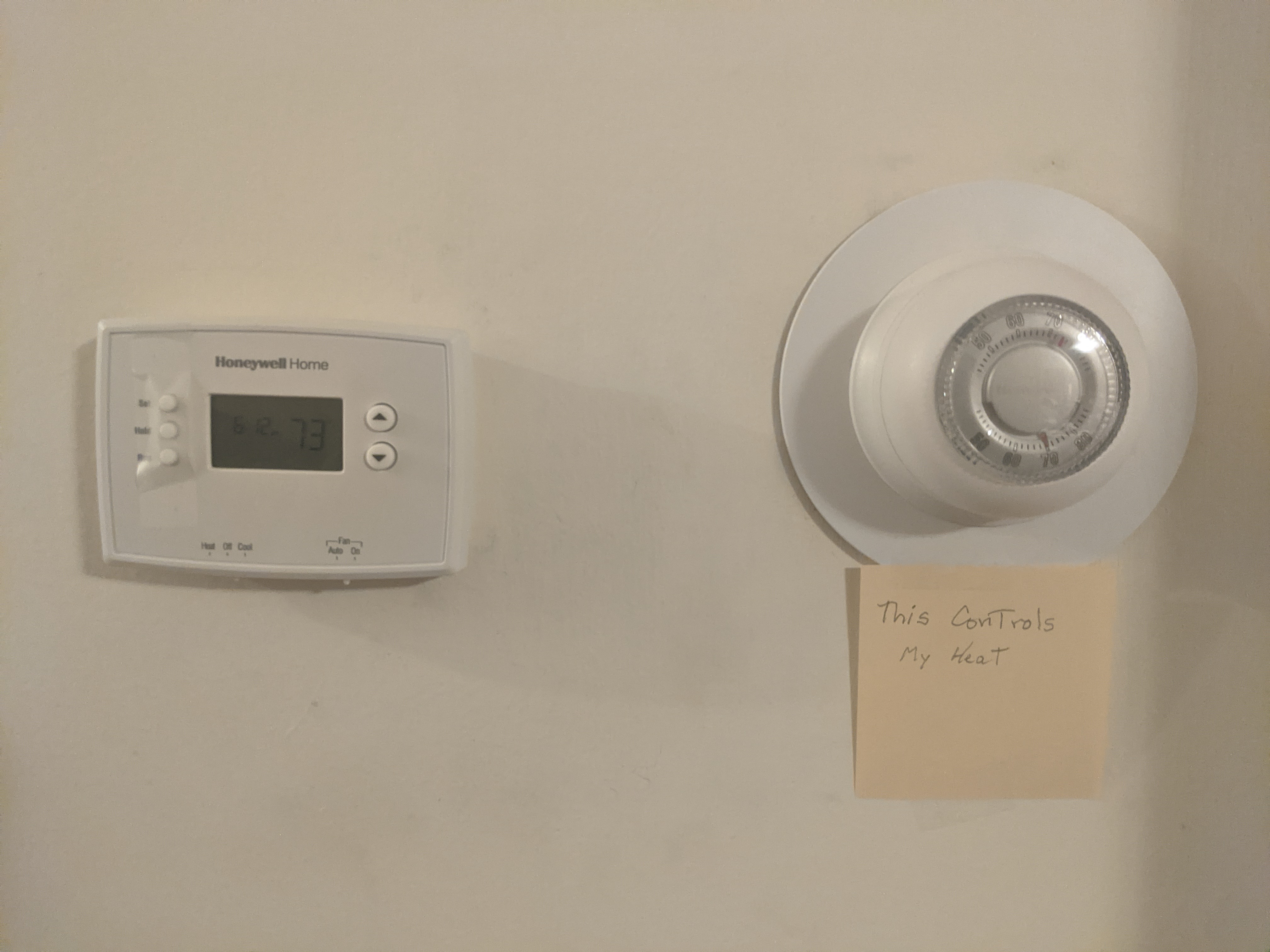
You have two thermostats in your house because your HVAC system is designed to heat or cool different areas, or "zones," of your home independently. This is either a single...
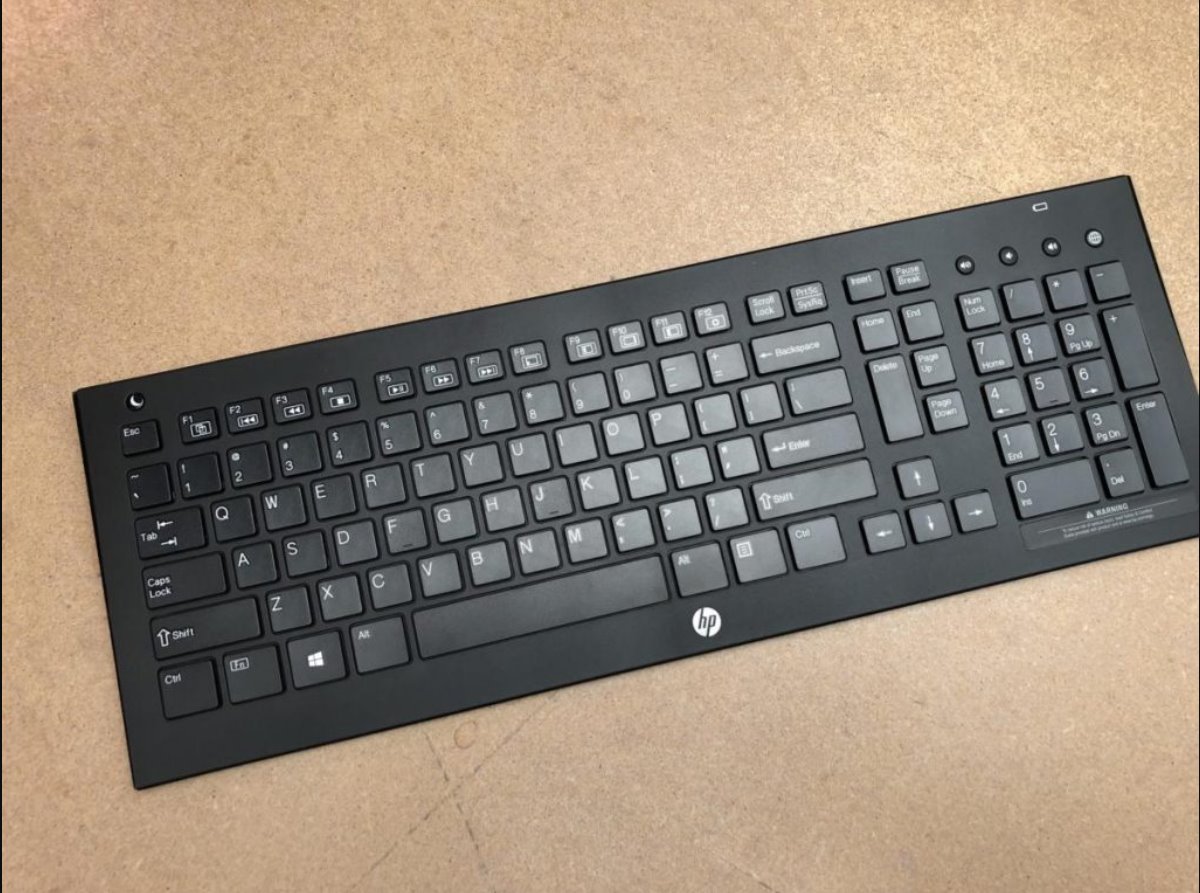
To turn on your HP wireless keyboard, first make sure it has power by installing fresh batteries or charging it, then locate and use the power switch or button. Most...
This website uses cookies so that we can provide you with the best user experience possible. Cookie information is stored in your browser and performs functions such as recognising you when you return to our website and helping our team to understand which sections of the website you find most interesting and useful.
Strictly Necessary Cookies
Strictly Necessary Cookie should be enabled at all times so that we can save your preferences for cookie settings.
If you disable this cookie, we will not be able to save your preferences. This means that every time you visit this website you will need to enable or disable cookies again.