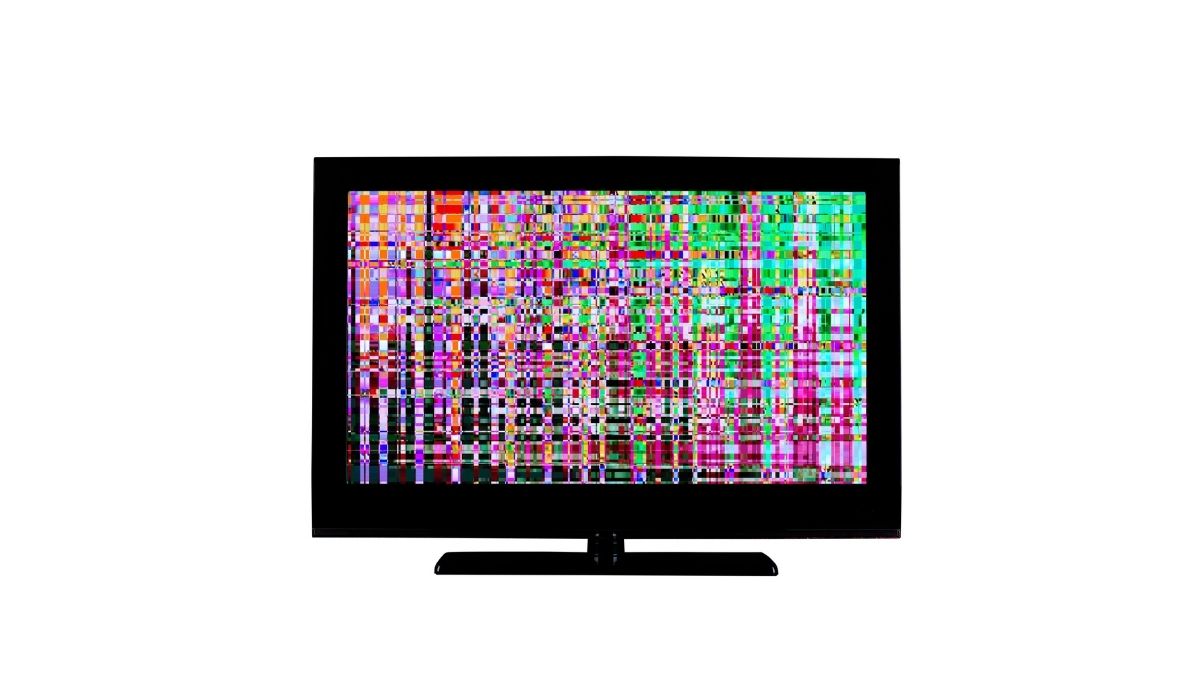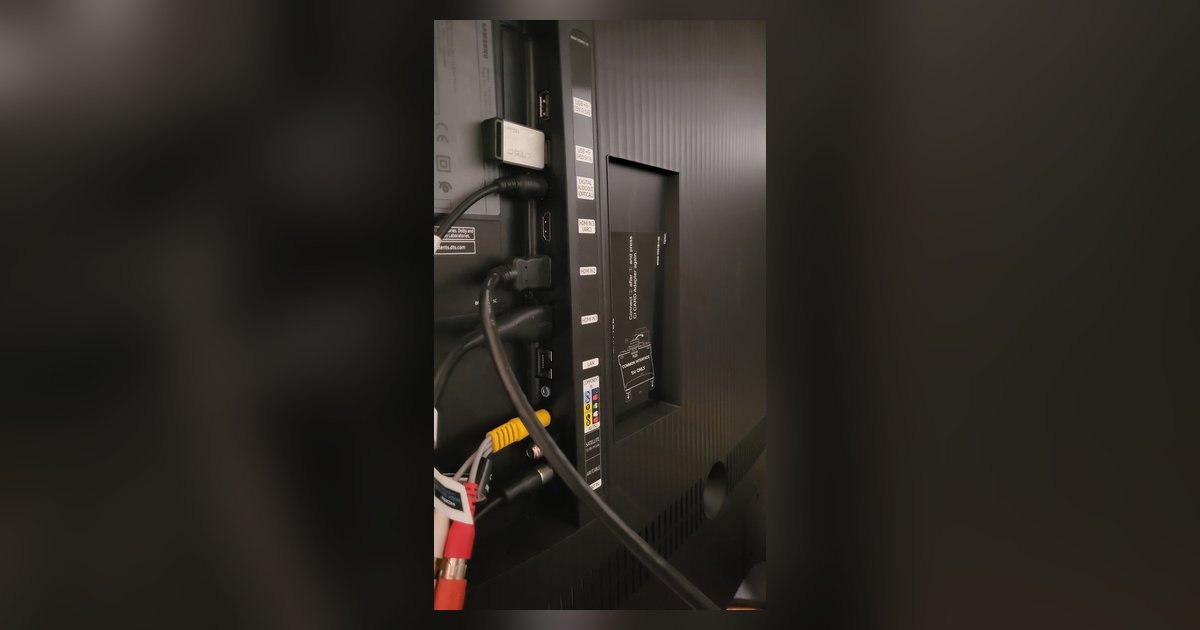
The flickering could be caused by a physical fault in that specific HDMI port, such as a bent pin, cracked solder joint, or debris inside, but software settings or cable issues specific to that port should be ruled out first. Since the other ports work fine, the problem is hardware-level and confined to that one connector.
Why a single-port Samsung TV HDMI port flicker is different from a handshake issue
A loose HDMI handshake typically causes intermittent black screens, audio dropouts, or flickering across all ports. It can also appear and disappear with cable movement. If only one port flickers while the other three work perfectly with the same cable and source device, the problem is not a handshake conflict. The TV’s EDID and HDCP handshake are handled by a common chipset shared across ports. A single-port failure isolates the fault to the physical connector or its solder connections. For example, plug a game console into HDMI 2 and see flickering. Then test the same console and cable on HDMI 1 or 3. If they work without issue, the port itself is damaged. You can rule out software by checking whether your Samsung smart TV is glitching on all inputs. If it does not, the flicker is hardware-bound.
The flickering is caused by a physical fault in that specific HDMI port. Likely culprits include a bent pin, cracked solder joint, or debris inside. This is not a software glitch or handshake issue. Before concluding the port is physically damaged, you should reset your TV, update firmware, and test with a different cable to rule out simpler causes. The fix lies in inspecting or repairing the port itself.
Inspect the port for physical damage or debris
Use a bright flashlight to examine the problematic HDMI port closely. Look for bent, broken, or missing pins inside the rectangular socket. HDMI connectors have 19 pins, and even a single bent pin can cause intermittent contact and flickering. Dust, lint, or a small piece of plastic can also block a pin from seating properly. Gently blow compressed air into the port to dislodge debris. If you see a pin that is slightly out of alignment, use a plastic toothpick or a wooden skewer to carefully nudge it back into position. Never use metal, which can short the port. Also, check the outer metal shield of the port for cracks or looseness. If the shield moves when you wiggle the cable, the port’s internal tension has worn out. For a deeper look, you can remove the TV’s back panel, but only if you are comfortable with electronics. Unplug the TV first. Sometimes a simple reseating of the cable fixes a marginal connection. Pull it out and plug it back in firmly. If you still see flickering, try a cable with a thinner or thicker connector. Some ports have slightly different tolerances. If you have been wondering how to change the startup screen on your Samsung smart TV or why your Samsung smart TV is so dark on other ports, note that these are unrelated software or backlight issues. They affect the whole screen, not a single input.
When the port is beyond a simple fix
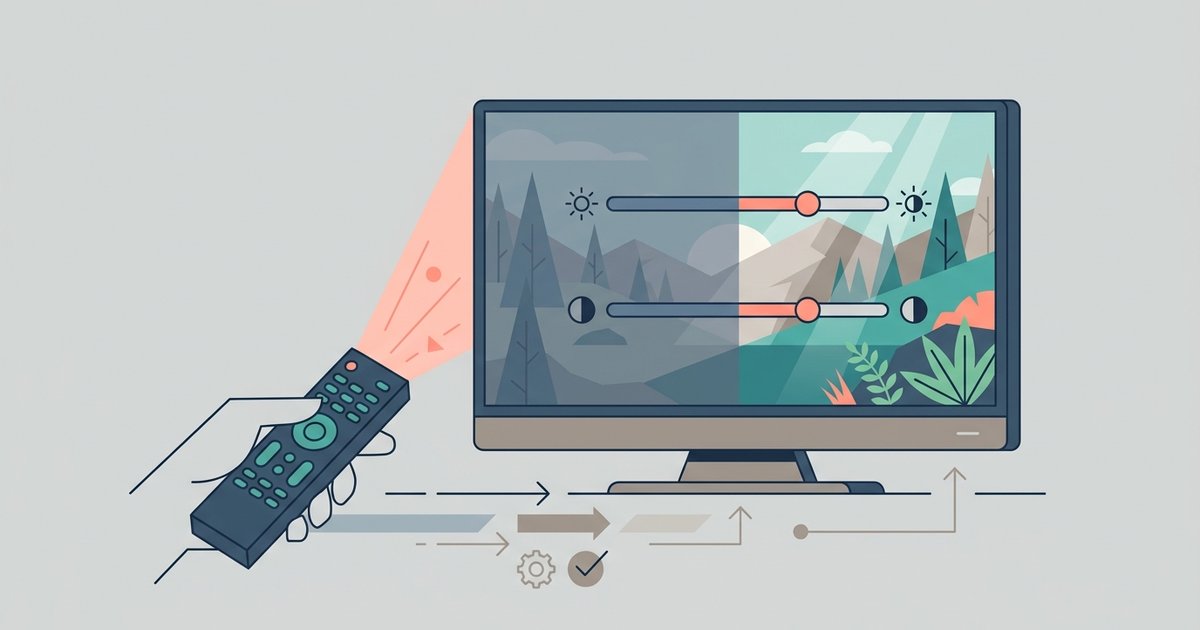
If cleaning, pin inspection, and cable reseating do not stop the flickering, the port’s solder joints on the mainboard have likely cracked from heat cycles or physical stress. This is common on TVs that are wall-mounted where the cable is pulled taut. At this point, the port likely cannot be repaired with simple DIY methods and may require professional soldering. Soldering requires a hot air rework station and microsoldering skills. Your options are to use a different HDMI port on the TV, such as the ARC or eARC port if it is unused. You can also buy an HDMI switch or AV receiver to route multiple devices through a working port. Another option is to contact a local TV repair shop for a port replacement. Costs can vary, so it's best to obtain a quote. Avoid using the damaged port for 4K or HDR content. The flickering may worsen with higher bandwidth. If you need to adjust color on your Samsung smart TV because the flicker makes colors look off, remember that color settings are global. They will not fix a hardware fault, but you can compensate for minor visual inconsistencies by adjusting smart TV picture settings while you arrange a permanent repair. Only a working port will restore stable video. In rare cases, a port’s internal voltage regulator fails, which also requires board-level repair. Do not attempt to solder the port yourself unless you have experience. You can easily damage the mainboard, making the TV unusable.