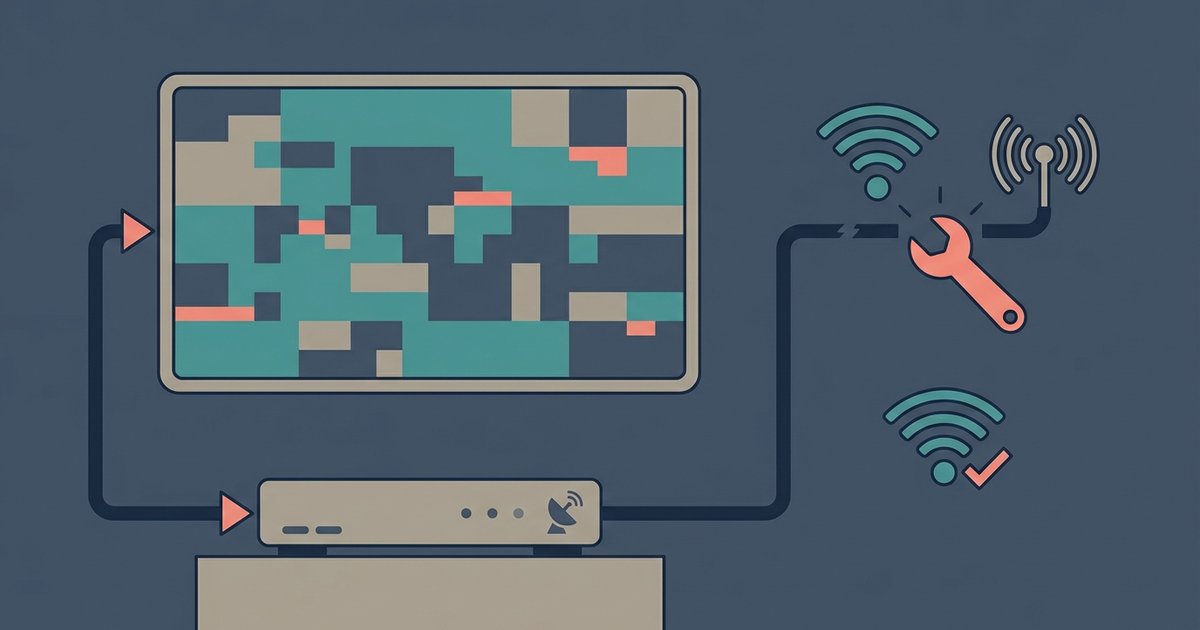
This tag collects nine practical articles about diagnosing and resolving common television problems, written for the everyday viewer who just wants their set to work correctly. It is for anyone dealing with a smart TV that is acting up, whether the picture looks wrong, the sound has vanished, or a connected device like a Dish receiver or antenna is not cooperating. The guidance is straightforward, aimed at helping you identify the likely cause and apply a fix without needing a technician or special tools.
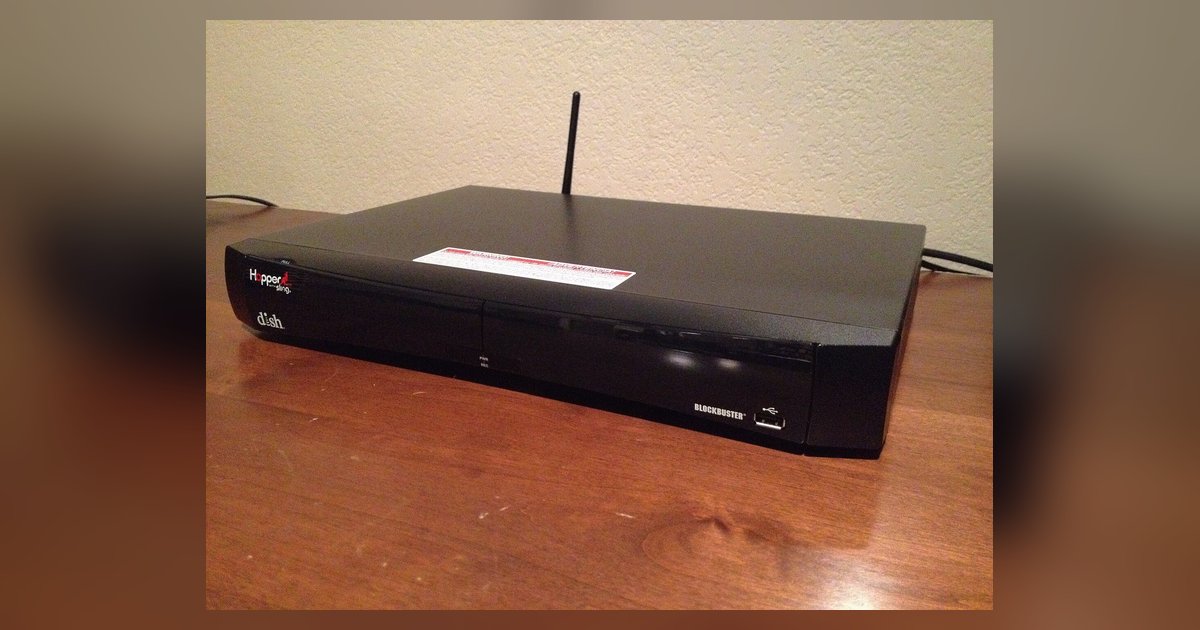
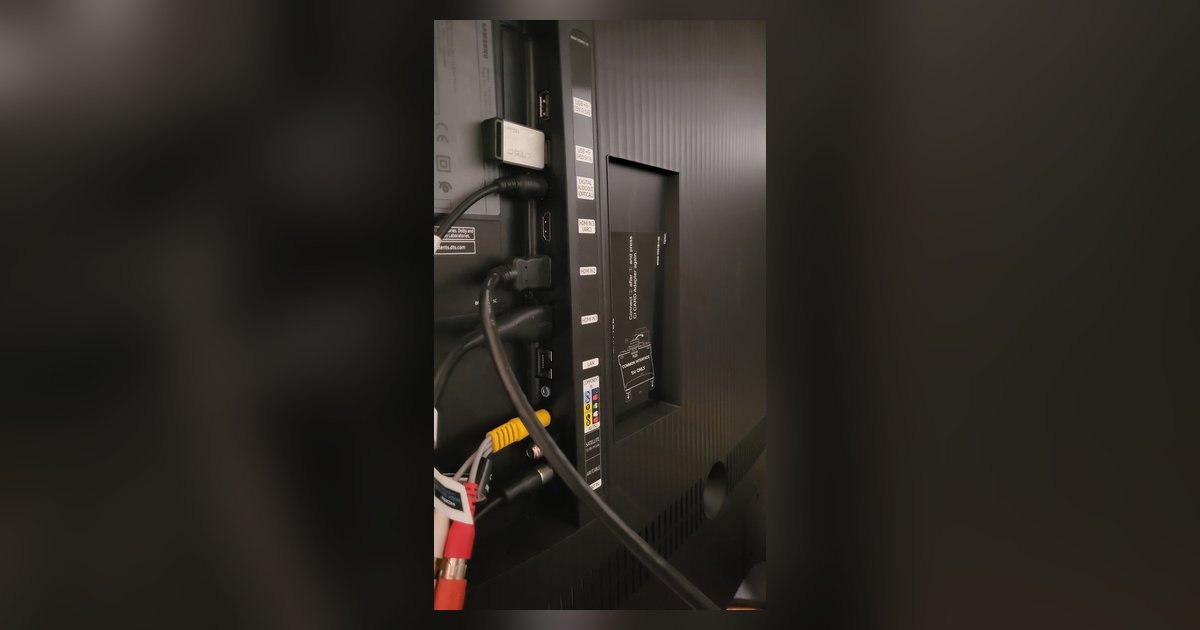
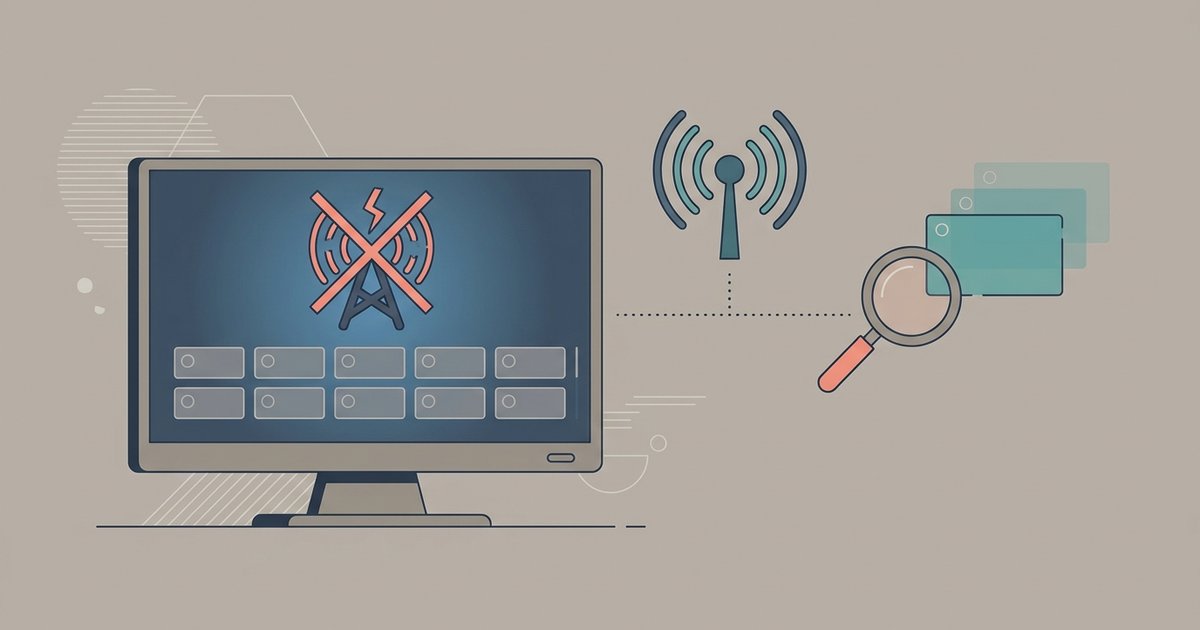
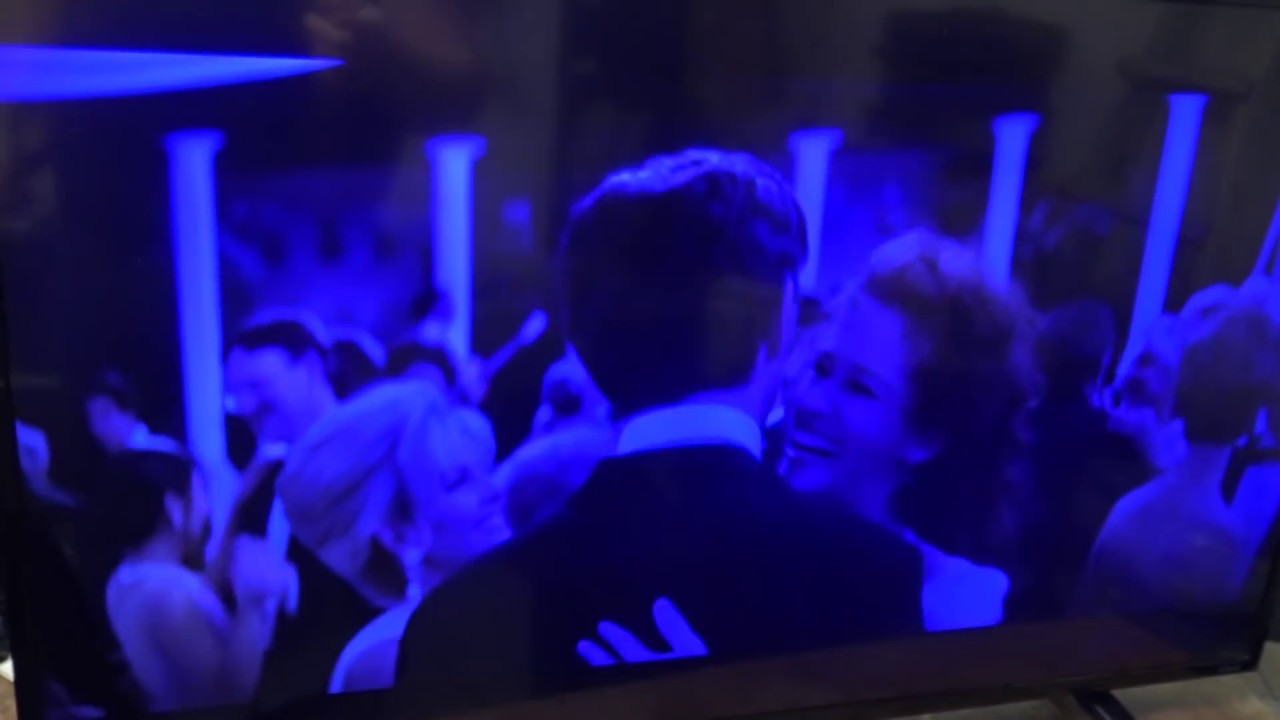
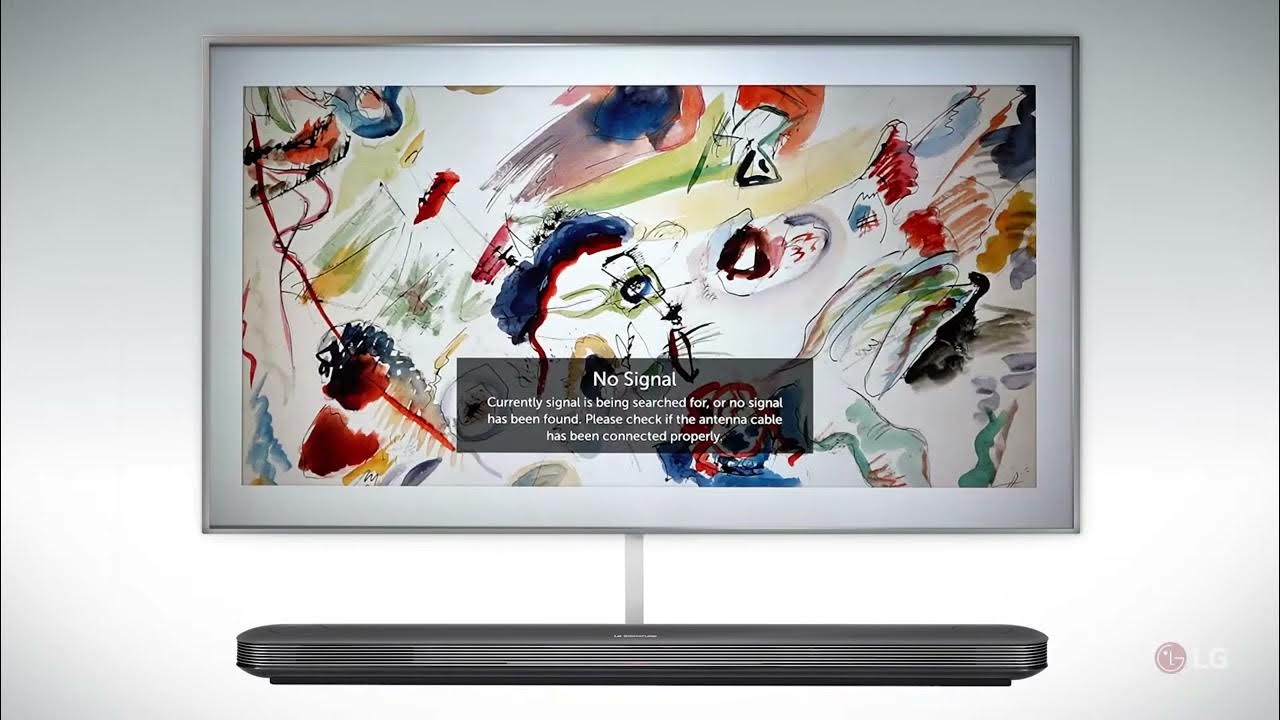
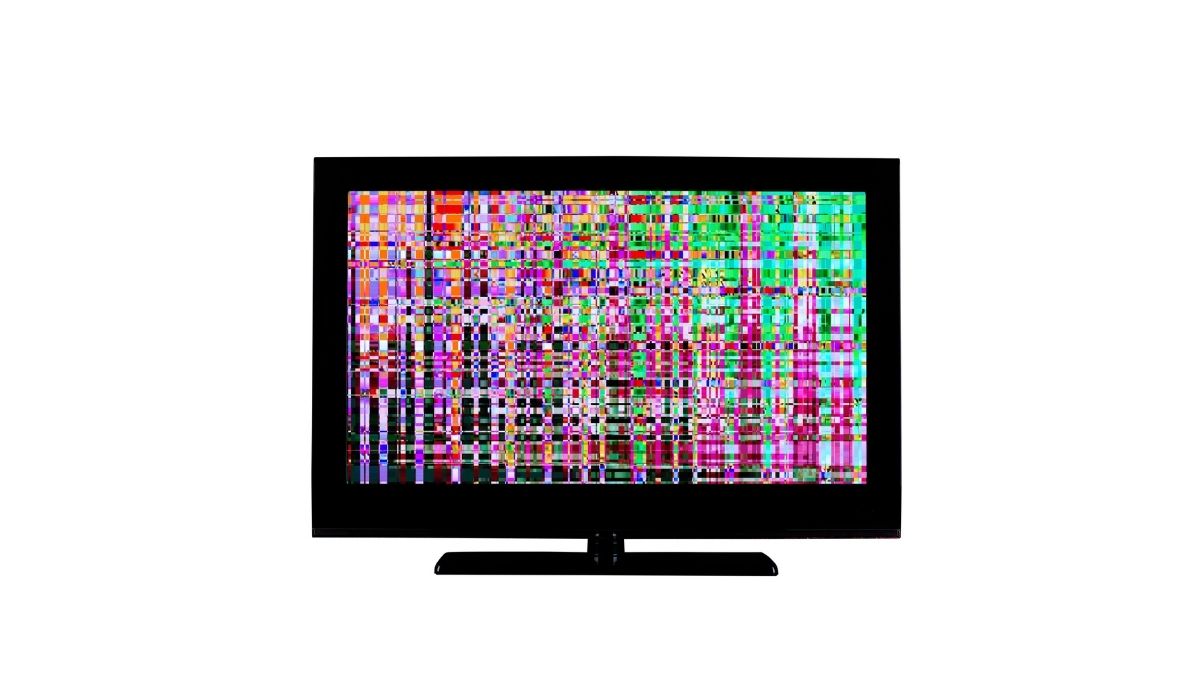
The articles fall into two clear themes. The first is picture and sound quality issues: you will find help for an LG TV that casts a blue tint, a Samsung that glitches or flickers on a specific HDMI port, and sound problems on both LG and Samsung models, including a general guide for no audio from your TV or external speakers. The second theme is signal and connection troubleshooting, covering Dish picture cutouts on a Samsung, a Dish Hopper that shows no signal over HDMI on one TV but works on another, and Vizio antenna channels that vanish after a rescan.
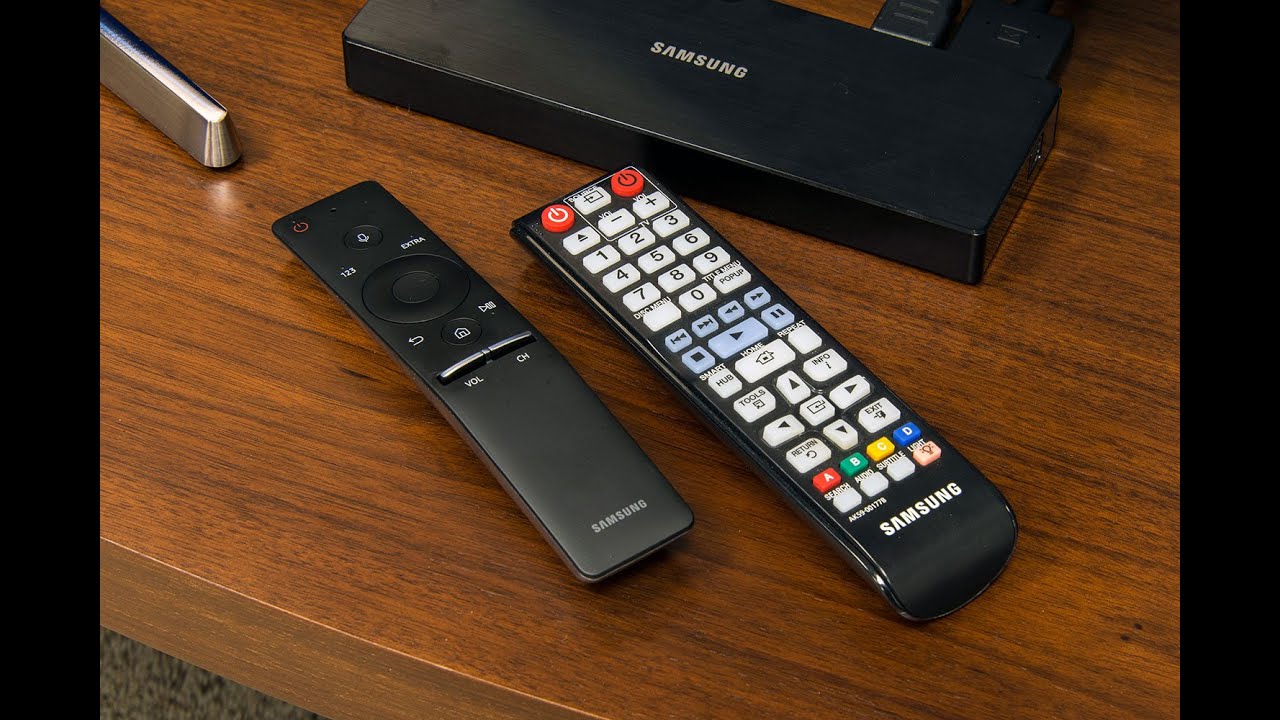
Beyond direct fixes, the tag also covers setup and verification steps. One article walks you through pairing a Samsung remote, while others help you confirm whether a cable, port, or device is the real culprit, for example, testing the Hopper on a different TV or checking why one HDMI port misbehaves. These pieces are written to guide you through safe, legitimate adjustments and checks, not to bypass any protections or alter equipment beyond normal user settings.