The core difference in the fire TV vs smart TV debate is that a Fire TV is typically an external streaming device you plug into your TV, while a Smart TV has streaming capabilities built directly into the television itself. To make the best choice, you need to understand that the term "Fire TV" can refer to a streaming stick or cube, or to a specific type of Smart TV called a Fire TV Edition.
Fire TV vs Smart TV: the core difference
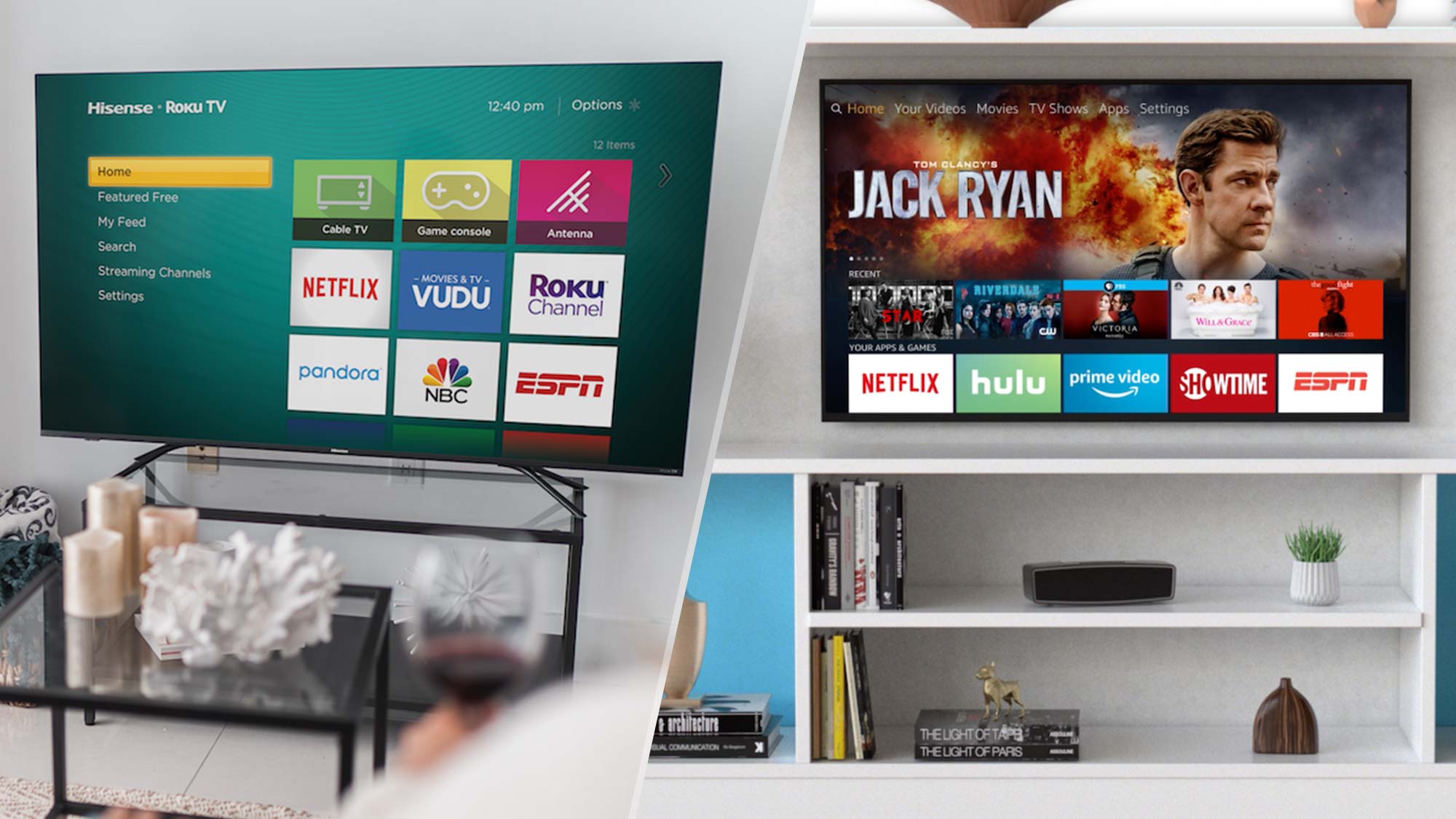
When comparing fire TV vs smart TV, you are primarily comparing an external device against built-in functionality. There are three distinct categories to understand: Fire TV streaming devices (like the stick or cube), Fire TV Edition Smart TVs (which have Fire OS built in), and standard Smart TVs (which run other operating systems). The main question is whether you want to add smart features to a TV you already own or buy a new television with those features included.
What is a Fire TV device?
A Fire TV device is a portable streaming stick or cube that connects to your television through an HDMI port. It runs Amazon's Fire OS, which is a modified version of Android, and adds smart functionality to any TV with an HDMI input. The device provides access to the Amazon Appstore for streaming apps, includes an Alexa voice remote for hands-free control, and supports sideloading applications that are not officially available in the app store.
What is a smart TV?
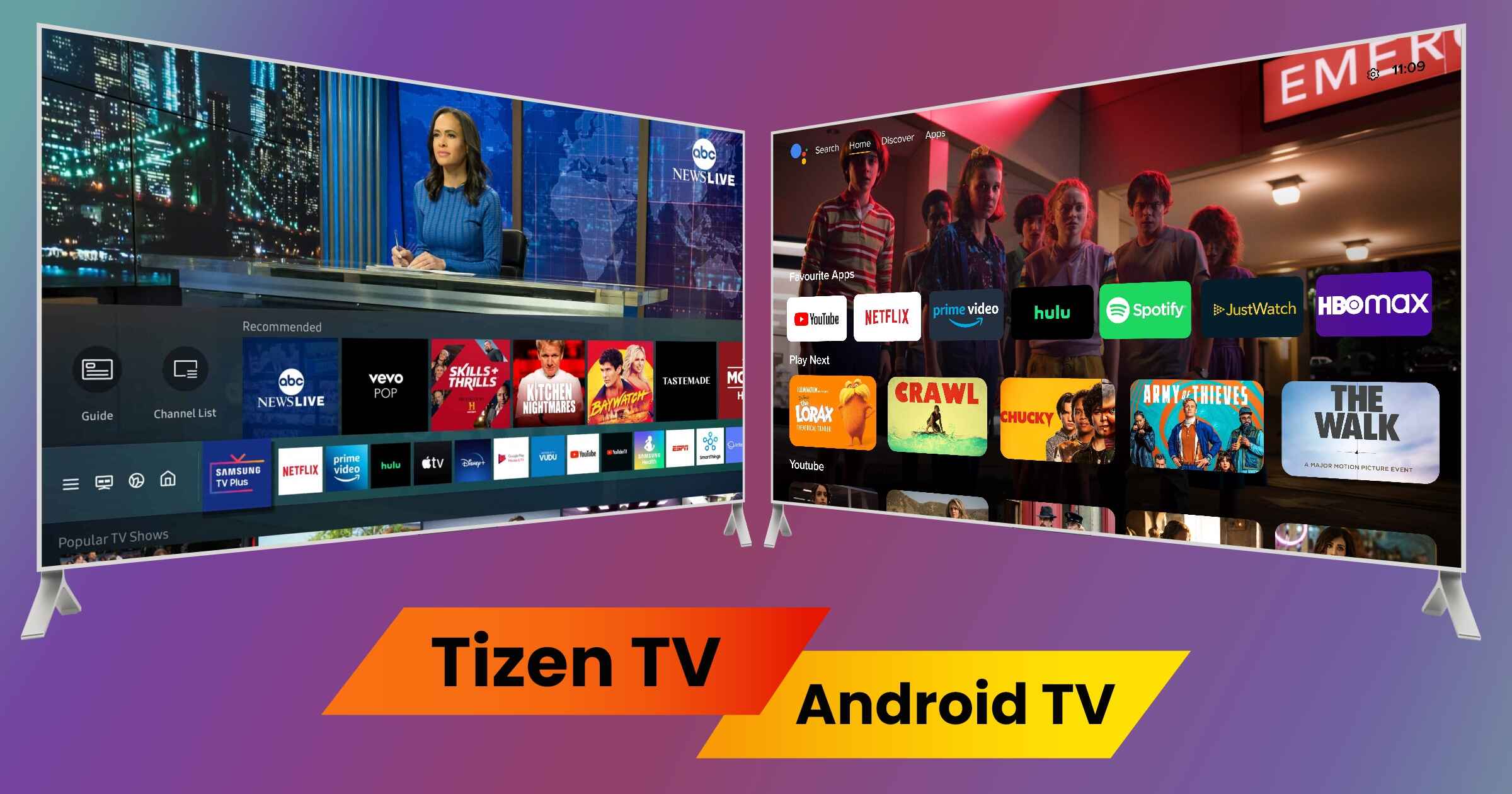
A Smart TV is a television that has internet connectivity and a built-in operating system, allowing you to stream content without any external hardware. These TVs run on various platforms such as Tizen (Samsung), webOS (LG), or Android TV (Sony, TCL). It is important to note that Fire TV Edition TVs are a specific type of Smart TV that have Amazon's Fire OS built directly into the television hardware, offering the Fire TV experience without needing an external device.
Operating system and app selection
Fire TV devices and Fire TV Edition TVs exclusively use Amazon's Fire OS, which relies on the Amazon Appstore for app downloads. This ecosystem can affect app availability, as some services may be delayed or absent compared to other platforms. A key advantage of Fire TV devices is the ability to sideload applications not found in the official store, a feature that can be more complicated or limited on many other Smart TVs. Standard Smart TVs, running Tizen, webOS, or Android TV, have their own app ecosystems that may offer different selections or exclusive apps.
Voice control and smart home integration
Fire TV devices and Fire TV Edition TVs feature deep, integrated Alexa voice control. This allows you to search for content, control playback, and manage compatible smart home devices like lights and thermostats using voice commands. Many general Smart TVs also offer voice control, but they often support multiple assistants, such as Amazon Alexa, Google Assistant, or Samsung Bixby. The choice here often comes down to which smart home ecosystem you prefer to use.
Cost and portability: which should you choose?
If you already own a television and want to add streaming capabilities without buying a new one, a Fire TV stick is the budget-friendly, portable choice. You can easily unplug it and take it with you, making it ideal for travel or for use on multiple TVs. The process for setting up a Firestick is straightforward, as it simply plugs into an available HDMI port, and you can get step-by-step help for using a Firestick on a smart TV if you need it. If you are in the market for a new television, a Smart TV offers an integrated, clutter-free experience with no external devices or cables needed. The final recommendation is clear: choose a Fire TV device to upgrade an existing TV, and choose a new Smart TV when you are ready to replace your television entirely.
For the wider topic, see setting up a Firestick.
\nRelated reading: How Do I Sign Out Of HBO Max.