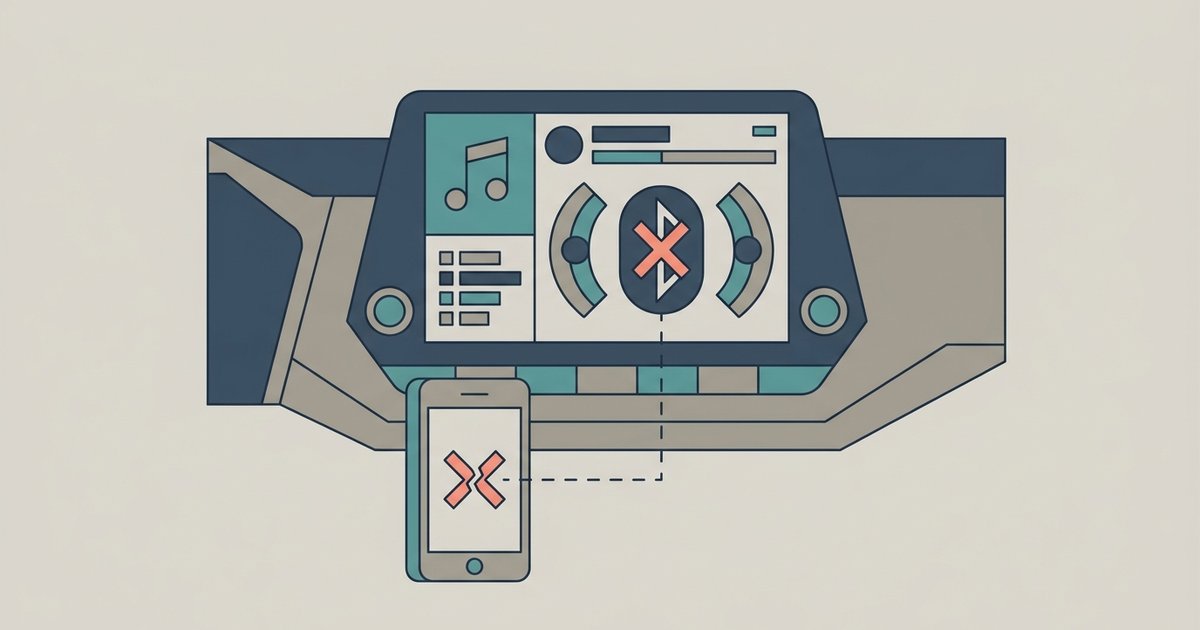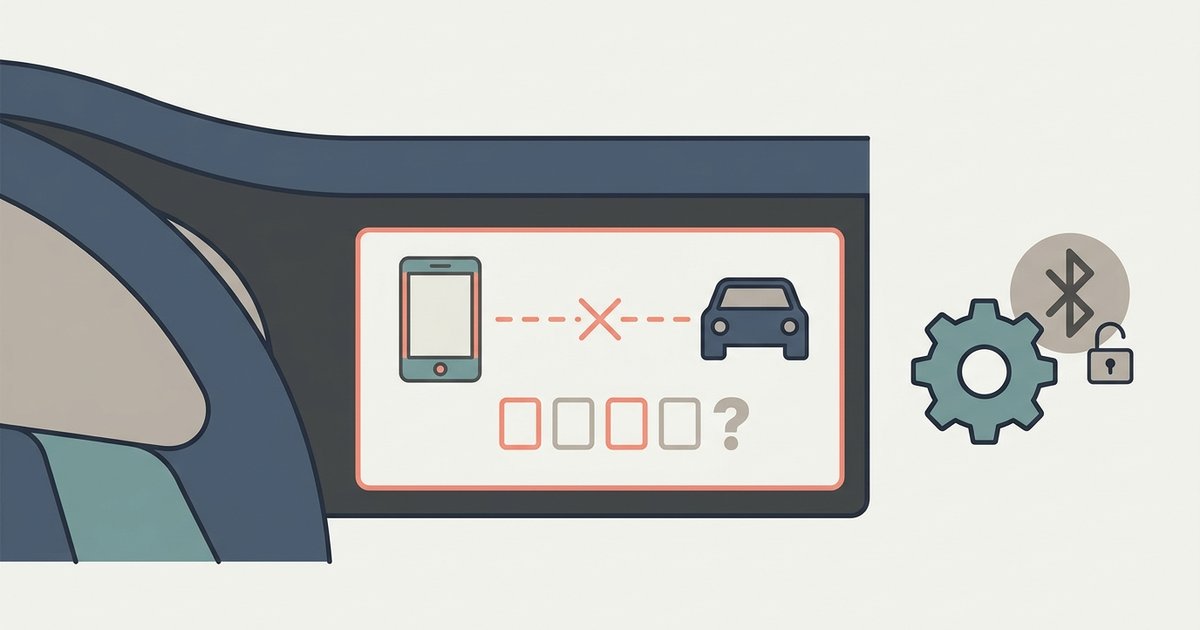
Frequent Bluetooth disconnections in a paired Nissan are usually caused by a contact list sync bug, an overloaded Bluetooth memory slot, or Wi-Fi interference—not a faulty pairing. Delete the car from your phone, clear the vehicle's stored devices, and re-pair while denying contact sync access.
Clear the memory to fix Nissan Bluetooth disconnect
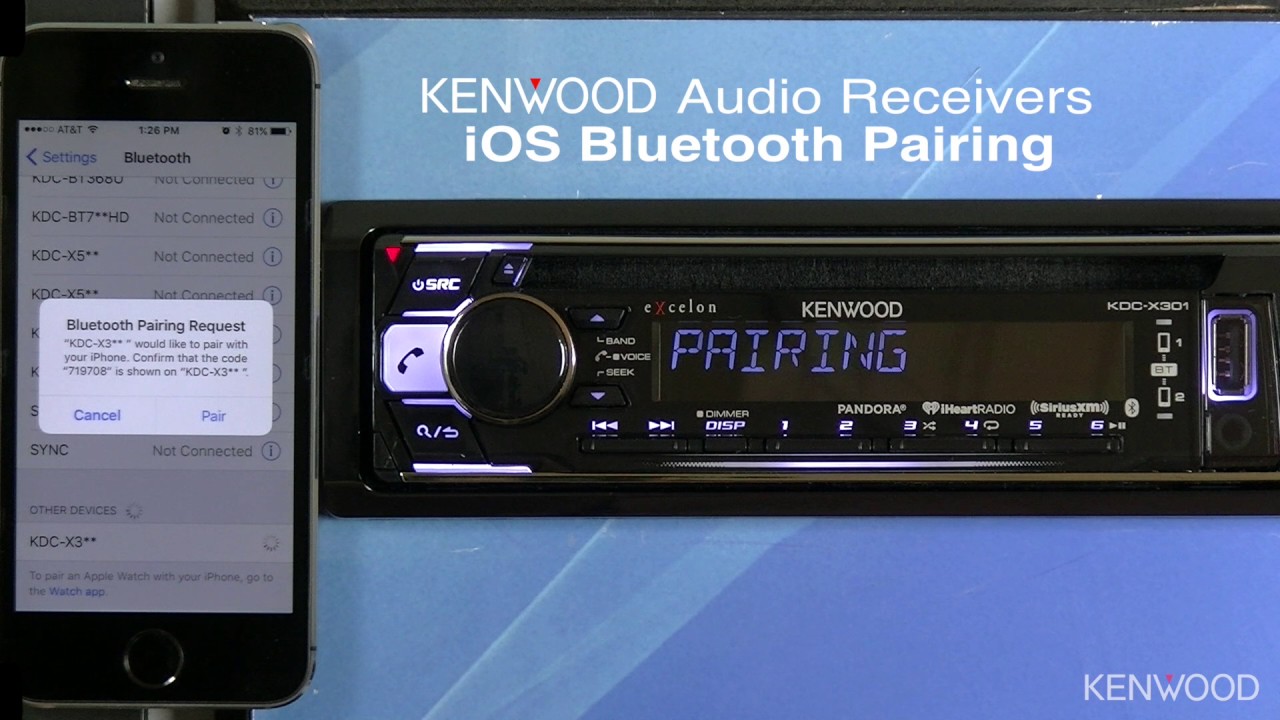
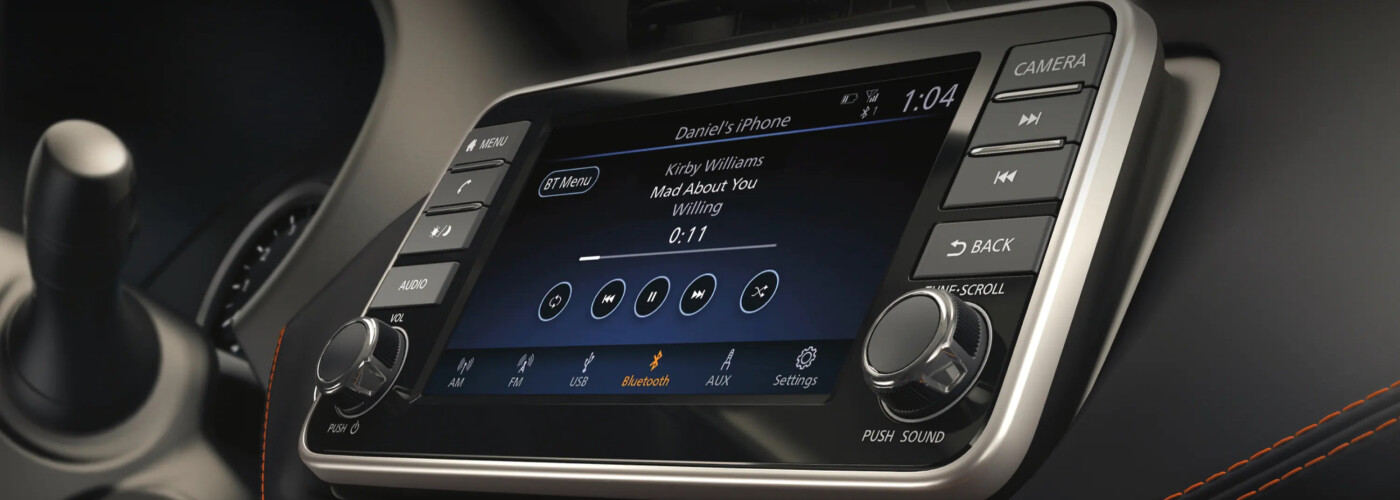
Simply hitting “pair” again without deleting the old profile leaves a corrupted handshake in both the phone and the Nissan head unit. The car’s Bluetooth module stores a limited number of devices; when that memory is full or a previous pairing record is damaged, the connection drops within minutes. To clear the Nissan side, use the vehicle's infotainment system to navigate to Bluetooth settings and delete saved devices. Confirm each entry until the list is empty. On your phone, go to the Bluetooth settings, tap the “i” icon next to your Nissan’s name, and select Forget This Device. Only after both sides are blank should you start the fresh pairing. This is the same principle you would follow when you connect to Nissan Bluetooth for the first time on a new phone, the system expects a clean slate. If the car still refuses to detect your handset afterward, the problem may have shifted to a visibility issue, which is why nissan Bluetooth not finding my phone walks through the discovery-mode settings.
Disable contact sync during the pairing process
A single corrupted contact entry or a very large phonebook can crash the Nissan Bluetooth stack mid-sync, causing the audio stream to drop. When you pair, your phone will show a prompt asking for permission to download phone contacts to car or to share your contacts via Bluetooth. Decline this prompt. Tap Don’t Allow on an iPhone or uncheck the “Contacts” permission on Android. If you later need contacts in the car, you can manually sync a smaller subset via the phone’s Bluetooth settings, but the initial pairing must avoid the bulk transfer. This is a known weakness across many Nissan models.
Turn off Wi-Fi and battery optimization temporarily
Bluetooth operates on the 2.4 GHz band, which overlaps heavily with common home and car Wi-Fi networks. If you park near a router or a Wi‑Fi hotspot, the radio interference can sever the Bluetooth link. Temporarily disable Wi‑Fi on your phone in the car, go to Settings → Wi‑Fi → toggle off. Also check your battery optimization settings. On Android, adjust battery optimization settings for the NissanConnect or Bluetooth system app to prevent restrictions. On iPhone, ensure Settings → Bluetooth is not being interrupted by Low Power Mode. If the drops stop with Wi‑Fi off, the interference is your culprit.
When the software update is the only fix
Certain Nissan models have a known firmware bug in the head unit that causes random Bluetooth disconnections regardless of phone type or pairing method. In these cases, no amount of memory clearing, contact sync denial, or Wi‑Fi toggling will stop the drops. The only solution is a dealer-applied software update. Call your local Nissan service center, provide your VIN, and ask if there is an open Technical Service Bulletin (TSB) for Bluetooth disconnections. If one exists, the update is usually free under warranty. This is not a fix you can do yourself; the dealer must flash the firmware via a diagnostic tool. Once applied, the head unit behaves as if you had just learned how to connect to nissan Bluetooth for the first time, with no further drops.
This fixes the vast majority of dropouts without any dealer visit or new hardware.