This tag collects articles about in-car audio and connectivity, aimed at drivers and passengers who want to get their phones, music, and calls working smoothly through their vehicle’s sound system. Whether you are troubleshooting a fresh problem or just trying to set up a new device, these guides are written for everyday users, no special tools or technical degree required. The content focuses on practical fixes for common frustrations, from pairing issues to sound quality, and is equally useful for a quick setup or a deeper dive into a persistent glitch.
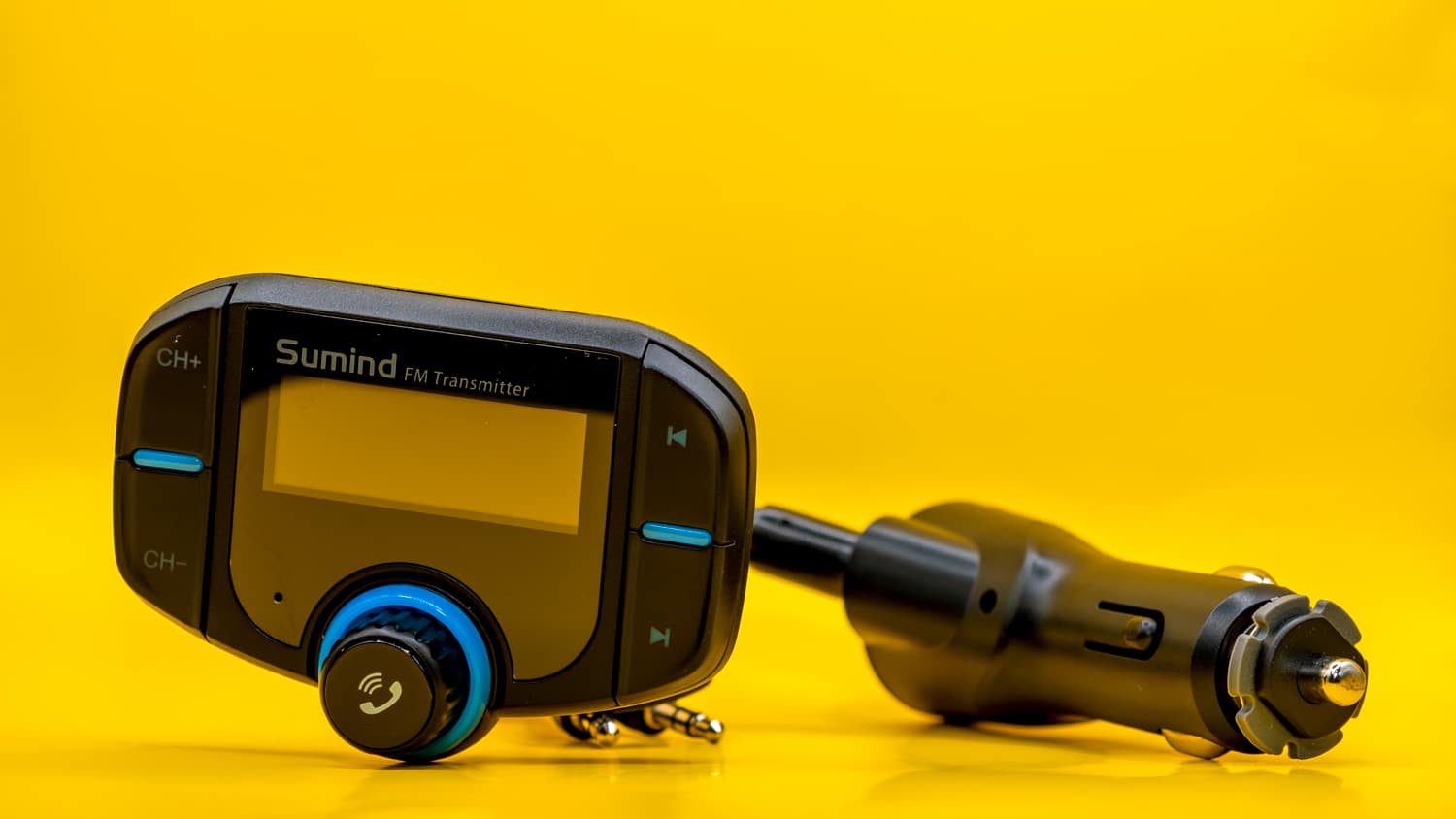
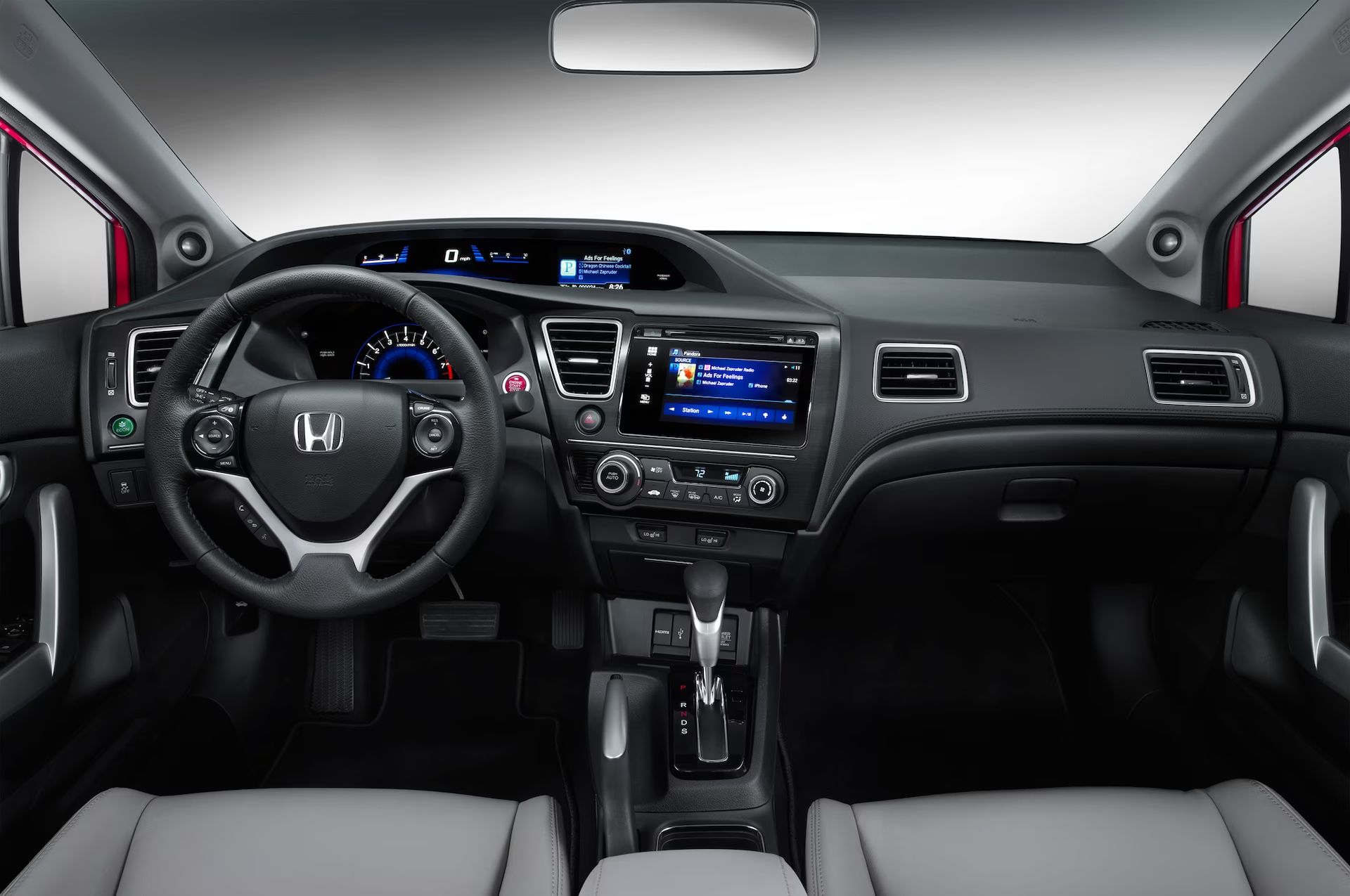
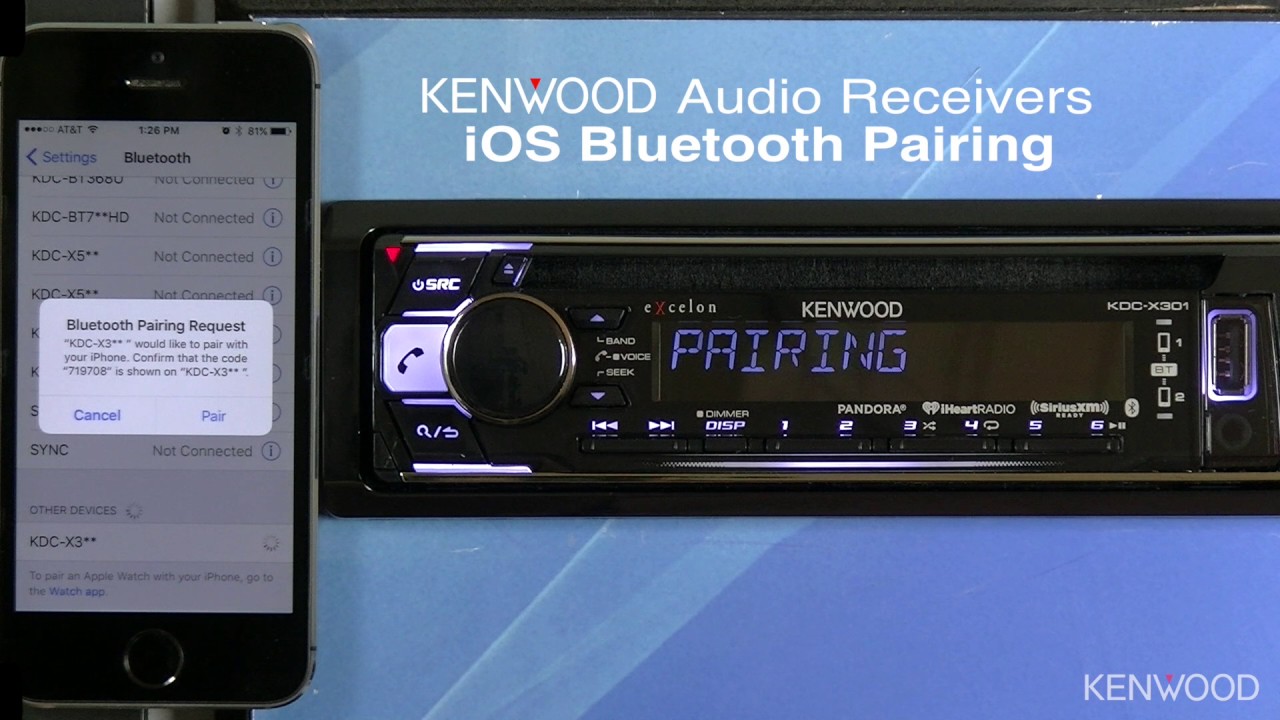
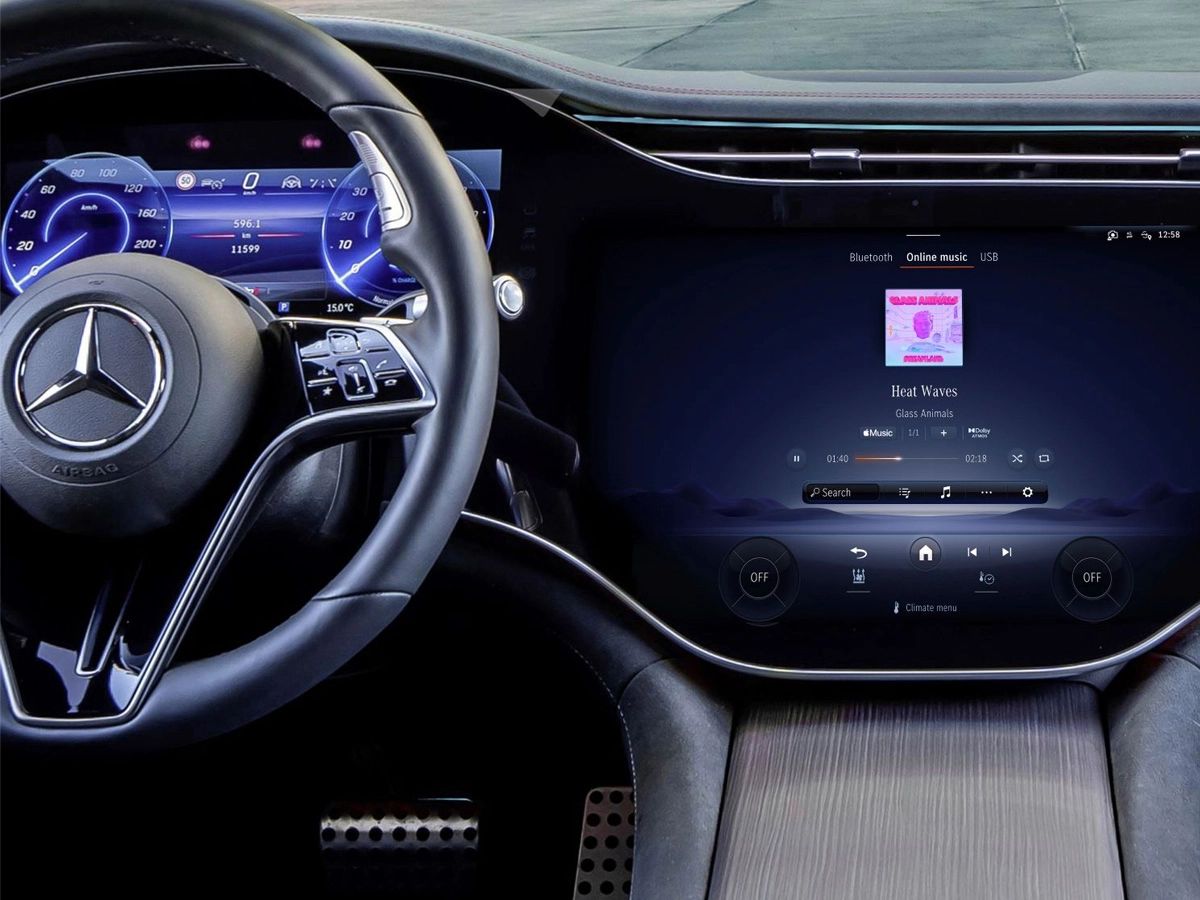
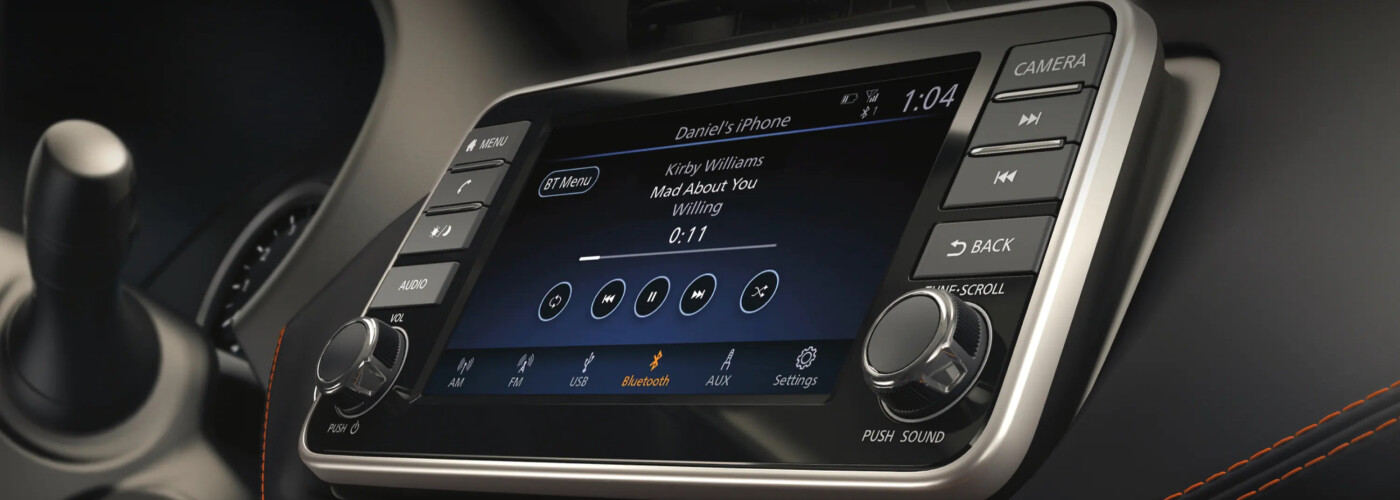
The articles here fall into two broad themes. The first is straightforward setup and connection: you will find step-by-step help for linking a phone to specific factory stereos, such as pairing with a Mercedes or Nissan’s Bluetooth, syncing a Kenwood radio, or getting a Honda Civic’s system to recognize your device. The second theme is troubleshooting and optimization. For example, one guide addresses static on FM transmitters, offering clear, safe advice on reducing interference without touching any broadcast regulations. Others tackle recurring issues, like a Nissan that keeps dropping the connection or failing to stream music, helping you diagnose whether the problem is in the phone’s settings, the car’s software, or the audio source itself.
These reads are not about hacking or bypassing any security measures, they are about using the features you already own, legally and safely. The advice is practical and within the bounds of normal owner’s manuals, helping you get a stable, clear connection so you can keep your hands on the wheel and your focus on the road. If you have ever been stuck on the side of the road fiddling with a phone, or just tired of a choppy signal, these articles walk you through the fix step by step.