Checking your PayPal payment pending status
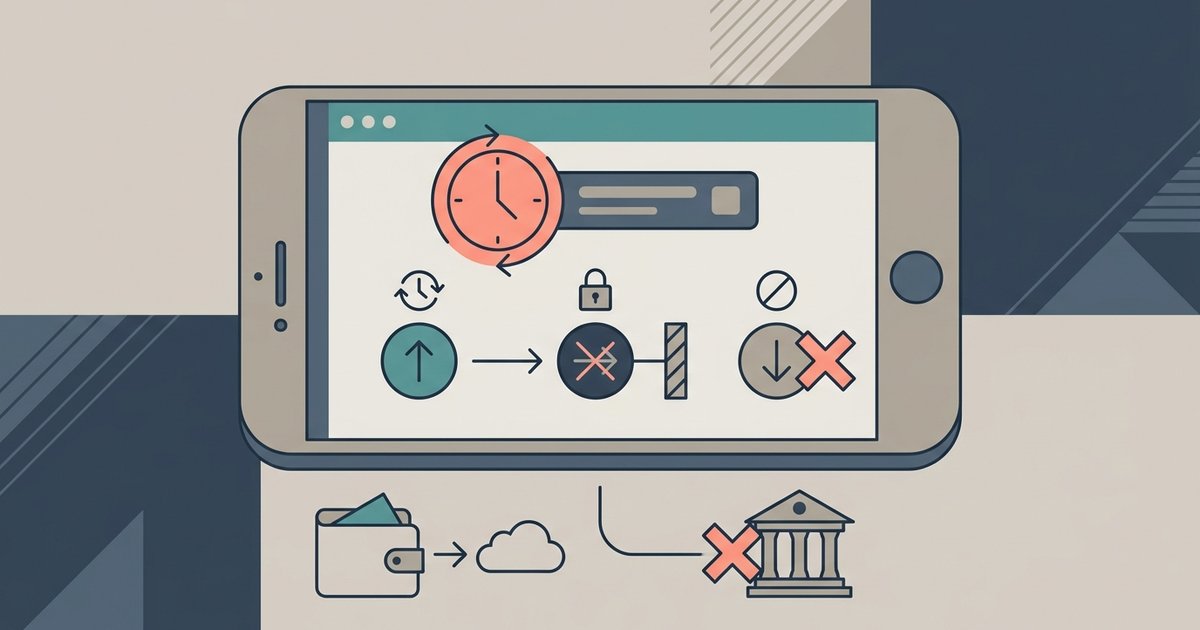
What does PayPal payment pending mean for your transaction? Before you try to change anything, check the status first, an amount showing as 'pending' signals that PayPal is still processing it and has not yet moved money out of your account or into the recipient's. This is the only time you can cancel a transfer yourself. The hold often stems from an eCheck, a review, or the recipient not having a confirmed account, and it has not reached the 'completed' stage yet. If you see 'completed' instead, your window to cancel has closed entirely, and your only option is to file a dispute through the Resolution Center. Be aware that friends and family transfers carry no buyer protection, so a dispute may not be possible at all in those cases. To figure out when the money will actually land, you need to understand the PayPal funds receipt time: eChecks typically take 4-7 business days to clear, while instant transfers usually complete within minutes. Checking these details before you act can save you from unnecessary worry or a mistaken cancellation. Always verify the status and the timeline before reaching for any buttons.
- PayPal payment pending mean — What Does PayPal Payment Pending Mean?
Stopping a payment before it goes through
If you see the word "pending" next to a transaction because the recipient hasn't accepted it yet, that is your chance to cancel a PayPal payment before it's too late. As long as the funds haven't left your account, you can still act. To do this, log in and navigate to your Activity page. Find the unsettled transfer, open its details, and look for a cancellation option. If you want to stop a specific merchant from charging you again, you can cancel the recurring payment or block payments on PayPal for that merchant, which prevents future attempts from that seller without affecting other transactions. If the remittance is for a purchase you made on a seller's site, you might need to go back to that store and use its own system to cancel order on PayPal, since some merchants process charges instantly on their end even if it still shows as pending in your account. The key is speed: once the status flips to "completed," your money is gone, and cancellation is no longer possible. At that point, your only option is to open a dispute, and if you sent the amount using "friends and family," you have no buyer protection at all, a critical limitation that sets our peer-to-peer service apart from standard commercial transactions. So check your Activity page the moment you have second thoughts.
Getting your money back after the fact
Once a transaction shows as completed, the money has left your account and cancellation is no longer an option. Your only recourse is to formally dispute the charge. You can dispute charge on PayPal by opening a case through the resolution center on PayPal, which is the official tool for reporting unauthorized activity, items not received, or purchases that don’t match the description. The process requires you to provide evidence, receipts, messages with the seller, tracking information, so gather everything before you start. Be aware that the outcome depends on the type of transfer you made. If you sent money to a friend or family member, you have no buyer protection, which means disputing a PayPal friends and family payment will almost certainly fail; PayPal treats those transfers as gifts, not purchases, and will not intervene. For goods and services transactions, the resolution center gives you a limited window, you must escalate the dispute to a claim within 20 days of opening it, if you and the seller cannot agree. Act quickly: you typically have 180 days from the date of the original remittance to open a case, and the longer you wait, the harder it becomes to recover your funds.