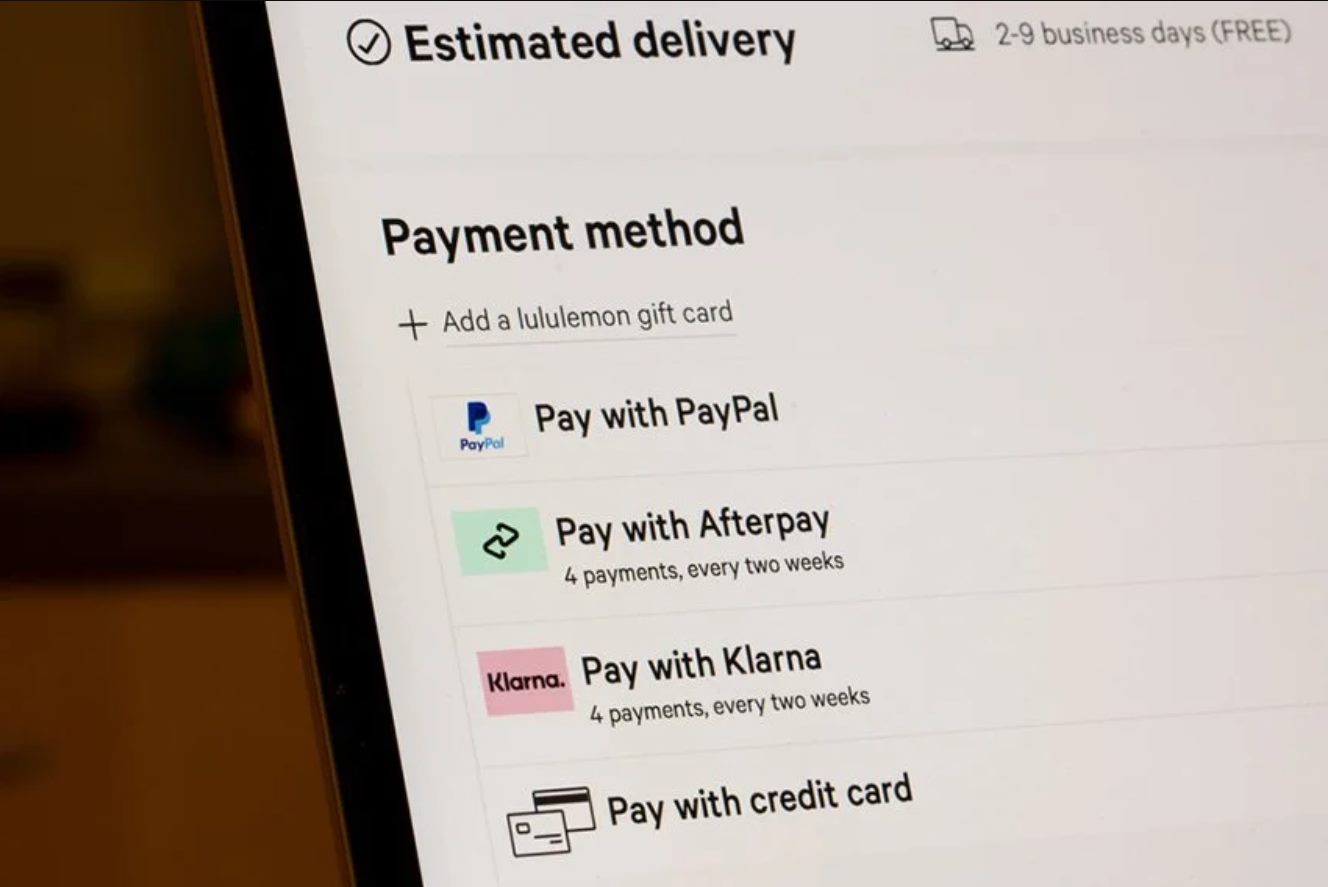
You cannot file a standard friends and family dispute on PayPal because it is a personal transfer with no purchase protection. Your only option is to request a refund from the recipient. If you paid with a card or bank, try disputing it directly through your financial institution instead. If you sent money via Friends & Family and never received what you expected, the familiar "Report a Problem" button will not let you open an item-not-received dispute for this transaction.
Why the friends and family dispute button is missing
PayPal designed the Friends & Family payment type as a no-fee personal transfer. It is intended for gifts, splitting dinner bills, or sending money to a relative. Because no goods or services are supposed to change hands, PayPal does not assess a merchant fee on the recipient. In return, it offers zero buyer protection. Open your activity log and click on a Friends & Family transaction. You will not see any option to open a purchase-protection case in the resolution center on PayPal. That system is reserved exclusively for payments that qualify for Purchase Protection, which requires a Goods & Services transaction. The missing button is intentional. PayPal treats these transfers as final, irreversible personal exchanges.
What you can actually do
Contact the recipient directly through PayPal’s messaging system or via email first. Ask them to issue a voluntary refund from their transaction details page. If the recipient refuses or ignores you, your only remaining recourse is to dispute the payment through your bank or credit card issuer. Call your bank or use its online portal to file a chargeback. State the truthful reason for your dispute, such as that you did not receive the item you paid for. Be careful. If you attempt to dispute the charge through your bank, PayPal may freeze your account or deduct the amount from your balance. It may even close your account permanently for violating its acceptable use policy. If you used a PayPal balance rather than a card or bank account, stop here. You have no external funding source to dispute through, leaving you with no path to recover the money.
The common scam trap
Scammers frequently pressure buyers into using Friends & Family by claiming it avoids fees or speeds up the transaction. This tactic deliberately strips you of all buyer protections. If a seller insists on this payment method for a commercial purchase, walk away immediately. Whether it is concert tickets, electronics, or a service, you are almost certainly being set up for fraud. Once you send the money, PayPal will not intervene, and the scammer knows you cannot open a case. Paying via Friends & Family waives your rights under PayPal’s Purchase Protection policy. To protect yourself, always select Goods & Services for transactions involving items or services. If you have already been scammed, check your PayPal account to see if the payment is still pending. If it shows a status like "Unclaimed" or "Pending," cancel it before the recipient accepts it. To understand that status, check what a pending payment means in your transaction details. To prevent future scams, adjust your privacy settings to block payments on PayPal from unknown senders. This does not help with payments you initiate. Remember: no dispute button means no safety net.
Unlike a standard purchase, a Friends & Family transfer has no dispute button because PayPal designed it as a final, irreversible personal exchange with no buyer protection whatsoever. For a deeper understanding of how these protections and limitations fit into the broader system, see the broader topic of PayPal Payments: Pending, Blocking and Cancelling, which covers the full range of PayPal pending, blocking and cancelling payments scenarios.