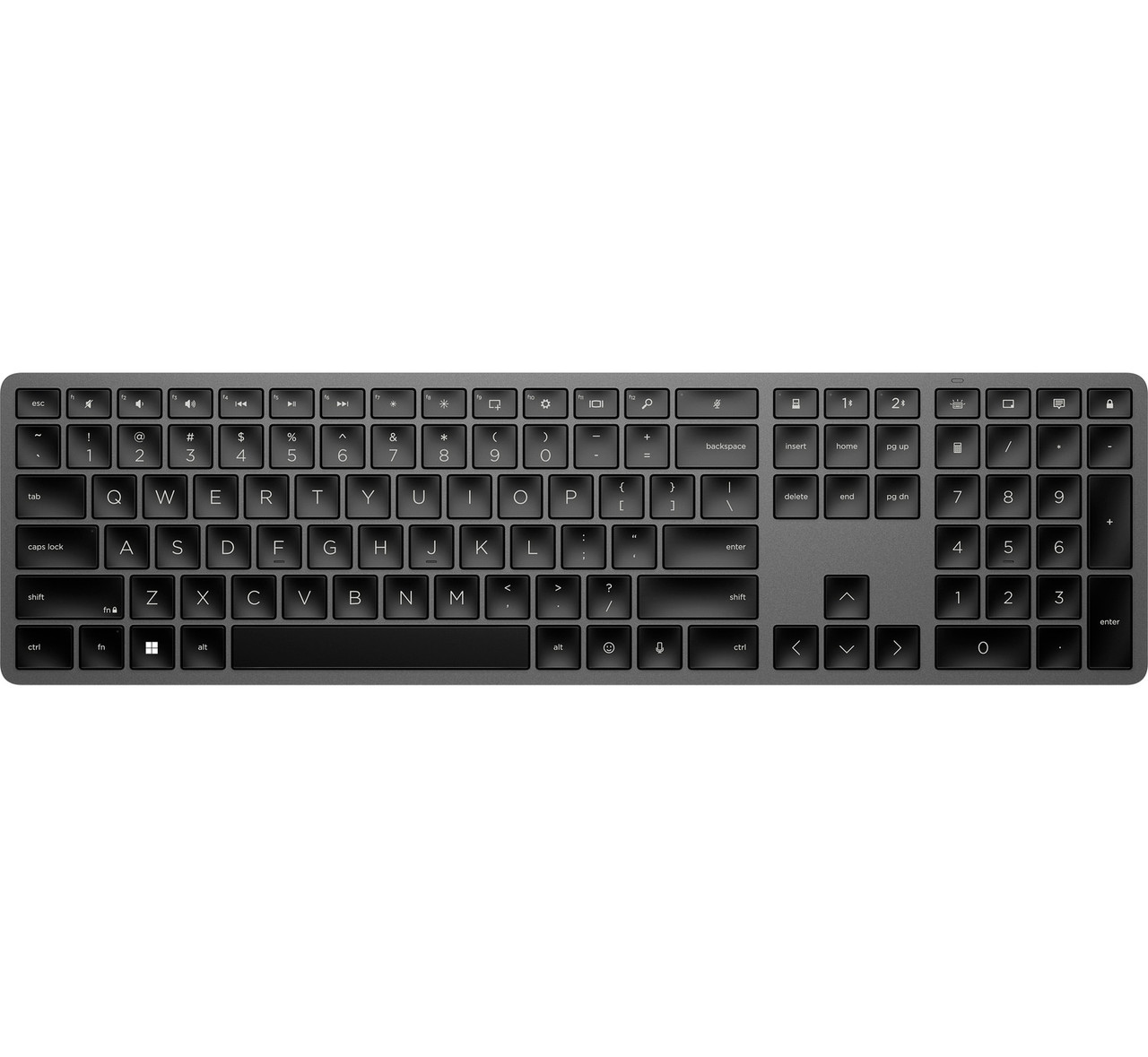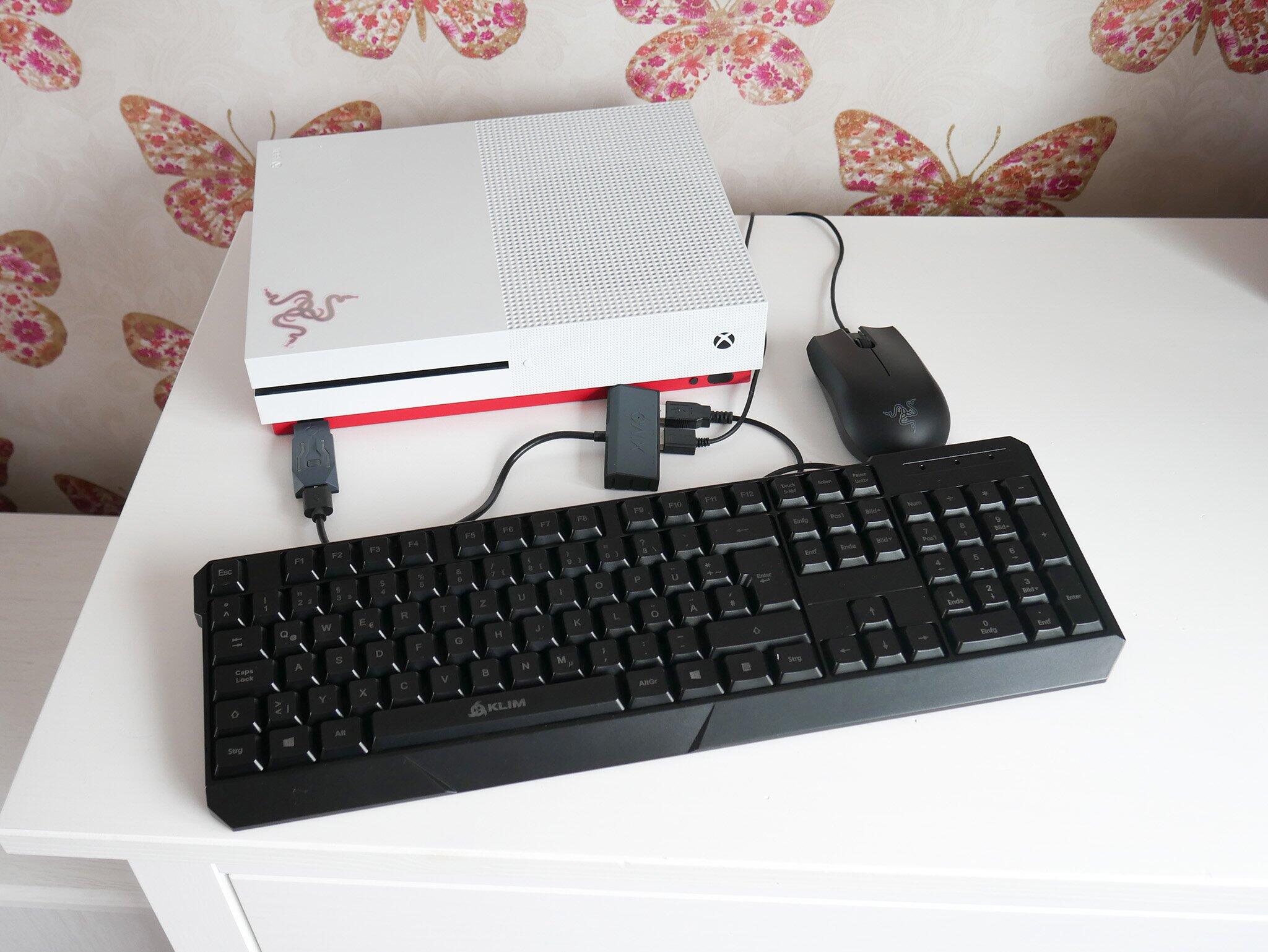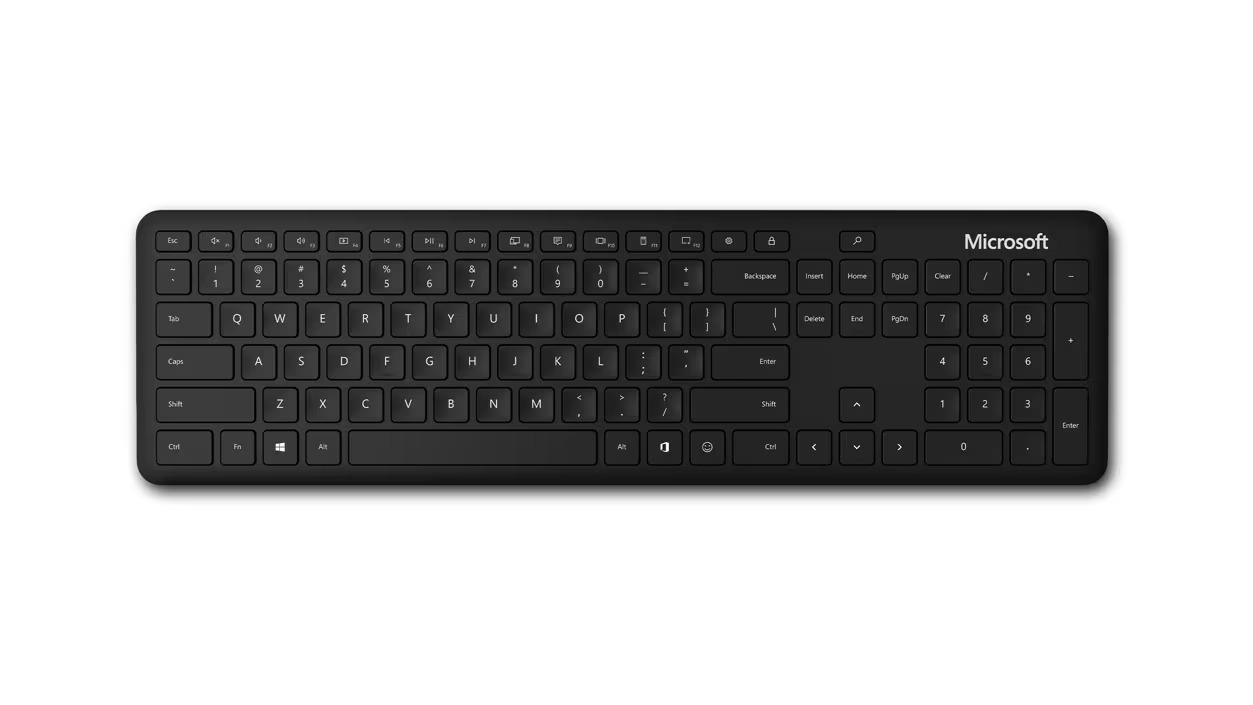
A good wireless keyboard battery typically lasts between 3 months and 2 years on a single charge or set of batteries, depending heavily on backlighting and switch type. If you aren't using RGB lighting, you should not have to charge a modern mechanical keyboard more than once every few weeks at minimum.
The realistic wireless keyboard battery life range for non-backlit keyboards
For standard office keyboards without any backlighting, alkaline batteries usually deliver 12 to 18 months of daily use. A Logitech K120 is a wired keyboard and does not use batteries; wireless models like the Logitech MK270 can run for up to 24 months on AA batteries. Mechanical keyboards with rechargeable lithium-ion packs and no RGB generally last 4 to 8 weeks per charge. The drain is minimal if you use a board with tactile switches like Cherry MX Brown or silent linear switches. The keyboard's controller only draws power when a key is pressed or when it periodically polls for wireless signals. If you need to charge your wireless keyboard more than twice a month without backlighting, your usage pattern or device may be outside the norm. Alkaline batteries in non-backlit models degrade slowly. Rechargeable packs lose capacity over two to three years. A keyboard that once lasted six weeks might only manage three weeks after 18 months of use.
Why your keyboard dies so fast with RGB on
Turning on RGB backlighting at full brightness is the single biggest factor that destroys battery life. A typical mechanical keyboard draws about 100 mA with no lighting. That jumps to 600-800 mA with every LED at maximum brightness. A keyboard rated for 6 months of normal use can die in 2 days if you leave the rainbow wave effect running at 100% intensity. Even a modest per-key RGB setting at 50% brightness cuts battery life by roughly 70%. If you frequently turn on your wireless keyboard and notice the battery indicator dropping after just a few hours, check your backlight settings first. Most keyboards have a brightness slider in their software or a dedicated Fn-key combo. Reducing it to 25% extends runtime from 2 days to about 10 days. The color white uses more power than single colors because it requires all three subpixels to fire. Switching to a static red or blue scheme can add another 20% to your charge cycle.
When a short battery life actually means a defect
A short battery life signals a defect when the keyboard drains completely in under a week with no backlighting enabled. This usually points to a faulty sleep mode sensor that fails to put the keyboard into deep sleep after inactivity. A healthy wireless keyboard should enter a low-power state within 5-10 minutes of idle use. If yours stays awake and continues polling the receiver, the battery will deplete in 3-5 days. Another common failure is a swollen lithium-ion battery, which can cause the keyboard to discharge even when powered off. If you make your wireless keyboard discoverable and the battery drops 10% in one hour of non-use, the battery management chip is likely damaged. To diagnose the issue, first connect the keyboard to its receiver via USB. Then disable all backlighting and let it sit for 24 hours. A healthy unit will lose less than 2% of its charge. A defective one will lose 15% or more. If the battery is swollen, you will notice a bulge in the keyboard's bottom casing or a wobbly spacebar. Replace the unit immediately to avoid fire risk. If you can't locate the receiver to run this test, try these lost wireless keyboard USB solutions before assuming the hardware is faulty, or connect a Logitech wireless keyboard to a different receiver if you have a spare one available. Many manufacturers cover battery defects under warranty for the first year, so contact support if you see this pattern.
This range covers everything from a basic office membrane keyboard running on two AAAs to a high-end mechanical board with a 6000 mAh lithium-ion pack. For guidance on setting up your device, see the broader topic of how to connect keyboard.