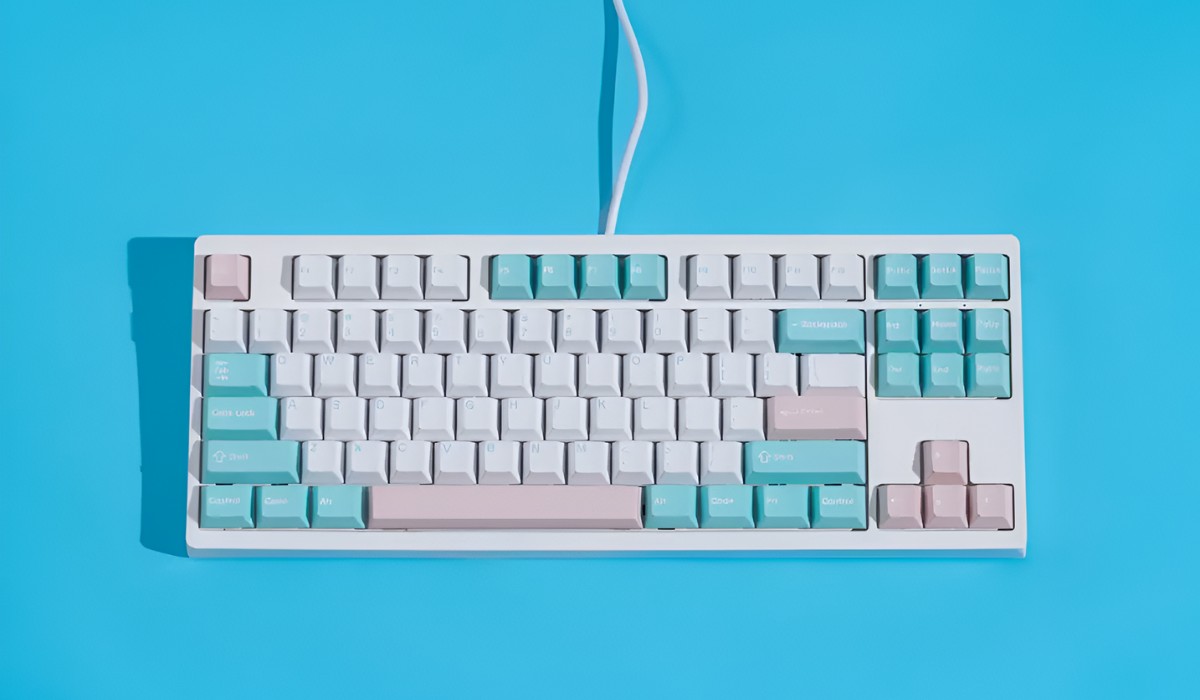
This tag collects articles about mechanical keyboards, aimed at everyday owners who want to personalize their gear or troubleshoot common issues without diving into advanced modding. Whether you’ve just bought a budget board or have been typing on one for years, the guides here focus on practical, software-driven changes and basic maintenance, not on hardware disassembly or risky tweaks.
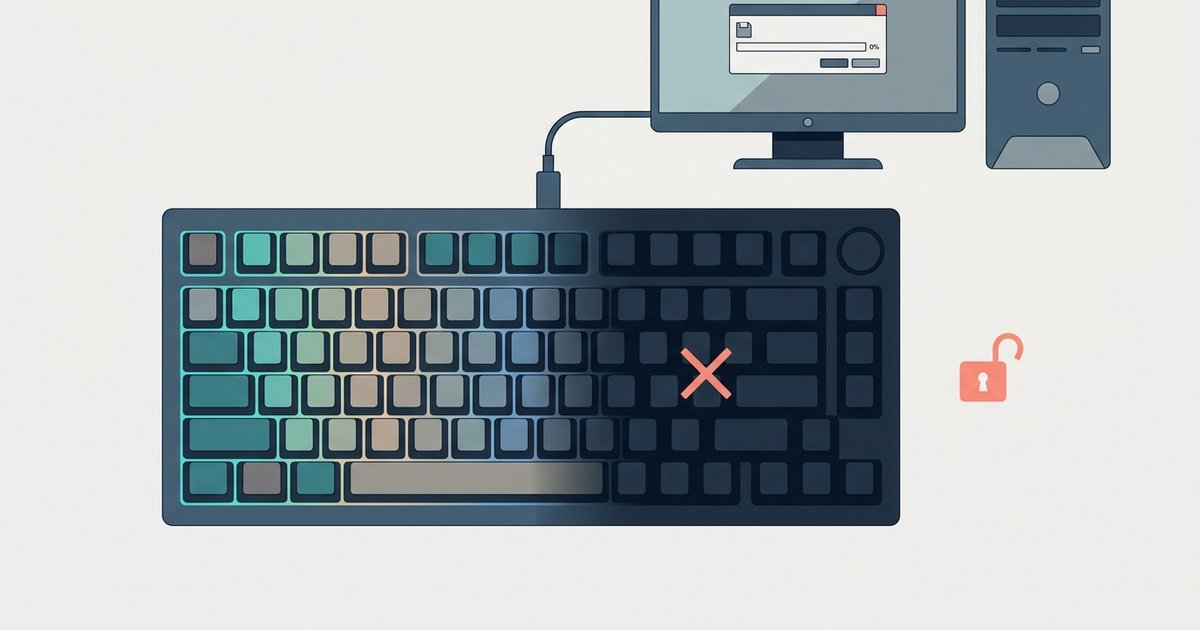
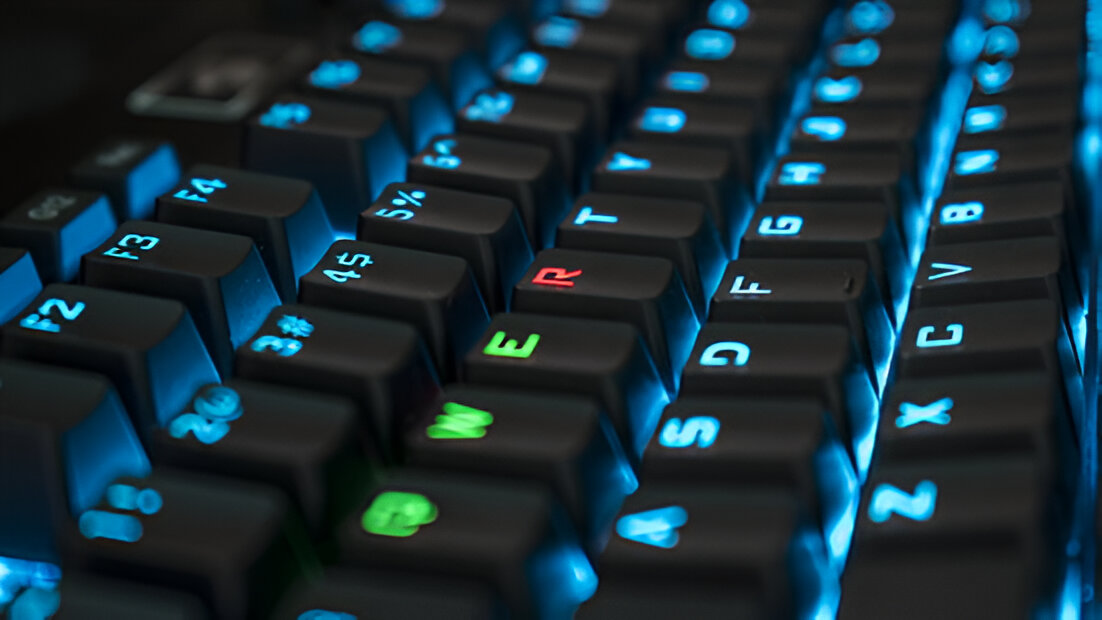
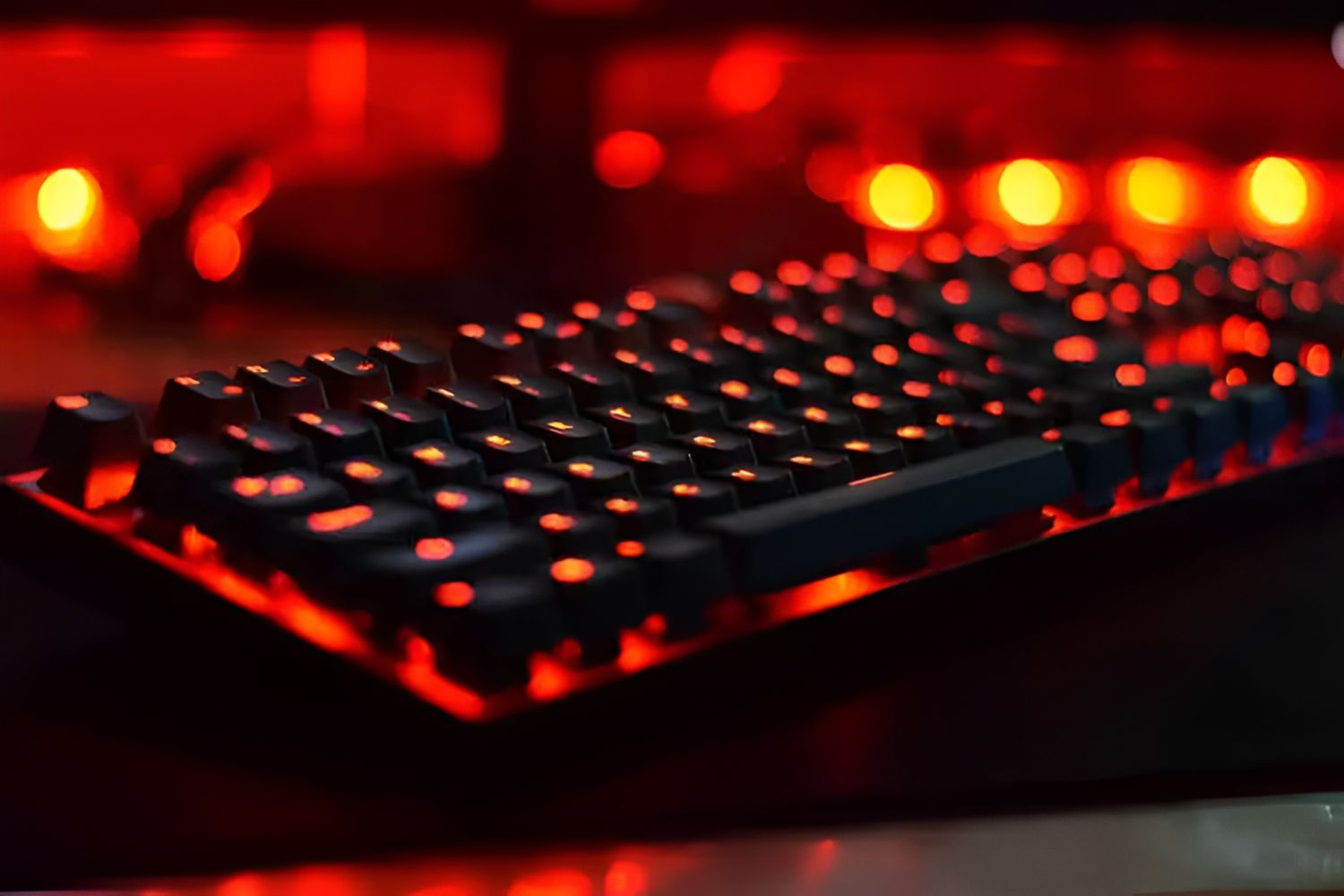
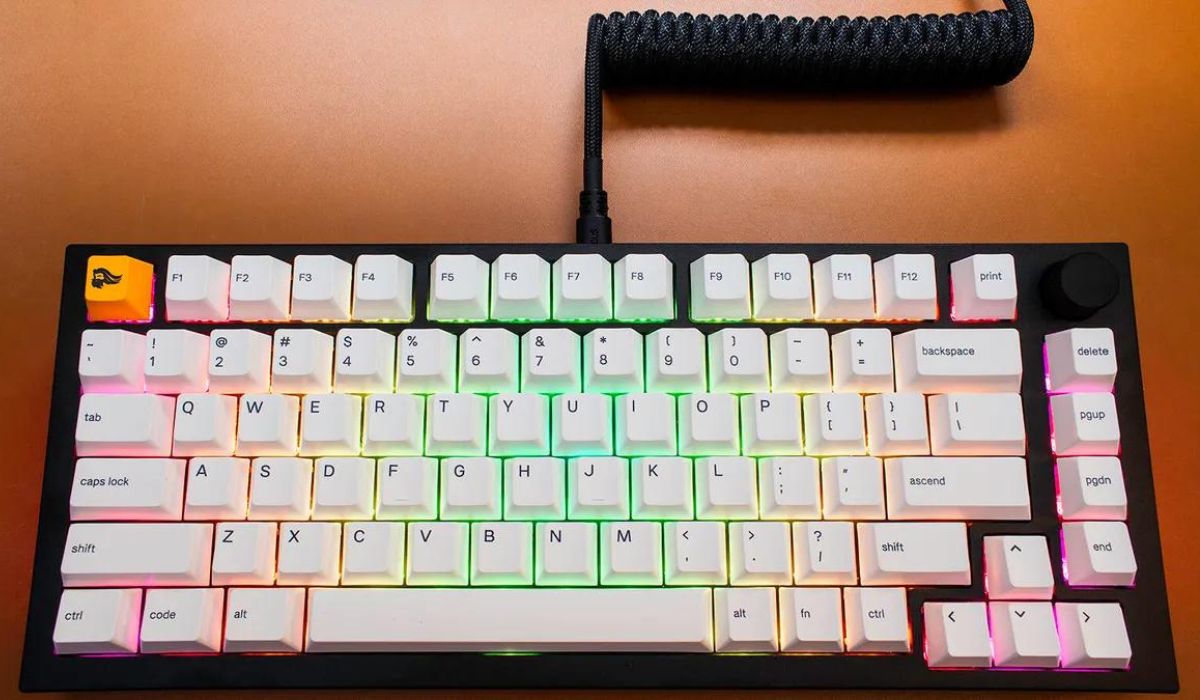
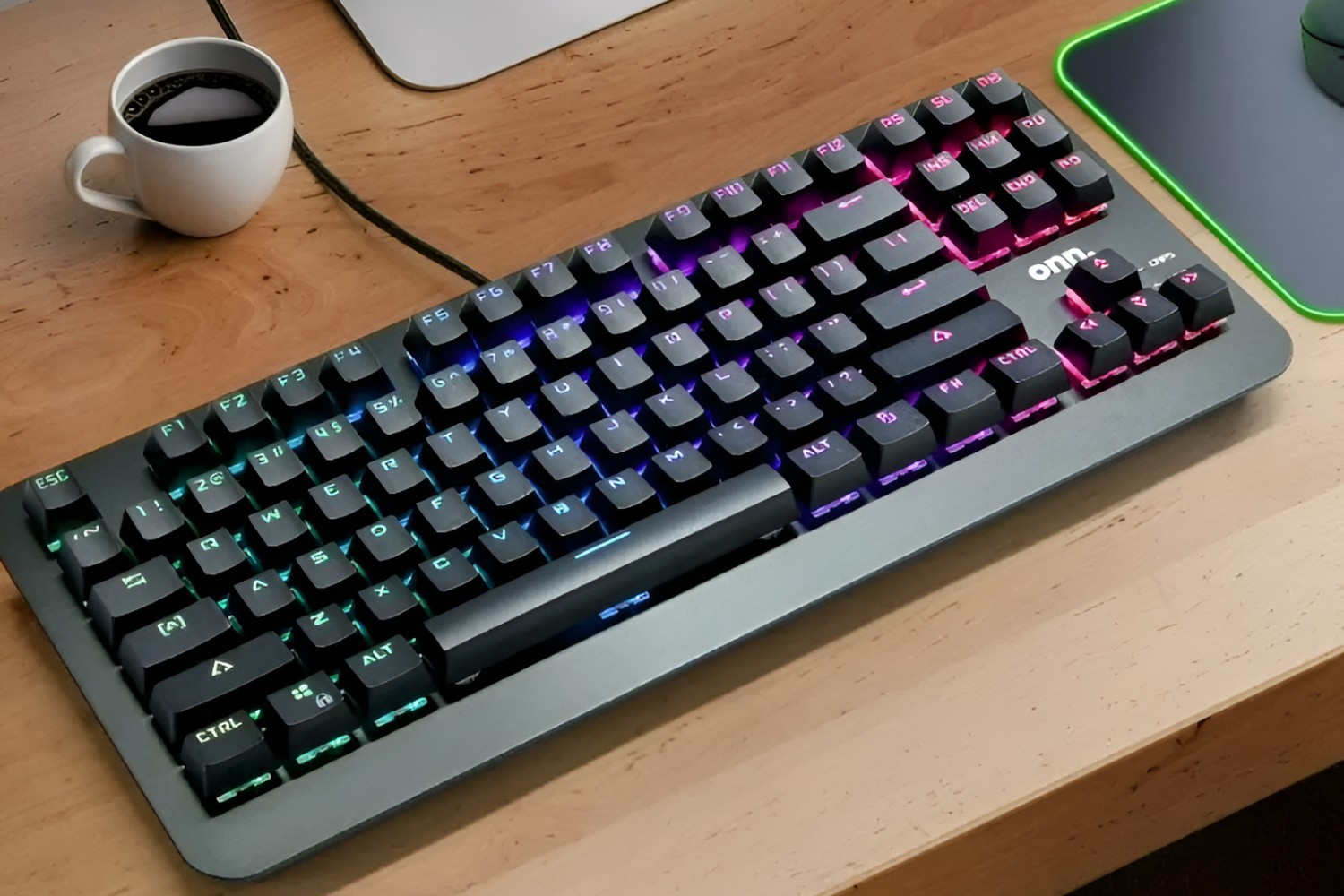
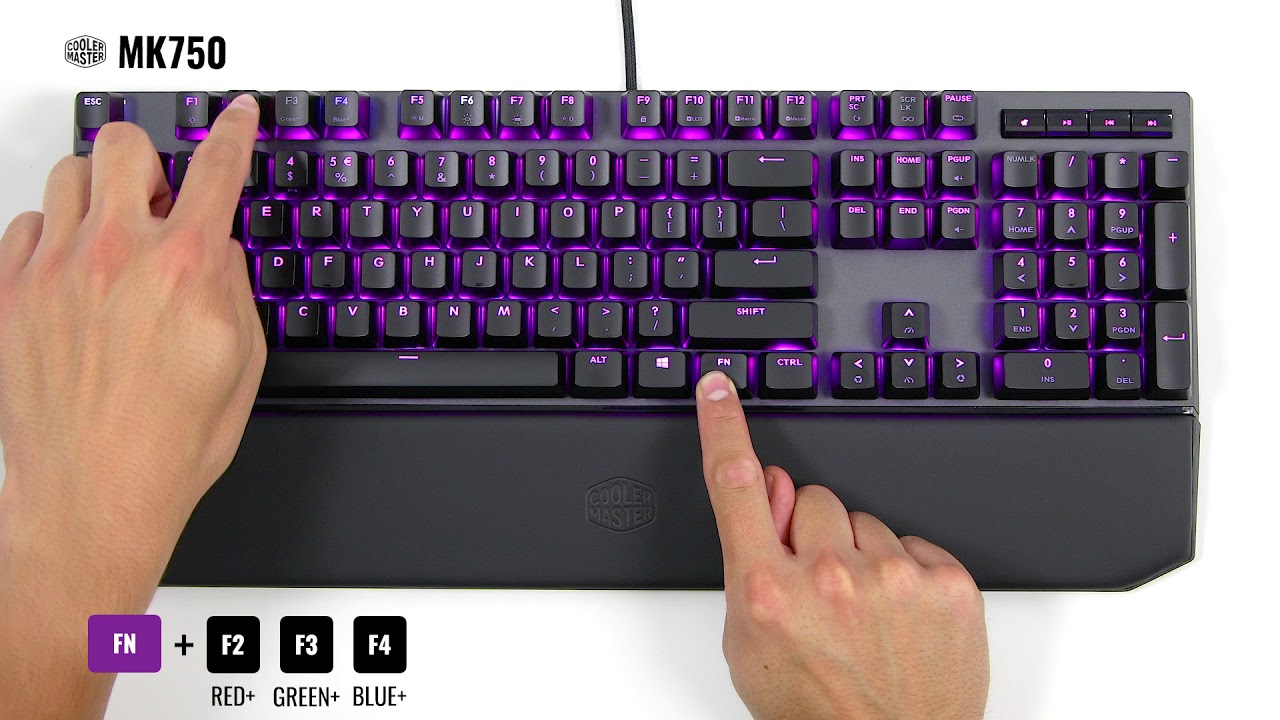
The most common theme is changing the backlighting and color effects on specific brands and models. For example, several articles walk through the exact steps for the ONN mechanical keyboard, the Glorious modular board, and the Cyberpower PC’s bundled keyboard, showing how to cycle through presets or adjust brightness using only the function keys. Alongside that, a few pieces address the AULA gaming keyboard’s color options and a specific issue where the AULA F75 fails to save custom color recordings, likely a firmware or driver quirk rather than a hardware fault.
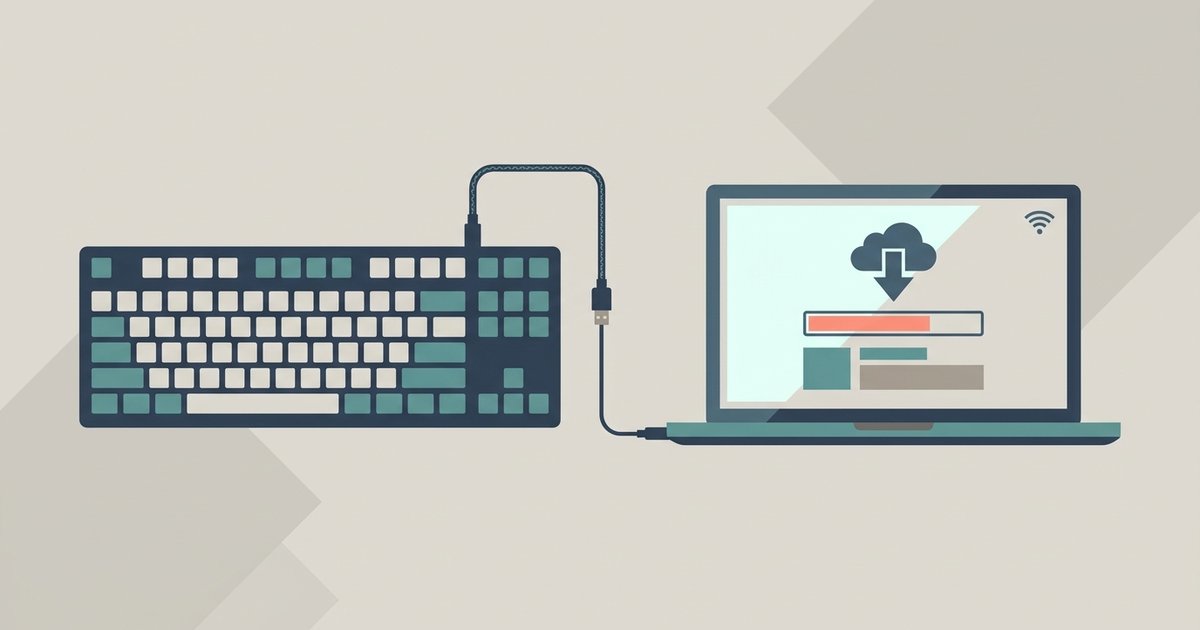
A second, smaller theme covers battery life and companion software. One article explains what affects wireless keyboard battery longevity in general terms, helping you set realistic expectations for daily use. Another offers a safe, official download path for the AULA F99 and newer models’ software, emphasizing that you should always get drivers from the manufacturer to avoid malware. None of these pieces encourage bypassing protections or hacking; they simply show you the legitimate settings and updates already available to you.