Latest in Tech Setup & Troubleshooting

Most read in Tech Setup & Troubleshooting

More from Tech Setup & Troubleshooting


Tech Setup & Troubleshooting is the place for anyone who wants their devices to actually work the way they should. Whether you’re setting up a new smart TV, connecting a phone to a car, or trying to get a printer on your home network, these guides walk you through the process step by step. The content is written for everyday users, not IT pros, so you can follow along with clear, direct instructions and get back to using your tech instead of fighting with it.
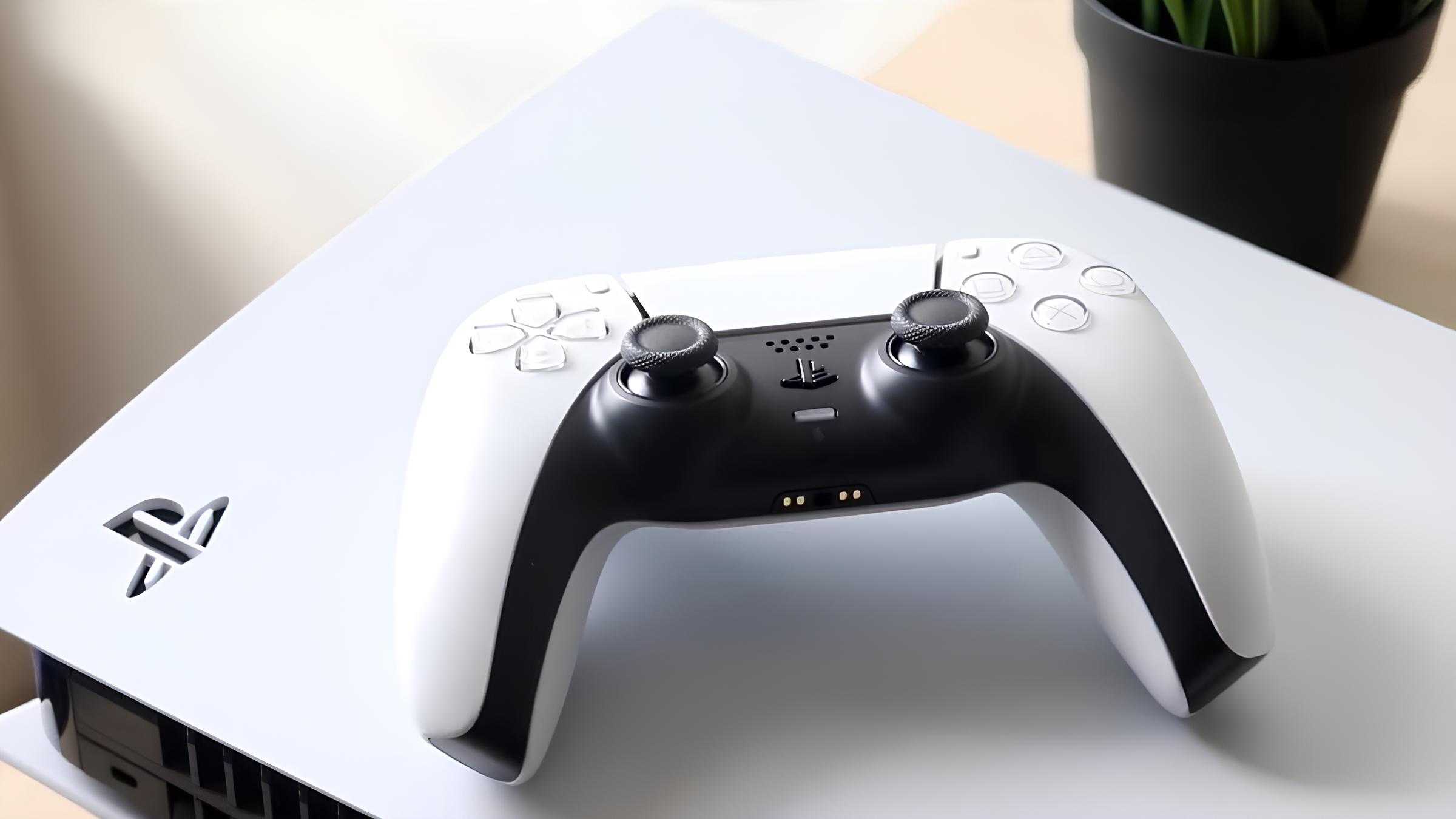
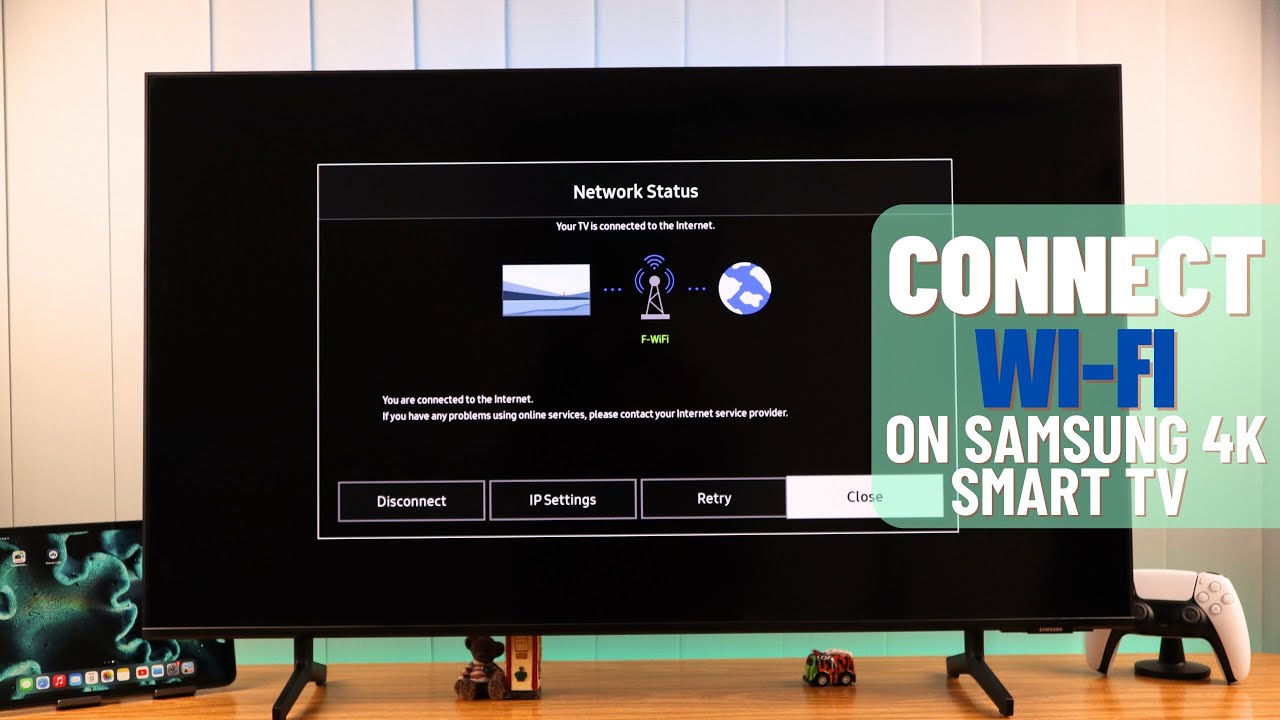
A large portion of the articles focuses on getting streaming and entertainment services running on your screens. You’ll find thorough walkthroughs for adding Paramount Plus or Netflix to your smart TV, watching MLB.TV on your television, and even how to Chromecast on a Roku or reset a smart TV when things go sideways. Another major theme is device connectivity and audio setup, covering everything from connecting a DJI controller to your PC, pairing a keyboard, or linking your Google Nest to new Wi-Fi. There are also detailed guides on connecting mobile hotspots to consoles like the PS5 or Nintendo Switch, and improving audio by hooking an iPad to a DAC.
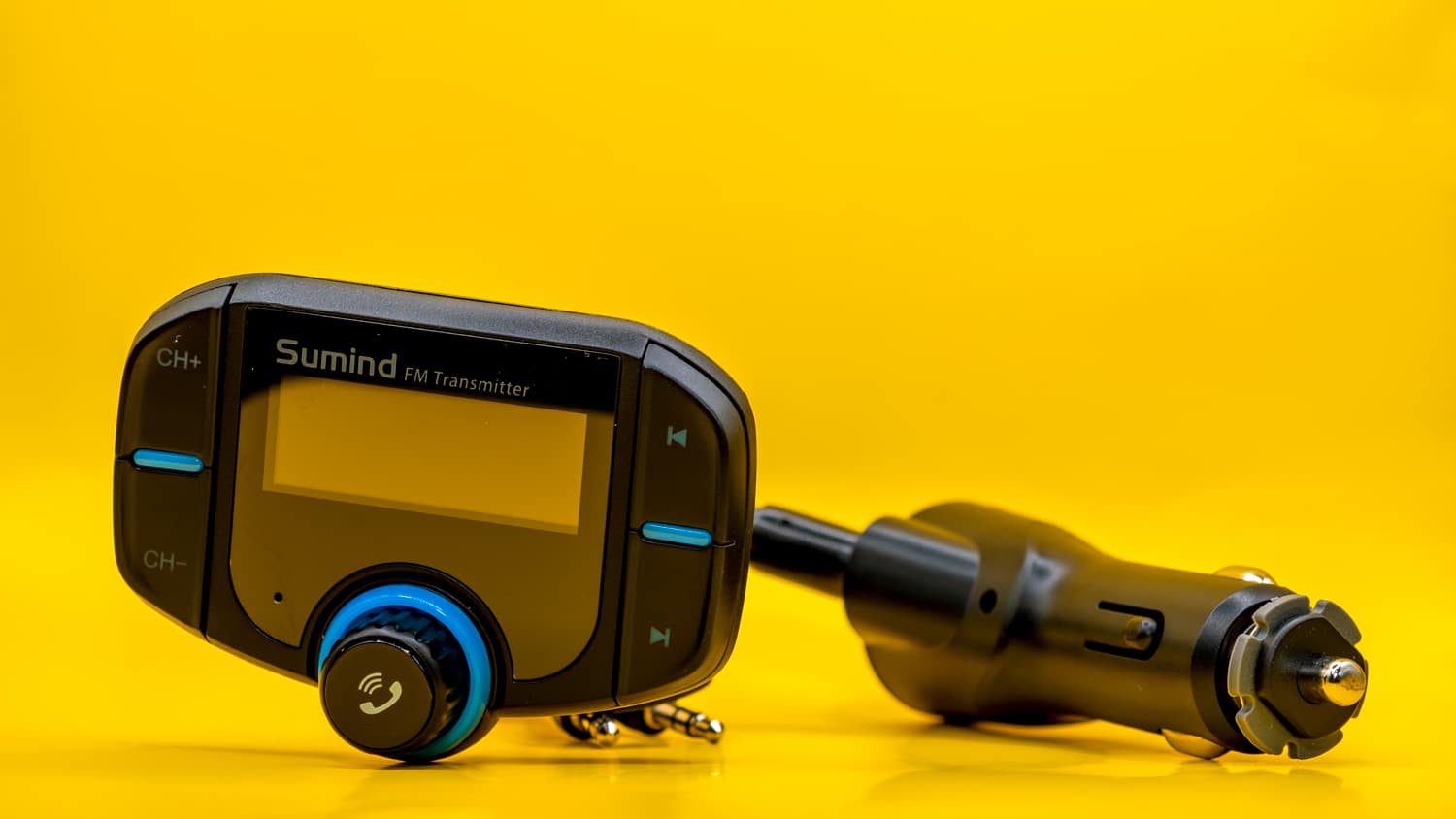
Beyond entertainment, the section helps you manage your hardware and accounts with confidence. You can learn how to calibrate an Apple Pencil, change the email on your Roku account, unlock an Amazon tablet, or find the IP address for your Switch. For everyday maintenance, articles like clearing your downloads folder or eliminating static on an FM transmitter keep your gear running smoothly. Whether you’re troubleshooting a connection, setting up a new gadget, or just trying to get your phone and car to talk to each other, these guides give you the practical steps to get it done.
