To test an APC UPS battery, you need to check its voltage, runtime, and physical condition to determine if it will reliably provide backup power during an outage. The goal of these tests is to assess whether the battery, which typically lasts 3-5 years but degrades faster in heat, is still healthy enough to protect your equipment.
Safety first
Before any testing, turn off and unplug the UPS from the wall outlet. Wear safety gloves and goggles to protect against acid spills or electrical hazards, and work in a well-ventilated area to avoid accumulating fumes. Keep flammable materials away and never touch exposed battery terminals with bare hands.
1. Check the battery status indicator
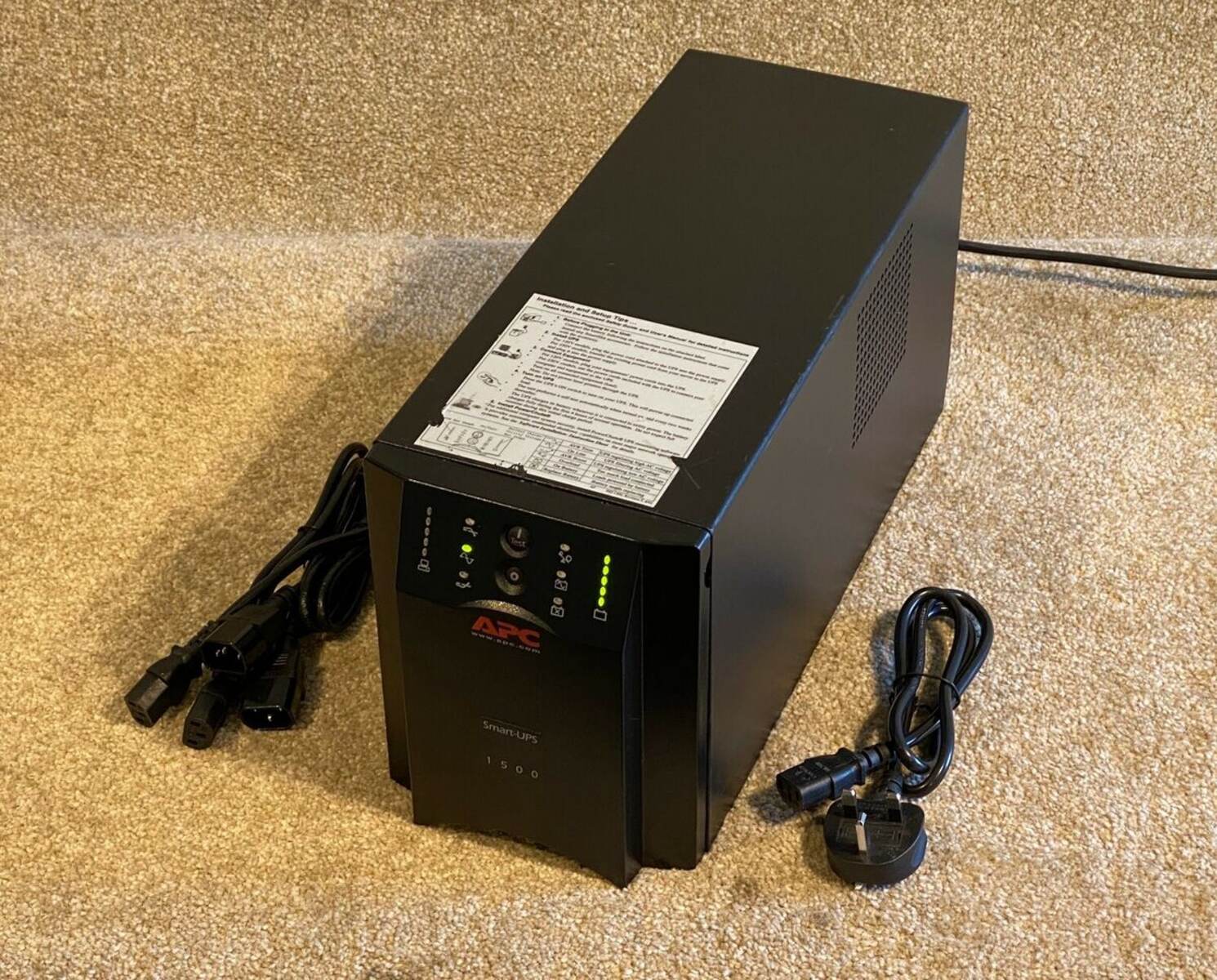
Most APC UPS units have LED lights or an LCD display on the front panel that show battery condition. A green light typically means good health, while yellow or red signals a potential issue. The "Replace Battery" LED is an early warning signal, often illuminating 1-2 months prior to complete battery degradation, and does not always mean immediate replacement. This gives you time to plan a replacement rather than panic. If your model has an LCD, navigate to the battery status section and note any error codes, then consult the user manual for their meaning.
2. Test the battery voltage with a multimeter
- Turn off and unplug the UPS completely.
- Set your digital multimeter to DC voltage mode (VDC) with a range high enough for the expected battery voltage.
- Connect the red probe to the positive (+) terminal and the black probe to the negative (-) terminal of the battery.
- Read the voltage on the display. A healthy, fully charged battery typically measures around 12.6-12.8 volts. A significantly lower reading indicates a weak or worn-out battery.
This voltage test is a quick way to see if the battery holds a charge, but it is only one part of a full health check.
3. Conduct a runtime calibration test
This test simulates a real outage to measure how long the battery actually lasts. Connect devices that represent your typical power load, ensuring the total draw does not exceed the UPS capacity. Start the UPS on battery power and record the time when it switches from utility power. Monitor until the UPS shuts down or reaches a critically low battery level. Compare the measured runtime to the manufacturer's specifications. If the actual runtime is significantly shorter, the battery has lost capacity and likely needs replacement.
4. Perform a manual load test
Connect a known load (such as a few lamps or a computer) to the UPS battery outlets. Turn on the UPS and observe the battery voltage and behavior. Watch for a rapid voltage drop or premature low-battery warnings. These signs indicate capacity loss and an inability to handle the load during an outage. If the battery struggles to maintain stable voltage under load, it is a strong indicator that replacement is needed.
5. Use PowerChute software for diagnostics
APC's official PowerChute software provides detailed battery health data, event logs, and automatic alerts. Install the version compatible with your UPS model, connect the UPS to your computer via the provided communication cable, and launch the software. The interface shows real-time voltage, load, runtime, and battery health indicators. You can review historical reports to spot degradation patterns and configure email or SMS alerts to notify you when battery health drops below a threshold.
6. Inspect for physical damage and leaks
- Turn off and unplug the UPS.
- Examine the battery casing for cracks, bulges, or dents, these indicate internal damage.
- Check the terminals and connectors for corrosion, which impairs conductivity.
- Look for any signs of electrolyte leakage around the battery casing. Leaking batteries are a safety hazard and must be replaced immediately.
- Ensure ventilation vents are unobstructed to prevent overheating.
Visible swelling, deformation, or leakage are definitive signs of a bad battery that requires immediate replacement.
When to replace your APC UPS battery
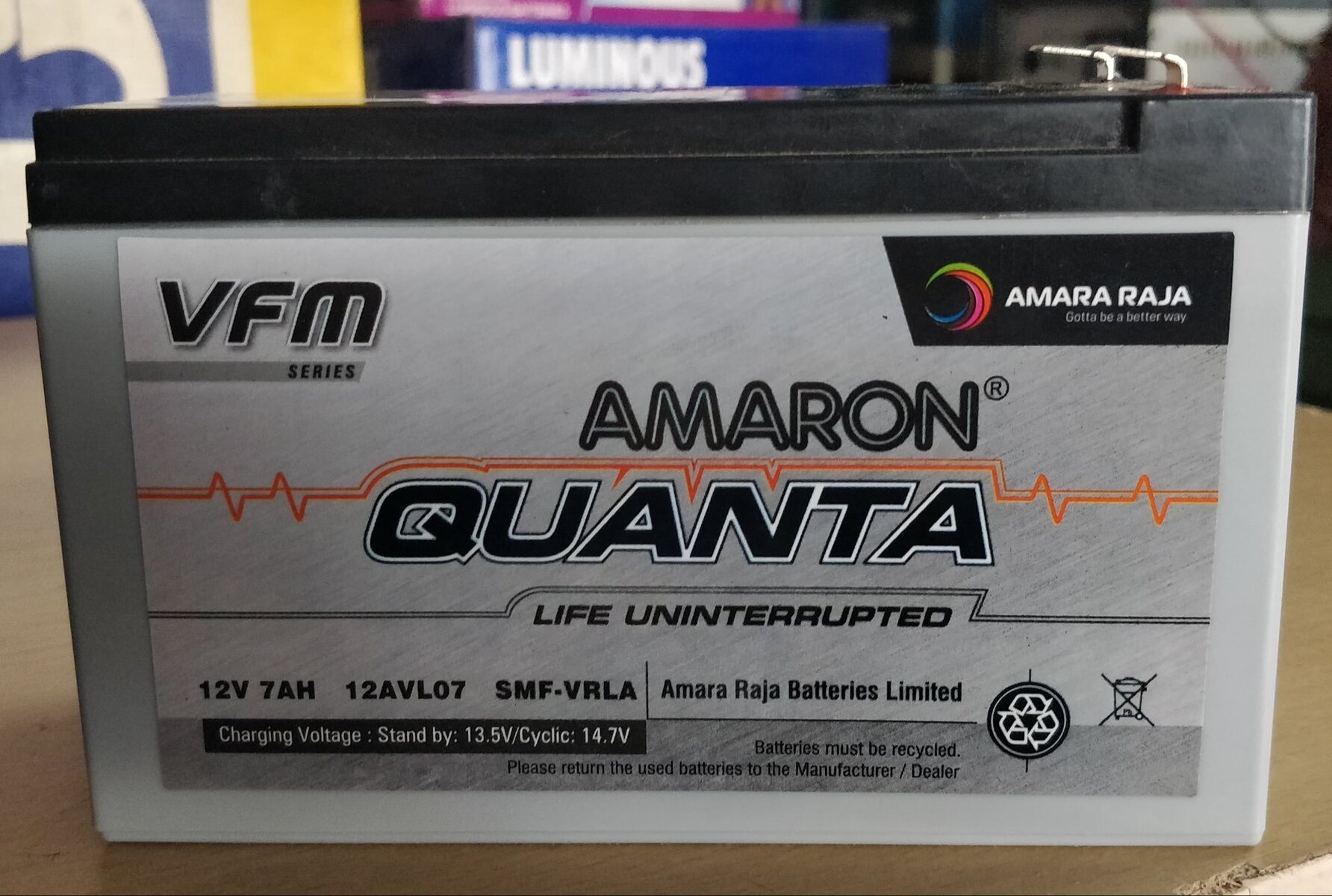
Replace the battery if it fails any of the above tests: reduced backup runtime, persistent "Replace Battery" warnings, audible alarms during brownouts, visible physical damage, or failure of self-tests. The UPS tests the whole battery string, not individual modules, so if one battery is bad, all batteries in the system must be replaced at the same time. Never mix old and new batteries within the same APC Smart-UPS system. If adding external battery packs to an existing unit, replace the existing batteries if they are more than 1 year old. To determine the manufacturing date of a UPS battery, check the date code printed on the battery label, which helps you track its age against the 3-5 year lifespan.
\nRelated reading: How To Remove Battery From Onn Tablet and Shark Robot Vacuum Battery Replacement Guide.