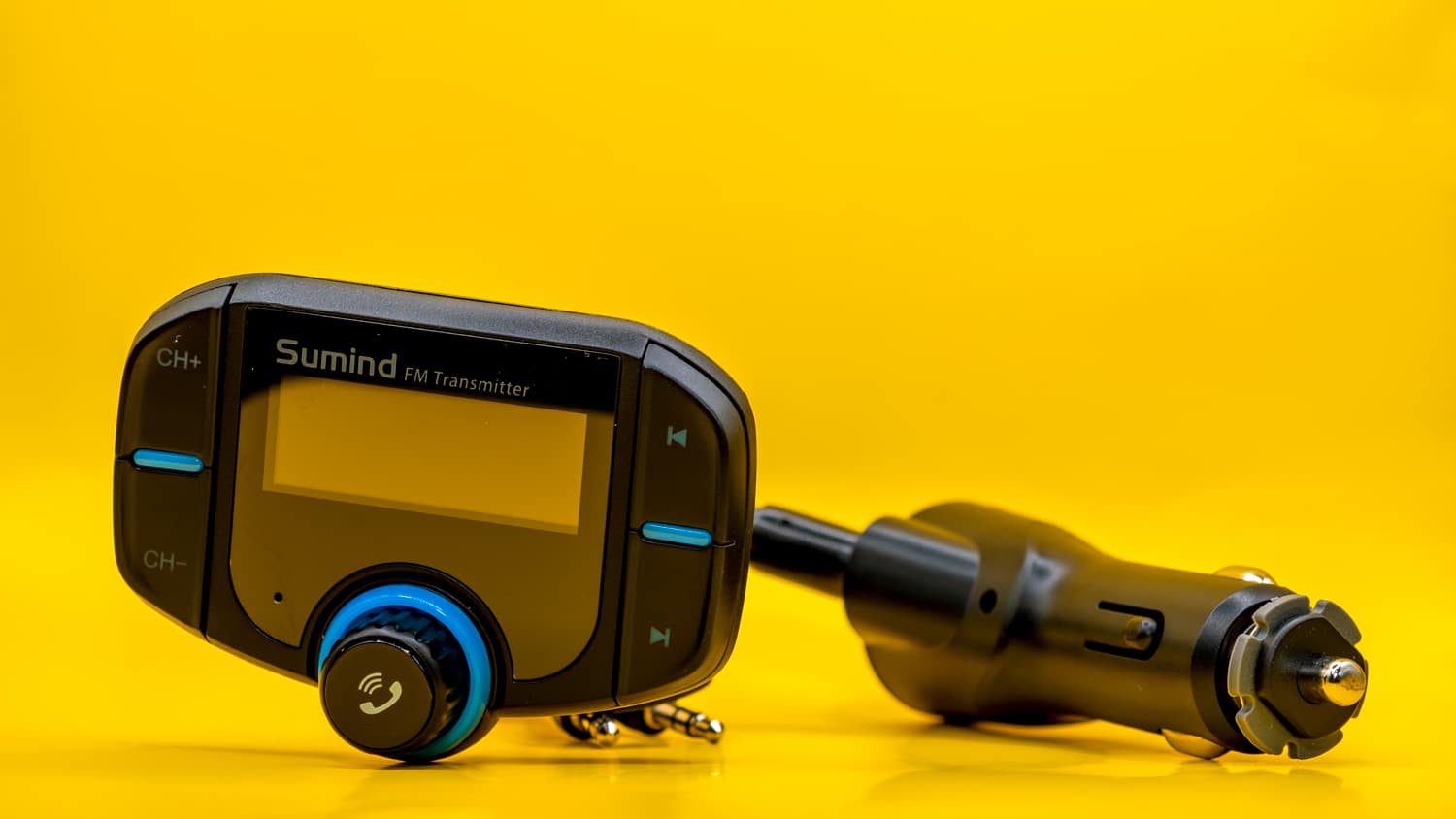
To eliminate static on FM transmitters, the first thing to know is that the noise almost always means one of two things: the frequency you’re using isn’t clear, or the power connection is loose. These are the two most common culprits, and both are quick to fix without any special tools or technical knowledge.
Quick fixes to eliminate static on fm transmitters
Static on an FM transmitter sounds like crackling, hissing, or a faint background roar that competes with your music. It usually appears because the transmitter is broadcasting on a frequency that already carries a local radio station, or because it isn’t getting steady power. Try these two fixes first; they resolve the vast majority of static issues in under a minute.
Find and set a clear fm frequency
The most reliable way to eliminate static on fm transmitters is to pick a frequency that has no broadcast at all. Local stations are the biggest source of interference, so you want to avoid them entirely.
- Turn on your car radio and switch it to FM mode.
- Manually scan through the frequencies, one at a time, and listen for any station. You’re looking for a number that is completely silent, no music, no talk, no faint signal.
- On the transmitter, use the CH- or CH+ buttons to set it to that same frequency. The transmitter and the radio must match exactly.
If you still hear static after switching, try another silent frequency. Some areas have more crowded FM bands than others, so you may need to test a few before finding one that stays clean. A frequency that works in one location may become noisy when you drive to a different area with more stations, so it’s worth re-checking if static returns later.
Check the power connection
A loose power connection is a hidden cause of static that many drivers overlook. If the transmitter isn’t getting steady voltage, it can produce crackling or intermittent noise even on a perfectly clear frequency. The verified fix is to keep the transmitter firmly plugged into the power socket.
Make sure the plug is pushed all the way in and that the socket itself is snug. If you’re using a car charger with a USB port, check that the adapter is seated tightly in the cigarette lighter or 12V outlet. Wiggling the plug while listening to the radio is a quick test, if the static changes or stops when you move it, the connection is the problem. In that case, reseat the plug firmly and, if the socket is worn, try a different power outlet in the car.
Reduce local interference
Even with a clear frequency and a solid power connection, nearby electronics can create electromagnetic noise that bleeds into the FM signal. This is more common in modern cars, where multiple devices are charging and operating at once.
Move other electronic devices or chargers away from the transmitter and the radio. Phones, tablets, dash cams, and even some USB hubs emit radio frequency interference that can cause static. If you have a second charger plugged into a nearby socket, unplug it temporarily to see if the noise disappears. Also, check the cables connected to the transmitter for damage, a frayed or cracked wire can act like an antenna and pull in interference. Replace any damaged cables, and keep the transmitter’s own cable away from power wires and other electronics.
If static persists after all these steps, the issue may be the transmitter itself or the car’s antenna. But in most cases, finding an unused frequency and ensuring a firm power connection will give you clean, clear audio for your drive.
\nRelated reading: How To Connect To Nissan Bluetooth, Nissan Bluetooth Keeps Disconnecting, and Nissan Bluetooth Music Streaming Not Working.