The manufacturing date of a UPS battery is almost always encoded on the battery itself, either as a plain date stamp, a date code, or within the serial number. To find it, you need to identify the brand and model first, then physically access the battery and inspect the label, terminals, or outer case for the specific code format that manufacturer uses.
How to determine the manufacturing date of a UPS battery: Why the date matters and what you'll need before starting
Knowing the manufacturing date of a UPS battery tells you how much of its useful service life has already passed, even if the battery has never been used. Lead-acid batteries begin aging from the moment they are made, so a battery that sat on a shelf for three years will have significantly less capacity than a fresh one. Before you start, gather three things: the brand name of the UPS or battery, the model number, and physical access to the battery compartment. You may need a screwdriver to open the UPS case or slide out the battery tray, but you do not need any special tools to read the codes once the battery is visible.
Check the battery label and outer case first
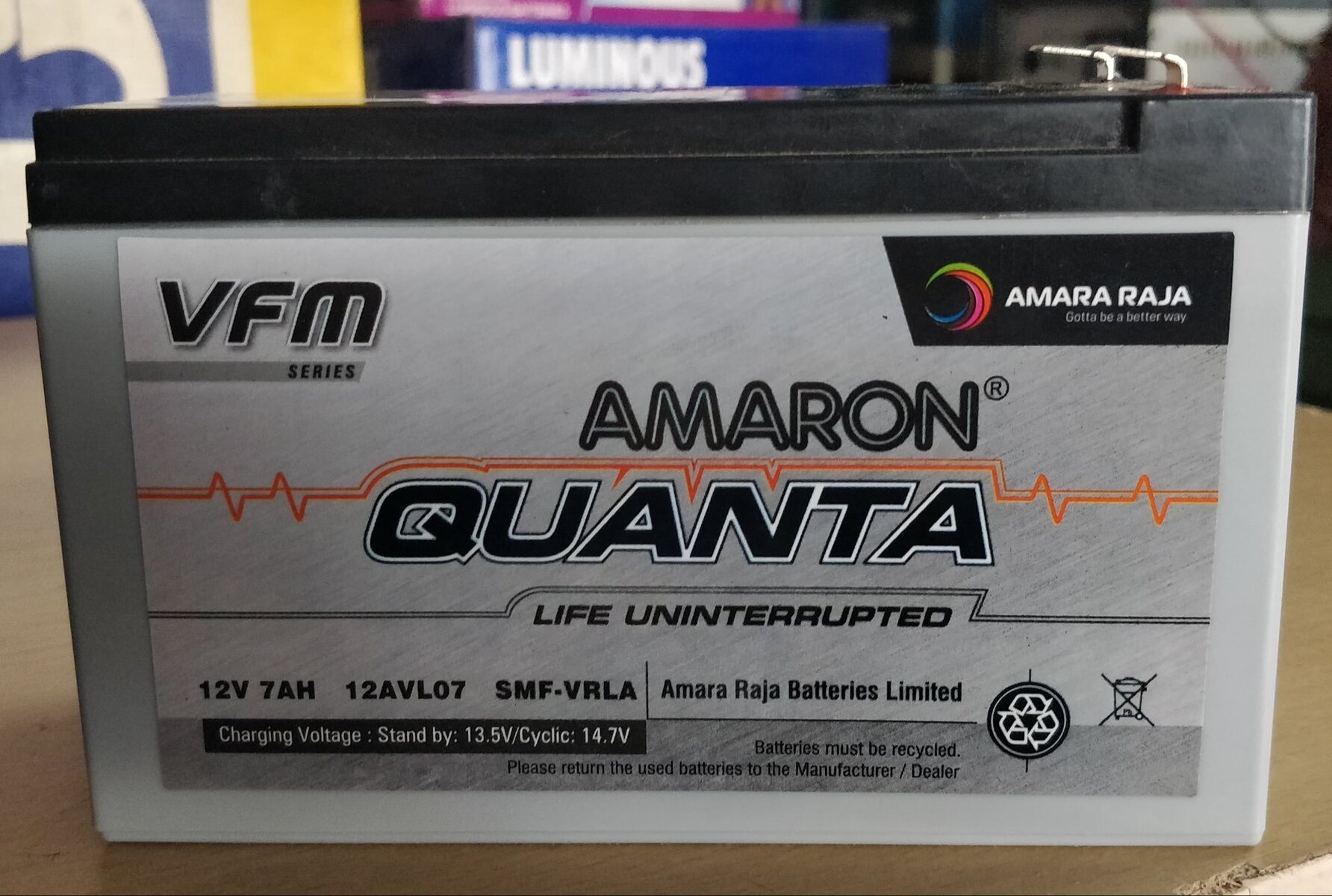
Start with the most obvious place: the sticker or embossed marking on the battery's top, side, or front face. Many manufacturers print the manufacturing date directly on the label as a plain date (e.g., "MFG 03/22") or as part of a longer string of characters. If the label is faded or damaged, check the hard plastic case itself for an engraved or ink-stamped code, which is often placed near the terminals or along the bottom edge. Some batteries also have the date printed on the cardboard packaging, but the battery itself is the most reliable source because packaging can be swapped or discarded.
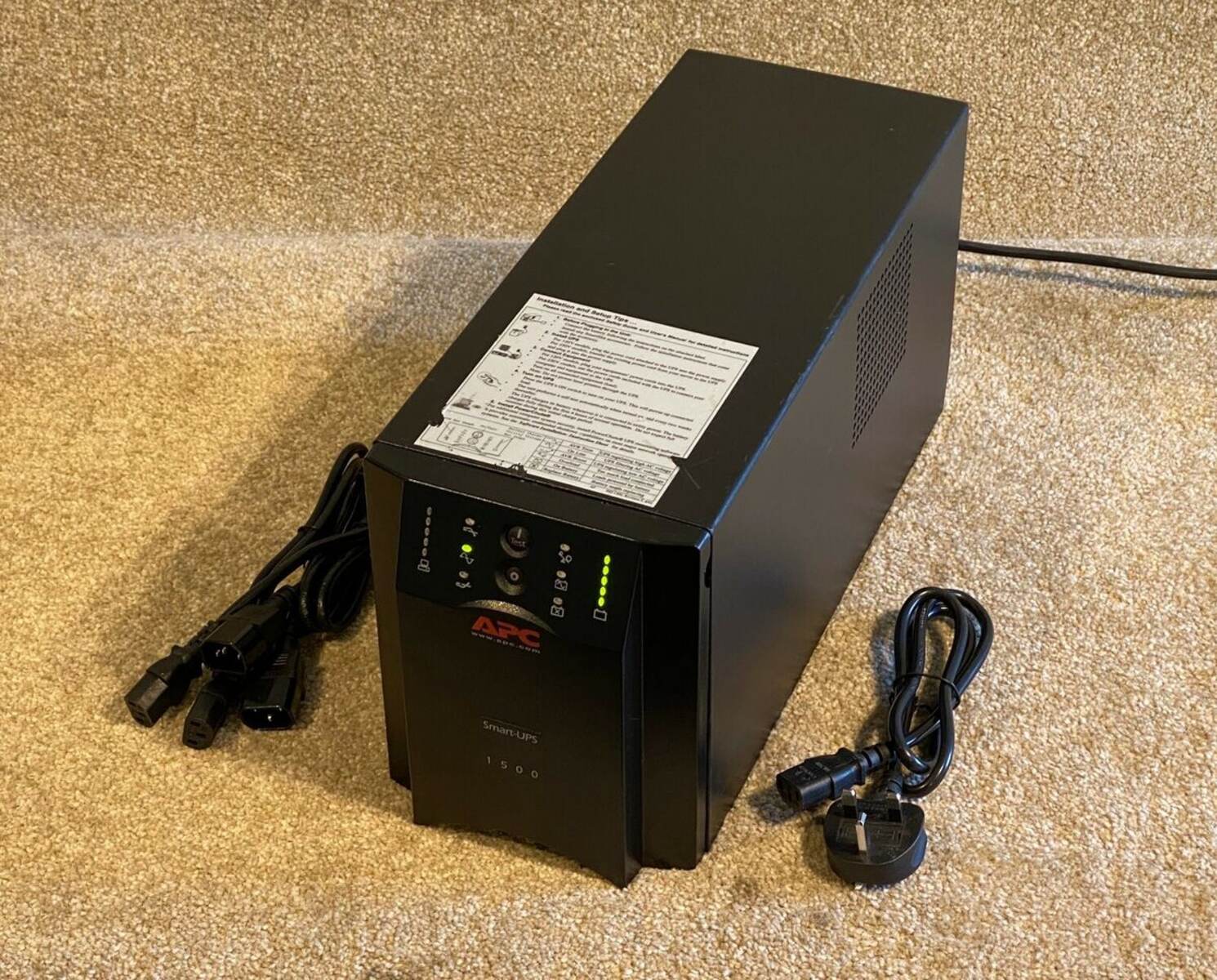
Decode the APC unit serial number for the build date
If you have an APC UPS, the serial number on the unit's back panel contains the build date, and you can decode it without contacting anyone. The serial number format begins with two letters, followed by a series of digits; the first two digits after those letters are the last two digits of the year, and the next two digits are the week of manufacture. For example, a serial number containing "AS0249" means the unit was built in 2002, during the 49th week of that year. This method works for APC UPS units themselves, not necessarily for replacement batteries from third-party brands, so check the serial number on the UPS chassis before looking at the battery. If the date reveals an aging battery, you can test an apc ups battery to see if it still holds a charge under load.
Read U.S. Battery date codes on the positive terminal
U.S. Battery Mfg. Co. stamps its date code directly on the positive terminal post, so you need to look at the metal terminal itself rather than the label. The code consists of one letter followed by one number: the letter (A through L) represents the month, with A for January and L for December, and the number is the last digit of the year. This code is often small and may be covered by the cable connector, so tilt the battery or use a flashlight to see it clearly.
Decode NorthStar and Odyssey battery date codes
NorthStar and Odyssey batteries use two different systems, and knowing which brand you have is essential because the formats are not interchangeable. NorthStar batteries have a date code on a label on the back of the battery, consisting of one letter and one number; the letter corresponds to the month, skipping the letters E and I, and the number is the last digit of the production year. For example, "M0" means November 2020, since M is the 13th letter but E and I are excluded, making M the 11th month. Odyssey batteries, on the other hand, use a 12-digit date code on a label usually on the top or back, and the last four digits of that code represent the month and year in MMYY format. For instance, a code ending in "0220" indicates February 2020, so you only need to read the final four digits of the long number.
When to contact the manufacturer for confirmation
If the battery has no visible date code, the label is worn off, or the code format does not match any known system, the final fallback is to contact the manufacturer directly. Collect the brand name, model number, serial number, and any partial codes you can read from the battery, plus a photo of the label if possible. Then reach out to the manufacturer's customer support via phone or email, explain that you need the manufacturing date confirmed, and provide the details you gathered. The manufacturer can look up the production batch from the serial number in their internal database, which is the only reliable way to date a battery when the on-case markings are missing or ambiguous.
\nRelated reading: How Do I Know When My Drone Battery Is Charged and Keeping Personal Hotspot Always On: Configuration Guide.