To tell what kind of Ethernet cable you have, look at the printed text along the cable jacket for a "Cat" (Category) rating like Cat5e, Cat6, or Cat6a. This is the primary and most reliable method to identify your cable's type and understand its speed and performance capabilities.
How to tell what kind of Ethernet cable you have: The primary method
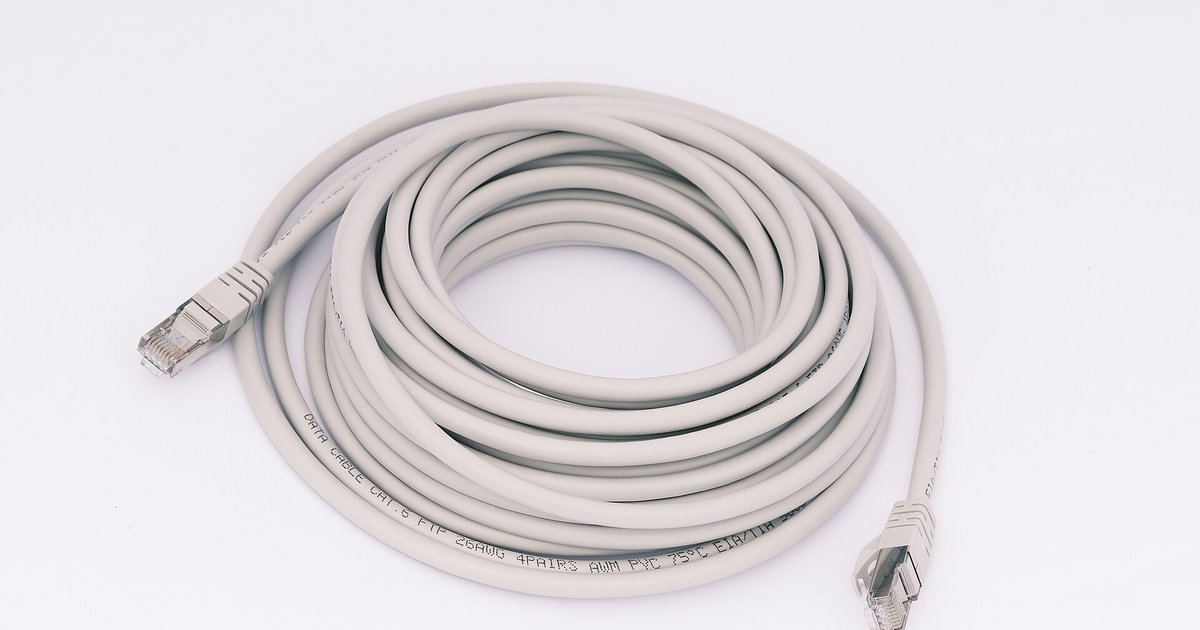
The quickest way to determine your cable type is to read the label printed directly on the cable jacket. Manufacturers always include the category rating, such as "Cat5e," "Cat6," "Cat6a," or "Cat8." Look for text that appears every few feet along the cable. If you see "Cat5e," that is your cable type; if you see "Cat6," that is your cable type. If the jacket is too faded or damaged to read, you may need to tell if your Ethernet cable is bad and simply replace it. This printed marking is the definitive answer to how to tell what category Ethernet cable you have.
How to tell if your Ethernet cable is shielded
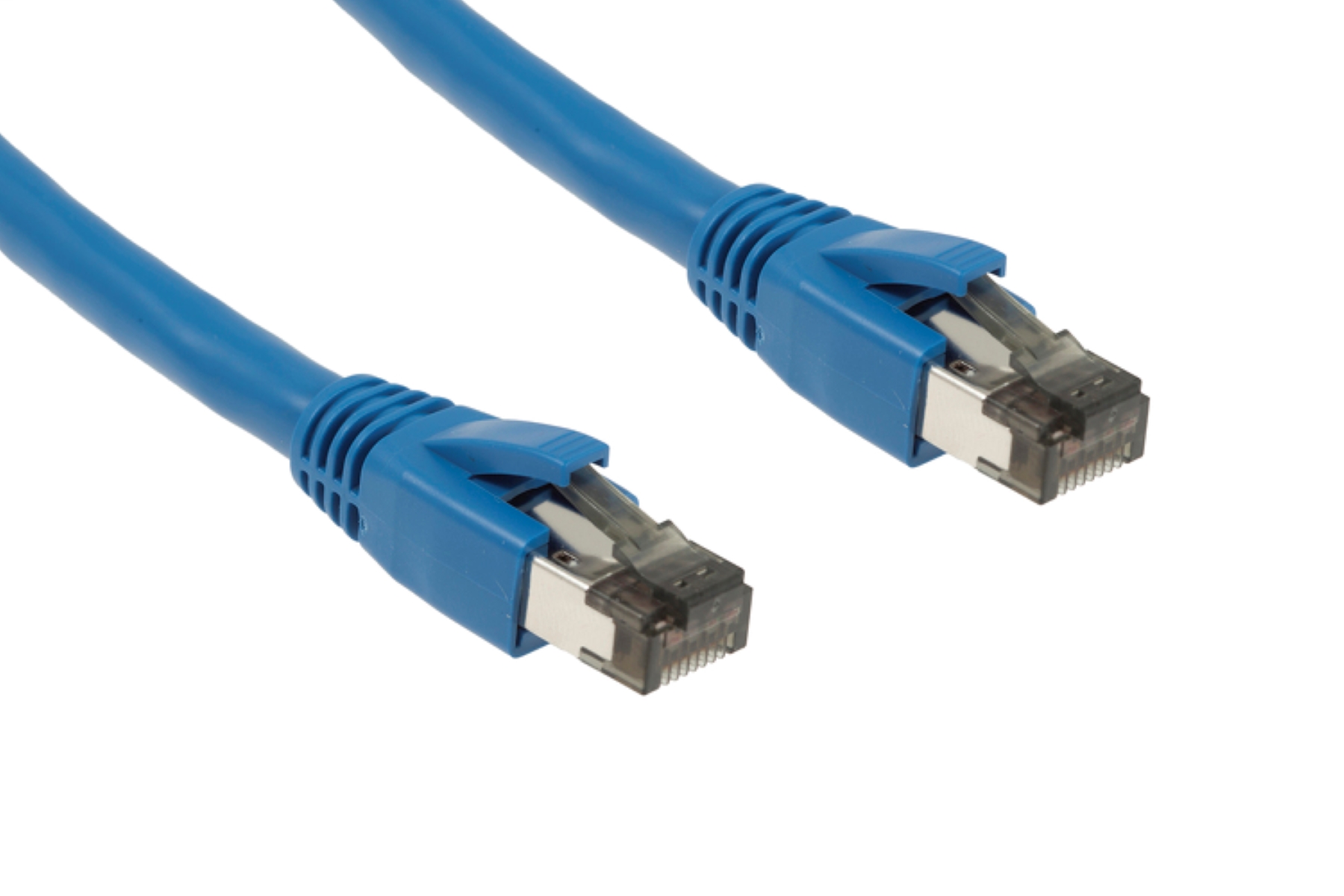
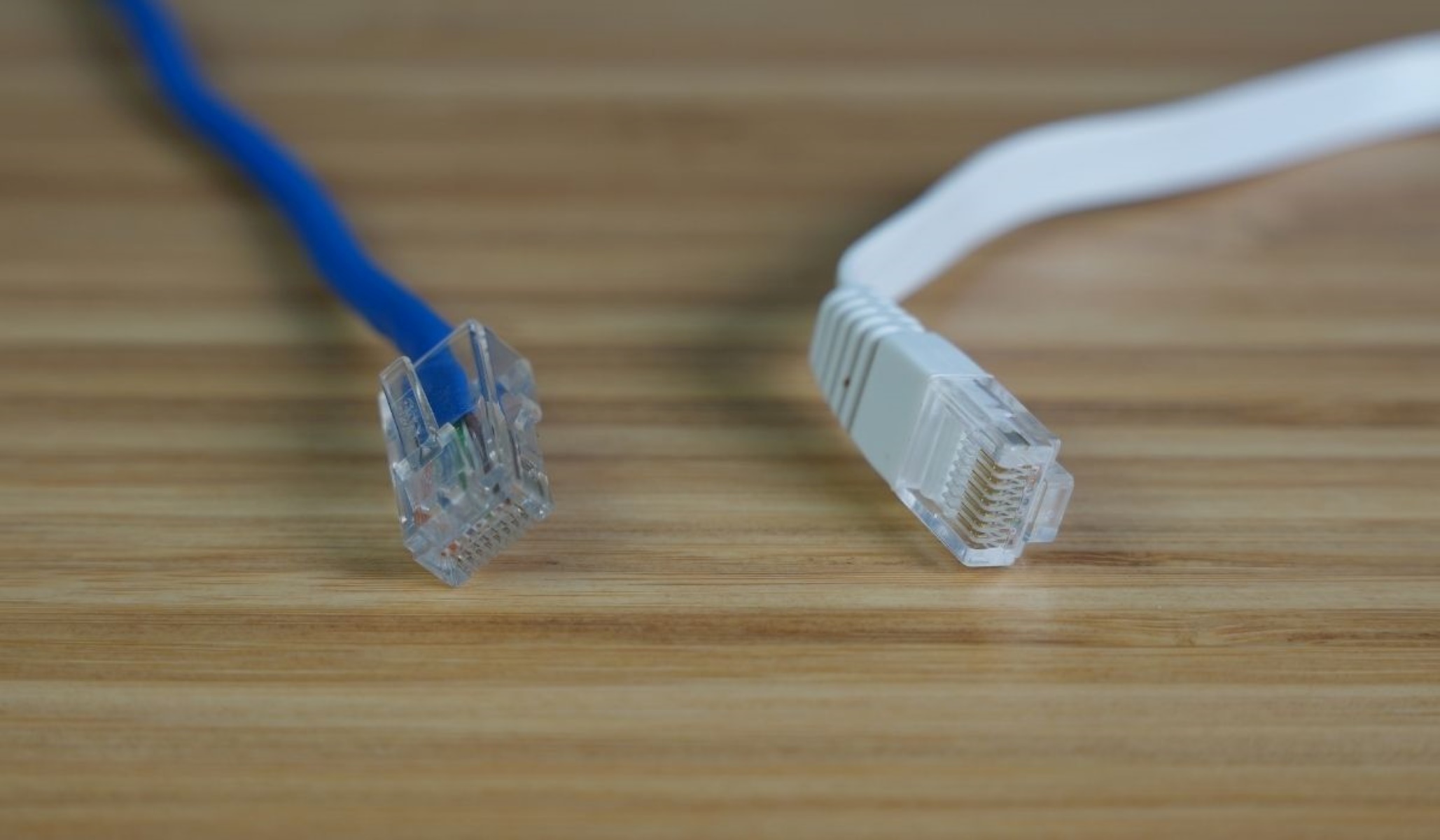
Identifying whether your cable is shielded or unshielded involves checking markings, the connector, and the cable's physical feel. Look for letters printed on the jacket like "STP," "FTP," or "S/FTP", these indicate a shielded cable. "UTP" (Unshielded Twisted Pair) means the cable is unshielded and relies only on twisted wire pairs to reduce interference. Shielded cables often have a metal casing around the RJ45 connector, while unshielded cables use all-plastic connectors. Additionally, shielded cables are generally thicker and less flexible due to the extra layer of metallic foil or braiding inside that blocks electromagnetic interference (EMI).
Identifying common Ethernet cable categories
Once you have the category from the jacket, here is what that label means for performance:
- Cat5e: Supports up to 1 Gbps over 100 meters. Suitable for most home and small-business networks.
- Cat6: Supports up to 1 Gbps over 100 meters and 10 Gbps over shorter runs (typically up to 55 meters) with a bandwidth of 250 MHz.
- Cat6a (Augmented Category 6): Supports 10 Gbps connections over up to 100 meters with a 500 MHz bandwidth.
- Cat8: Supports 25 Gbps and 40 Gbps at up to 30 meters, available in Category 8.1 and 8.2 designs.
These categories are the common ones you will encounter today. Matching the printed label to these specs tells you the cable's speed and distance capabilities.
What the cable color actually means
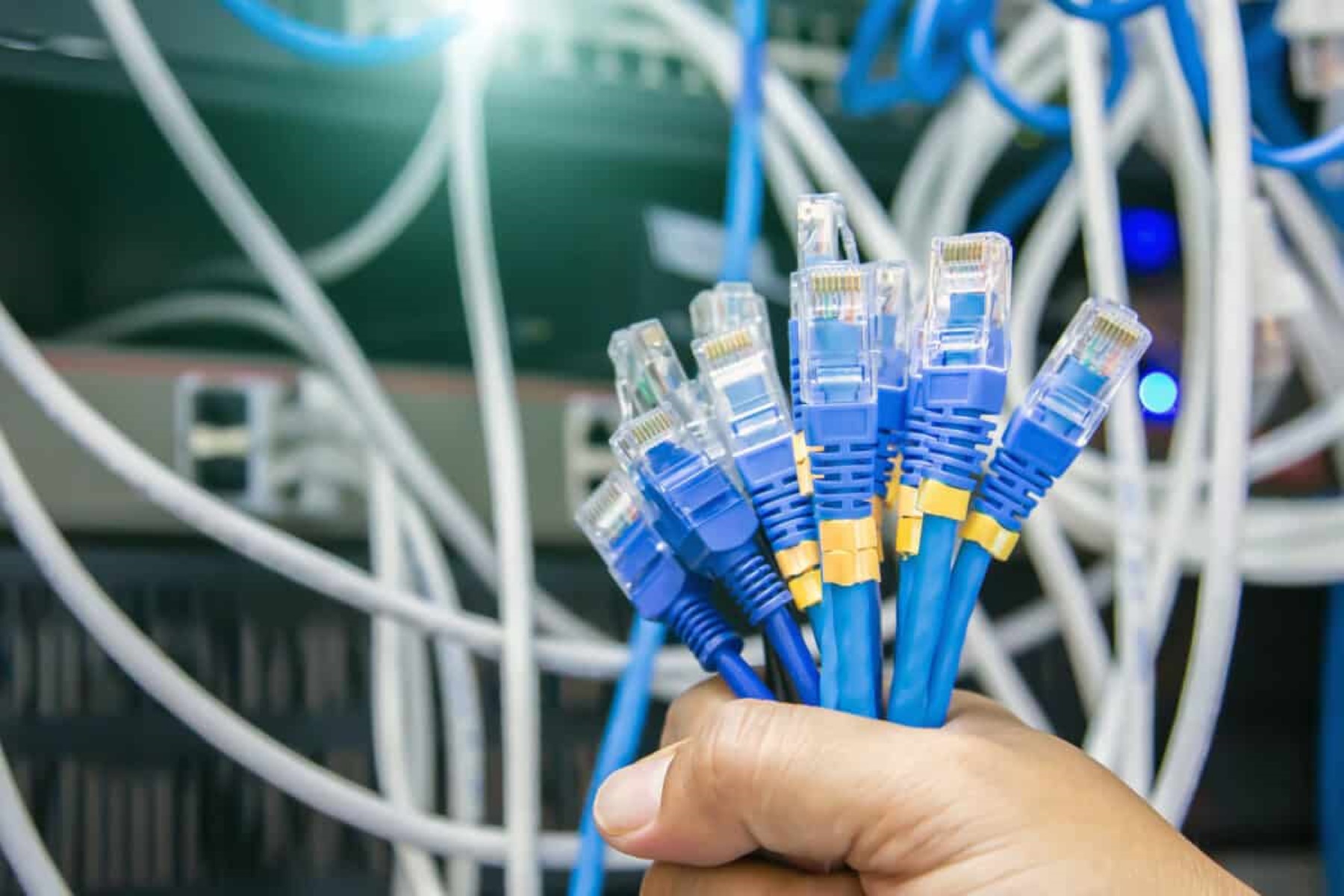
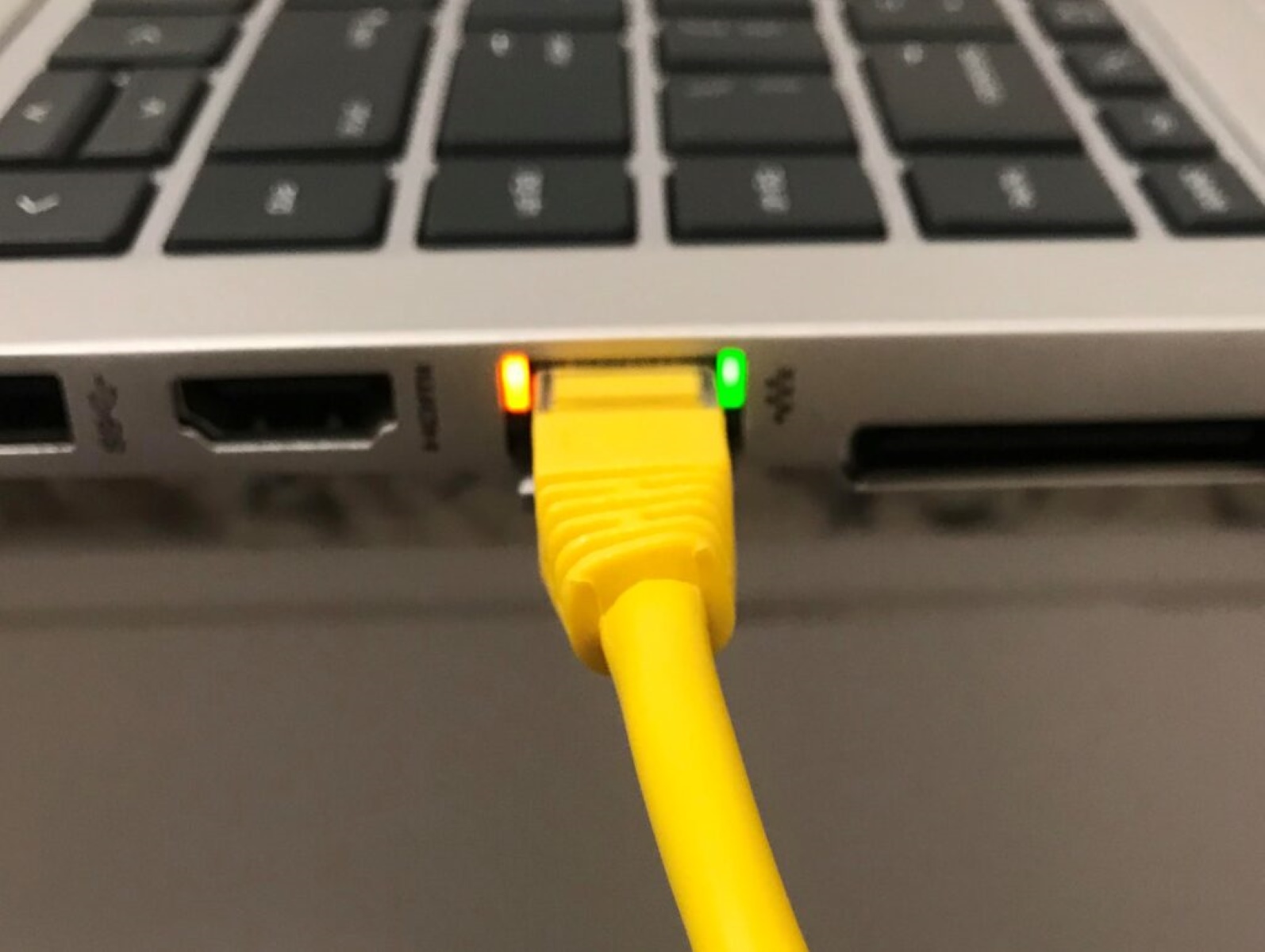
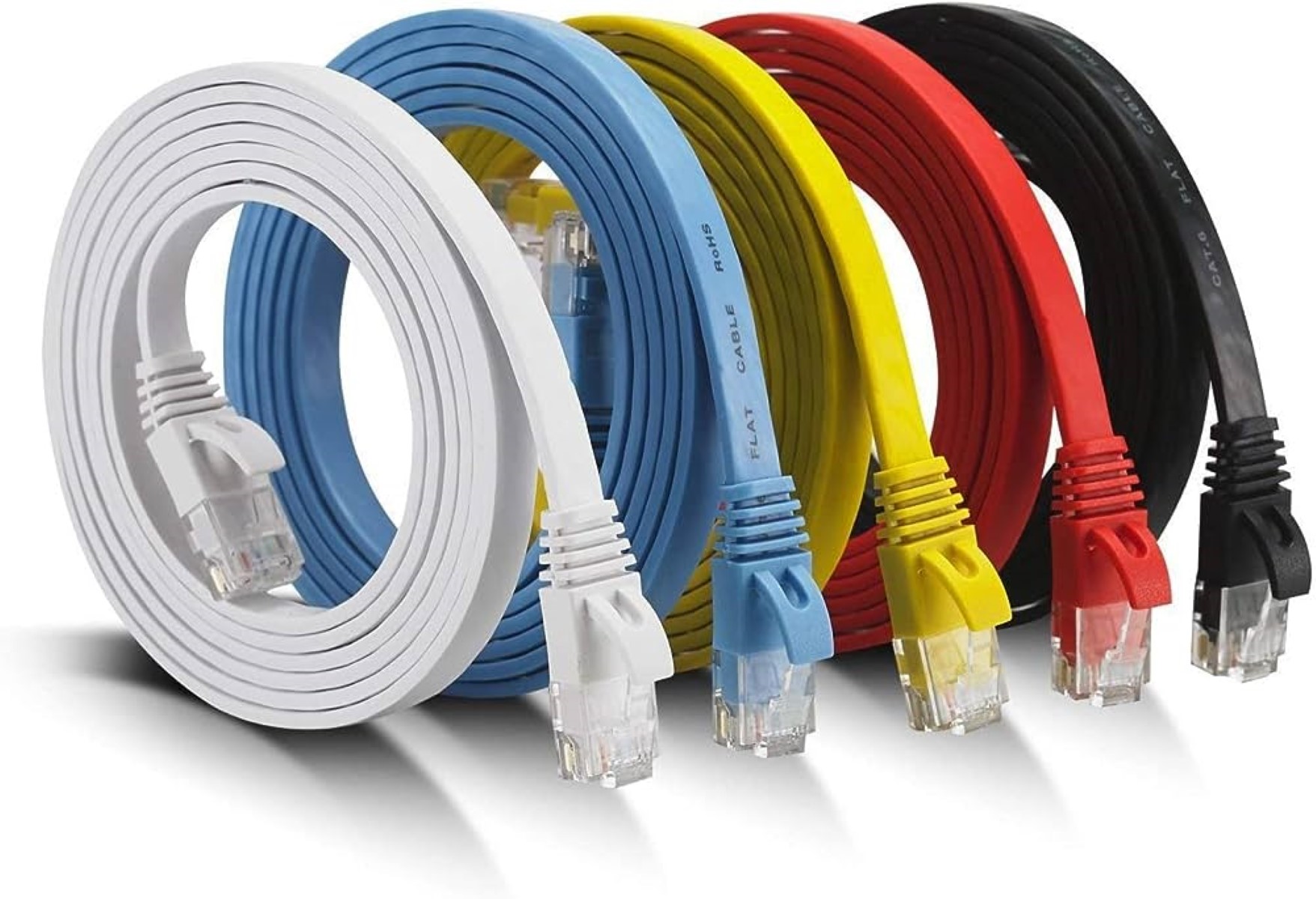
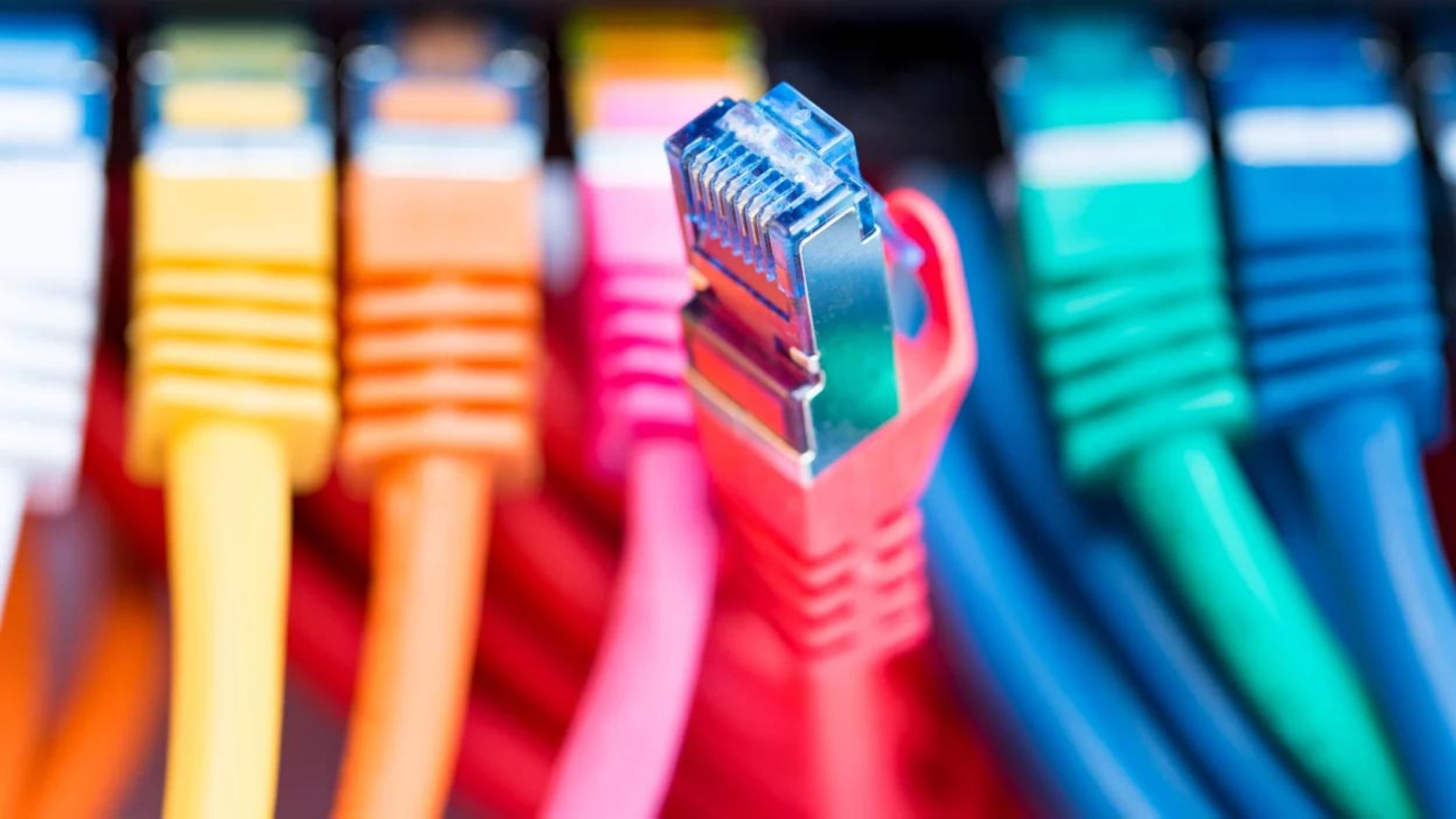
The color of the cable jacket, whether it is blue, red, yellow, or any other color, does not indicate its performance, speed, or category. Color is used purely for visual organization within a network, such as distinguishing between different departments or types of connections. Do not rely on color to tell what kind of Ethernet cable you have; always check the printed "Cat" rating instead. If you need to physically inspect the cable, you may need to unplug Ethernet cable to read the markings clearly along its length.