Practical, everyday guides for people who want to set up, fix, or understand their home or small-office network. It is written for non-experts, renters, remote workers, students, or anyone who has stared at a blinking router and wondered what to do next. The articles assume you are not a professional IT person, but you are willing to plug in a cable or open a settings page to get your internet working reliably.
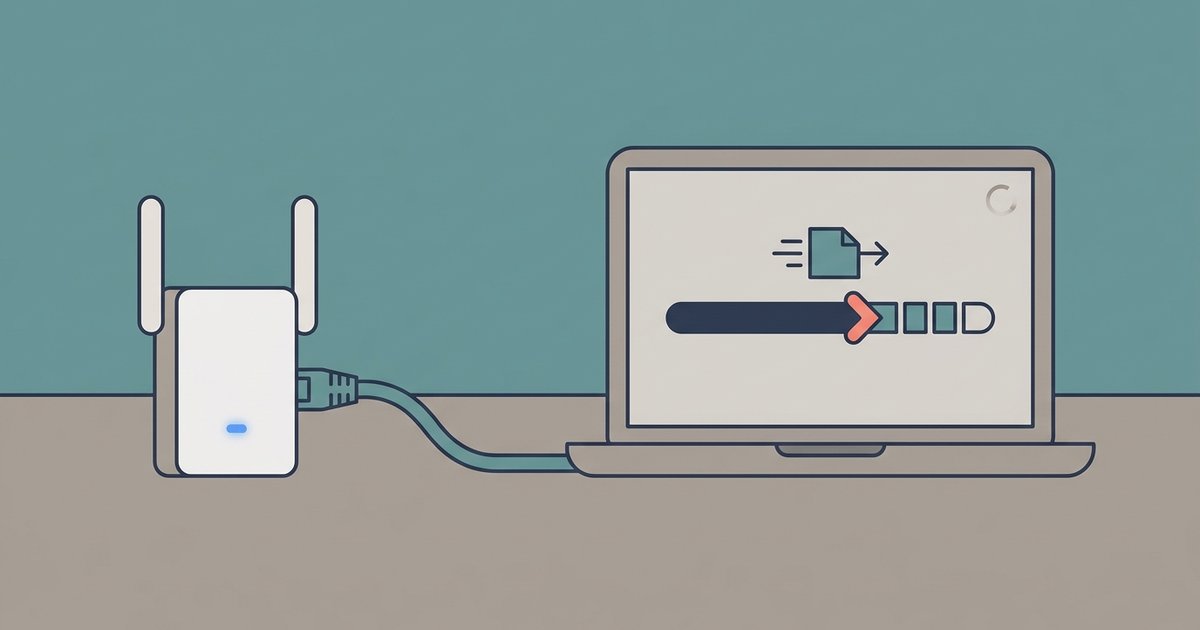
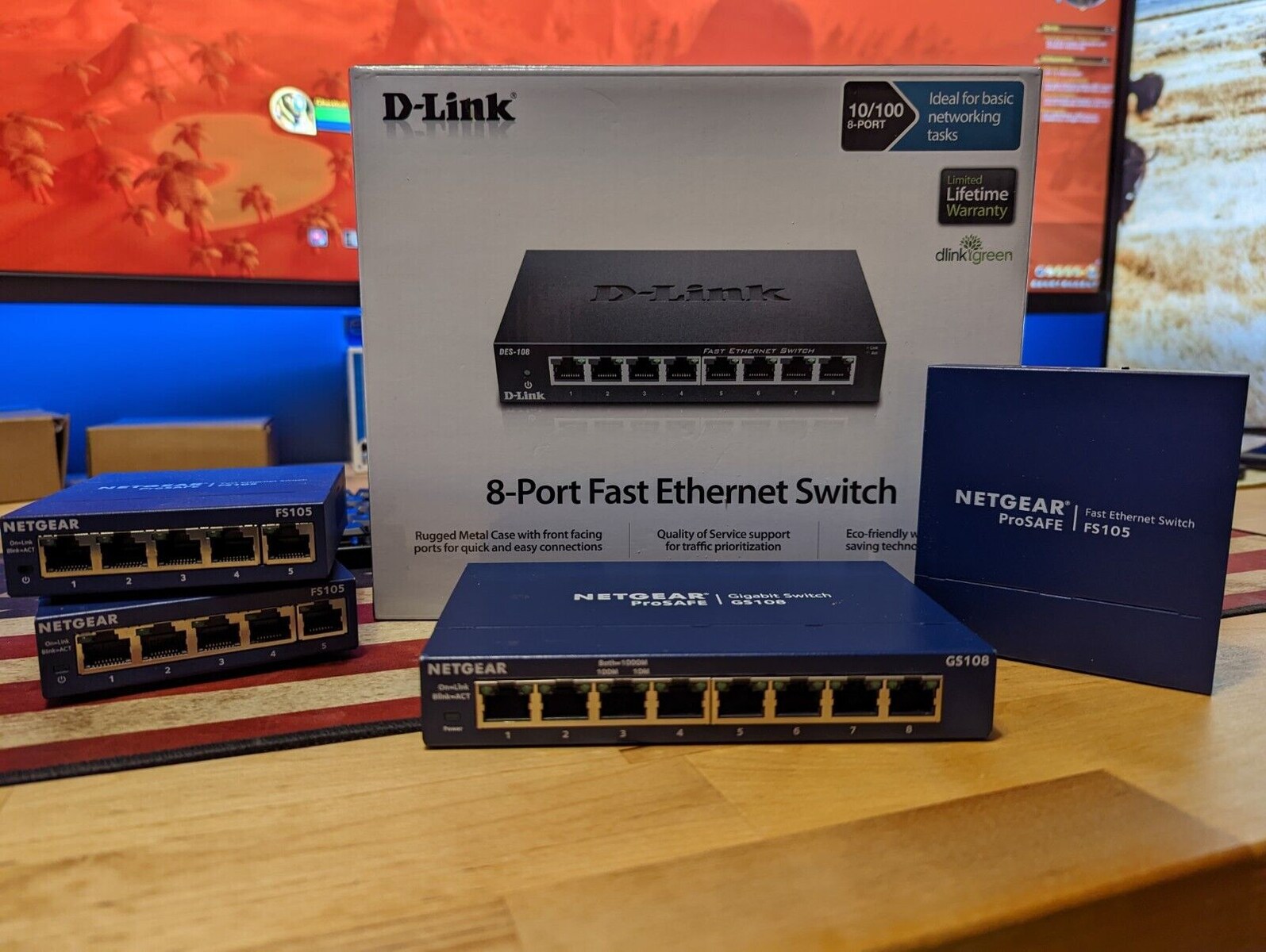
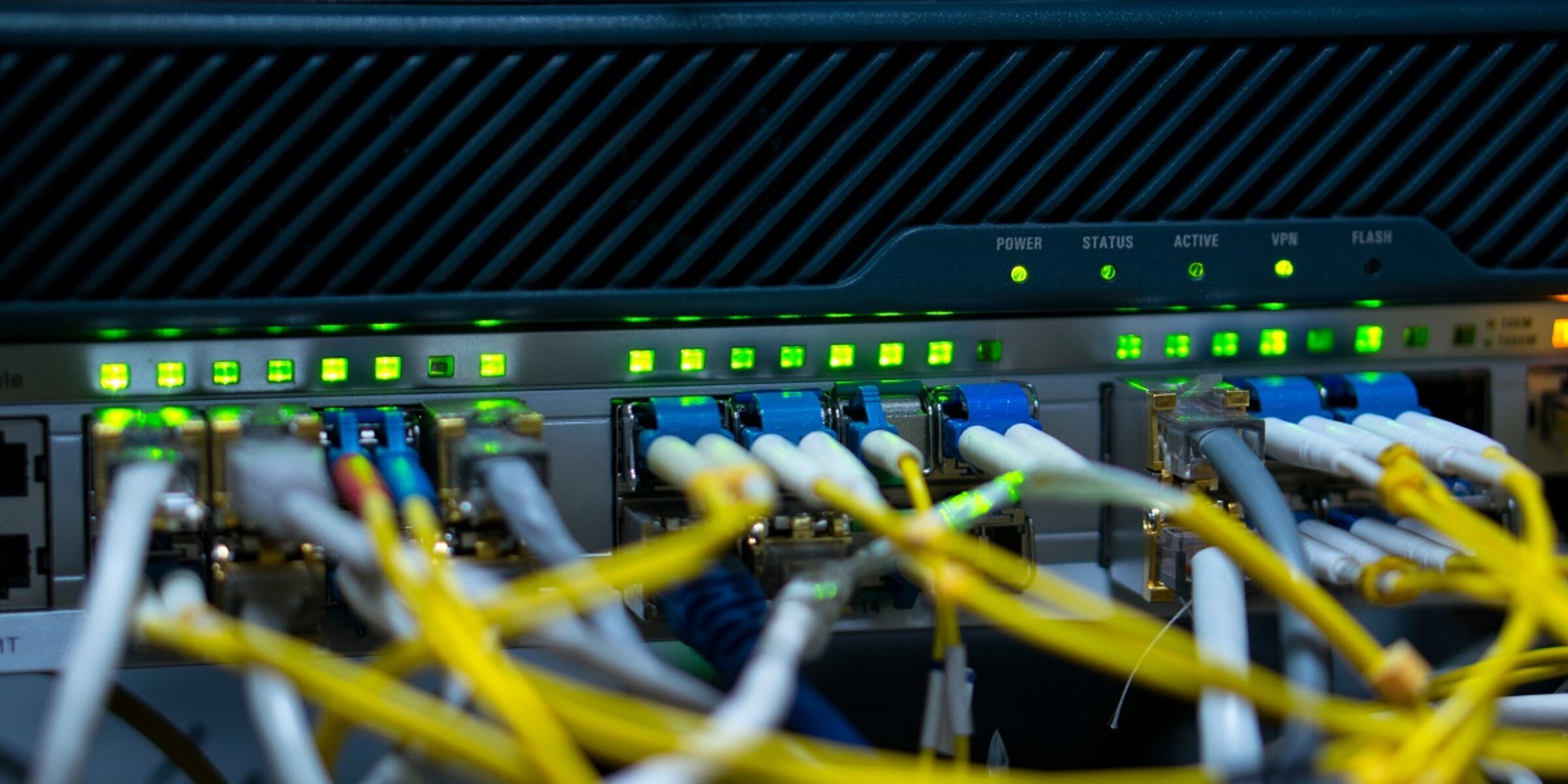
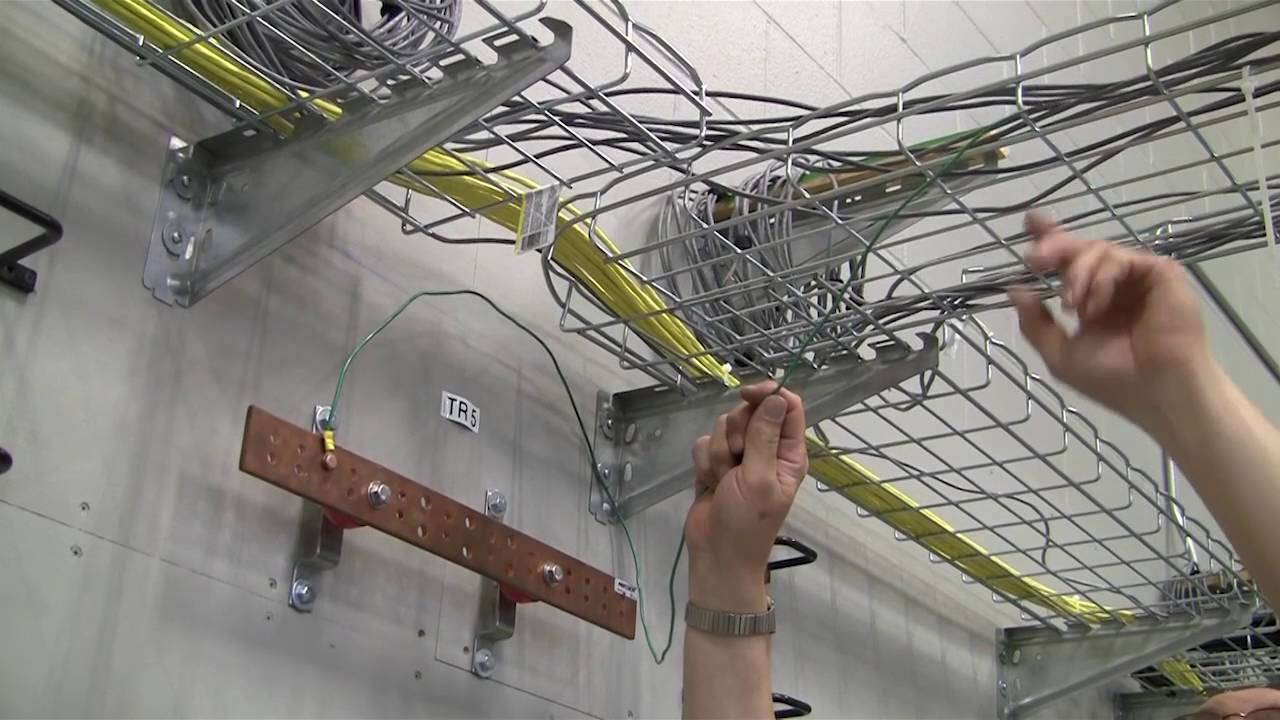
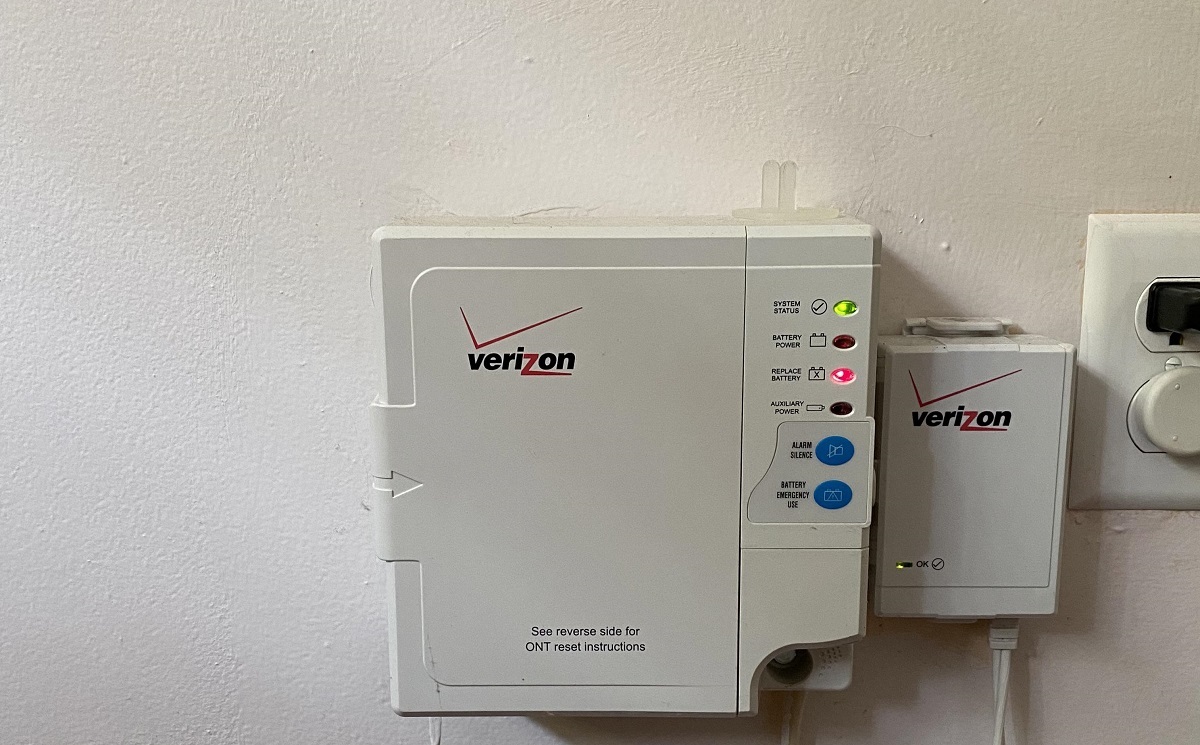
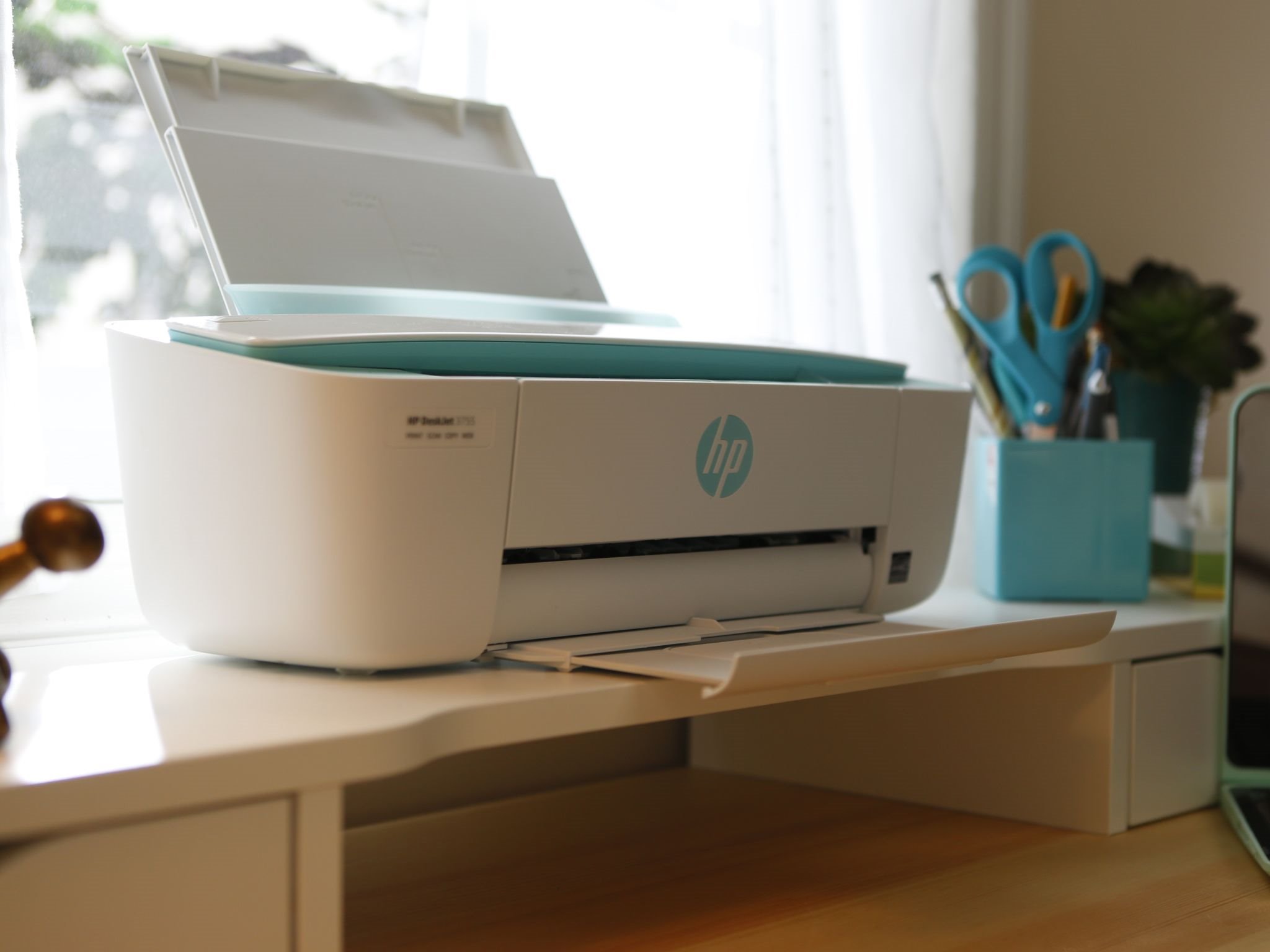
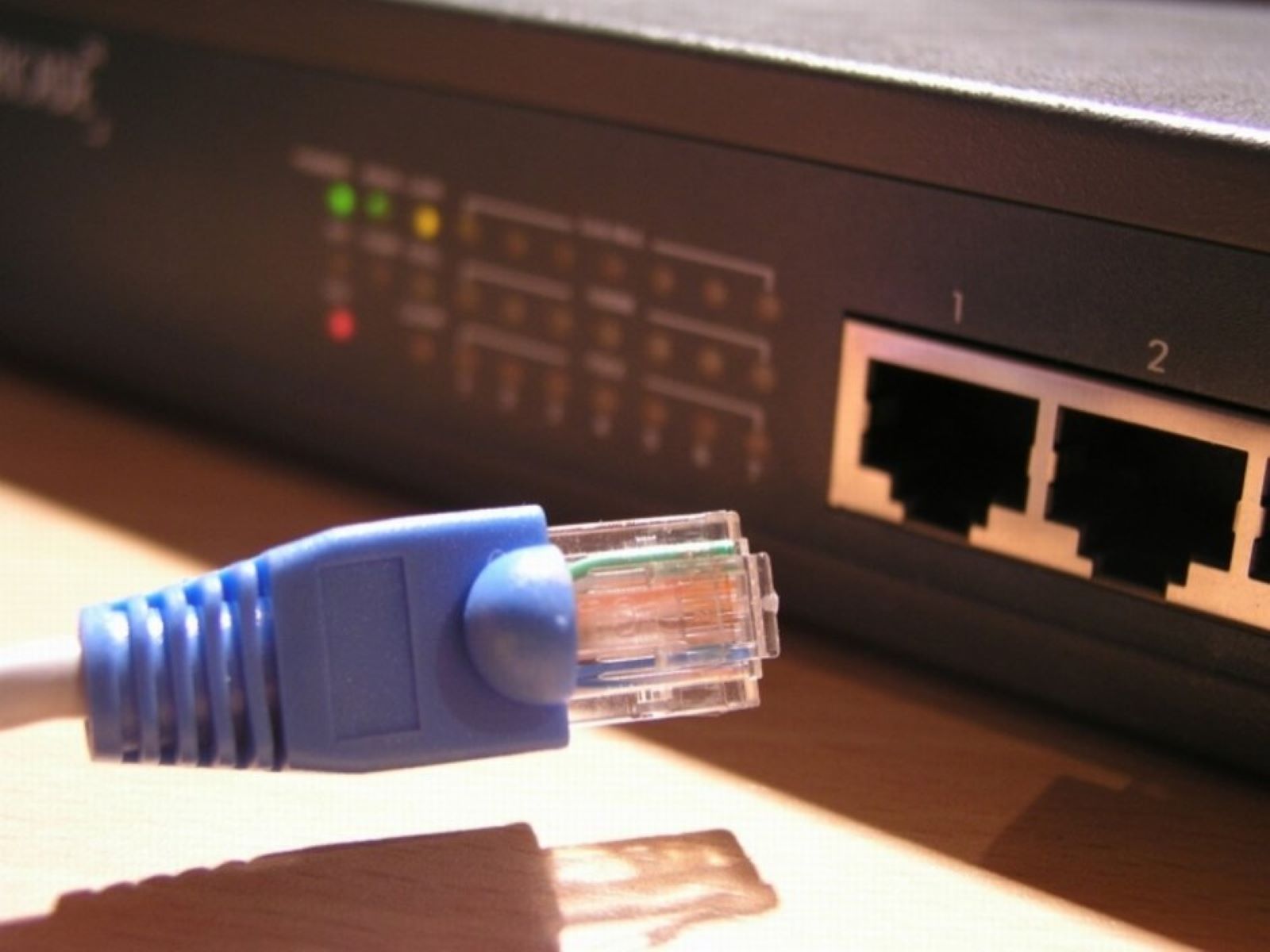
Several articles focus on physical connections and hardware basics. They help you identify the type of Ethernet cable you already own, figure out where those cables are supposed to go, and understand what the status lights on your equipment are telling you. Others are about expanding or repairing your network: resetting a Wi-Fi extender, extending Wi-Fi through a wired connection, or connecting a network switch to another switch. A few pieces address specific devices, such as linking an HP printer to your router or updating the firmware on a Verizon extender, tasks that usually require a web browser and a little patience, not a technician.
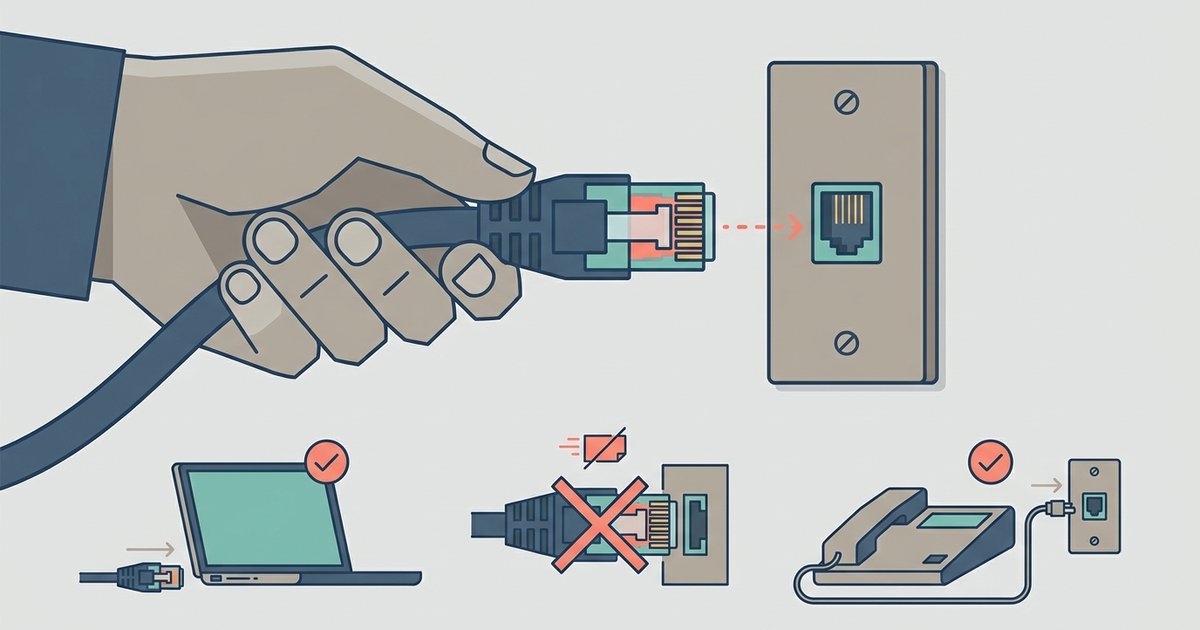
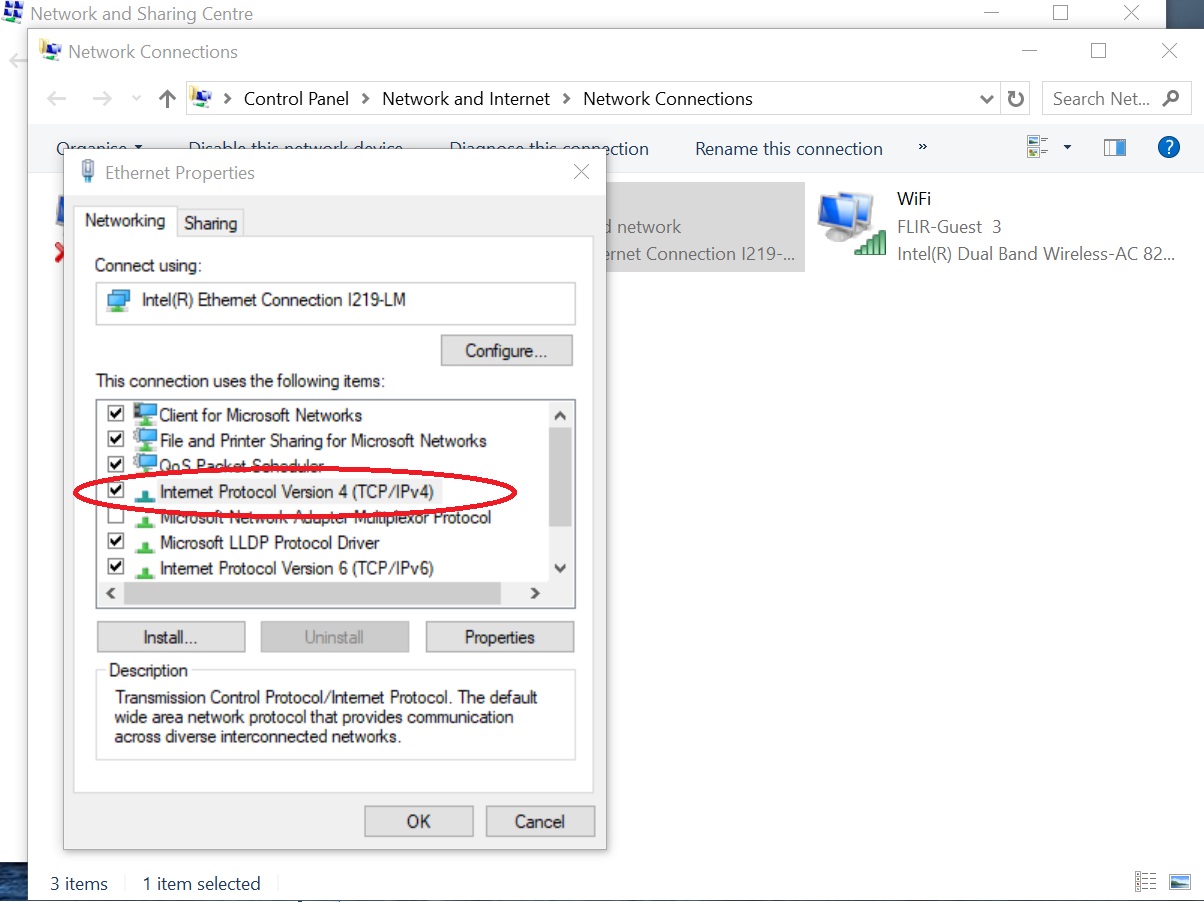
Some articles take a careful, security-minded approach to topics that could otherwise be misused. For example, the guide on connecting to an IP address explains how to access your own router’s admin page or a device you own, not how to break into someone else’s system. Similarly, the article about using an adapter to plug an Ethernet cable into a phone jack clarifies what is safe and legal to do with your own wiring, and what you should avoid. Throughout, the emphasis is on helping you make informed choices, whether you are transferring files between two PCs, comparing Cat6 and Cat8 cable specs, or simply unplugging a cable without damaging the port.