An Ethernet protocol is the set of rules defined by the IEEE 802.3 standard that governs how devices package, address, and transmit data packets over wired network media like copper or fiber optic cables. Operating at the physical (Layer 1) and data link (Layer 2) layers of the OSI model, it uses unique MAC addresses to ensure data reaches the correct device on a local area network (LAN).
What Is an Ethernet Protocol?
At its simplest, an Ethernet protocol is the "language" that wired devices use to talk to each other. Formally known as the IEEE 802.3 standard, established by the Institute of Electrical and Electronics Engineers (IEEE) in 1983, it defines everything from the voltage levels on the wire to the structure of the data frames. When you plug a laptop into a wall jack or connect a server to a switch, the Ethernet protocol is what makes that physical connection meaningful, turning raw electrical signals into organized, addressable data packets.
Unlike Wi-Fi, which uses radio waves, Ethernet relies on physical cabling. This gives it inherent advantages in speed, stability, and security. The protocol itself is a framework: it tells devices how to format data, how to address it to a specific recipient, and how to detect errors during transmission. Without this standardized protocol, a Dell laptop couldn't reliably talk to a Cisco switch or a HP printer, because each manufacturer would use its own proprietary method.
How Ethernet Protocols Work at the OSI Layers
To understand Ethernet, you need to see it through the lens of the OSI model, a seven-layer framework that describes how data moves through a network. Ethernet operates at the bottom two layers, which are the most fundamental.
Physical Layer (Layer 1)
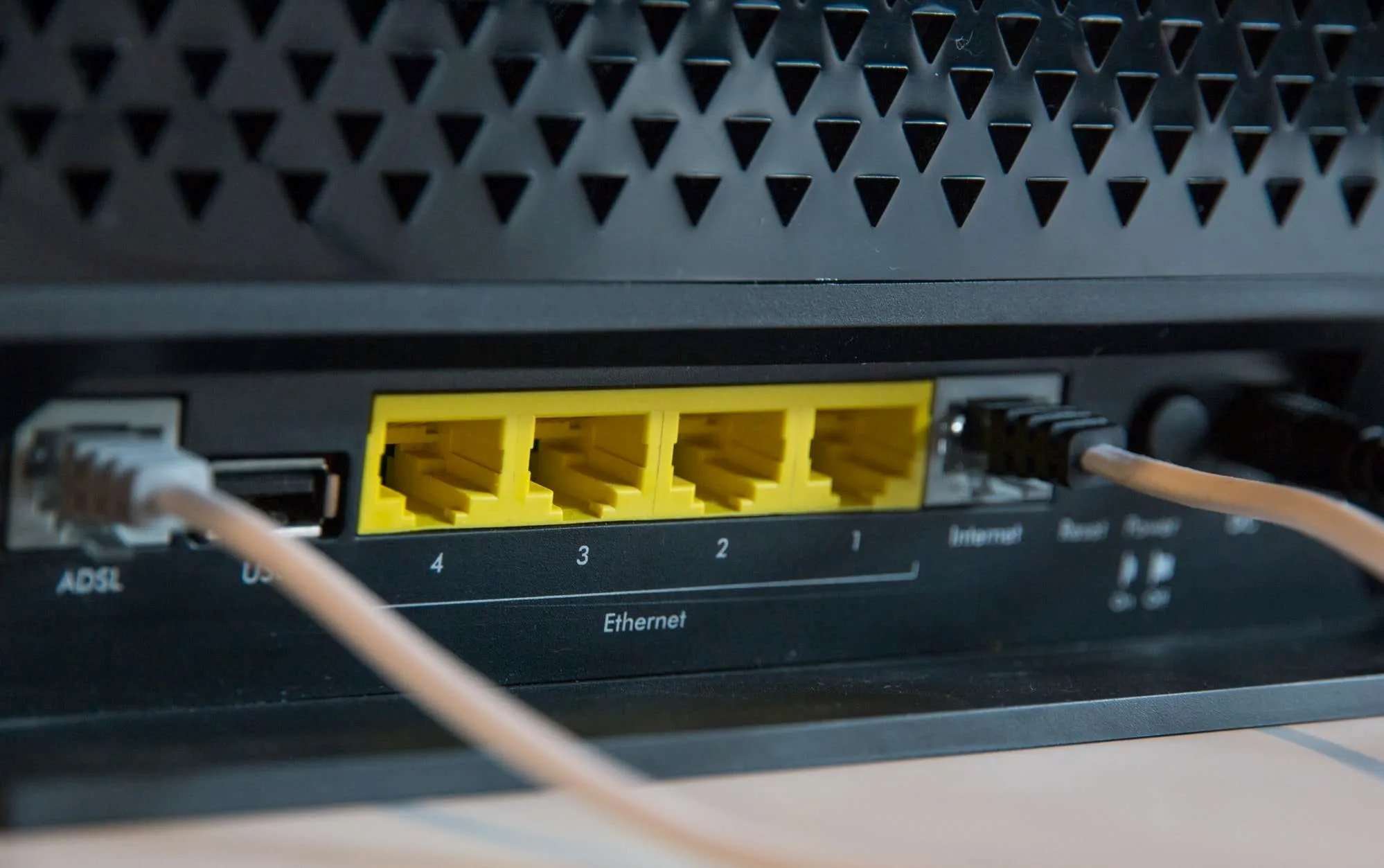
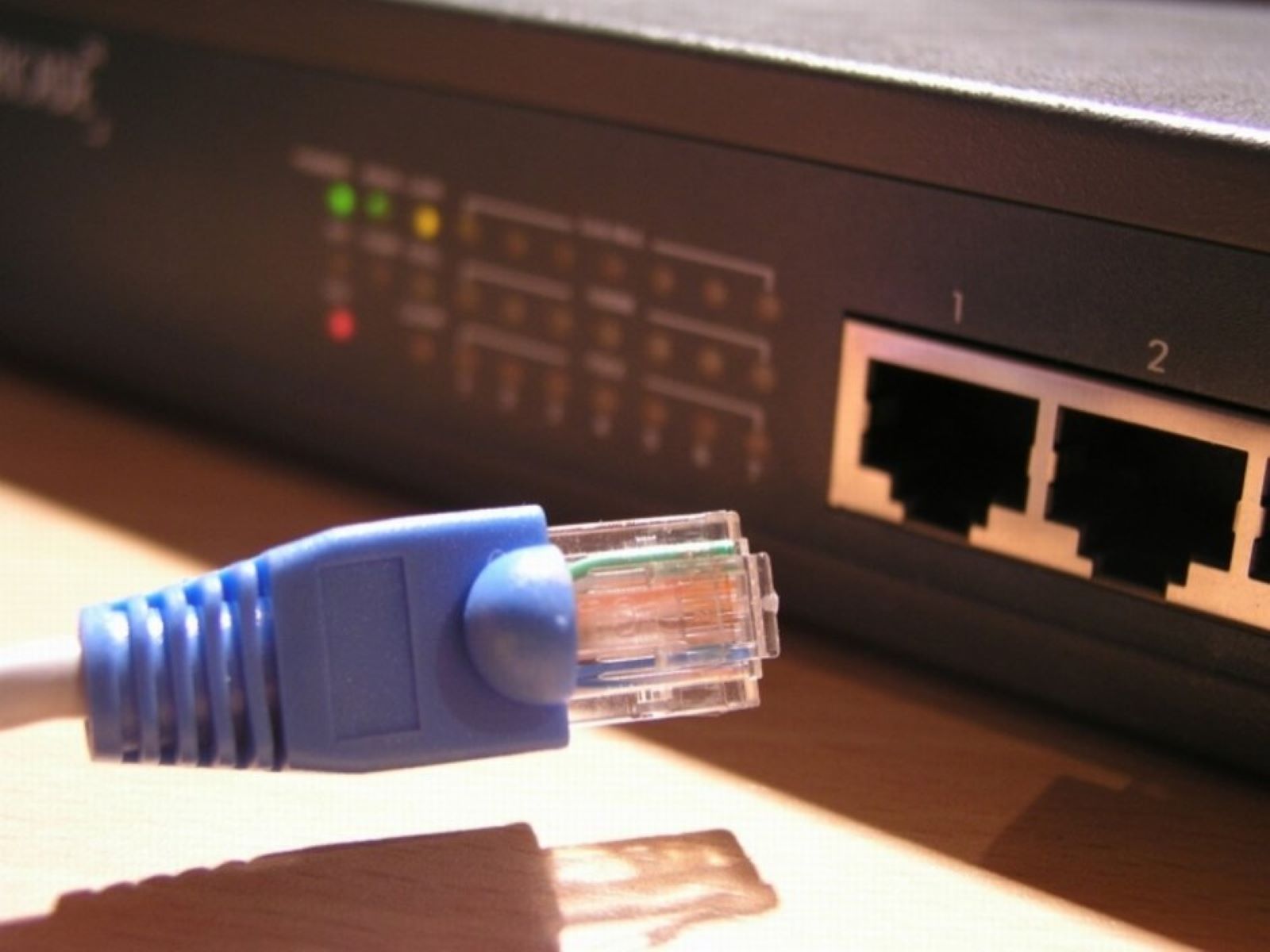
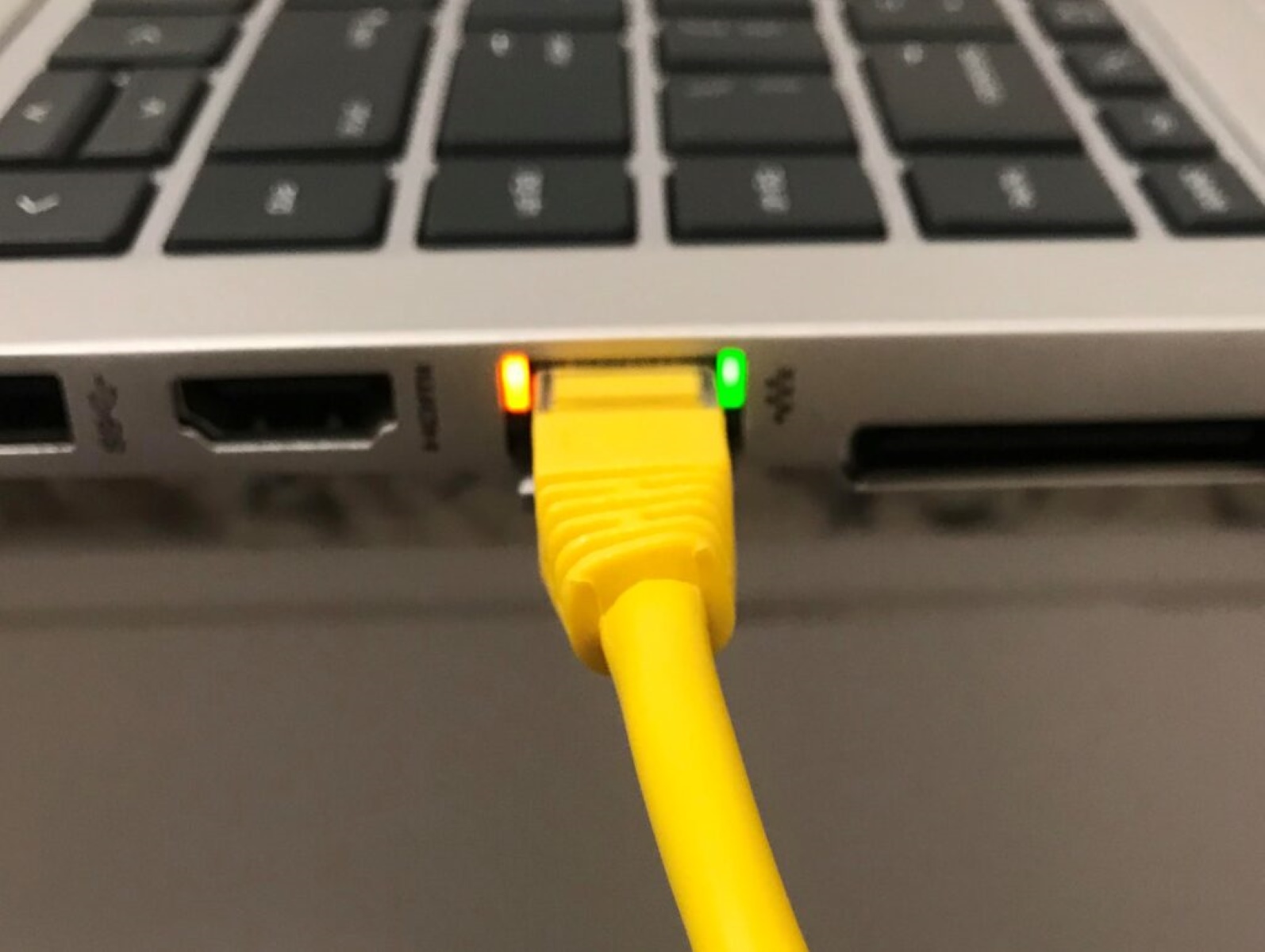
This layer handles the raw transmission of bits. Ethernet at Layer 1 defines the type of cabling (twisted-pair copper like Cat5e or Cat6, or fiber optic), the connectors (typically RJ45 for copper), and the electrical or optical signaling. For example, a Cat6 cable uses four twisted pairs of copper wire, and the Ethernet protocol specifies how voltage pulses represent 1s and 0s. Fiber optic cables, by contrast, use light pulses, enabling much longer distances, up to several kilometers, without signal degradation.
Data Link Layer (Layer 2)
This is where Ethernet gets its intelligence. Layer 2 is responsible for framing, wrapping raw bits into structured packets called Ethernet frames. Each frame contains the destination MAC address, the source MAC address, the type of payload, and a frame check sequence for error detection. MAC addresses are unique 48-bit identifiers burned into network interface cards (NICs) by the manufacturer. When a switch receives a frame, it reads the destination MAC address and forwards the frame only to the port where that device is connected, rather than broadcasting to every device.
Historically, Ethernet used a method called Carrier Sense Multiple Access with Collision Detection (CSMA/CD) to manage shared media. In old hub-based networks, all devices shared the same cable, so only one could transmit at a time. CSMA/CD made devices "listen" before sending and stop if a collision was detected. Modern Ethernet, however, uses switches and full-duplex communication, which allows devices to send and receive simultaneously. This eliminates collisions entirely and doubles the effective throughput of each link.
Key Ethernet Protocol Standards and Speeds
The IEEE 802.3 standard has evolved dramatically since 1983, with each new amendment introducing faster speeds and better cabling. This evolution ensures that Ethernet remains relevant even as data demands grow exponentially.
- 10Base-T (IEEE 802.3i): The original standard for twisted-pair copper, offering 10 Mbps over Category 3 cables.
- Fast Ethernet (IEEE 802.3u): Bumped speeds to 100 Mbps and required Category 5 cabling, becoming the standard for office networks in the late 1990s.
- Gigabit Ethernet (IEEE 802.3ab): Delivered 1 Gbps over Cat5e and Cat6 copper, which remains the most common speed for enterprise desktops today.
- 10 Gigabit Ethernet (IEEE 802.3ae): Achieved 10 Gbps, primarily over fiber optic cables, and is widely used in data centers and server rooms.
- 40 and 100 Gigabit Ethernet (IEEE 802.3ba): Designed for high-performance computing and core network backbones, these standards use multi-lane fiber optics.
- 400 Gbps and beyond: The latest IEEE 802.3 amendments support 400 Gbps over parallel fiber, with 800 Gbps and 1.6 Tbps already in development for hyperscale data centers.
These standards are not optional, they are the contract that guarantees interoperability. A Gigabit Ethernet switch from one vendor will work with a Gigabit NIC from another, as long as both conform to IEEE 802.3ab. This interoperability is the primary reason Ethernet has dominated networking for four decades.
Types of Ethernet Protocols for Different Applications
While the IEEE 802.3 standard defines the base Ethernet protocol, several specialized protocols build on it to serve specific industries. These are not replacements for Ethernet; they are extensions that add application-level functionality.
- EtherNet/IP: Combines standard Ethernet with the Internet Protocol (IP) and Common Industrial Protocol (CIP). It is widely used in factory automation to connect PLCs, robots, and sensors, allowing real-time data exchange over standard Ethernet infrastructure.
- EtherCAT: Short for Ethernet for Control Automation Technology, this protocol is designed for ultra-low latency.
- PROFINET: An industrial Ethernet standard developed by Siemens, PROFINET supports real-time communication and integrates seamlessly with PROFIBUS systems. It is common in automotive and process automation.
- Modbus TCP/IP: A simple, open protocol that wraps Modbus messages inside Ethernet frames. It is popular in building automation, energy management, and legacy industrial systems due to its simplicity.
- Power over Ethernet (PoE): Defined by IEEE 802.3af and 802.3at, PoE delivers electrical power alongside data over a single Ethernet cable. This eliminates the need for separate power supplies for IP cameras, wireless access points, and VoIP phones.
- Time-Sensitive Networking (TSN): TSN allows critical traffic (like audio/video streams or robotic commands) to be prioritized, ensuring latency is bounded and predictable.
Each of these protocols leverages the underlying Ethernet physical layer but adds different mechanisms for addressing, timing, or reliability. The choice depends on the application's tolerance for latency and the need for real-time determinism.
Ethernet vs. Wi-Fi: Why Wired Wins for Speed and Reliability
While Wi-Fi has improved significantly, Ethernet still holds clear advantages in several key areas. For any application where performance and stability are critical, wired connections remain the superior choice.
- Lower latency: Ethernet connections typically have latency of 1-2 milliseconds, while Wi-Fi can introduce 5-20 milliseconds or more, especially in congested environments. For online gaming, stock trading, or video conferencing, this difference is noticeable.
- Higher security: A wired connection requires physical access to the network. An attacker cannot intercept data from a neighboring office or parking lot, as they might with Wi-Fi.
- Faster speeds: Ethernet at 10 Gbps is common in enterprise settings, and 400 Gbps is available for data centers. The physical medium simply carries more data than radio waves.
- Consistent performance: Ethernet is immune to interference from walls, microwaves, or neighboring networks.
Ethernet matters most in scenarios where reliability is non-negotiable: server rooms, industrial control systems, medical devices, and any network backbone. Even in homes, a wired connection to the router is recommended for gaming consoles, smart TVs, and desktop computers that require stable bandwidth.
Advantages and Limitations of Ethernet Protocols
Ethernet's dominance is not accidental, it offers a combination of benefits that no other networking technology has matched. However, it is not without shortcomings.
Key Advantages
- Reliability: Wired connections are far less susceptible to interference than wireless. Ethernet's error-checking mechanisms and dedicated bandwidth ensure consistent data delivery.
- Scalability: Ethernet networks can grow from two devices to thousands by adding switches and routers. Standards like 802.3ab and 802.3ae allow incremental upgrades without replacing the entire infrastructure.
- Affordability: Ethernet cables, switches, and NICs are mass-produced and inexpensive. The cost per port continues to drop, making it accessible for small businesses and home users.
- Interoperability: Because Ethernet adheres to IEEE standards, devices from different manufacturers work together seamlessly. You can mix a Netgear switch with a Dell laptop and a Ubiquiti router without configuration issues.
- Multi-protocol support: Ethernet can carry IP, IPv6, and many other protocols simultaneously. This versatility allows a single network to support data, voice, and video traffic.
Limitations
- Distance constraints: Fiber optic cables extend this to several kilometers but at higher cost.
- Collision risk in legacy setups: While modern full-duplex switches eliminate collisions, older half-duplex hubs can still experience them, degrading performance under heavy load.
- Quality of Service (QoS) limitations: Standard Ethernet does not inherently prioritize traffic. Although TSN and other enhancements address this, basic Ethernet treats all frames equally, which can cause latency for voice or video in congested networks.
- Management complexity: Large Ethernet networks require careful planning, VLAN configuration, spanning tree protocol, and port security all demand expertise. As the network grows, so does the administrative burden.
- Power consumption: Enterprise switches and routers consume significant electricity, especially in data centers. While PoE centralizes power delivery, it does not reduce overall energy usage.
Despite these limitations, Ethernet remains the most widely deployed networking technology in the world. Its advantages far outweigh its drawbacks, and ongoing standards development continues to address its weaknesses.
In summary, the Ethernet protocol is the foundational technology for wired networking. From its origins as a 10 Mbps shared-medium system to today's 400 Gbps full-duplex networks, it has consistently delivered the speed, reliability, and interoperability that modern applications demand. Whether you are setting up a home office, managing an industrial plant, or building a hyperscale data center, understanding Ethernet protocols is essential to making informed networking decisions.
\nRelated reading: How To Connect Ethernet Cable To Xfinity Router, What To Do If You Don't Have An Ethernet Outlet, and How To Use Ethernet Instead Of Wifi.