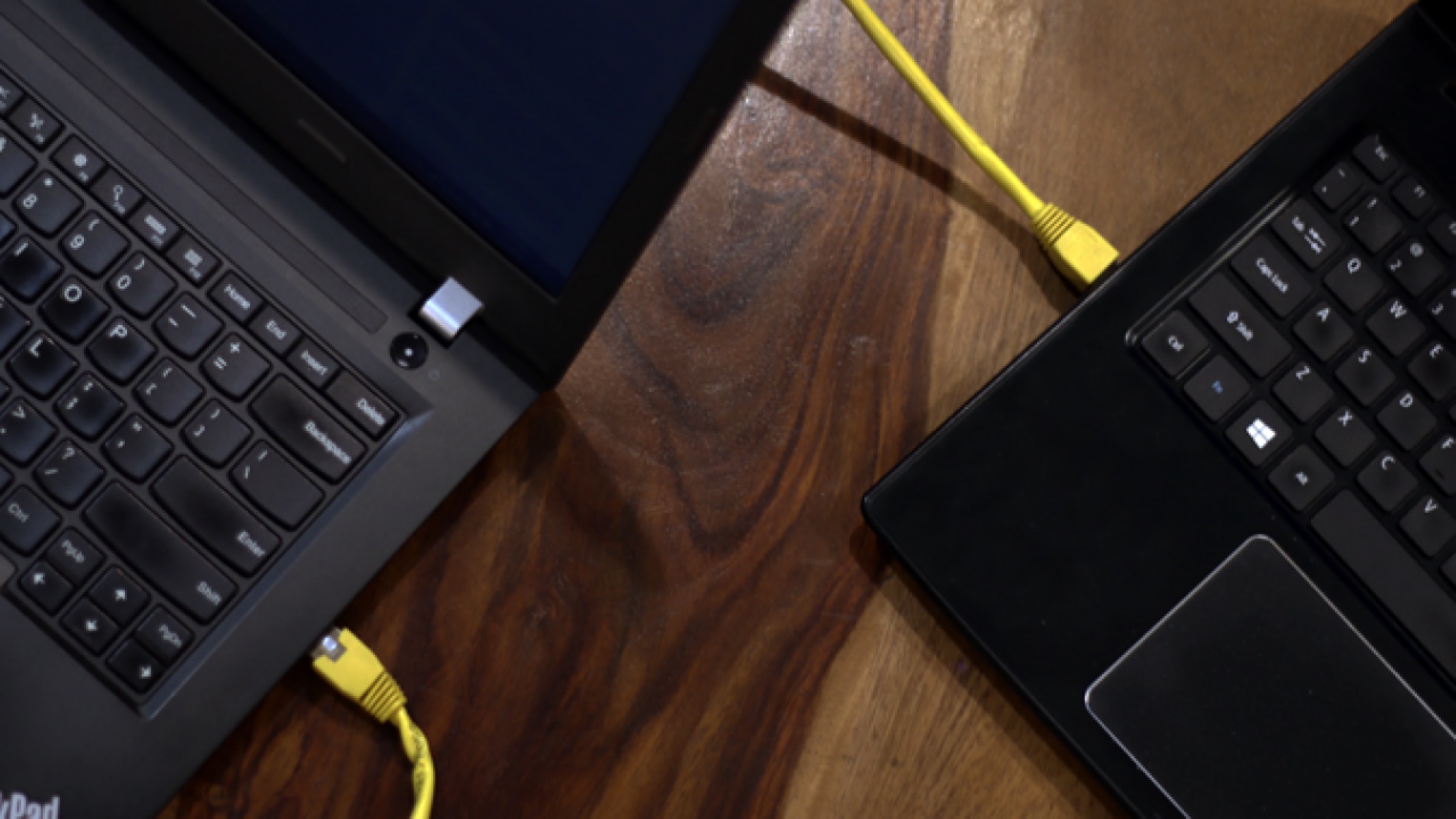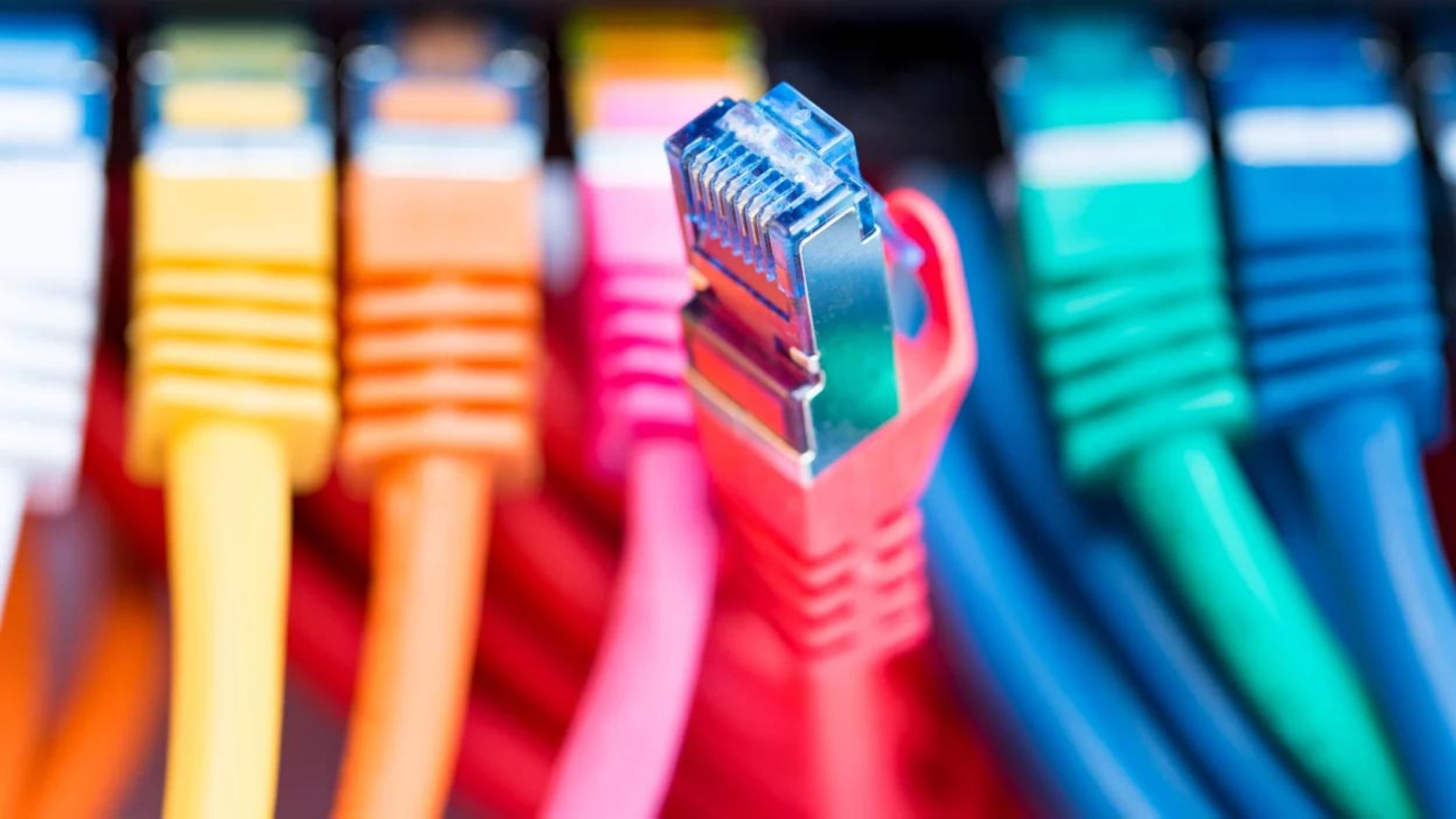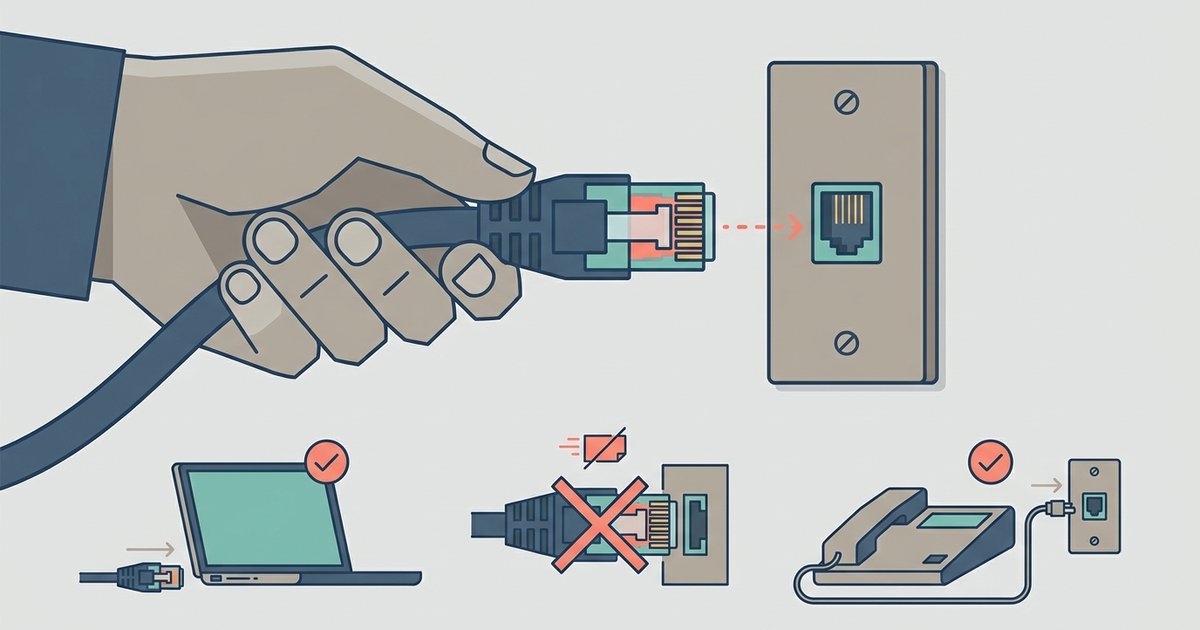
No, a simple physical adapter won't work because the RJ45 Ethernet plug is too wide to fit into the smaller RJ11 phone jack, and even if you could connect them, the electrical wiring and signaling are completely incompatible.
The Ethernet to phone jack physical mismatch
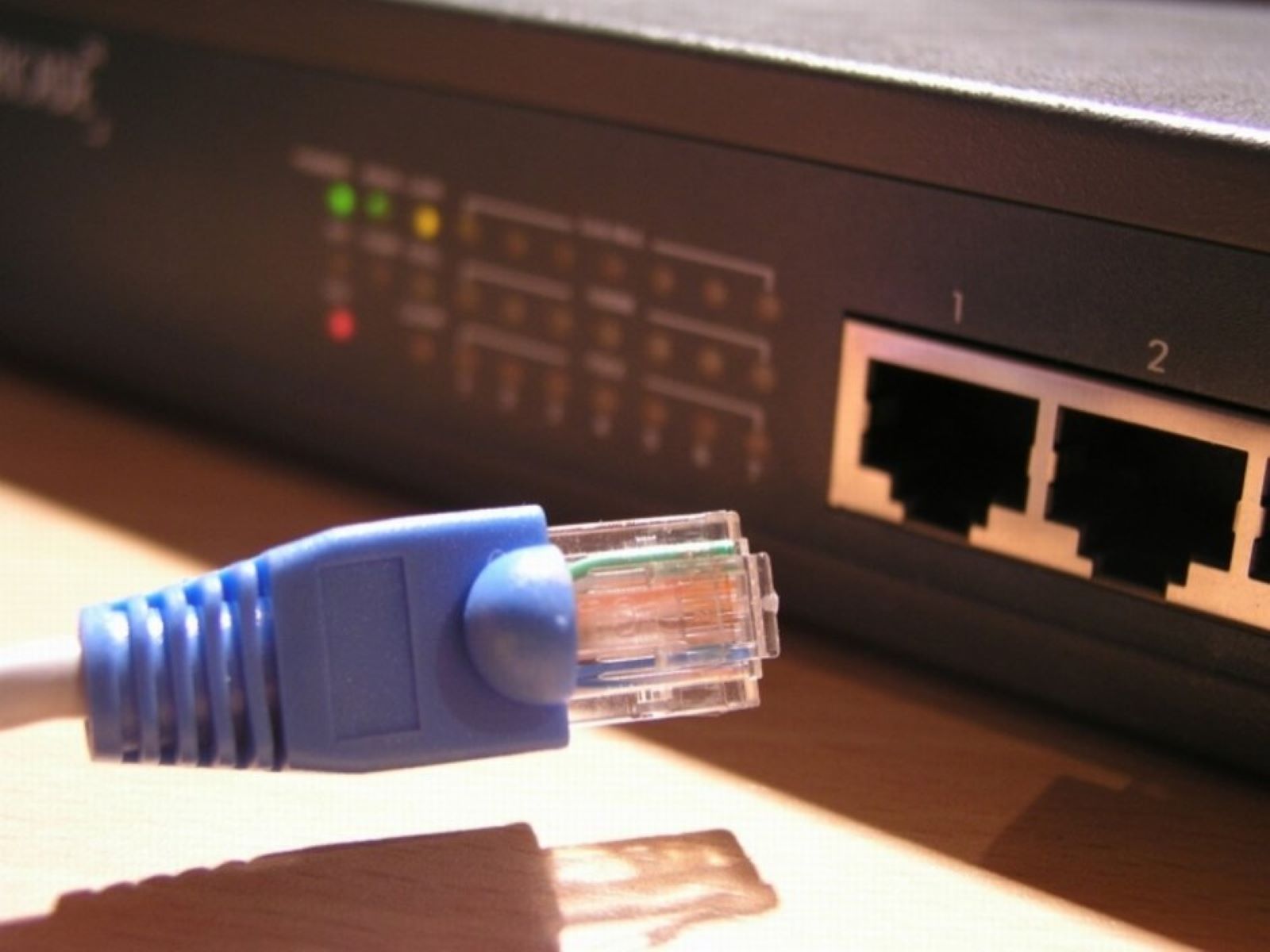
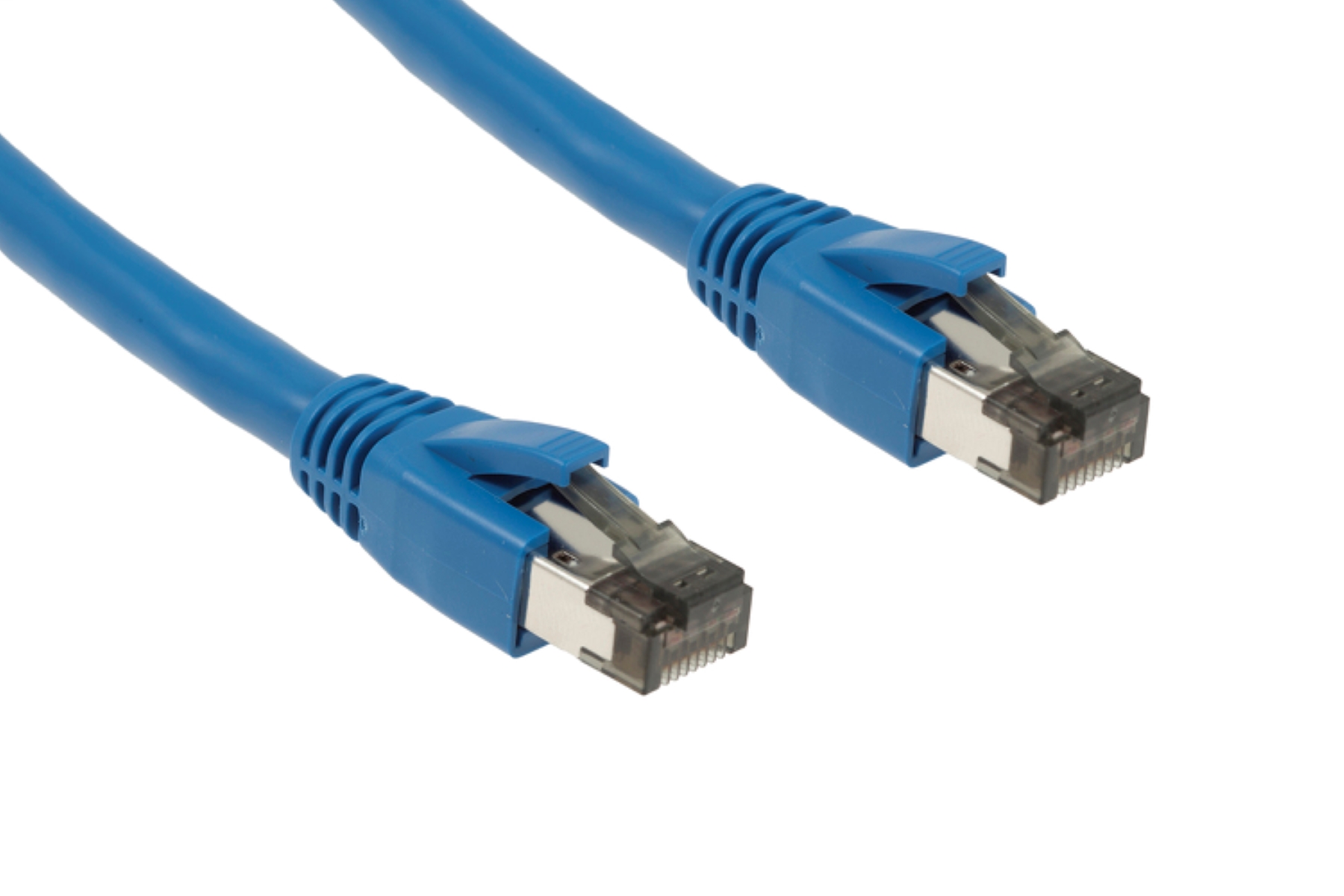
The fundamental problem is that an RJ45 Ethernet plug is wider than an RJ11 phone jack, which uses a smaller form factor. This 2-millimeter difference means the Ethernet plug literally cannot enter the phone jack's opening. Even if you find a passive adapter that claims to convert the shape, the pin layouts do not align. An RJ45 connector has eight metal pins arranged in a single row, whereas an RJ11 connector uses either four or six pins in a narrower pattern. A passive adapter would leave the Ethernet plug's outer pins hanging uselessly outside the jack, making electrical contact impossible. When you need to unplug Ethernet cable from a device, you pull the tab and remove the plug from a proper RJ45 port, not from a phone jack that lacks the physical width to accept it.
The electrical incompatibility
Even if you somehow forced a connection by filing down the plug, the electrical signaling would destroy your network equipment. Ethernet uses low-voltage differential signaling on isolated twisted pairs. Phone lines carry a much higher voltage than Ethernet and can spike during an incoming call. Connecting a phone line directly to an Ethernet port would send that high voltage into the sensitive transceiver chips on your computer or router, instantly frying them. The Ethernet cable connection points inside a network switch or router are designed for clean, balanced data pairs, not for the unbalanced, high-voltage analog signals that phone systems use. No adapter can bridge this electrical chasm safely.
What people actually try
A common mistake is buying an RJ45-to-RJ11 coupler, which is a small plastic adapter that lets you plug an RJ11 phone plug into an RJ45 jack. This coupler is only meant for running phone service over Ethernet cabling. For example, it uses existing Cat5e wiring to carry a telephone signal from a wall jack to a phone. It does not work in reverse. Plugging an RJ45 Ethernet cable into an RJ11 phone jack via this coupler still fails because the plug is too wide. Even if it fit, the coupler does not rewire the pins or convert the electrical signal. Homeowners often search for local places to buy an Ethernet cable thinking they can buy a simple adapter to solve the mismatch. No retail store sells a passive converter that turns a phone jack into a working Ethernet port.
What you need instead
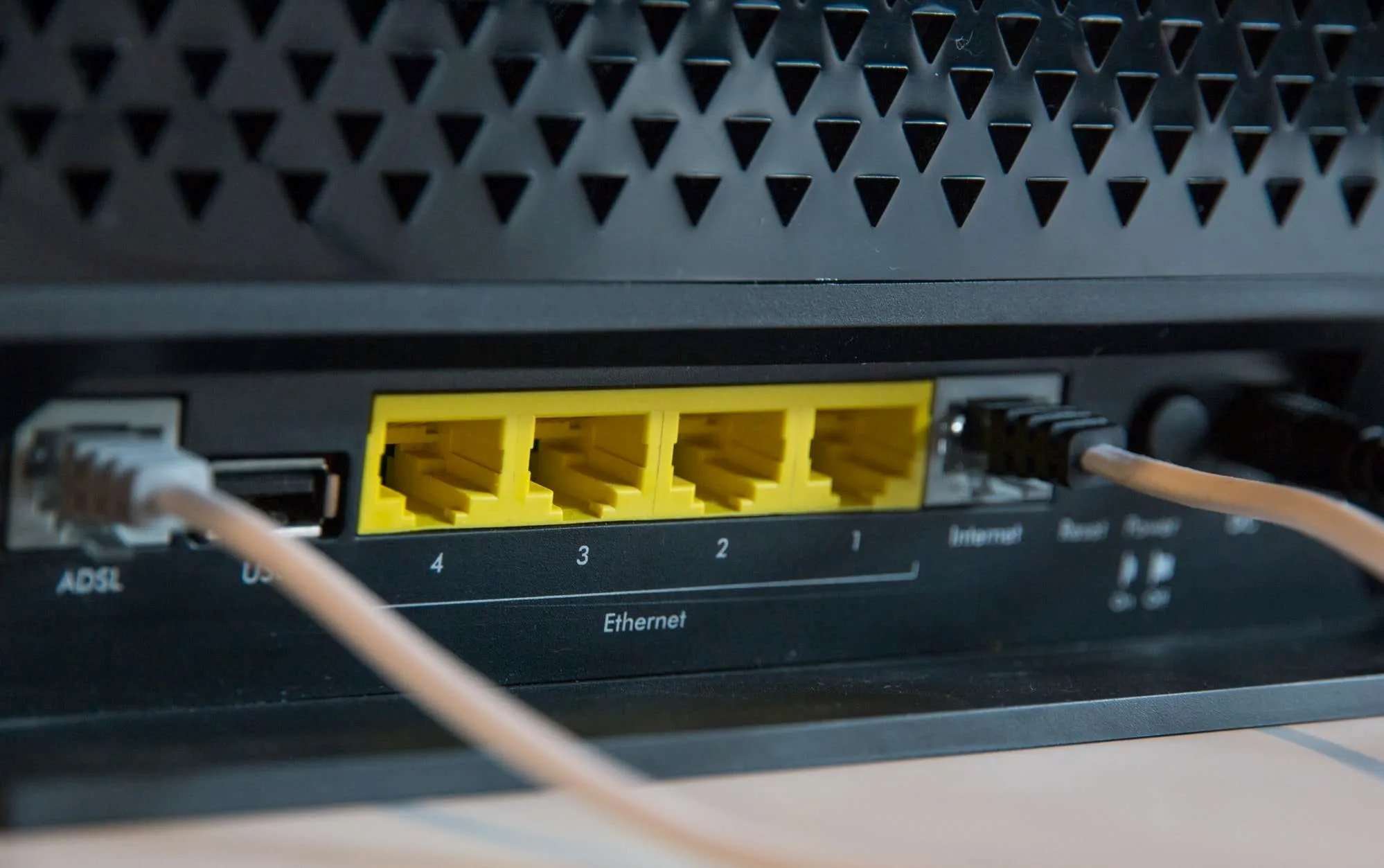
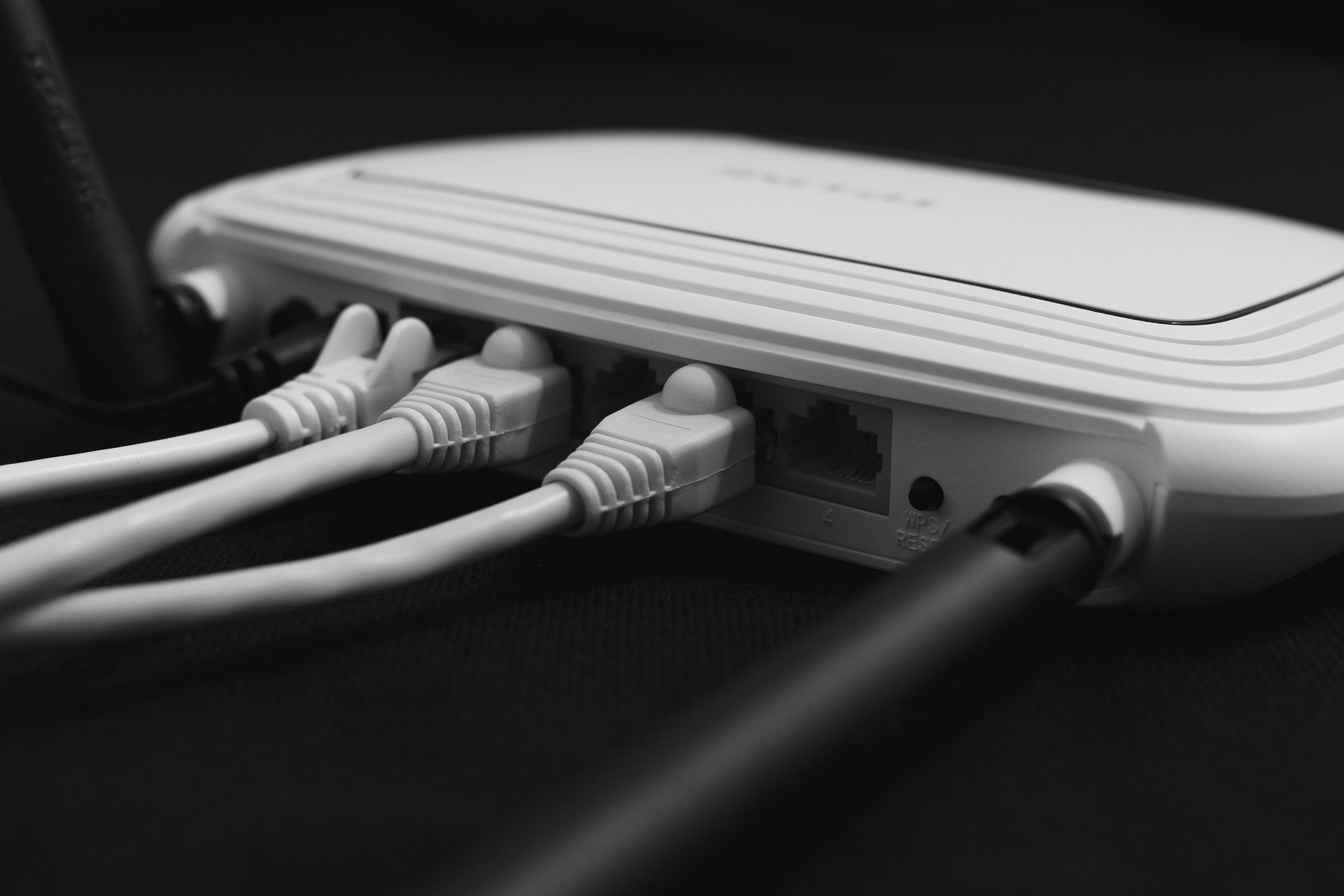
To get an Ethernet connection from a phone jack, you need active equipment that converts the phone line's signal into Ethernet data. If your phone jack provides DSL internet service, you must connect a DSL modem to the phone jack using a standard phone cable. Then plug an Ethernet cable from the modem's LAN port into your computer or router. If the jack is for dial-up, you need a dial-up modem with an Ethernet output. For those exploring solutions for missing Ethernet outlets, the correct path is to install new Ethernet wall jacks by running Cat6 cable from a router. You can also use a powerline adapter that sends network signals through your home's electrical wiring. A passive adapter between a phone jack and an Ethernet plug will never work, so invest in the proper conversion equipment instead.