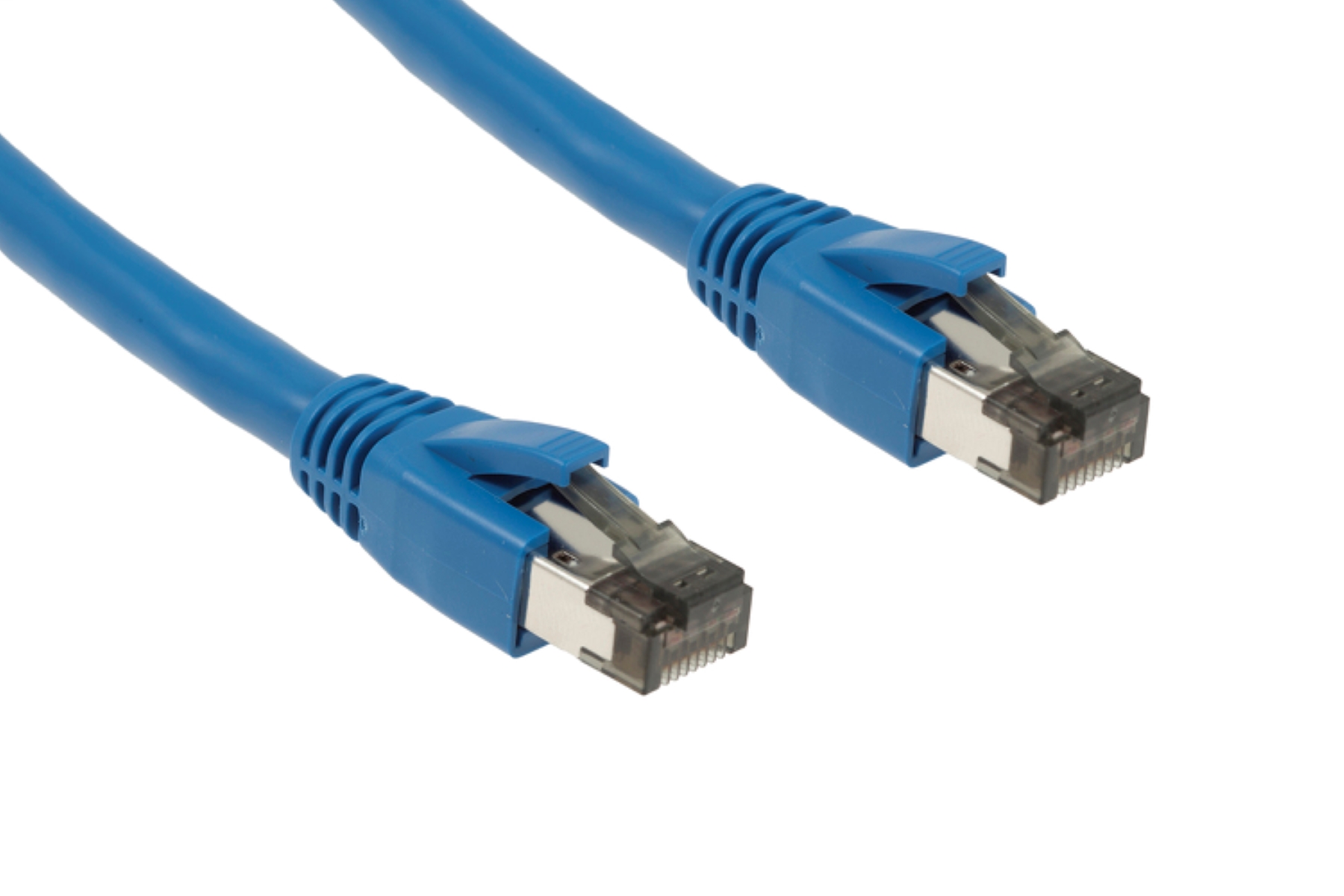
When comparing cat6 vs cat8 Ethernet cable, the direct answer for nearly all home and office users is that Cat6 is sufficient while Cat8 is overkill. Cat8 is a specialized cable designed for data centers and server rooms, not for typical residential or small business networks.
Cat6 vs cat8 Ethernet cable: which one do you actually need?
For the vast majority of users, Cat6 Ethernet cable is the right choice. It supports everything a home or small office network requires, including high-speed internet, streaming, gaming, and video conferencing. Cat8 cable, while much faster, is built for specialized high-speed environments such as data centers and server rooms for switch-to-switch communication. The average home router and computer cannot operate at Cat8 speeds, making the extra cost and rigidity unnecessary. If you are setting up a wired connection, you can also find out wifi password through Ethernet cable to get other devices online. Here is a quick summary of the key differences:
| Feature | Cat6 | Cat8 |
|---|---|---|
| Maximum Speed | 10 Gbps (over shorter distances) | 40 Gbps |
| Maximum Distance at Top Speed | 55 meters (for 10 Gbps) | 30 meters |
| Bandwidth | 250 MHz | 2000 MHz |
| Shielding | Optional (UTP or STP) | Mandatory, heavy shielding (S/FTP) |
| Typical Use | Home and office networks | Data centers and server rooms |
| Cost | Less expensive | More expensive |
Speed and bandwidth differences
Cat6 Ethernet cables support data transfer speeds up to 1 Gigabit per second (Gbps) over a full 100-meter length. They can achieve 10 Gbps speeds, but only over shorter distances, typically up to 55 meters or sometimes as low as 37 meters, depending on the specific cable and environment. Cat8 Ethernet cables support significantly faster data transfer speeds, up to 40 Gbps. Cat8 cables also offer a much higher bandwidth, supporting frequencies up to 2000 MHz. This massive bandwidth headroom is what allows Cat8 to handle the extreme data throughput required in data center environments, but your home network equipment cannot take advantage of it. Even a basic Cat6 cable, however, is fast enough to transfer files from PC to PC using Ethernet cable at multi-gigabit speeds.
Maximum distance and when it matters
The maximum length for Cat8 cables to achieve 25 Gbps or 40 Gbps speeds is limited to 30 meters. This short reach is why Cat8 is only suitable for short, high-speed links within a single rack or between nearby equipment in a data center. In contrast, Cat6 cables can transmit data at 1 Gbps reliably up to 100 meters. For home and office layouts, where a router might be in a different room from a computer, the longer reach of Cat6 is a practical advantage. If you ever need to unplug Ethernet cable from a distant device, the extra length of a Cat6 run makes the task far more manageable than being limited to a 30-meter Cat8 cable.
Shielding and interference protection
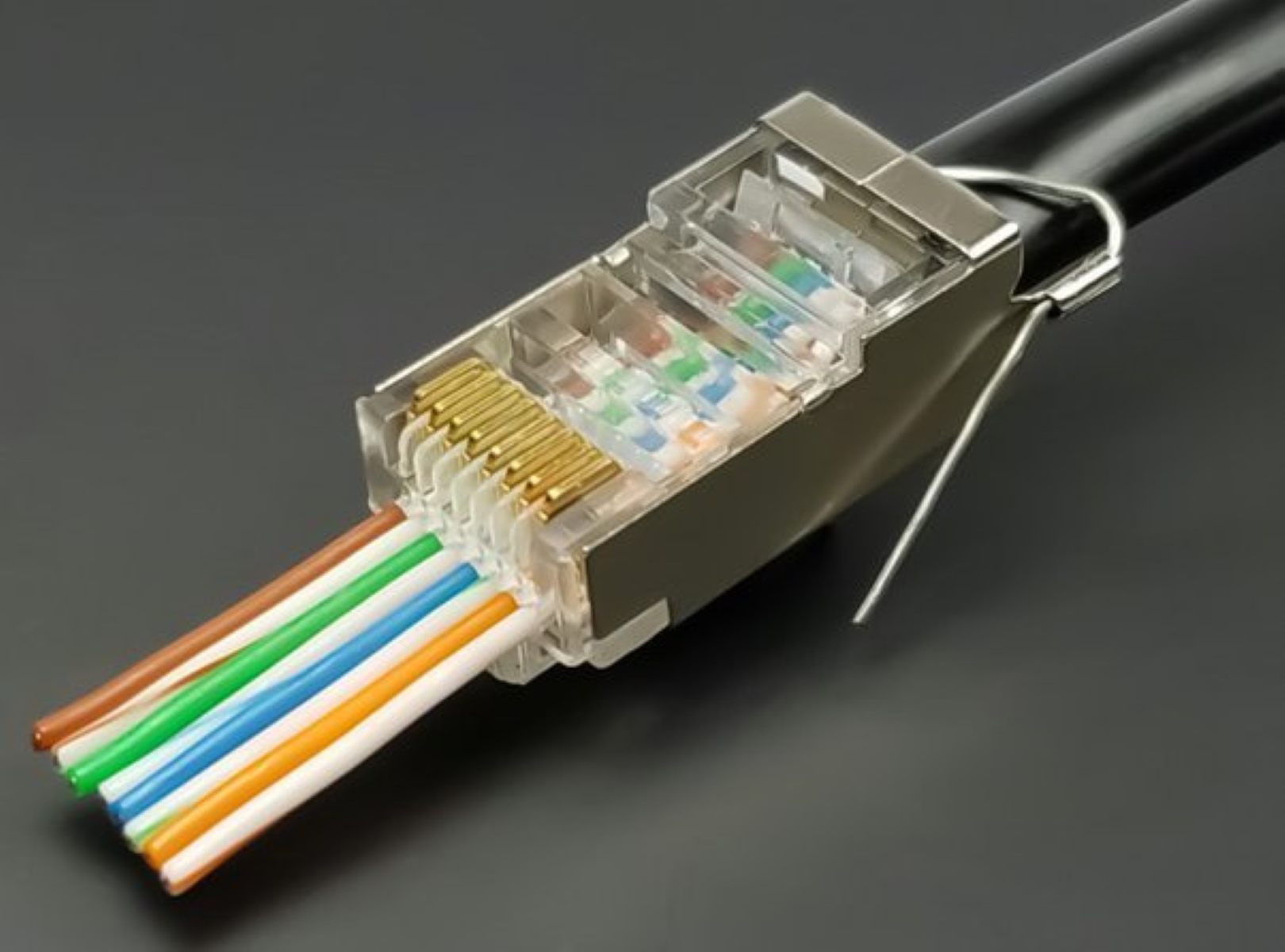
Cat6 cables can be either unshielded (UTP) or shielded (STP/F/UTP), with shielding providing protection against electromagnetic interference (EMI) and crosstalk. This means you can choose unshielded Cat6 for most homes where interference is low, keeping the cable flexible and easy to route. Cat8 cables are always shielded, often featuring individual foil shielding for each twisted pair (S/FTP or F/FTP) and an overall braid or foil shield to minimize interference and enable higher speeds. This mandatory, heavy shielding makes Cat8 cables more rigid and difficult to bend, which is fine in a structured data center but a problem when trying to fit a cable behind a desk or along a baseboard.
Cost, compatibility, and practical uses
Cat6 cables are generally more flexible and less expensive than Cat8 cables. Cat8 cables are typically more rigid, heavier gauge, and more expensive due to their advanced shielding and construction, making them more challenging to install in tight spaces. Both Cat6 and Cat8 cables use standard RJ45 connectors and are backward compatible with previous Ethernet standards. Cat8 cables also support Power over Ethernet (PoE) technology, allowing both power and data transmission over a single cable. For a home gamer or a small office, Cat6 is the practical choice: it handles all current applications, is easy to install, and costs less. For a data center technician connecting switches at 40 Gbps over a short distance, Cat8 is the necessary tool. For everyone else, Cat6 or Cat6a provides sufficient performance without the premium cost and handling difficulties of Cat8.