To tell what Cat Ethernet cable you have, look at the text printed on the cable jacket. This printed marking is the most reliable method because it directly states the category, such as CAT5e, CAT6, or CAT6a, along with other performance specs.
What the cable jacket markings mean
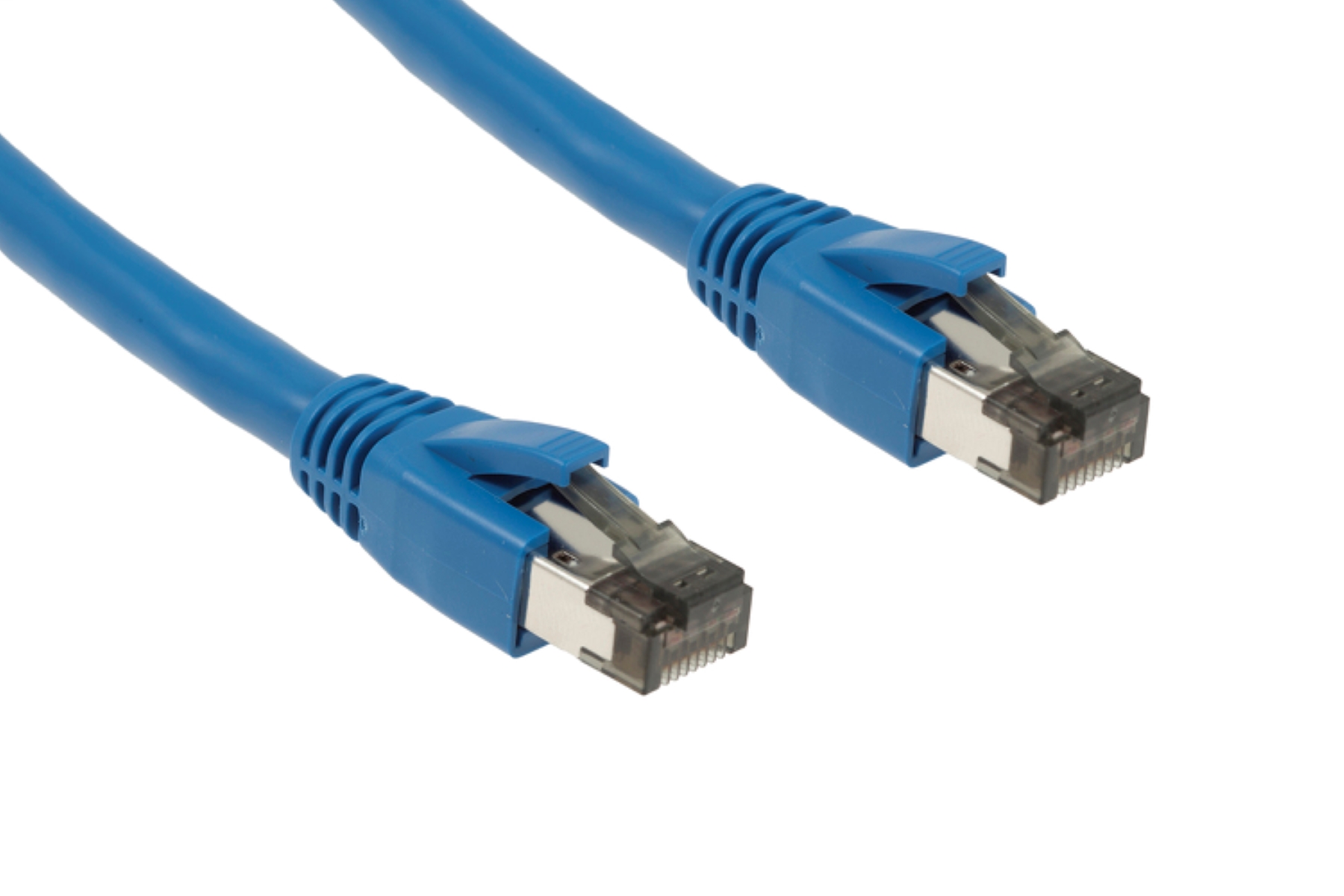
The text on the cable jacket provides more than just the category number. It typically includes the bandwidth in MHz, which indicates the maximum frequency the cable can handle, and shielding type codes. Common shielding codes include UTP (unshielded twisted pair), STP (shielded twisted pair), and SFTP (shielded foiled twisted pair). These codes tell you how much protection the cable has against electromagnetic interference and crosstalk, which is useful when you need to decide if a cable is suitable for a noisy environment near power lines or machinery. If the jacket is too faded to read, you can still tell what kind of Ethernet cable you have by examining the connector style and internal wire gauge, but physical damage isn't always visible, you may need to tell if your Ethernet cable is bad through performance testing.
Officially recognized Ethernet cable categories
The ANSI/TIA-568 standard officially recognizes Cat3, Cat5e, Cat6, Cat6a, and Cat8. Cat3 is obsolete and not used for modern networking. The categories you will encounter today are Cat5e, Cat6, Cat6a, and Cat8. Cat5e supports speeds up to 1 Gbps with a bandwidth of 100 MHz. Cat7 cables exist but are not recognized by TIA standards; they often use proprietary GG45 connectors instead of standard RJ45, and you may encounter them in specialized installations.
Why cable color does not tell you the category
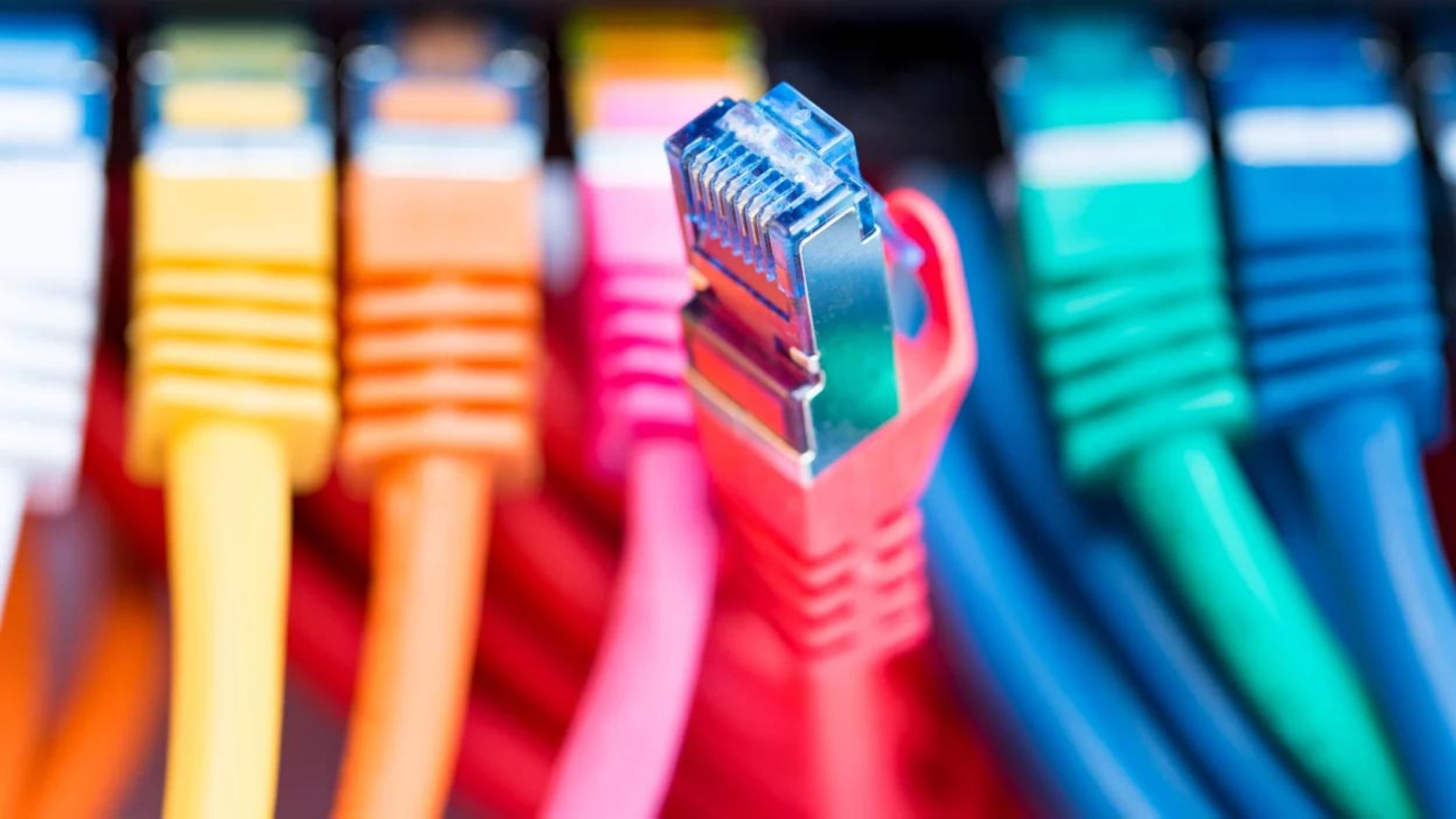
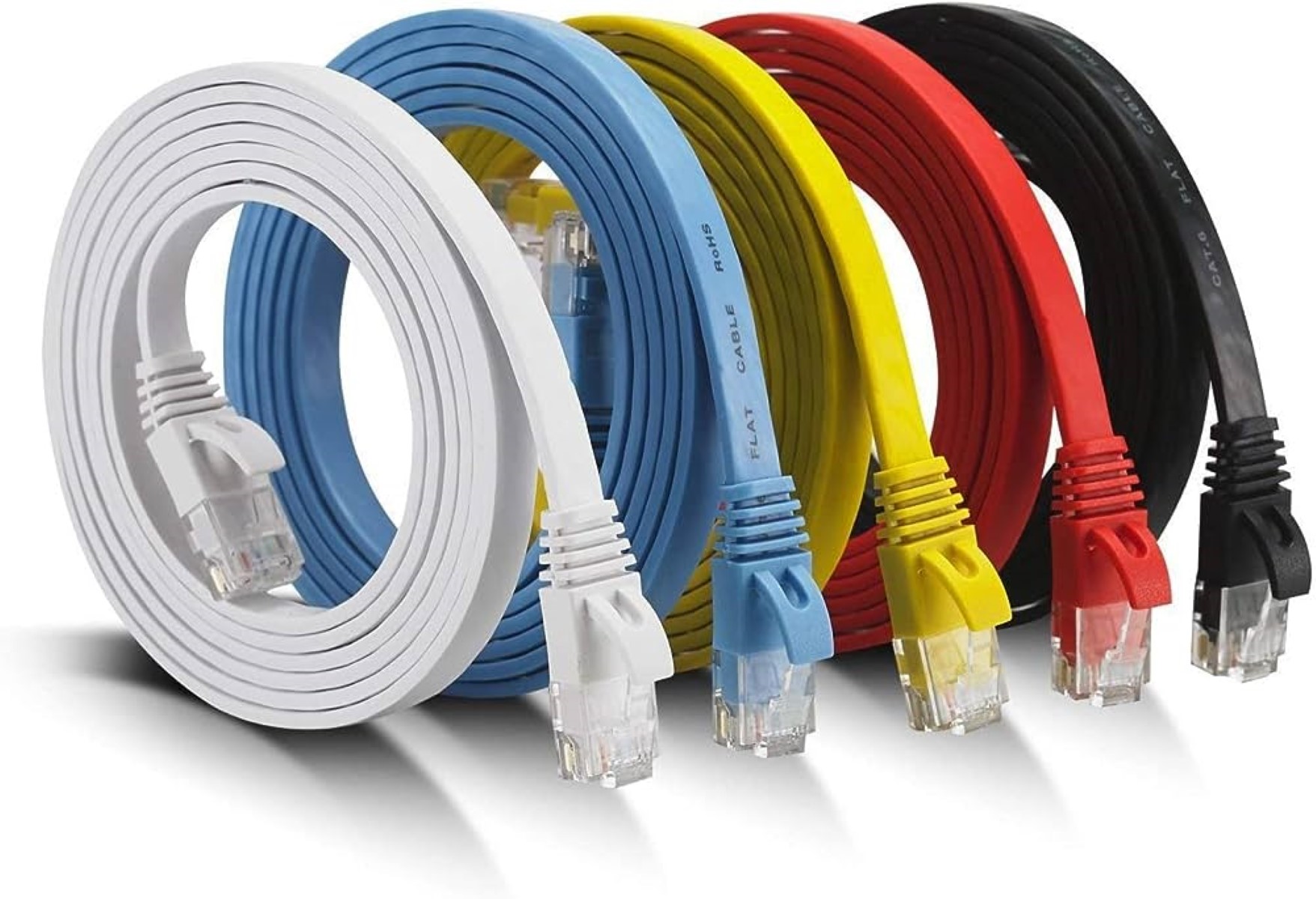
The external color of an Ethernet cable jacket does not indicate its category. Color is only a visual marker used for network organization, such as identifying which cable connects to a specific device or which network role it serves. Relying on color to determine performance will lead to mistakes, so always check the printed jacket markings instead.
Checking the connector type for clues
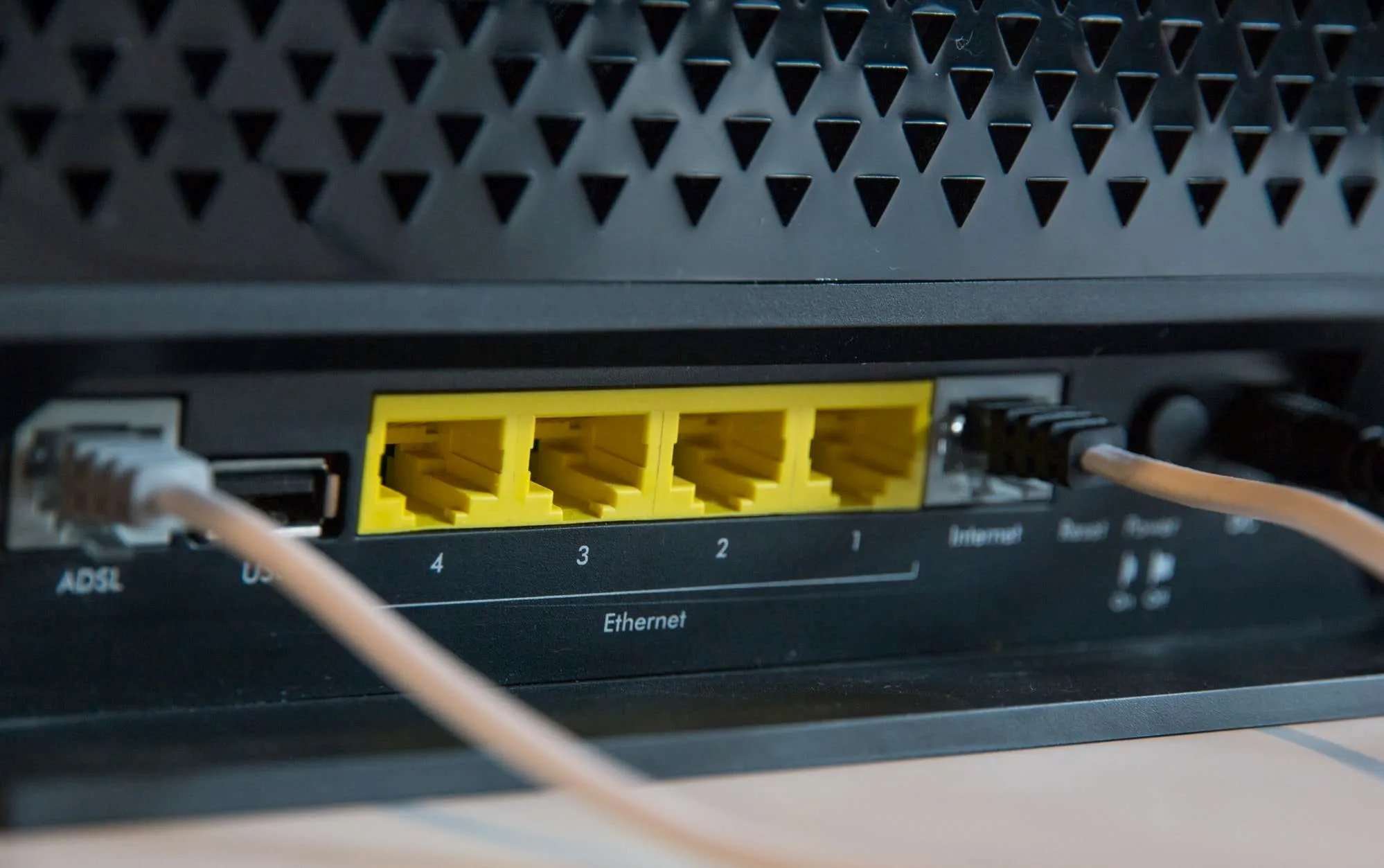
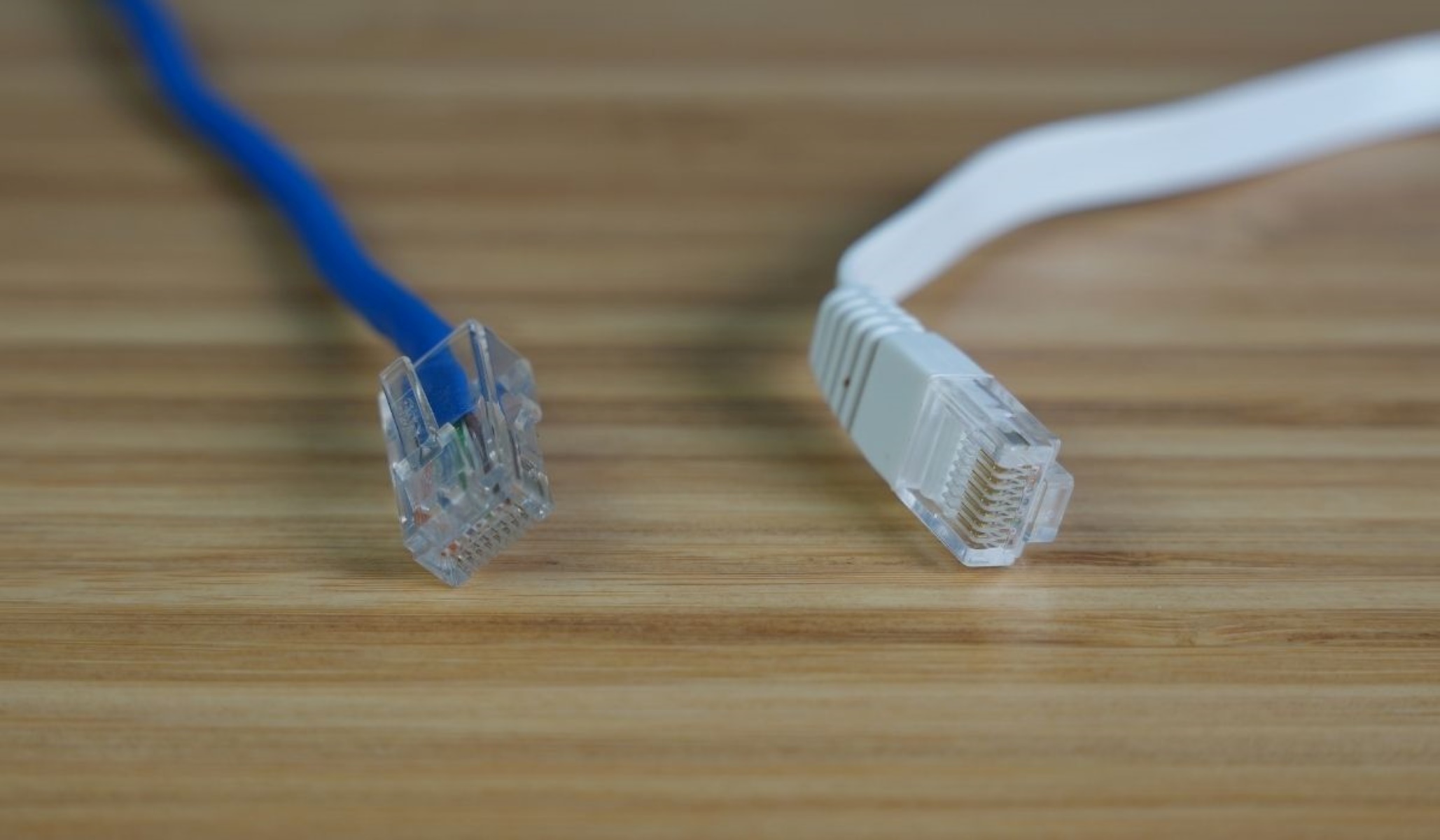
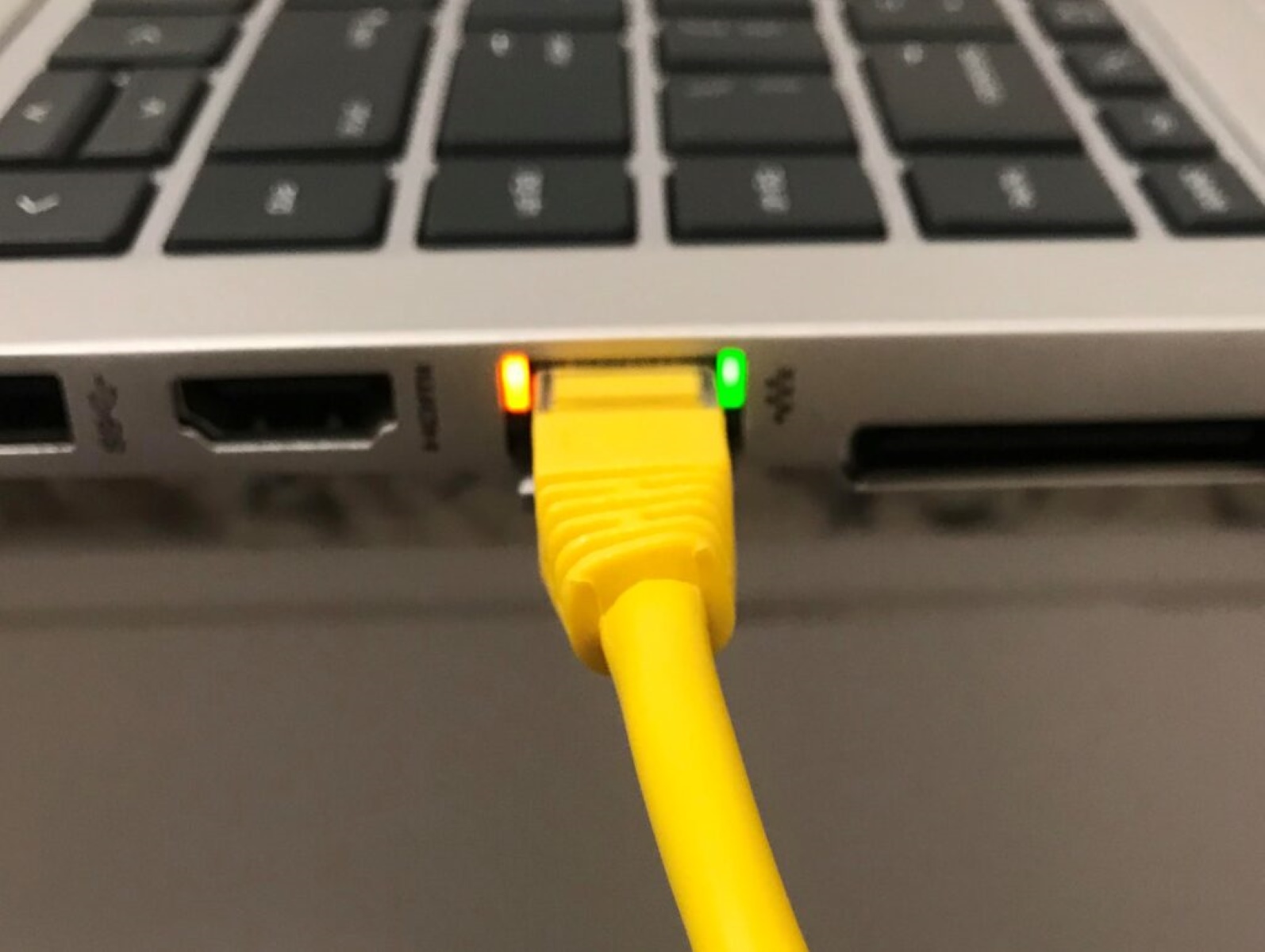
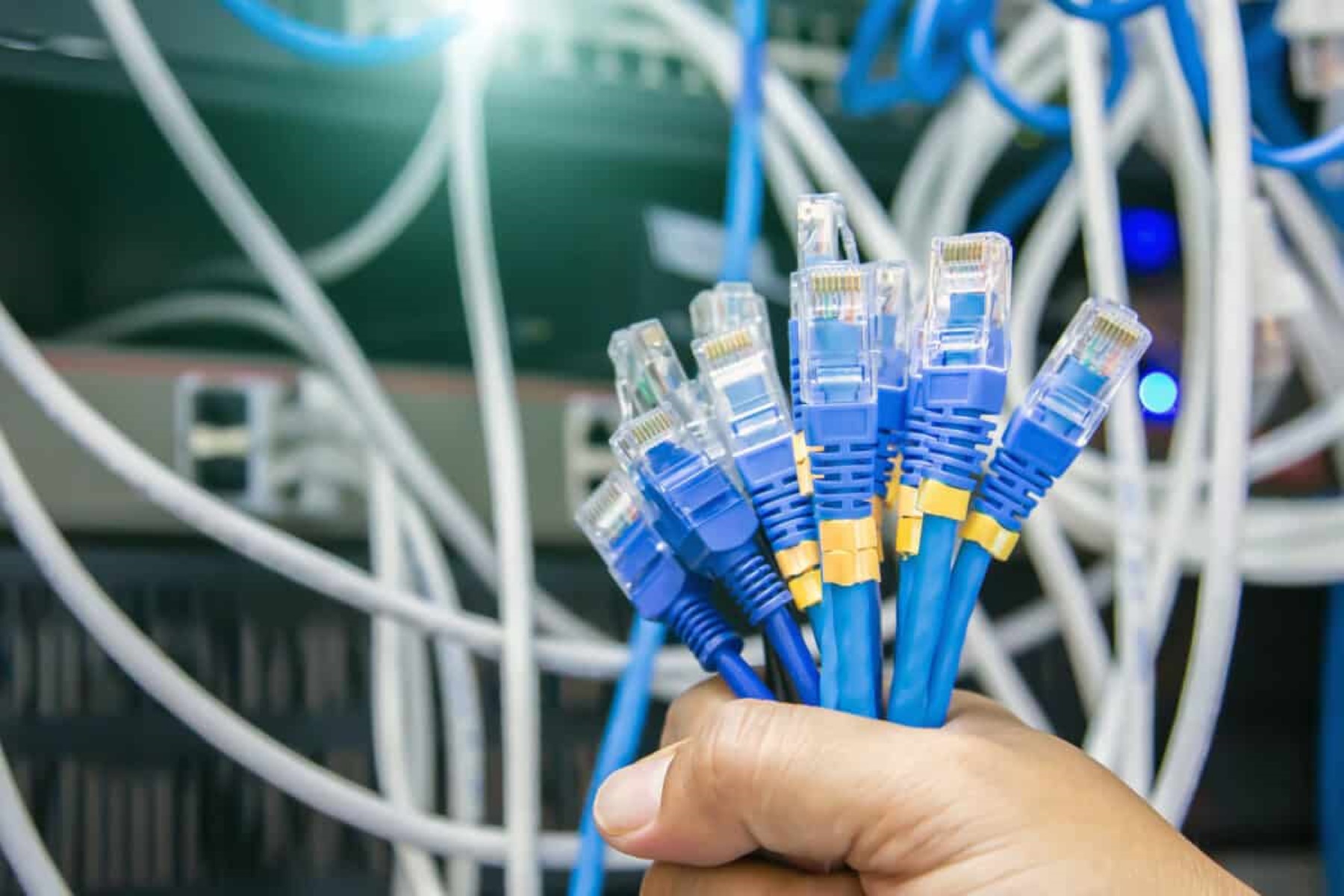
Most consumer Ethernet cables use standard RJ45 connectors, regardless of category. Proprietary connectors like GG45 may indicate a Cat7 cable, but connector type alone is not definitive. Many Cat6 and Cat6a cables also use standard RJ45 plugs, so you cannot rely on the connector to confirm the category. The printed jacket text remains the primary identifier.
When you still cannot identify your cable
If the jacket markings are worn, missing, or illegible, you can use specialized performance testing equipment to measure the cable's maximum data rate and bandwidth. This method requires technical expertise and is typically used by network professionals. You can also consult the manufacturer's documentation if you know the cable's source. If you need to safely disconnect the cable without damaging the connector or port, unplug Ethernet cable by pressing the tab on the plug and pulling it straight out. For further guidance on determining whether a cable is still in good working condition, see related content about checking cable integrity.