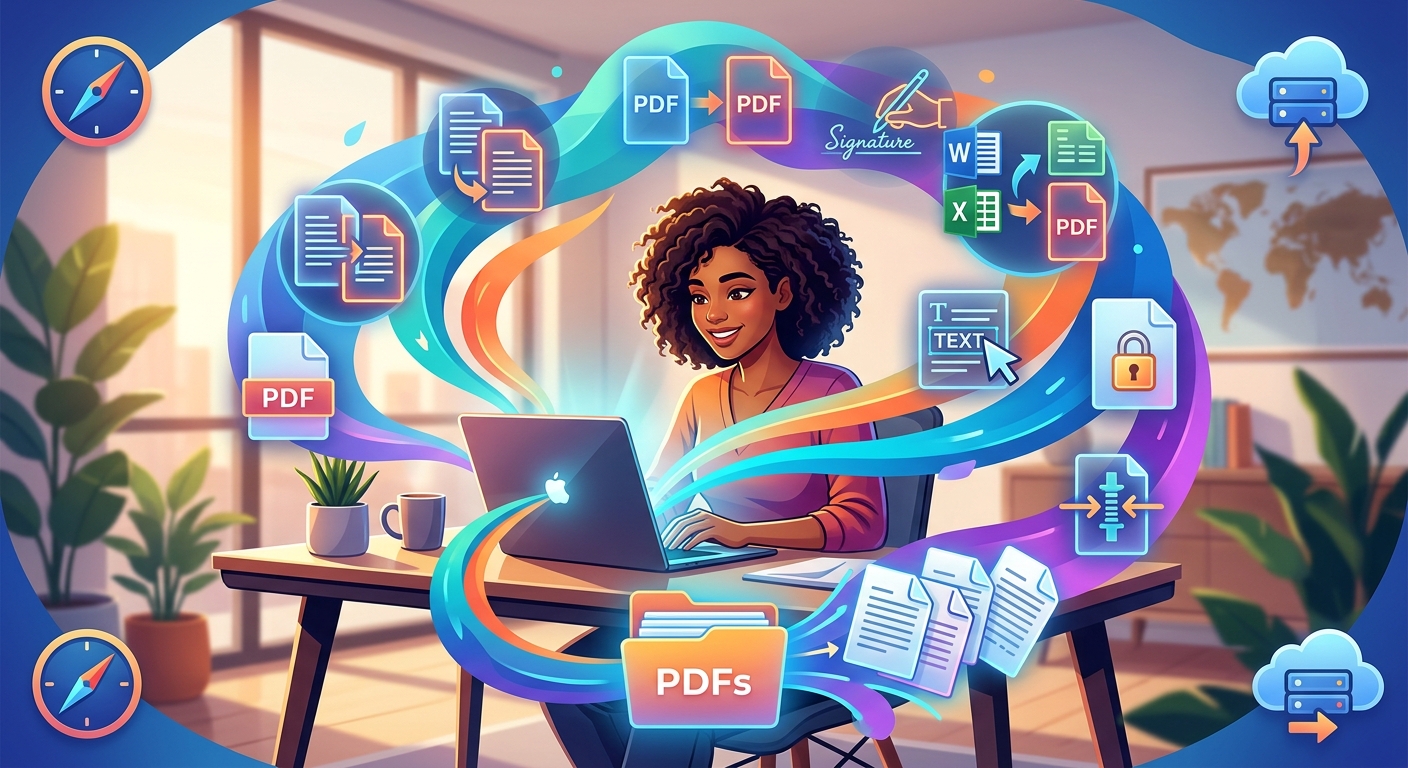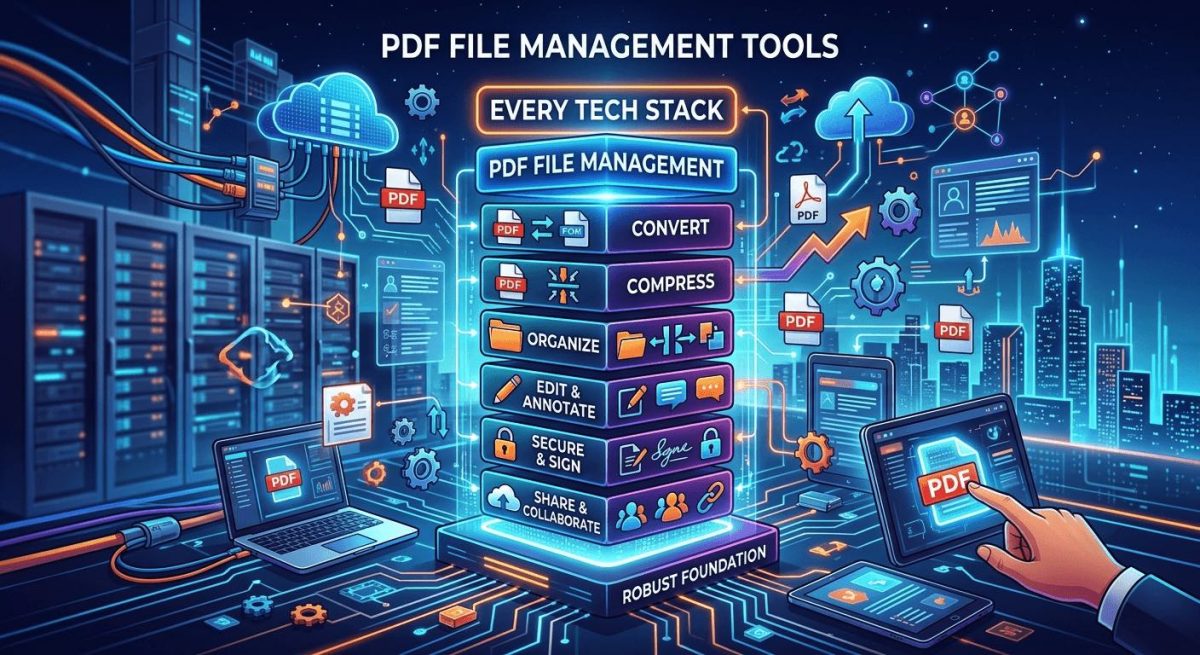
PDF files are everywhere. They land in your inbox, clog up your shared drives, and pop up every time a client sends over a contract or a vendor drops a spec sheet. Most people treat them like finished objects, read-only artifacts that exist to be viewed and stored. That mindset creates friction. The real problem is that most teams never build a proper PDF workflow, and the gaps show up at the worst times, usually right before a deadline.
Key Points:
- Oversized PDFs slow down file sharing and cloud uploads, so reducing file size before distribution is a habit that pays off immediately.
- Static PDF content can be converted into fully editable formats, making it practical to repurpose reports, contracts, and forms without retyping anything.
- Digital signature tools let you sign and return documents in minutes, eliminating the print-scan-email cycle that still wastes time in most offices.
The Format That Refuses to Die
The PDF was created by Adobe in the early 1990s as a way to share documents that looked the same on every device, regardless of operating system or installed fonts. That core promise has held up for over three decades. The format remains the default choice for contracts, invoices, technical manuals, and any document where visual consistency matters.
Adobe has continued to develop and champion the format, and their overview of the PDF standard explains why it has become so deeply embedded in professional workflows. The short version is that PDF offers a level of reliability that other formats simply do not match. A Word document looks different depending on which version of software opens it. A PDF does not have that problem.
But reliability is not the same as flexibility. A format built for consistent display is not always easy to work with once a file is in your hands. That is where the friction starts.
Where Most Workflows Break Down
Think about a standard document cycle. A vendor sends a contract as a PDF. You need to review it, make edits, get a signature, and archive the final version. At each step, there is a potential bottleneck.
The file might be too large to attach to an email. The content might need to be edited, but the format does not allow that easily. The signature might need to come from someone who does not have access to desktop software. These are not edge cases. They happen in every organization, every week.
The good news is that each of these problems has a practical tool-based solution. The gap is not in the format itself. It is in how people approach PDF management as part of their daily stack.
Why File Size Slows You Down More Than You Think
A PDF with embedded images, scanned pages, or high-resolution graphics can easily grow to 20 or 30 megabytes. That matters a lot depending on where the file needs to go.
Email servers commonly cap attachments at 10 or 25 megabytes. Cloud storage platforms throttle upload speeds on large files. Shared folders fill up faster than expected. And anyone downloading over a slow connection feels the delay directly.
The fix is to compress PDF files before distributing them. Compression reduces file size by optimizing image quality, removing redundant data, and flattening layers, without meaningfully affecting how the document reads. A 20-megabyte file can often become a 3-megabyte file with no visible change in content.
This should be a standard step in any distribution workflow. Before attaching a file to an email, before uploading to a client portal, before sharing in a team channel, run it through a compression tool. It takes seconds and prevents a lot of headaches downstream.
The Case for Converting PDFs Into Editable Formats
PDFs are designed to be read, not edited. That is fine when you are distributing a finalized report. It is a problem when you need to actually work with the content inside.
Say a client sends over a proposal as a PDF and you want to incorporate sections of it into your own document. Or your team receives a form that needs to be updated before reuse. Or you have a report from three years ago that contains data you want to restructure for a new audience.
In any of these situations, converting to an editable format is the logical next step. A PDF to Word converter handles this by extracting the text, layout, and formatting from the PDF and mapping it into a document you can open and modify directly. You do not have to retype anything. The structure comes through intact, including headings, paragraphs, and basic formatting.
This is particularly useful for technical teams working with documentation created by a third party. Instead of working around a static file, you get a working draft you can actually edit and reshape as needed.
How to Build a Clean PDF Process in Four Steps
If your team is starting from scratch on PDF workflow, a simple framework goes a long way. Here is a practical starting point:
- Establish a consistent naming convention for PDF files before they are shared, so version control is clear from the start.
- Compress all outgoing PDFs above a set size threshold before distribution, to keep email and upload workflows running smoothly.
- Set a default conversion tool so anyone on the team can turn a PDF into an editable document without hunting for software or asking IT.
- Use a digital signature tool for any document that requires sign-off, so the process never requires printing or scanning.
These four steps eliminate most of the common friction points without requiring a major change in how people work day to day. They are habits, not systems, and that makes them far easier to adopt across a team.
Going Fully Paperless With Digital Signatures
The print-sign-scan cycle is one of the most persistent inefficiencies in office work. Someone sends a document. You print it. You sign it. You scan it. You email it back. The whole process takes 10 to 15 minutes when everything goes smoothly, and much longer when the printer is jammed or the scanner is on the fritz.
Digital signatures fix this entirely. The ability to sign PDF documents online means you can handle a signature request in under two minutes, from any device, without touching a printer. The signed document is ready to return immediately.
This is not just a convenience. It changes how fast deals close, how quickly approvals move through an organization, and how much physical infrastructure an office actually needs to maintain. Teams that adopt digital signing consistently find it one of the highest-value changes they make to their document workflow.
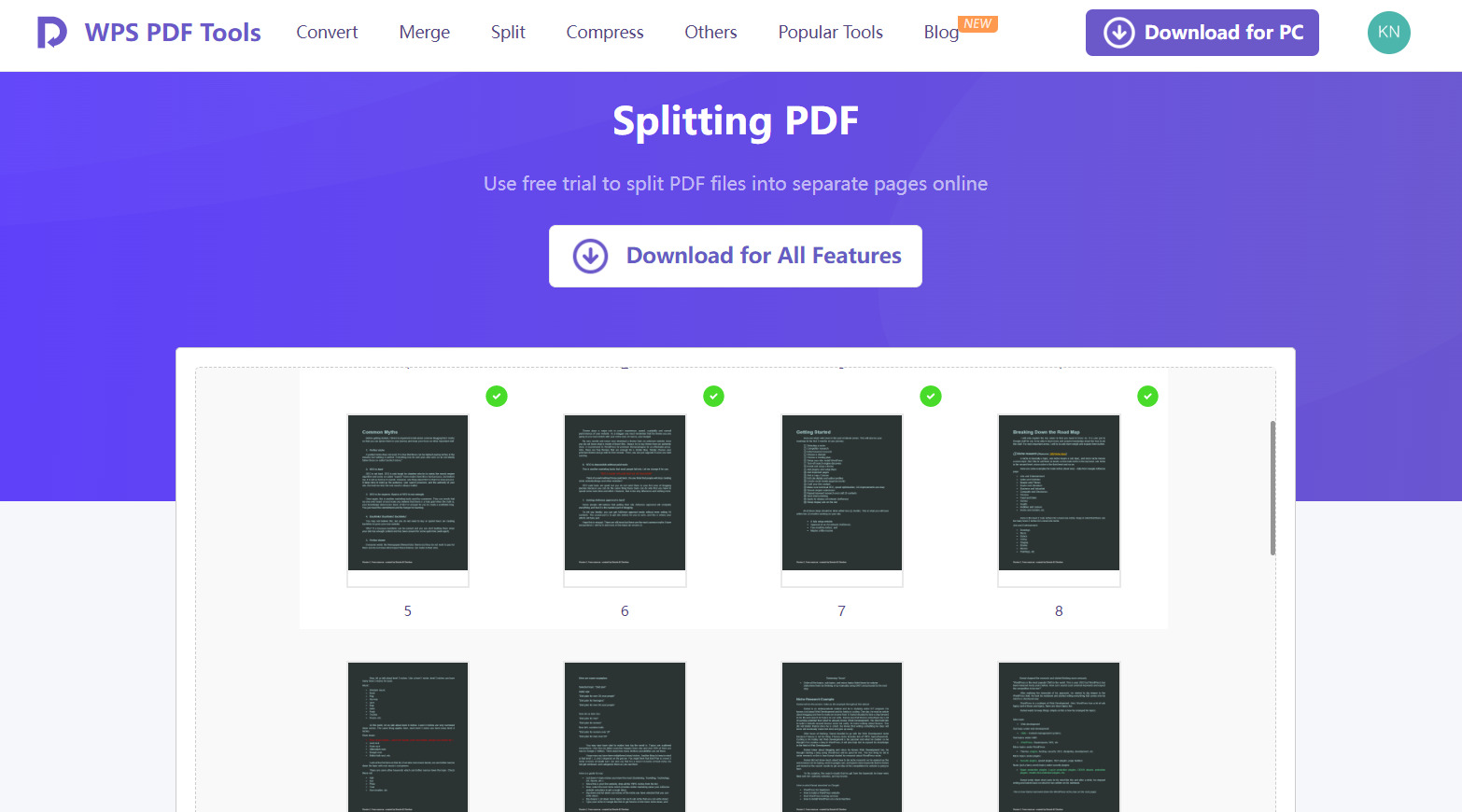
For anyone building out a broader document management setup, the software tutorials covering PDF and productivity tools are worth bookmarking, as they walk through many of these tools step by step with real use cases.
The PDF Tools Worth Adding to Your Stack Right Now
PDF handling is not a glamorous topic. Nobody pitches it in a quarterly roadmap or brings it up in a product review. But it is one of those areas where the friction is constant, the cost is invisible, and the fix is genuinely simple.
Adding a compression tool, a conversion tool, and a signature tool to your standard workflow covers the three most common failure points in document management. File sizes stop being a distribution problem. Static content becomes editable. Signature requests stop requiring a trip to the printer and a hunt for the scanner cable.
The tools exist. The friction does not have to.
\nRelated reading: How to Merge and Split PDF Files, PDF Management Tools Every Remote Worker Should Know About, and How Do You Create A New Folder On Samsung Tablet?.