Understanding your cloud storage basics for shared files
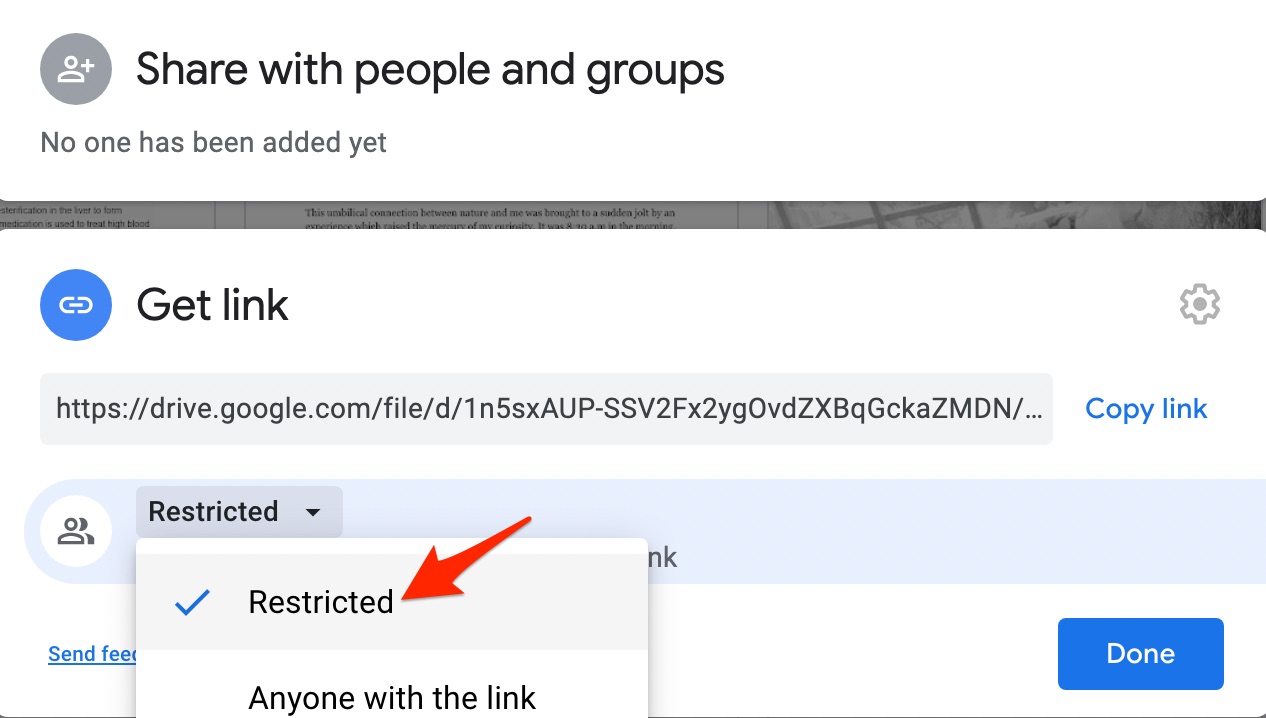
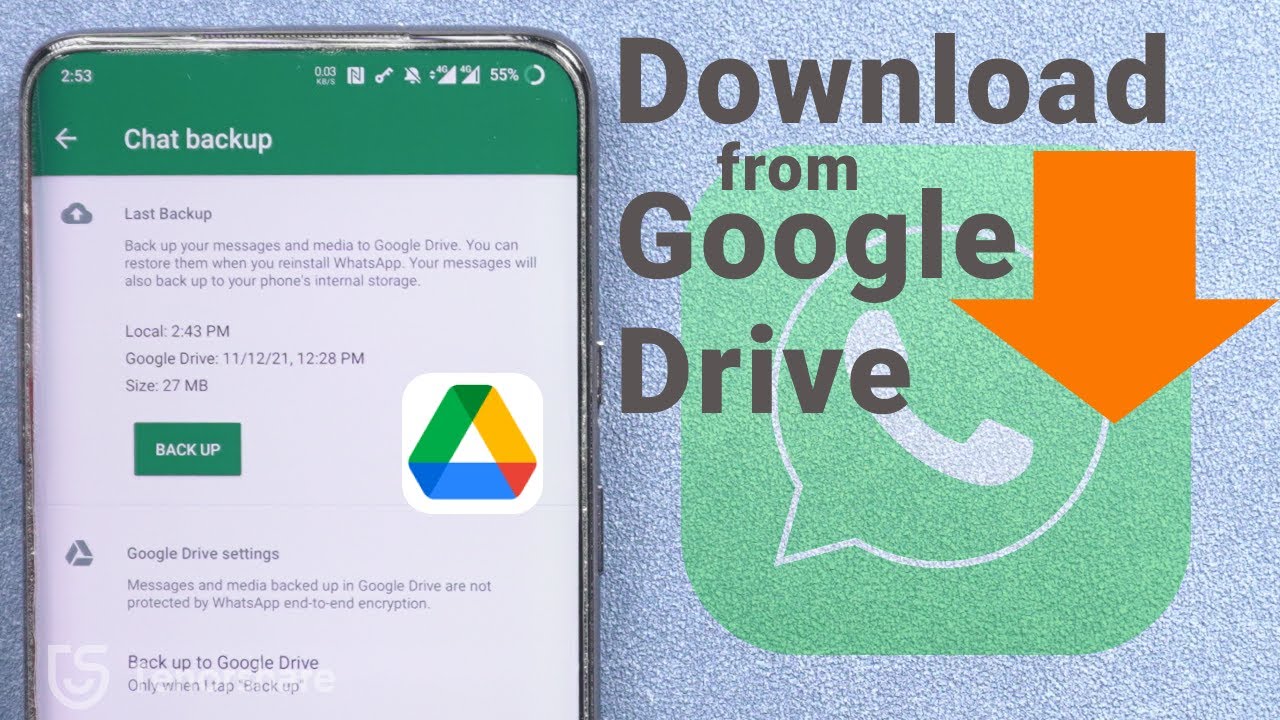
To download shared files from cloud storage, you first need to understand the two basic link-sharing states. If the folder owner has turned on “Anyone with the link can view,” you can download that file directly from the browser with no account needed. That condition is not the same as being added as a collaborator with edit or download rights. Many people confuse the two, which is why reading a comprehensive guide to the cloud storage helps you spot the difference between a public link and a private share. If the file is set to “Restricted” and only specific email addresses are allowed, no amount of URL manipulation or third-party tools will open it. That is the hard limit of Google’s permission system. To get a feel for the actual upload and download flow, a brief guide for Google drive upload and download walks through the steps that work when you do have proper access. The one distinction no other resource makes this plainly: a restricted file’s permissions are enforced server-side before your browser ever receives the data, so no local workaround can bypass them. Knowing these basics saves you time. A “Anyone with the link” file is yours to grab. A truly restricted file is not, and pretending otherwise only wastes your afternoon.
Downloading shared files without the usual requirements
When a shared link from Google Drive is set to "Anyone with the link can view," you can often save the files directly to your own Drive. Then you can download them from there. The situation changes if the sharer has restricted download permissions or requires you to request access. A common claim is that you can download videos from Google drive without permission by using a third-party tool that tricks the server into thinking you are the owner. These tools only work if the file is already publicly viewable but the download button is hidden. If the file is truly locked behind a permission wall, the server will reject the request. Similarly, you might see advice on how to download shared files from Google drive without permission, but the same limitation applies. Google's permission system is enforced server-side, and no tool can bypass a genuine access restriction.
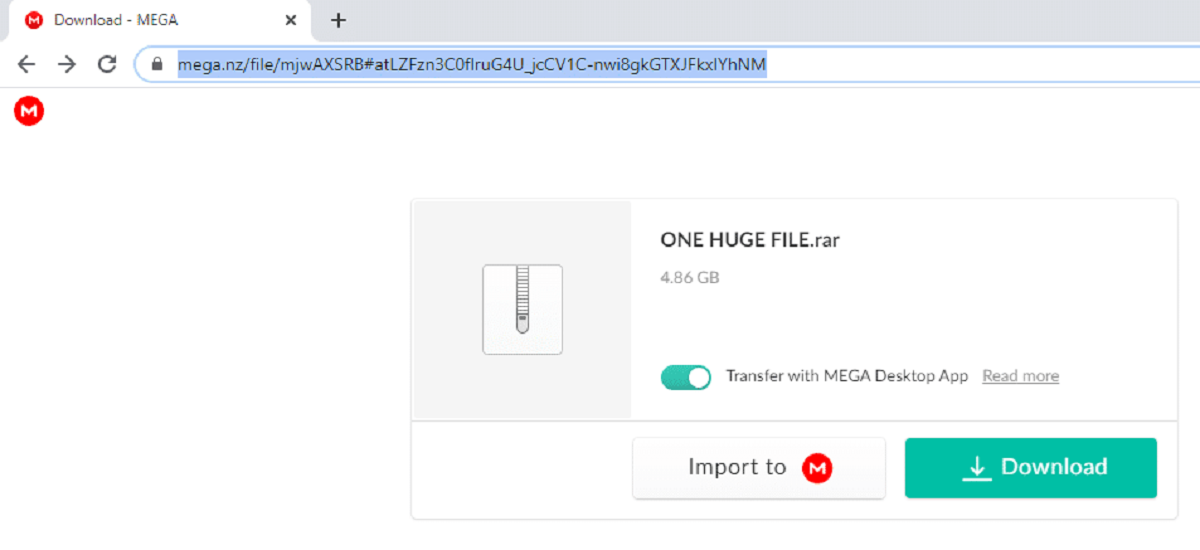
For other platforms, the workarounds are more technical. You can download mega files without mega by using a tool that reconstructs the file from the raw encrypted chunks, provided you have the decryption key from the link. Likewise, to download from baidu without account, you often need to copy the file's raw URL from the page's source code. Then you feed that URL to a download manager that spoofs the required headers. These methods are distinct from simply learning how to download mega files, which typically relies on the official client or a browser extension that handles the encryption natively.
Fixing common mega download problems
Free Mega accounts come with several built-in limitations that can make downloading shared files frustrating. If your download stops, the first thing to check is whether you have hit the platform's daily data cap. A common solution involves the mega transfer quota exceeded wait time reset, which explains how to restore your ability to download without waiting hours. This typically means waiting for the transfer quota window to reset, which is based on your download activity over the past six hours. Using a VPN to change your IP address may sometimes appear to bypass the quota, but this is not officially supported and could violate MEGA's terms. Another frequent issue is receiving a message that a file is missing, even when the person who shared it insists it is still there. You are likely dealing with a mega link says file no longer available but owner says it is scenario, which helps diagnose why the link appears broken despite the owner's claims. This usually happens because the file was placed in a folder the owner later deleted or moved. It can also happen because the link itself was generated with an expiry date that has now passed.
Speed is another pain point on free accounts. You might notice Mega throttling download speed after a certain GB, which explains why your transfers suddenly slow down after a data threshold. This often occurs after you have pulled down a significant amount of data within a short session. Pausing the download for a few minutes or switching to a wired connection can sometimes help restore faster transfer rates. Finally, if you are trying to grab several files at once, be aware that a Mega free account downloading multiple files at once will almost certainly cause the queue to fail or slow to a crawl. The free tier may struggle with multiple simultaneous downloads. The core reality mirrors a principle found in other cloud services: if the file's permissions are genuinely locked to specific users, no amount of tricking the quota or changing your IP will grant you access.
- mega link says file no longer available but owner says it is — mega link says file no longer available but owner says it is
- Mega throttling download speed after a certain GB — does mega throttle download speed after certain GB
- mega transfer quota exceeded wait time reset — mega transfer quota exceeded wait time reset