This tag collects articles about using Google Drive for everyday file management, written for regular consumers who want practical, step-by-step guidance. Whether you are new to cloud storage or just need to perform a specific task, these pieces focus on the core actions of moving, sharing, and retrieving your documents, photos, and backups. The content is aimed at non-technical users who want clear instructions without jargon.
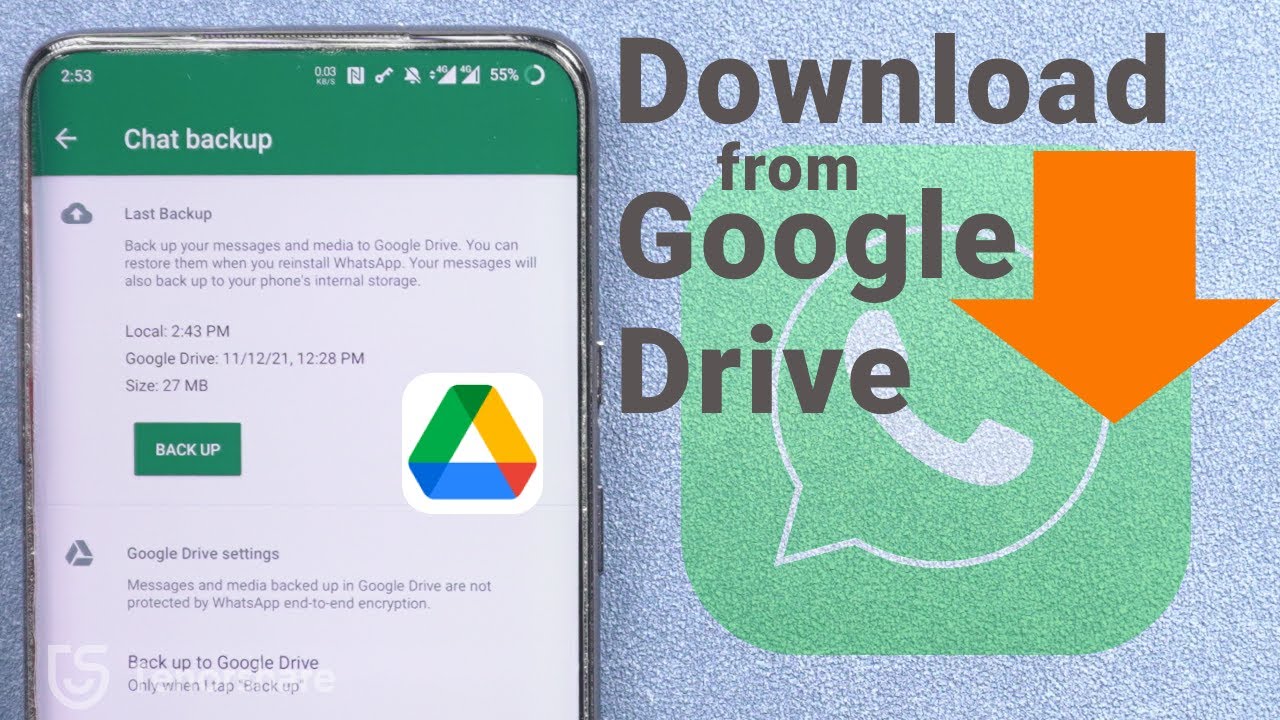
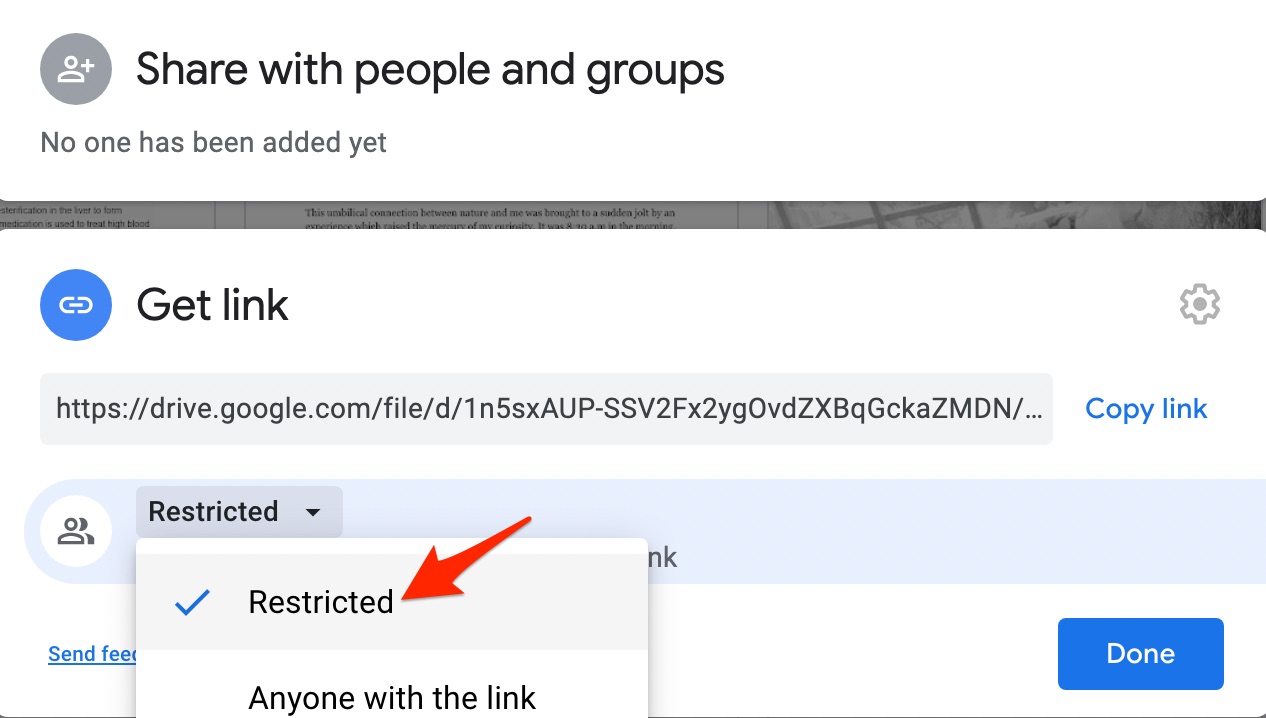
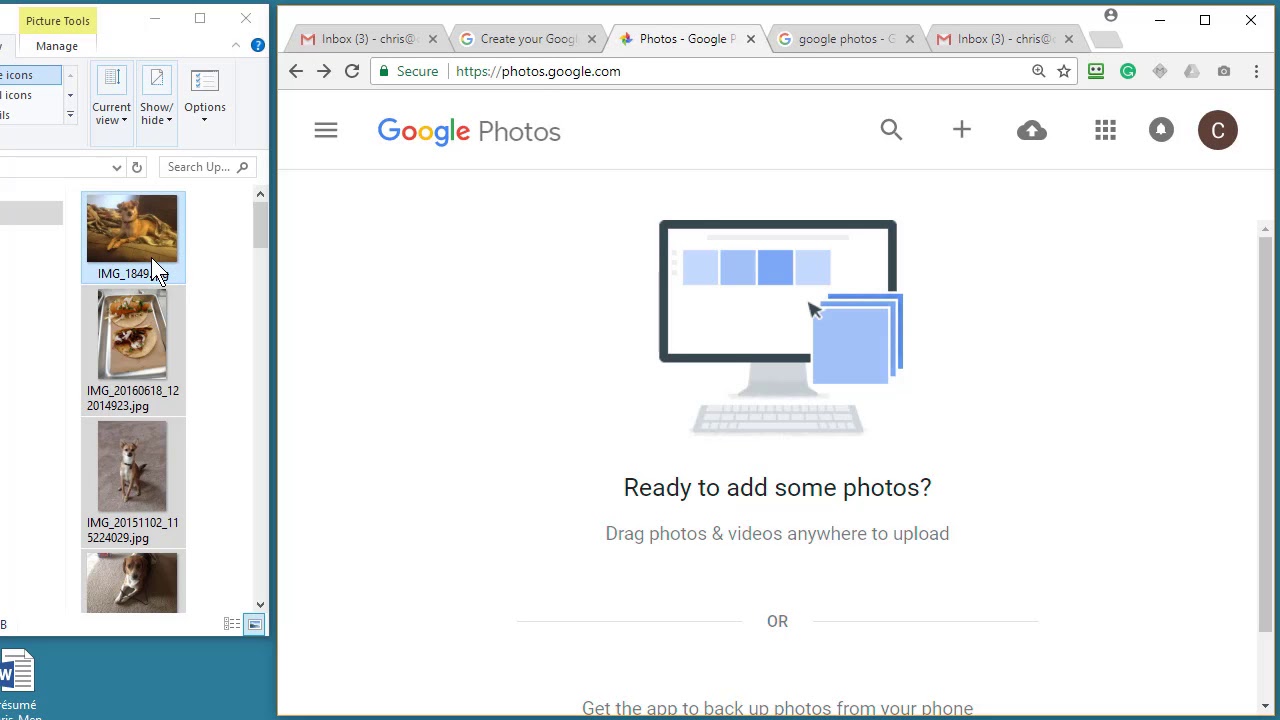
The articles address three main kinds of problems. First, they cover the basics of getting files in and out of Drive, from uploading photos from a computer to downloading entire phone backups or exporting a Google Sheet to your desktop. Second, they explain how to manage files across different locations, such as moving items from Drive to an external hard drive for local storage, or downloading shared files that others have sent you. Third, they tackle the safety and permission side of sharing, with pieces that explain how video sharing permissions work and what to consider for safe file sharing, helping you avoid accidentally exposing private data rather than showing you how to access anything restricted.
Specific topics you will see covered include the step-by-step process for uploading and downloading, how to move files to an external drive, and how to download shared files from cloud storage. The safety and permission articles are framed as guidance on responsible use, for example, understanding who can see your shared links and how to keep your own files secure. These are not about circumventing limits but about making informed choices with your own data.