Yes, a MEGA free account can download multiple files concurrently within the same browser or desktop app, but all parallel transfers draw from the same dynamic quota pool and will cause you to hit the limit faster, not get more data.
How mega parallel downloads actually work on free accounts
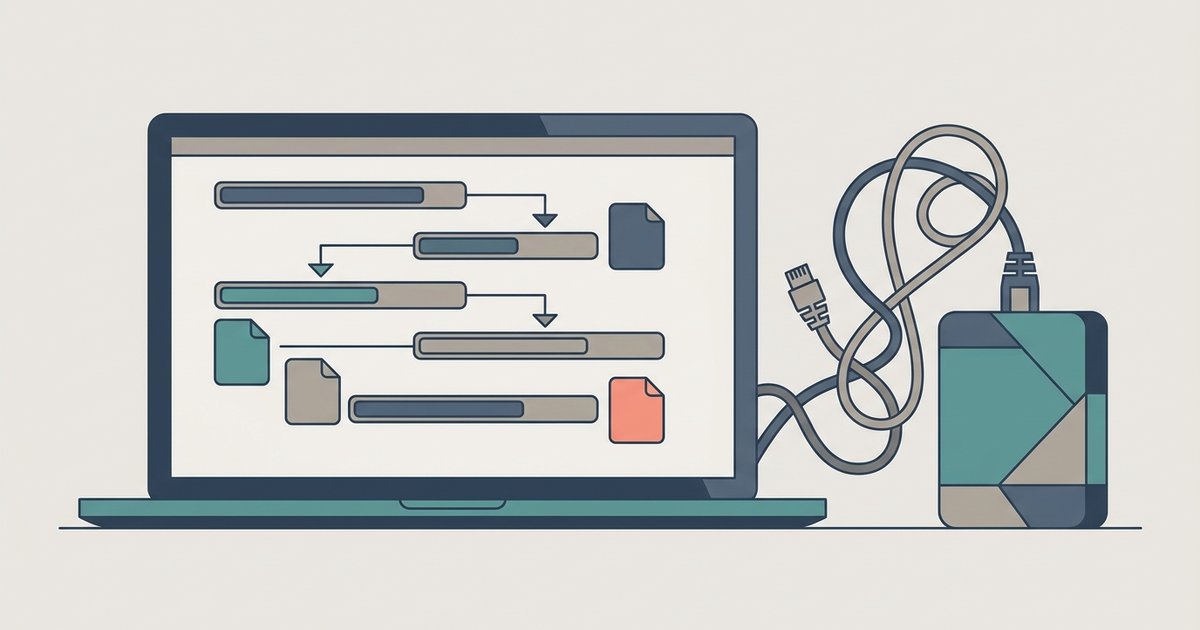
MEGA allows free accounts to open multiple simultaneous HTTP connections to its servers. Typically you get four or five in the browser app and a similar number in MEGAsync. Each connection competes for the same per‑account transfer quota. That quota resets after a few hours but is dynamic and based on recent IP activity. When you start three files at once, the MEGA client does not allocate one quota to each file. Instead it subtracts bytes from the single pool proportionally as each chunk arrives. The result is that you transfer the same total data. But you reach the 100% quota exhaustion sooner because the sum of all active streams drains the counter faster. The desktop app’s “Transfer Manager” shows a combined speed and remaining quota, not per‑file allowances. If you need to download mega files efficiently, the smartest approach is to stagger them. That way the quota replenishes between batches rather than burning through it all at once. When quota limits still interrupt your workflow, you can download mega files without mega by using a third-party download manager that bypasses the official client entirely.
Why queuing feels safer but isn't a hard rule
Many free users see the hub’s advice to “queue files in small batches” and assume MEGA bans concurrency entirely. That is a misunderstanding. The real risk is not a rule against parallel downloads. It is the dynamic IP‑based throttle that MEGA imposes when a single IP sends too many requests in a short period. Queuing one file at a time spreads those requests over minutes, keeping you under the request‑rate threshold. If you run five simultaneous transfers, the server sees five rapid connection attempts per second. That can trigger a temporary cooldown which blocks all transfers for 30-60 minutes. The queue strategy is a defensive workaround for that throttle, not a prohibition on multiple files. Those tools also avoid triggering the IP‑based limit that parallel activity can cause.
When parallel transfers backfire
The specific failure case happens when you exceed MEGA’s hidden concurrency ceiling. On a free account there is a limited number of active streams. At that point, the server begins returning 429 (Too Many Requests) errors mid‑transfer. This causes partial failures where some files stop at 80% while others complete. The client may not retry automatically, leaving you with corrupted or incomplete archives. Worse, sustained parallel activity can lock your IP out entirely for several hours. During that lockout even single‑file attempts fail with a “bandwidth limit exceeded” message that won’t clear until the cooldown expires. The desktop app’s “Transfer Manager” shows when transfers are paused due to limits. To avoid it, limit concurrent activity to two and always monitor the transfer speed graph. If it drops below 100 KB/s while multiple streams are active, you are already past the quota threshold. For broader guidance on downloading shared files from cloud storage, the same server‑side throttling applies across platforms. Methods like downloading videos from Google Drive without permission also warn against spawning too many simultaneous requests. In short, parallel transfers work, but only if you respect the quota and request rate, or you will lose time rather than save it.