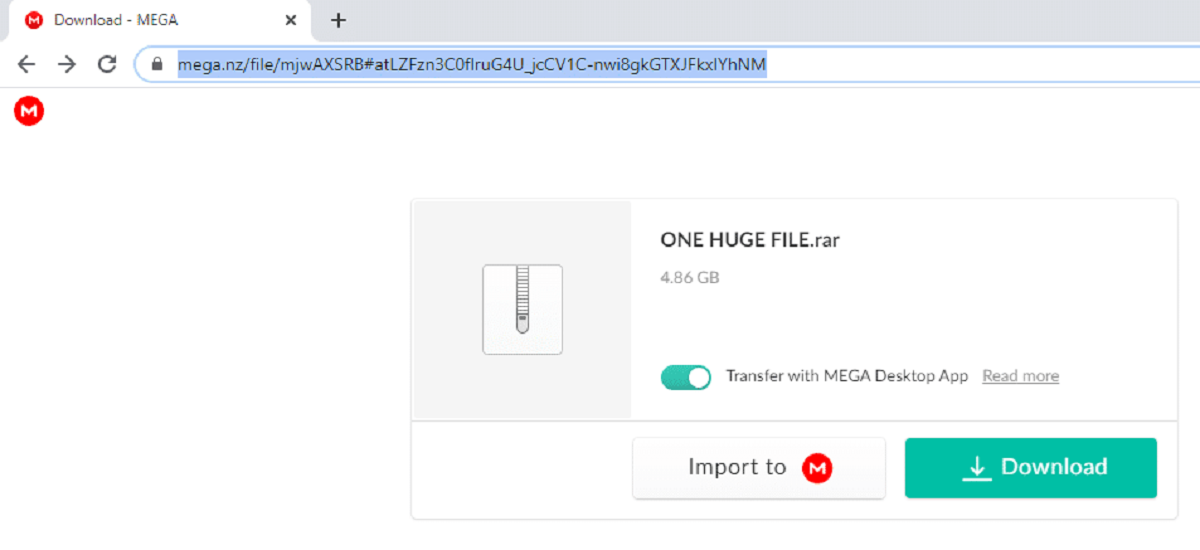
This tag collects all of our practical guides to getting files out of MEGA, the cloud storage service, and is written for everyday users who have hit a snag while trying to download something a friend or colleague shared with them. Whether you are a casual browser grabbing a one-off document or someone routinely moving large media files, these articles address the moments when MEGA stops cooperating with your plans.
The problems covered here fall into two clear groups. The first is access and availability: several articles walk you through what to do when a link refuses to work, such as when MEGA claims a file no longer exists even though the owner insists it is still there, or when the service blocks your download because you have exceeded the free transfer quota. The second group is about performance and limits, including whether MEGA deliberately slows your connection after a certain amount of data and whether a free account can download multiple files at once. One article also explains a safer, more reliable way to download MEGA files without using the official app, focusing on legitimate alternatives that protect your privacy and avoid risky third-party scripts.
Across these guides, the goal is always to help you get your data legally and efficiently. You will learn how to reset the wait time after a quota error, how to confirm whether a link is truly dead, and how to manage concurrent downloads within the rules of a free account. None of these articles encourage bypassing security, pirating content, or hacking the service, they simply show you the proper, supported paths to a successful download.