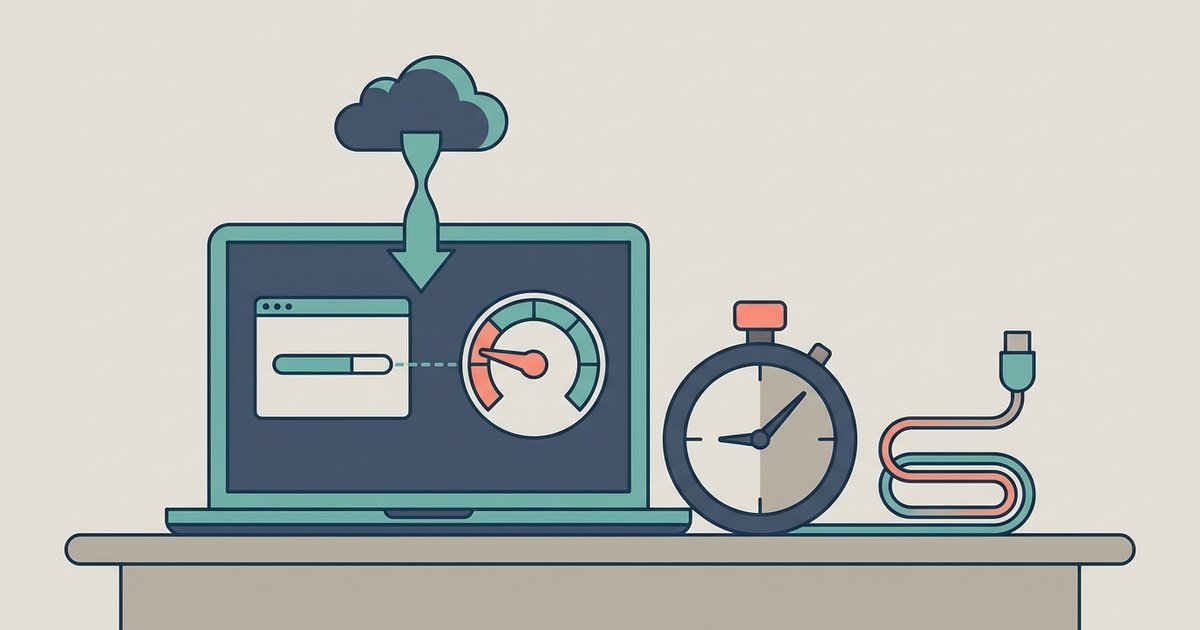
The 6-hour cooldown starts the moment your transfer is blocked and runs continuously in real time, even with your browser closed or the download paused; Mega has no fixed daily reset time.
Mega transfer quota timer starts at the block, not at midnight
Mega uses a rolling window tied to your IP, not a fixed UTC schedule, so the counter begins exactly when you exceed the limit. For a free account, the transfer quota is dynamic, generally ranging from 1-10 GB per rolling 6-hour period. The moment you hit that cap, whether during a single large file or after several smaller ones, the server records the exact timestamp and starts counting. There is no midnight reset; if you hit the limit at 3:14 PM, the cooldown ends at 9:14 PM, not at 12:00 AM. This rolling window applies per IP address, meaning a VPN or IP change can reset the block, but the timer itself is absolute.
Pausing does not freeze the cooldown
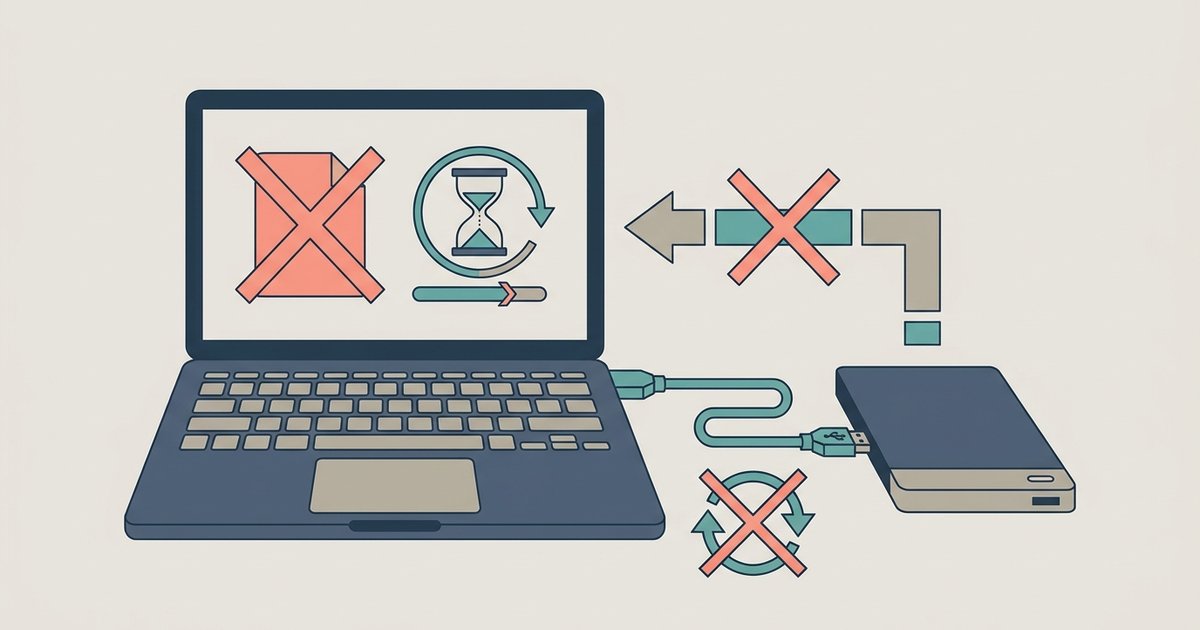
The wait timer is server-side and keeps counting down regardless of whether you pause, close the tab, or shut down your computer. When you pause a transfer, Mega’s server still logs that you have an active quota block; the cooldown does not stop. Closing the browser or rebooting the machine does not pause the server clock. This is why many users mistakenly think they waited “six hours” but actually waited only the time between the block and the moment they resumed, not realizing that the paused state did not extend the window. The server counts wall-clock time, not activity time.
Why you got blocked again after waiting
The most common failure case is resuming a transfer that immediately re-triggers the limit because the IP-based quota bucket had not fully refilled, or a second parallel transfer consumed the restored allowance instantly. Even if you waited exactly six hours, the bucket may require the full 6 hours from the original block timestamp. For example, if you were blocked at 2:00 PM and resumed at 8:00 PM, the bucket might still be 90% full if the cooldown is 6 hours. Additionally, if you had multiple tabs or a download manager running, the resumed transfer plus any other ongoing retrievals can exhaust the refilled quota in seconds. Another common issue: resuming a paused transfer often sends a new request that counts against the quota immediately, rather than continuing from a saved state, so the server sees a fresh attempt.
How to confirm your wait is truly over
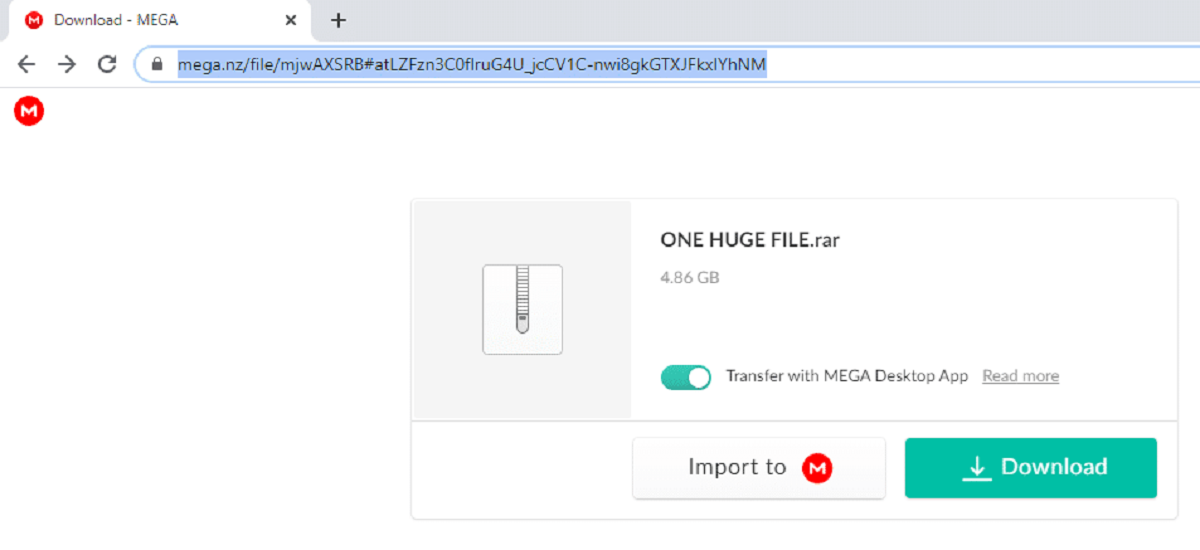
You can verify the cooldown has passed by starting a fresh retrieval in a private window without resuming the old one, which avoids re-hitting a cached block state. Open a private or incognito tab, navigate to a small file (under 100 MB) from a different link, and attempt to grab it. If it starts immediately, the cooldown is complete. If it shows the same quota error, wait another hour and test again. Do not resume the original paused transfer until the fresh retrieval succeeds. For larger files, consider using a tool that splits the transfer into segments or using a different IP via a VPN. Remember that Mega’s free tier also limits parallel transfers to one at a time, so never run multiple retrievals simultaneously. Unlike every other cloud storage platform, Mega enforces a single-session IP quota that counts down from the exact moment of blockage rather than resetting on a calendar schedule. If you need to grab files regularly, the central resource for this is "how to download Mega files" which covers browser-based workarounds. For bypassing the client entirely, "how to download Mega files without the Mega client" explains using third-party download managers.
For the wider picture, see downloading shared files from cloud storage.