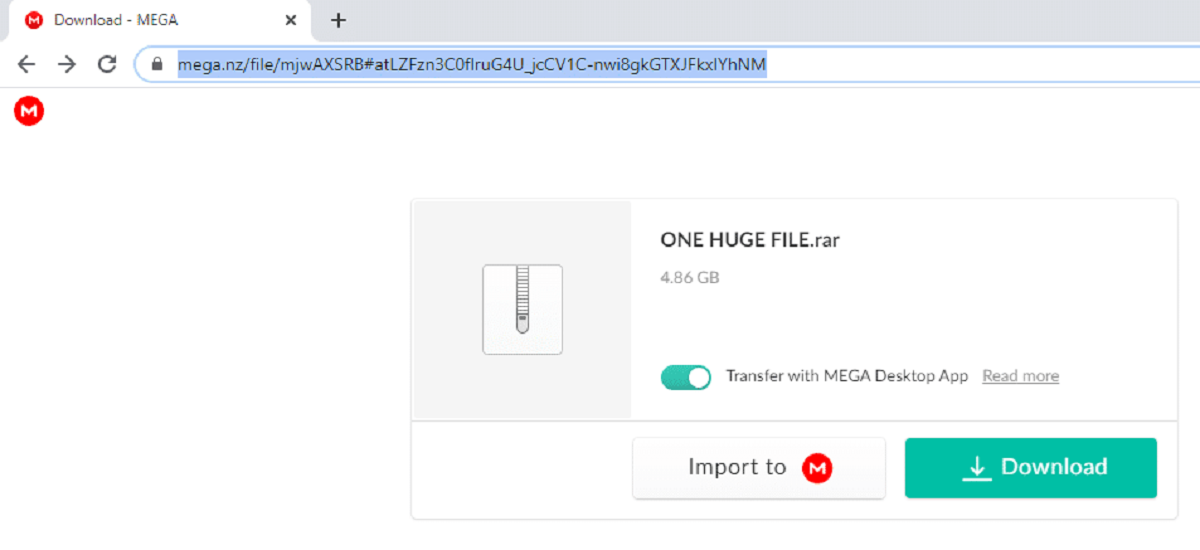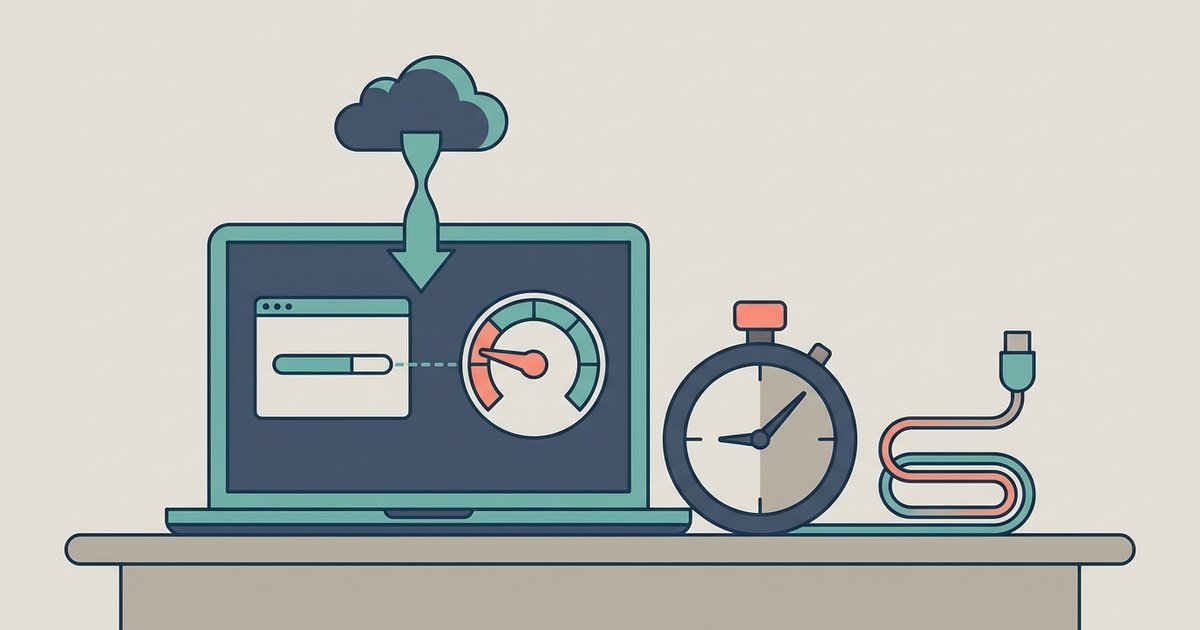
Yes, Mega enforces a transfer quota for free accounts based on data downloaded over the past six hours, after which downloads stop entirely until the counter resets, which can take up to 6 hours.
How the Mega Download Speed Transfer Quota Actually Works
Mega does not apply a traditional speed throttle that gradually reduces your connection after a certain GB. Instead, it uses a hard cap. Once your free account exceeds its transfer quota, downloads simply fail with an error message stating “Transfer quota exceeded.” This rolling limit tracks your total downloaded data over the past 6 hours, not a fixed calendar day. Because server load and regional demand shift the exact cap, you might hit the limit at 3 GB on one day and 5 GB on another. The system resets as soon as your oldest data usage falls outside that lookback window. This means you can resume downloading without waiting for midnight.
What People Get Wrong About Mega Throttling
A common misconception is that the throttle is permanent or tied to a specific file size. In reality, the quota counts every kilobyte you pull from Mega. This applies regardless of whether you download mega files in a single session or across hours. Another error is assuming that switching IP addresses or using a VPN bypasses the limit. Mega's quota for free accounts is linked to your IP address, not your account, so a new address may reset the counter if you are not logged in. Many also believe the limit resets at midnight local time, but Mega uses a rolling window. If you downloaded 4 GB between 2:00 PM and 3:00 PM, you must wait until 8:00 PM for that data to fall out of the lookback period. Pausing and resuming a download does not help either. The quota already counts the bytes you received, and pausing simply pauses the clock on your wait. This same rolling quota applies when downloading shared files from cloud storage, so a large shared folder can trigger the throttle just as quickly.
How Long the Slowdown Lasts and When It Resets
The typical block lasts up to 6 hours, depending on when your largest download occurred. Mega calculates this by looking back at the data you transferred in the most recent 6-hour window. If you used 3 GB in the last hour, you will be blocked for roughly the next 4 to 5 hours until that hour’s data ages out. For example, if you download mega files without mega using a third-party tool that still routes through your account, the same quota applies, and the counter does not reset faster. The only reliable way to restore full speed is to wait out the rolling window. No setting in your Mega account menu allows you to accelerate the reset.