This tag collects our guides to understanding and improving download speeds across a wide range of devices and connections. It is written for everyday consumers, gamers, remote workers, and home internet users, who are frustrated by slow file transfers, long game installs, or buffering during online play. The articles here are practical, troubleshooting-oriented, and focused on real-world fixes rather than technical jargon.
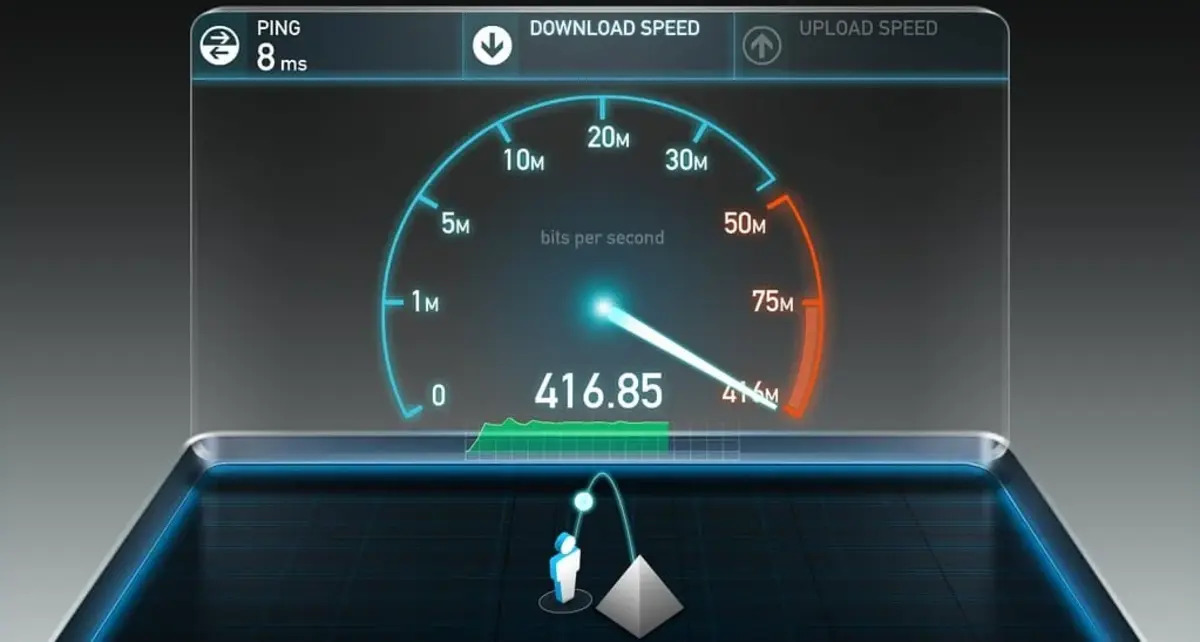
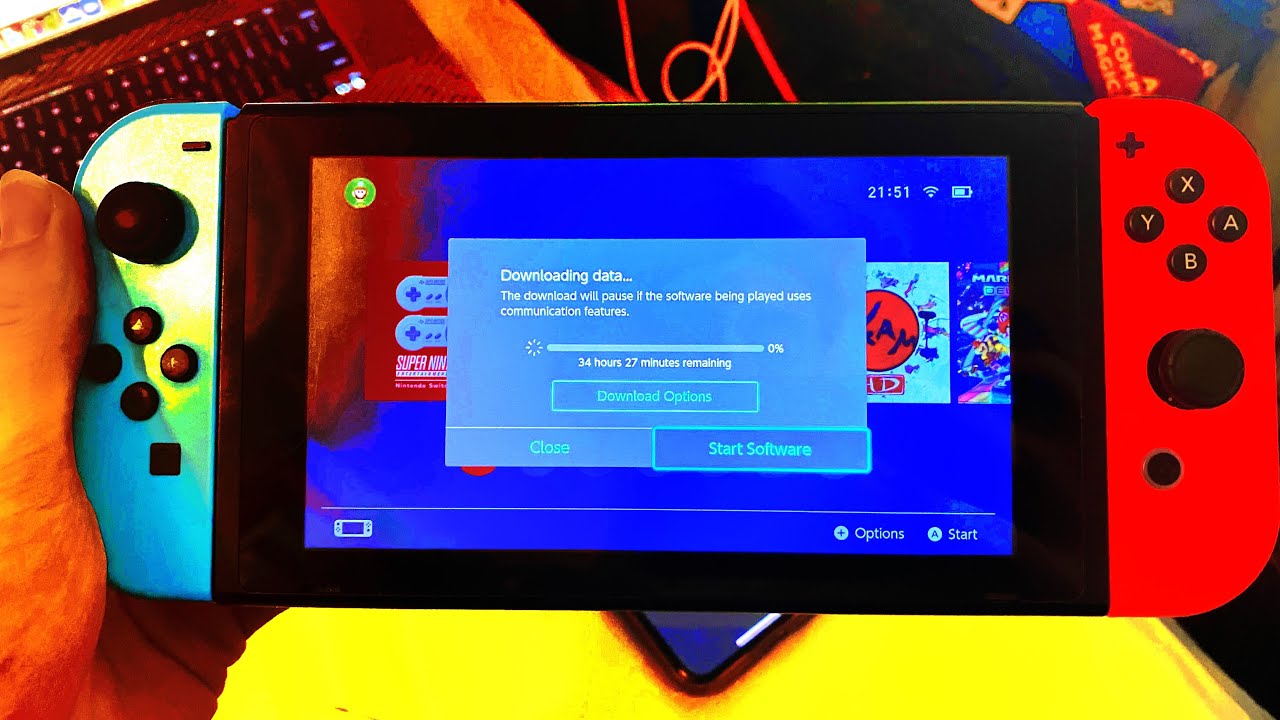
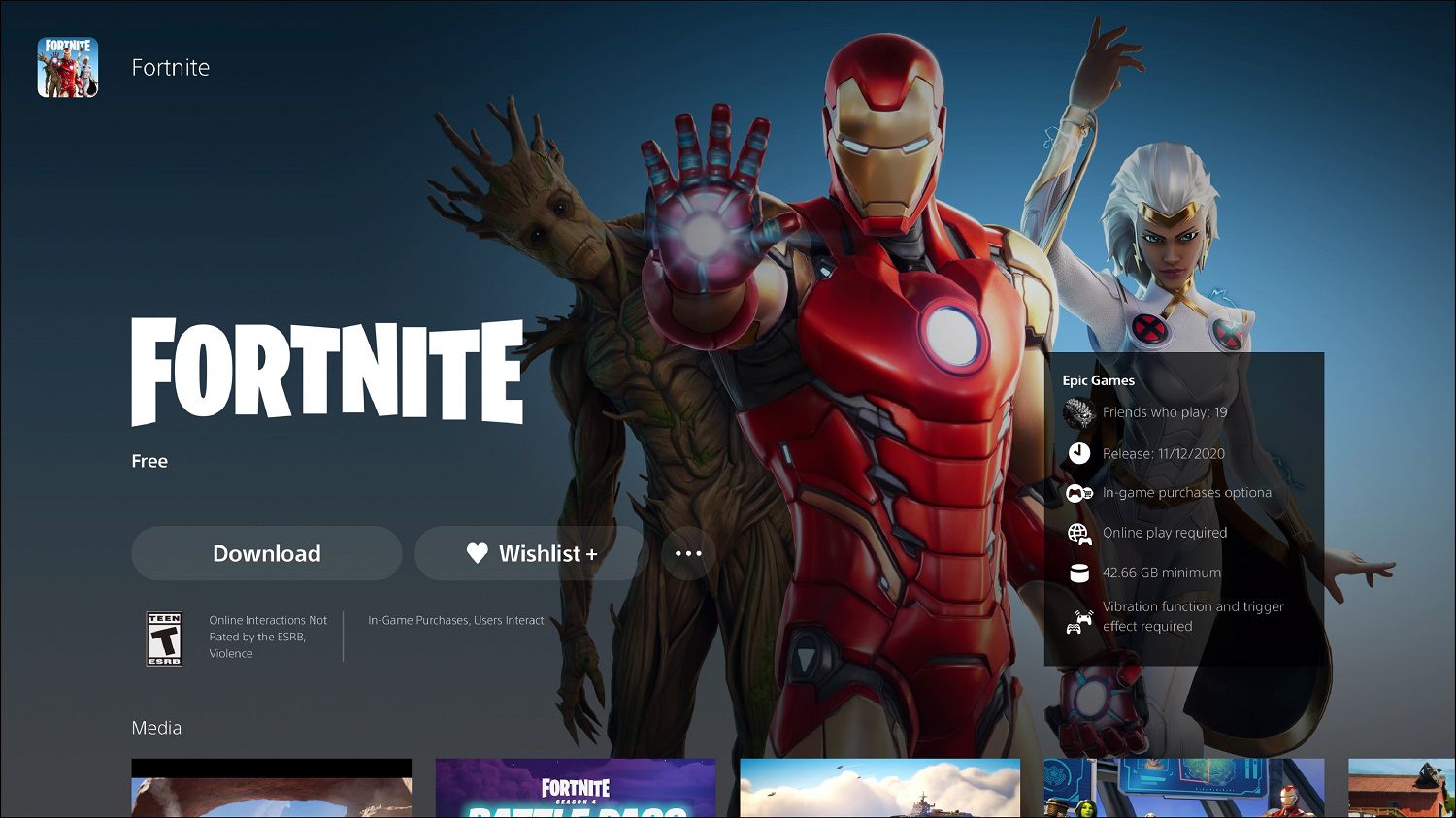
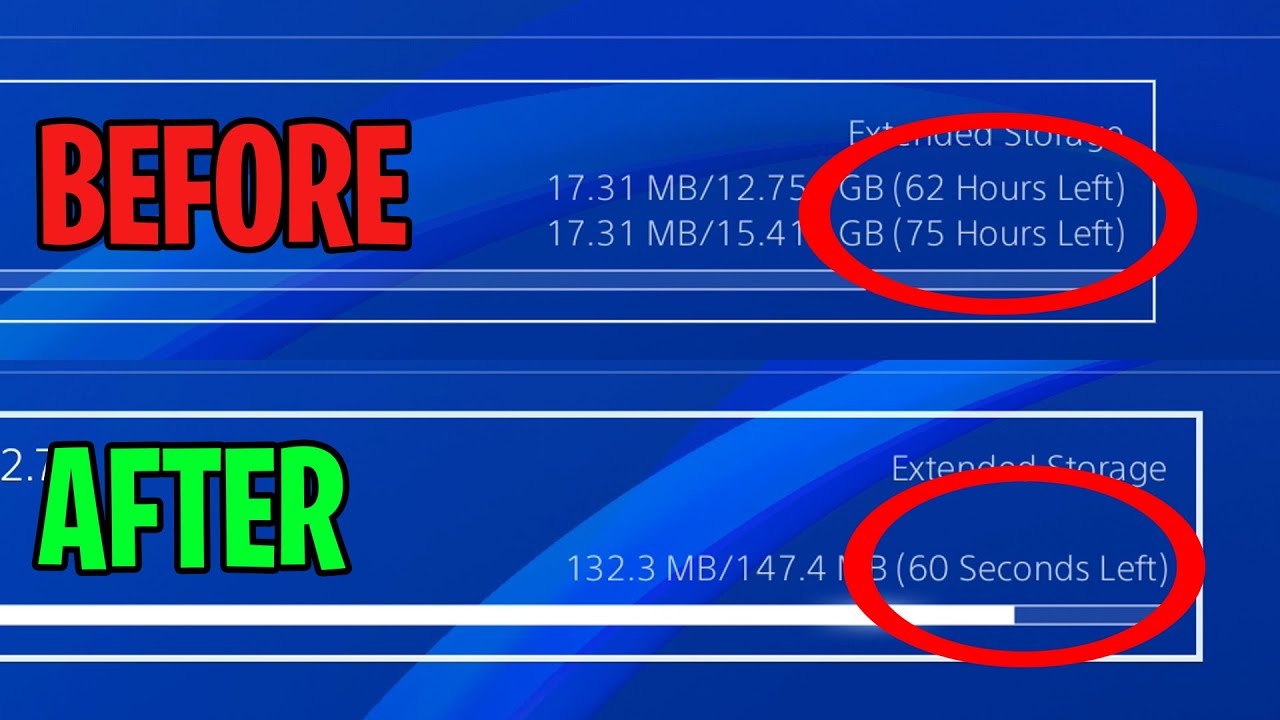
The first group of articles helps you diagnose the root cause of a slow connection, whether that means measuring your current bandwidth, understanding the difference between upload and download needs for gaming, or figuring out why a specific service (like 4G LTE on a particular carrier) underperforms. A second theme is platform-specific optimization: you will find step-by-step advice for speeding up downloads on PlayStation, Xbox, Nintendo Switch, Oculus Quest 2, and PC, including tips for making game downloads faster on each system. A third, smaller set covers service-specific behavior, for example, one article explains how a cloud storage provider may throttle transfers after a certain data cap, which is useful for understanding the legal and practical limits of your plan rather than trying to circumvent them.
Across these pieces, the focus is always on what you can safely and legitimately do: adjusting console settings, using wired connections, managing bandwidth allocation, or checking your router’s quality of service. The tag does not cover bypassing restrictions, pirating content, or exploiting network tricks. Instead, it helps you get the most out of the connection you already pay for, with clear, actionable steps for each major gaming platform and common home networking scenario.