This tag collects straightforward guides for anyone who regularly moves files on a Windows PC and wants more control over their downloads. It is aimed at everyday users, not IT pros, who are juggling multiple sources, whether that is a dedicated download manager, a browser, or a cloud storage service. The articles here assume you have hit a snag with speed, organization, or access, and they offer practical fixes without assuming prior technical knowledge.
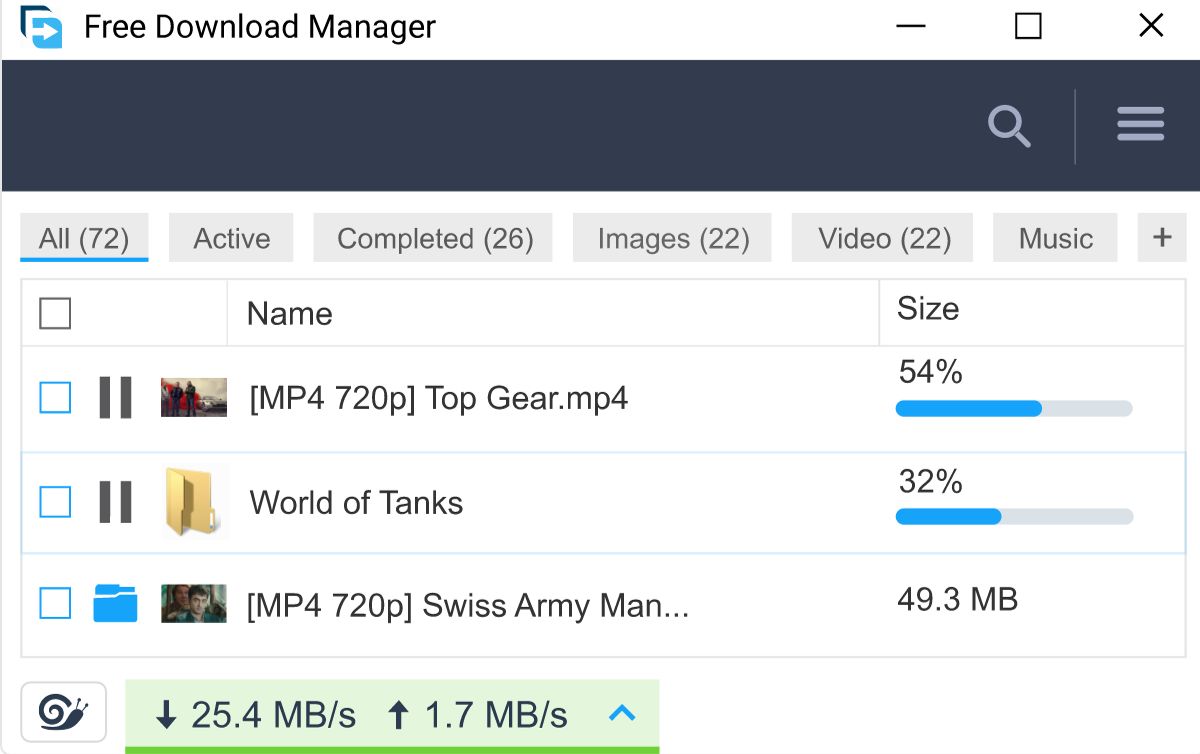
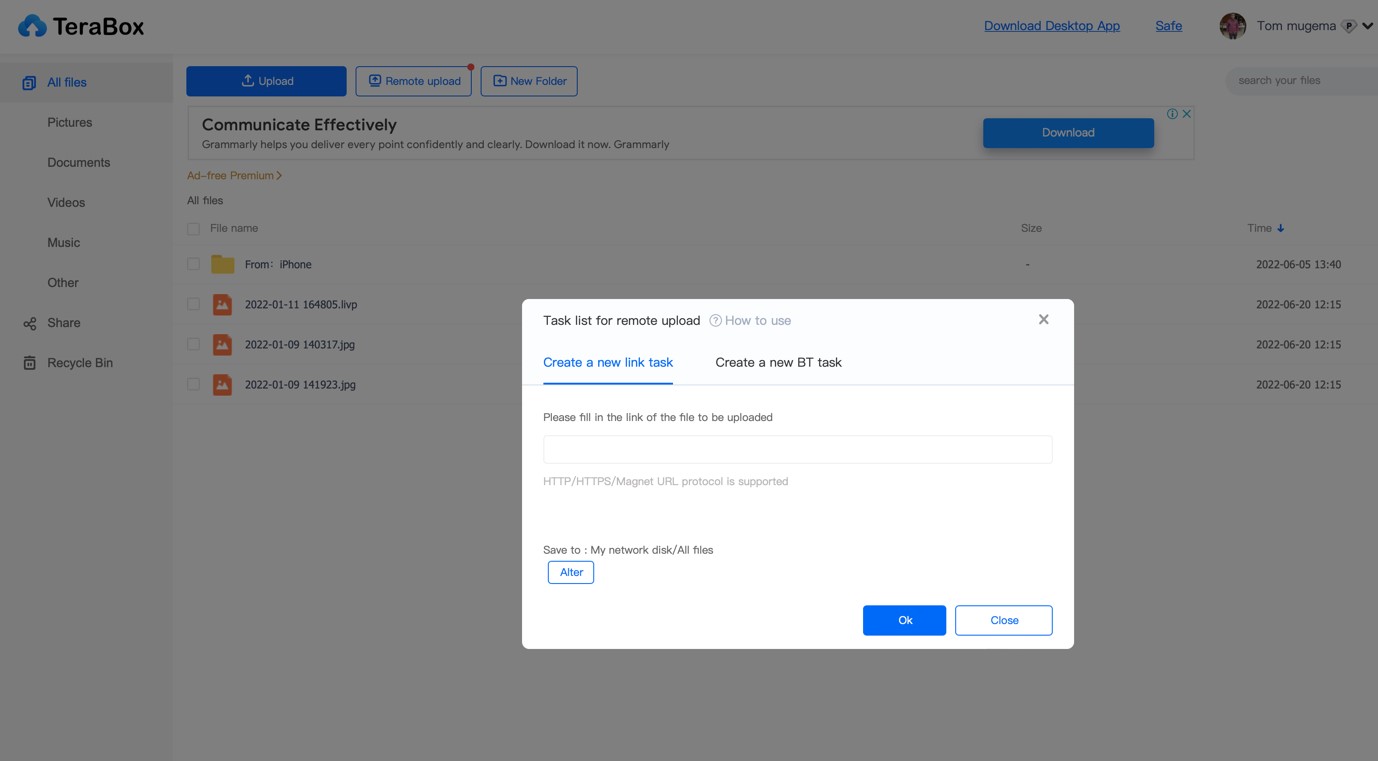
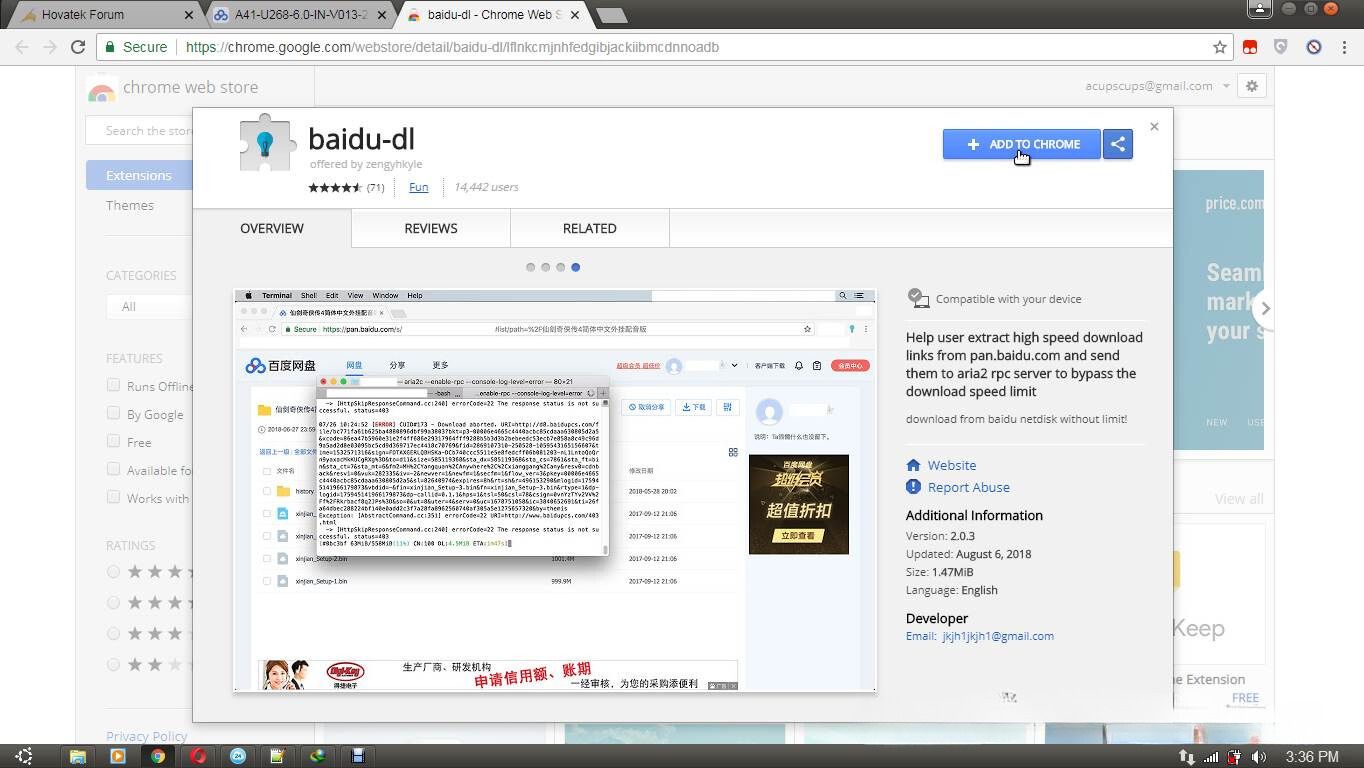
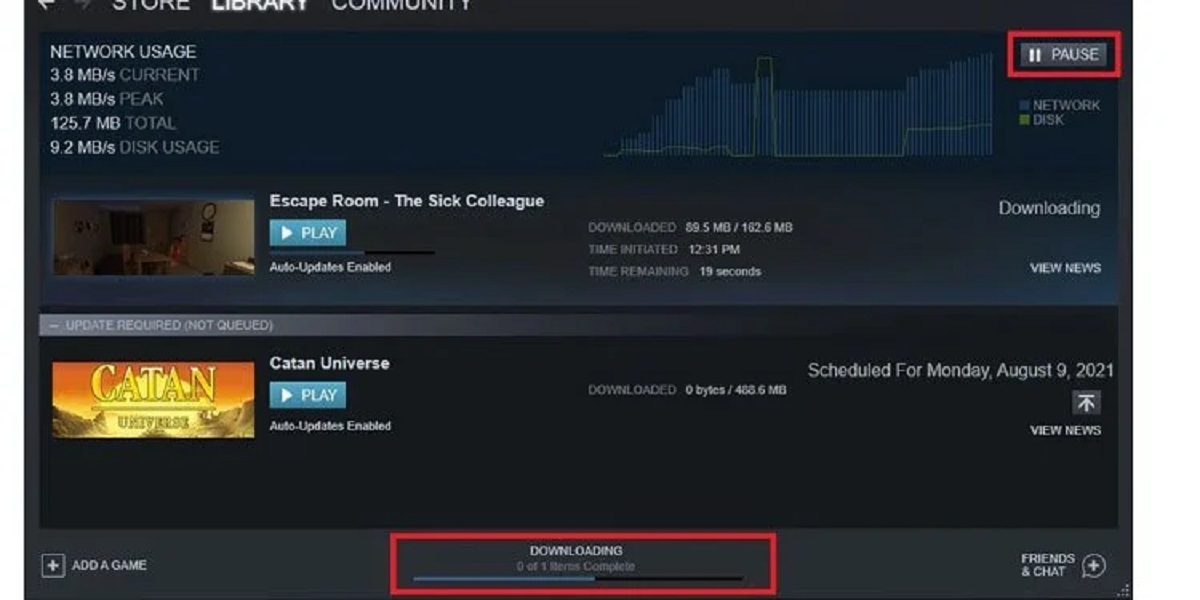
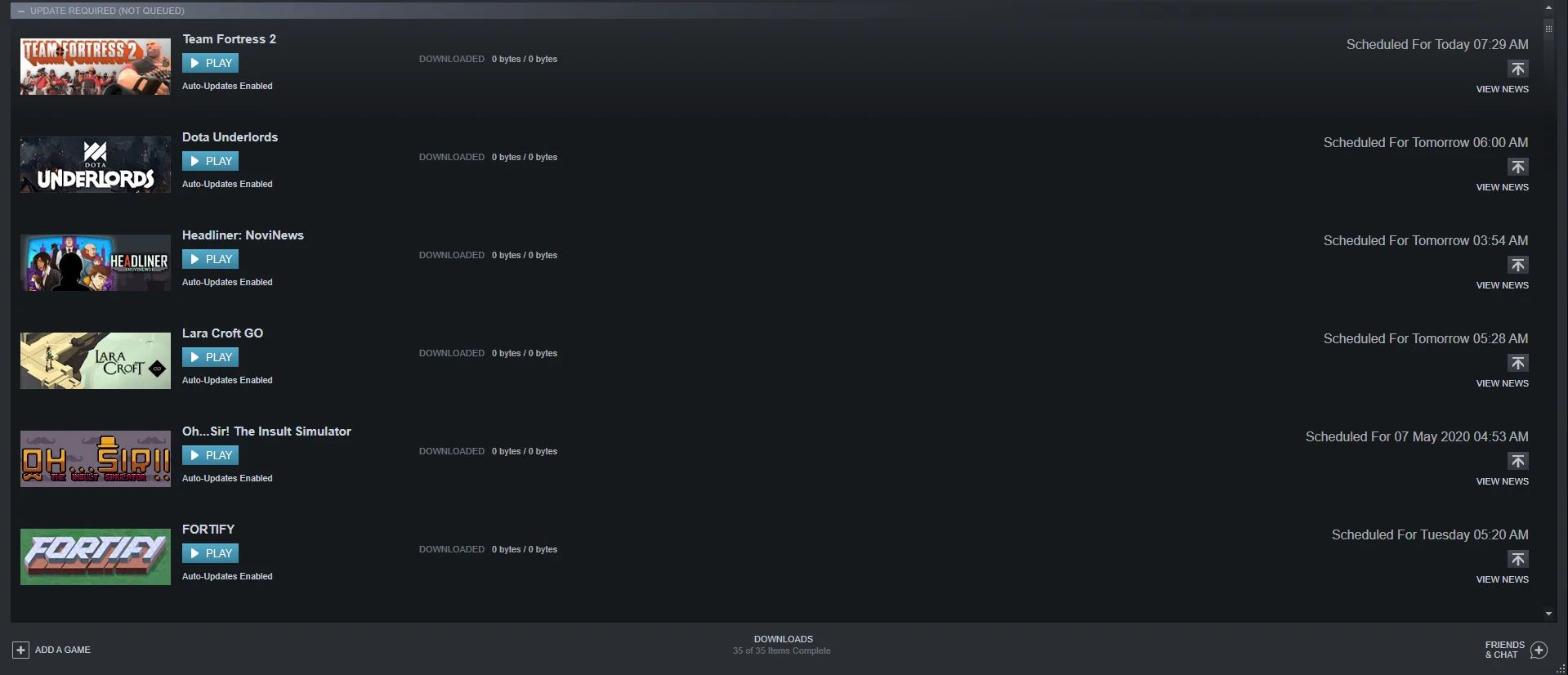
The problems covered fall into two clear themes. First, there are the efficiency and troubleshooting guides: these help you speed up a download manager, queue games to download one after another on Steam, and manage or cancel a stalled download when you need to free up bandwidth. Second, several pieces tackle the trickier territory of getting files from restrictive or unfamiliar sources. For example, one article explains how to fetch a file directly from a link, while another walks through the safe way to use a download manager with third-party game sites like SteamUnlocked, focusing on avoiding fake buttons and staying secure. A separate piece addresses the common frustration of downloading from Baidu without an account, and another clarifies the real limits of a free MEGA account when it comes to multiple simultaneous files.
Across all of these, the emphasis is on doing things cleanly and legally. The guides do not promote bypassing protections or pirating content; instead, they show you how to work within the rules, for instance, using a download manager for public files, understanding account limitations, or pausing a download properly. If you have ever felt stuck when a download fails, slows to a crawl, or asks for an account you do not have, these articles give you the steps to get the job done without guesswork.