This tag collects articles that deal with the practical side of permissions on popular consumer devices and online services. It is for everyday users who have hit a wall when trying to share a screen, download a file, or get a gadget to talk to another gadget, and who want a clear, non-technical explanation of why things are blocked and how to fix that. The focus is on the settings, toggles, and account options that control who can see what, and how those controls sometimes break after an update.
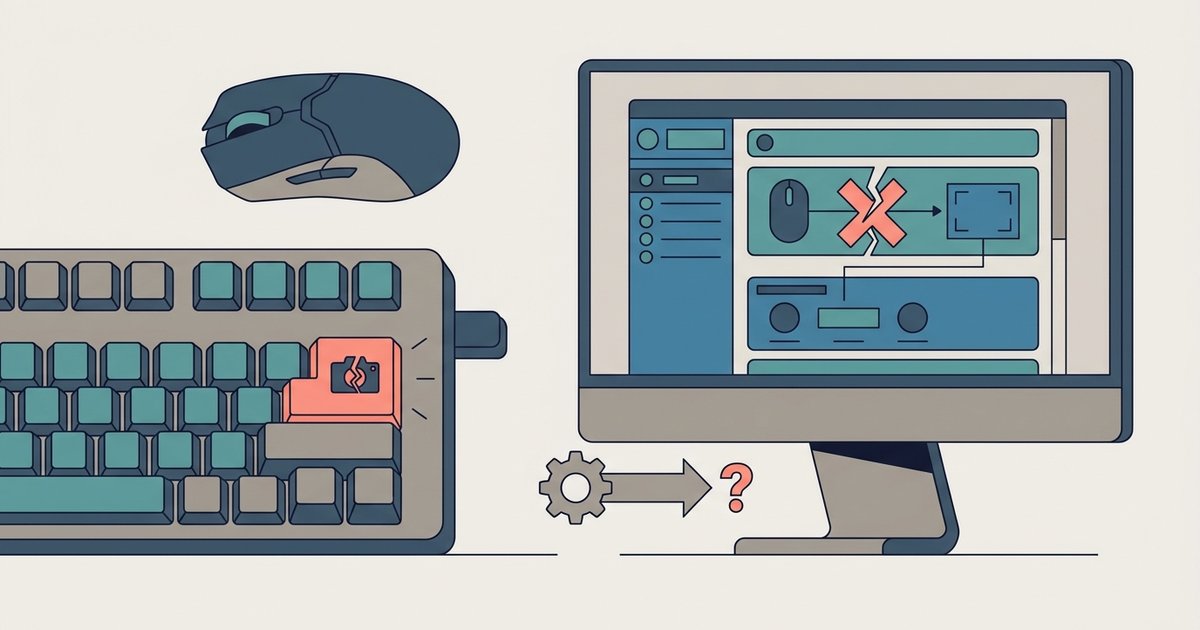
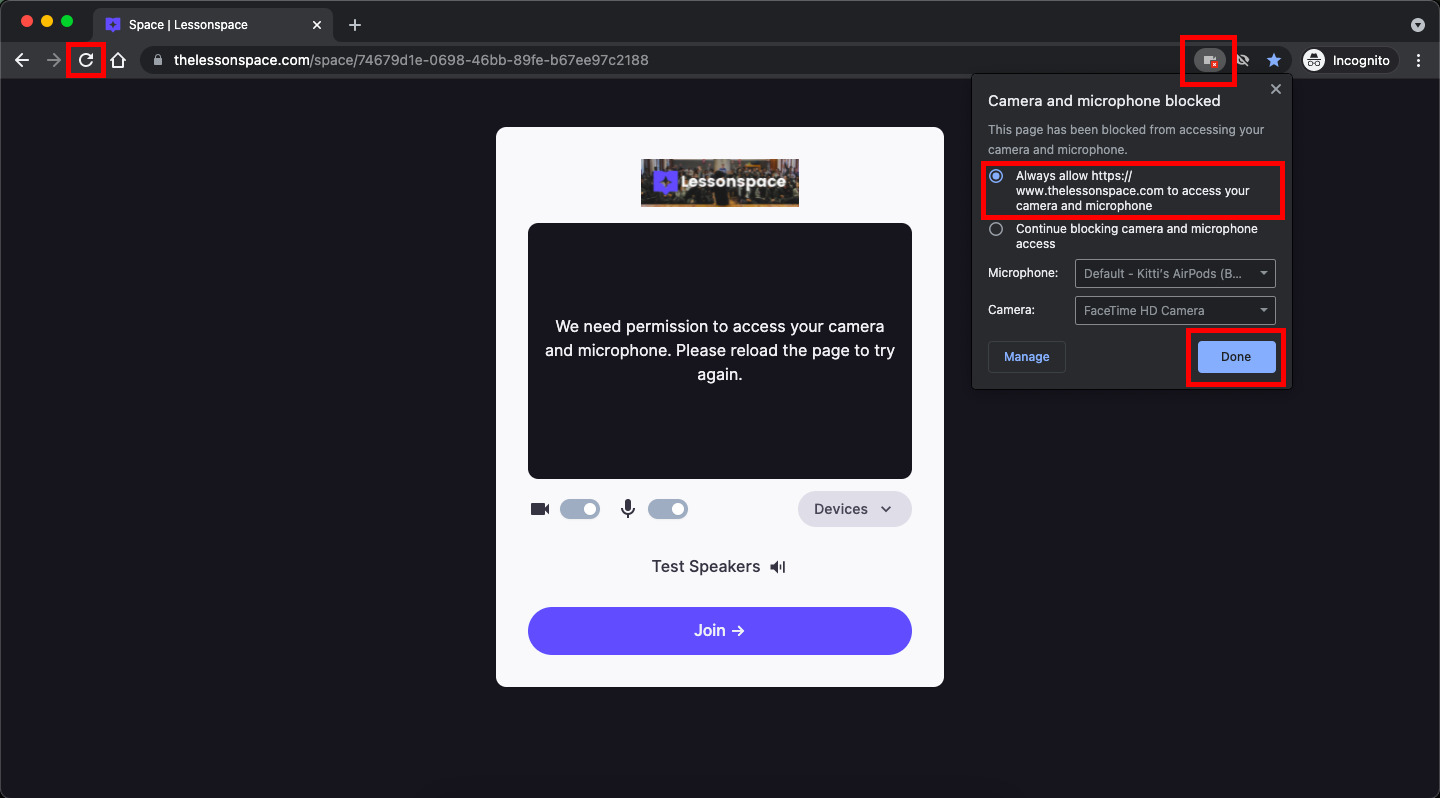
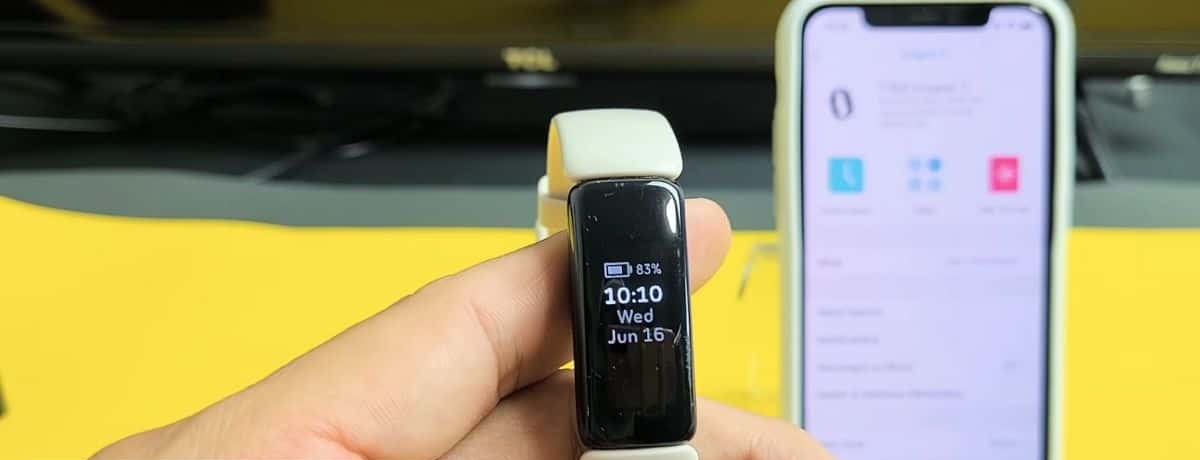
A few of the pieces here are troubleshooting guides. For instance, one walks through why your Fitbit might not locate your phone, while another explains why Logitech’s G HUB software stopped responding to print screen mappings after a recent patch. Others are about getting sharing to work in the first place: allowing Google Chrome to broadcast your screen during a meeting, or figuring out the right way to download a file that someone has shared with you from cloud storage. These articles help you adjust your own device settings, not bypass anyone else’s.
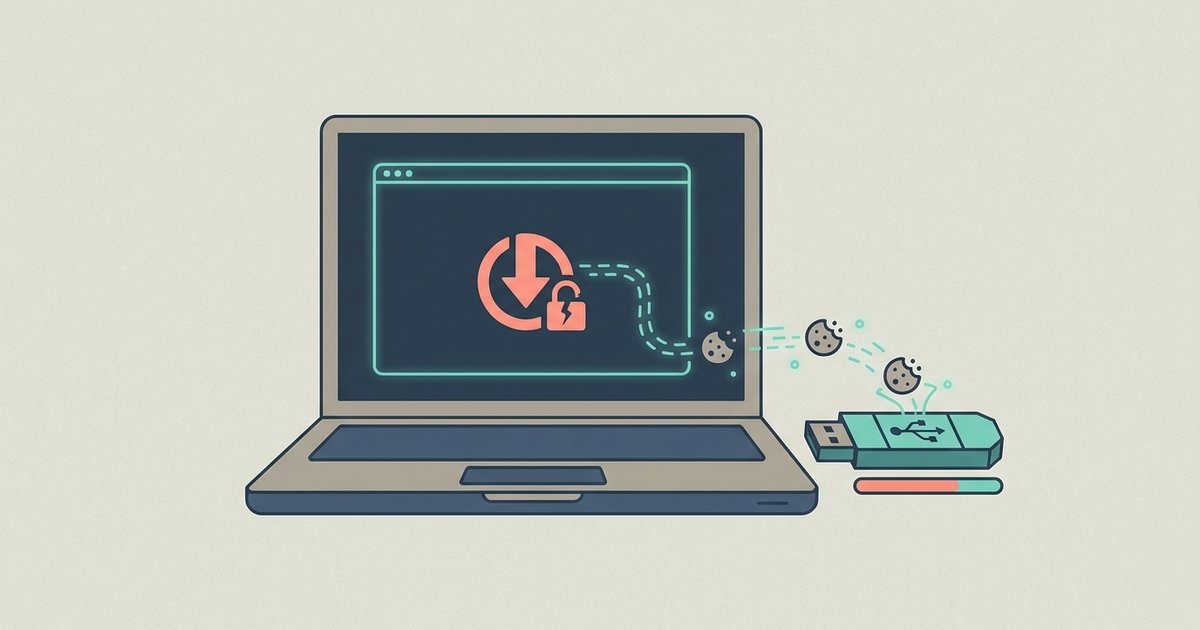
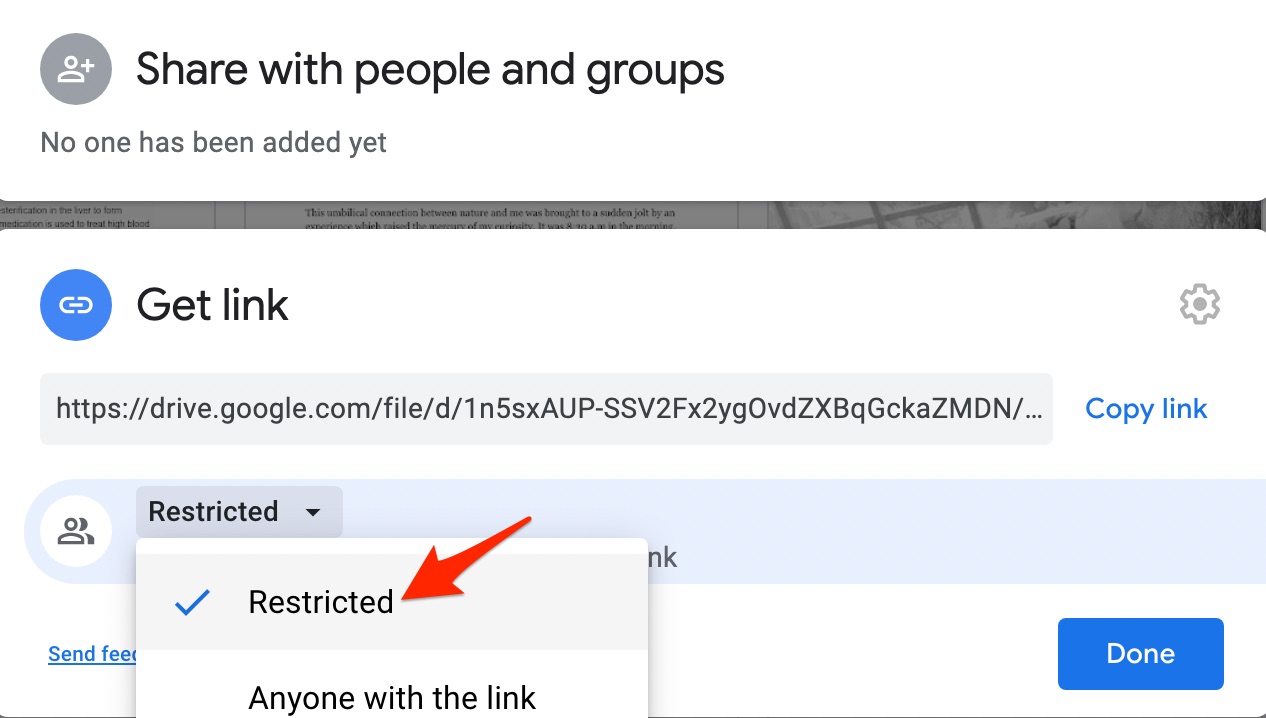
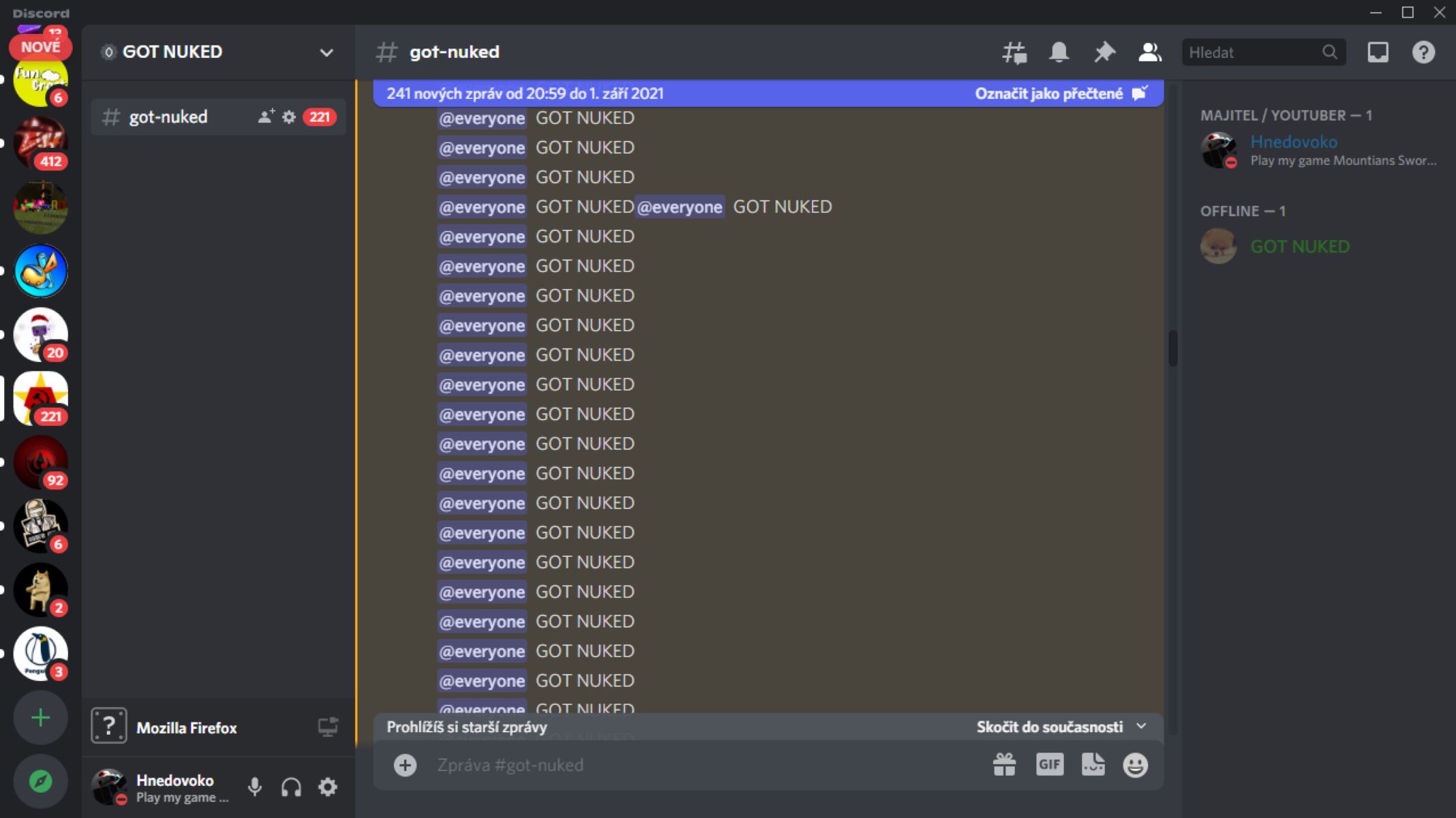
The remaining articles take a safety-first view of permissions. One explains how to check whether a video downloader extension is quietly stealing your login cookies, and another outlines the risks of over-broad Google Drive sharing. There is also a piece on how to remove a Discord server you administer, framed as a cleanup task rather than a way to disrupt others. Together, these guides help you understand what your permissions actually allow, fix common glitches, and avoid handing out more access than you intended.