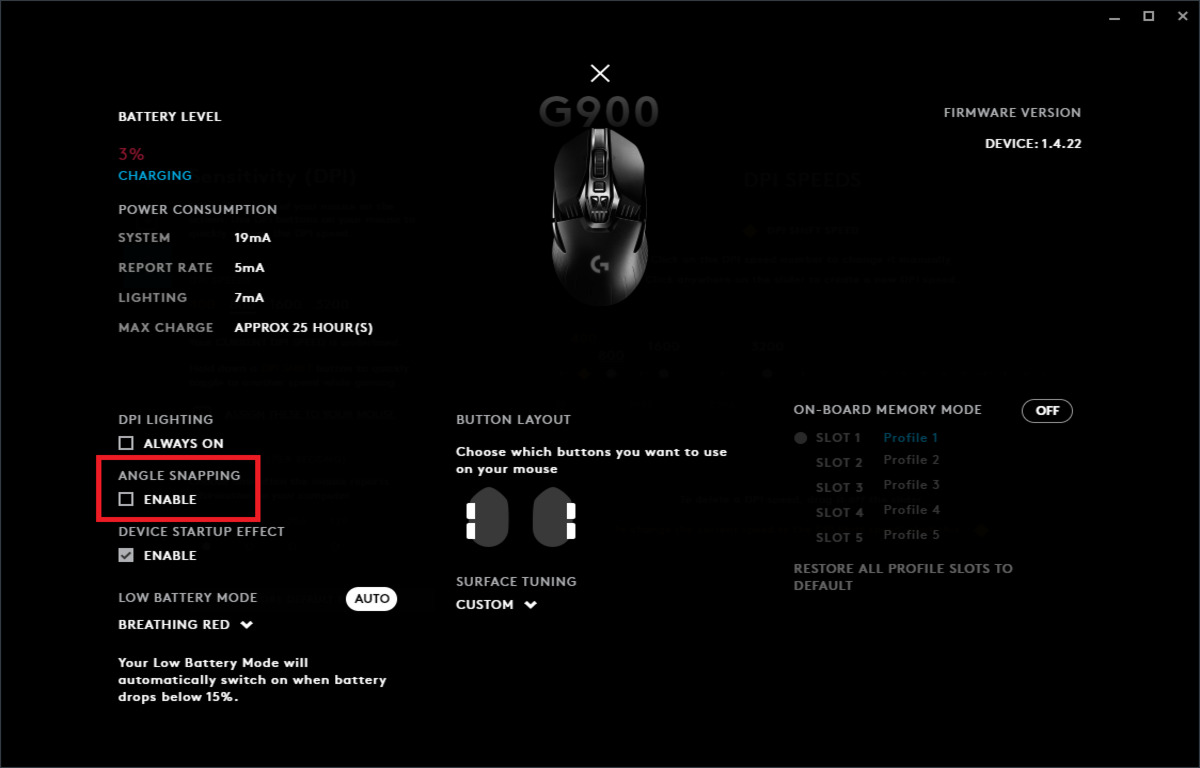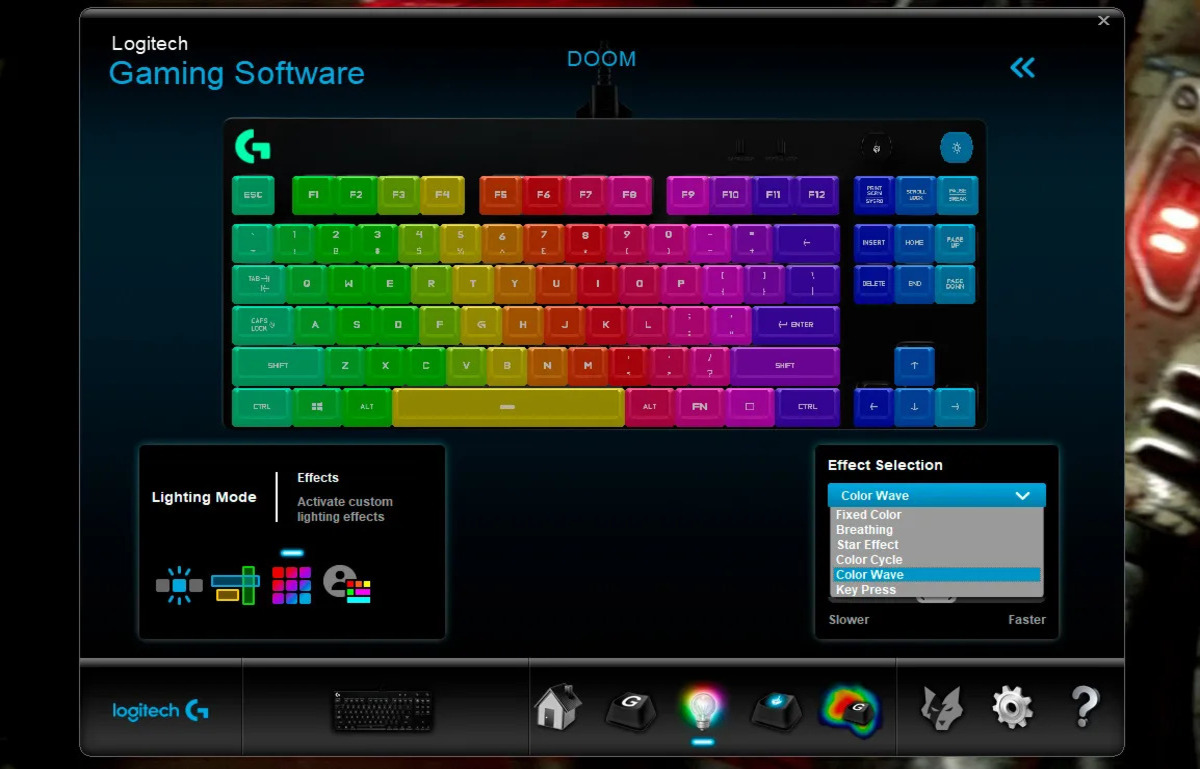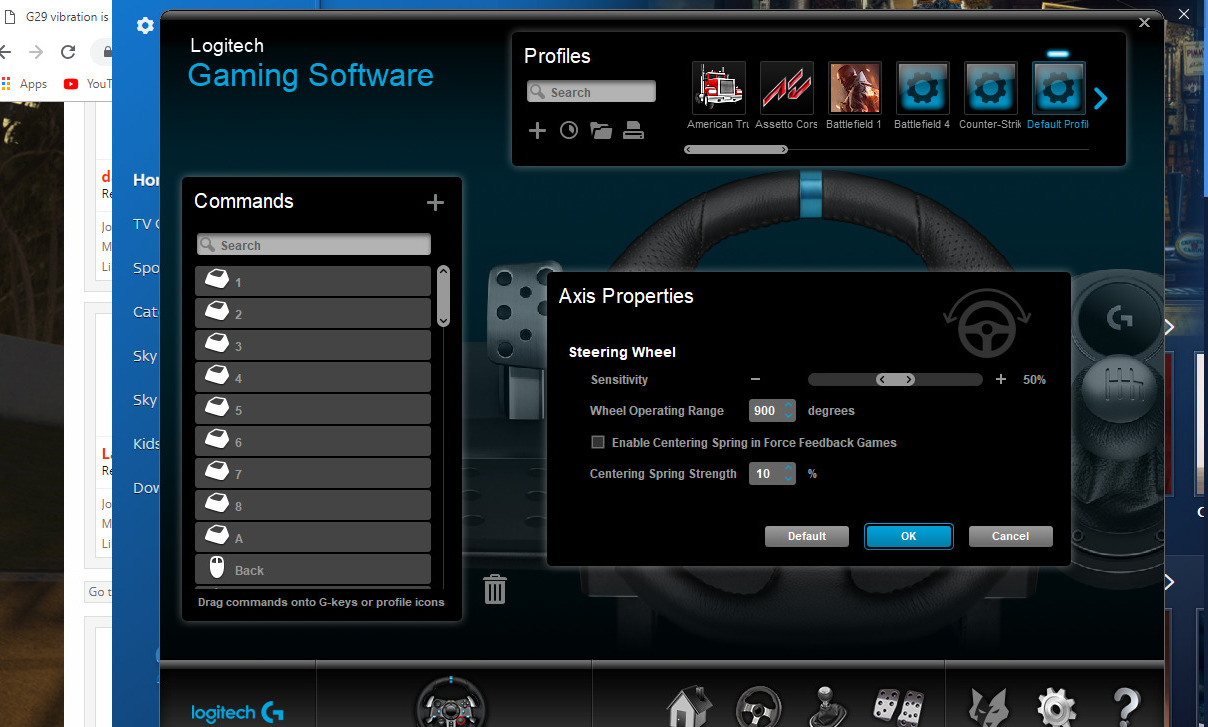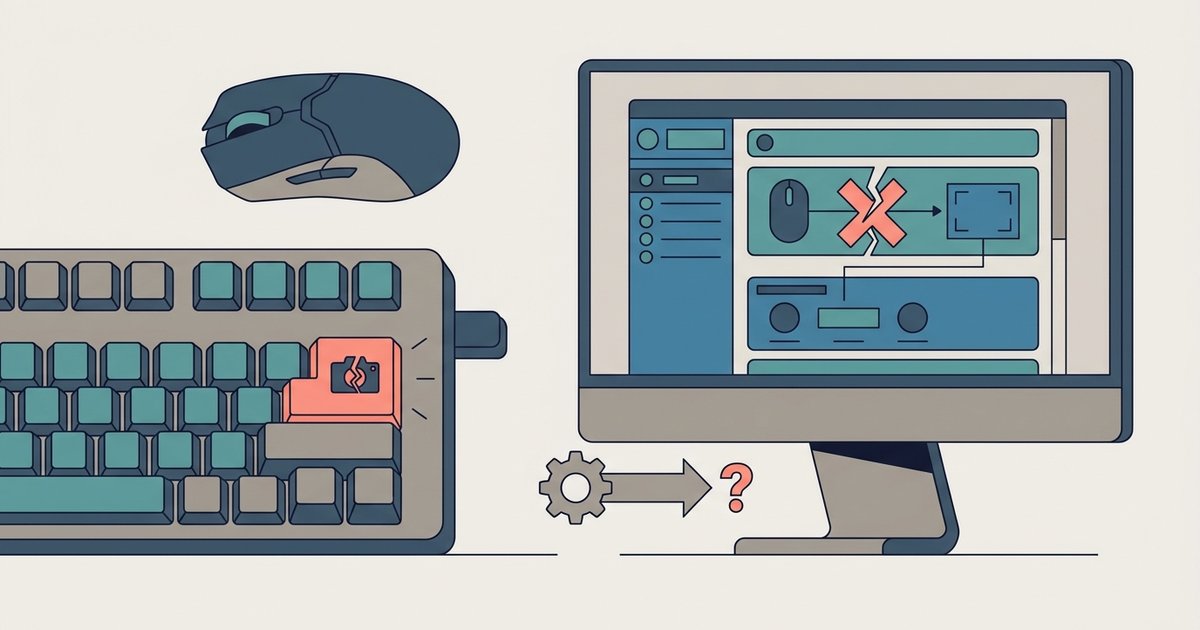
G HUB updates often corrupt or reset desktop profile permissions, which silently blocks the Print Screen emulation. You must fully quit G HUB from the system tray, run it as Administrator once, and re-test the key.
Why G HUB updates break print screen mapping
When Logitech G HUB updates its firmware or software, the installer frequently resets the application’s permission level back to “standard user.” The Print Screen key is a system-level hotkey that requires elevated input privileges to be emulated by a macro. After an update, G HUB silently loses the ability to inject that keystroke into the desktop session. This happens even though the profile still shows the binding as “Print Screen.” Windows treats the emulated keystroke as a blocked input, so nothing happens when you press the remapped button. This is why re-saving the profile does not help. The profile is intact, but the software no longer has permission to execute the emulation.
The wrong fix that makes it worse
Re-binding the Print Screen key or reinstalling G HUB without clearing the persistent profile cache creates conflicting macro entries. The cache stores the old binding alongside the new one. The software tries to load both, which causes a deadlock where neither macro executes. You might see the button flash in G HUB’s UI, but no screenshot appears. A fresh install without deleting the %LOCALAPPDATA%\LGHUB folder leaves the corrupted permission token intact. This is why many gamers who try to take a screenshot on a gaming keyboard after an update end up with a non-functional button. If you need an immediate workaround, Windows offers reliable built-in shortcuts for taking a screenshot on a laptop or desktop that bypass G HUB entirely. The button fails even after rebuilding their profile from scratch.
Run G HUB as administrator to restore the mapping
First, right-click the G HUB icon in the system tray (near the clock) and select “Quit G HUB.” This fully exits the background agent, which often holds a stale permission lock. Next, navigate to the G HUB executable (typically C:\Program Files\LGHUB\lghub.exe), right-click it, choose “Run as administrator,” and confirm the UAC prompt. Once the app opens, click the profile that contains your Print Screen binding. Do not re-bind it. Just verify the mapping is still set. Press the remapped button. The screenshot should work immediately because the admin session grants G HUB the elevated input privileges it lost. You can then close G HUB normally. Subsequent launches will retain the permission if you do not trigger another update. This method also fixes issues where you need to print screen with Logitech wireless keyboard after a firmware patch. The same permission reset applies to wireless dongle profiles.
When the key still fails
If the administrator fix does not restore the mapping, a system-level hotkey hook is intercepting the Print Screen keystroke before G HUB can inject it. The most common culprits are Windows Game Bar and OneDrive Backup. Press Win+G, go to Settings > Shortcuts, and disable the screenshot shortcut. Then open OneDrive Settings > Backup > “Screenshots” and toggle off “Automatically save screenshots.” Another possibility is a third-party screen capture tool like ShareX or Snagit that claims the global hotkey. To test, temporarily disable all such software and try the remapped button again. This is especially relevant if you have configured print screen on Logitech mx keys in a multi-device setup. The MX Keys uses a different driver stack that can conflict with G HUB’s macro injection. If the problem persists, open the Windows Registry Editor and navigate to HKEY_CURRENT_USER\Software\Microsoft\Windows\CurrentVersion\Explorer\Advanced. If the problem persists, check for other software conflicts or consult Logitech support for further troubleshooting. For laptop users, the same logic applies when you try to take a screenshot on an ASUS TUF gaming laptop. The built-in Fn+Print Screen hardware shortcut may override G HUB’s software binding. You must disable the laptop’s native screenshot function in the Armoury Crate software before G HUB can take over.
Unlike other keyboard software, G HUB loses its elevated input privileges after every automatic update, silently breaking the Print Screen emulation without changing the visible profile binding.