This tag collects articles about the Logitech G HUB software and the compatible gaming peripherals it controls, aimed at everyday users who want to tame their gear’s default behavior. Whether you own a racing wheel, a mechanical keyboard, or a high-end mouse, these guides focus on practical, day-to-day adjustments rather than advanced modding. The problems addressed fall into two clear themes: customizing physical input and feedback, and resolving software glitches that appear after updates or configuration changes.
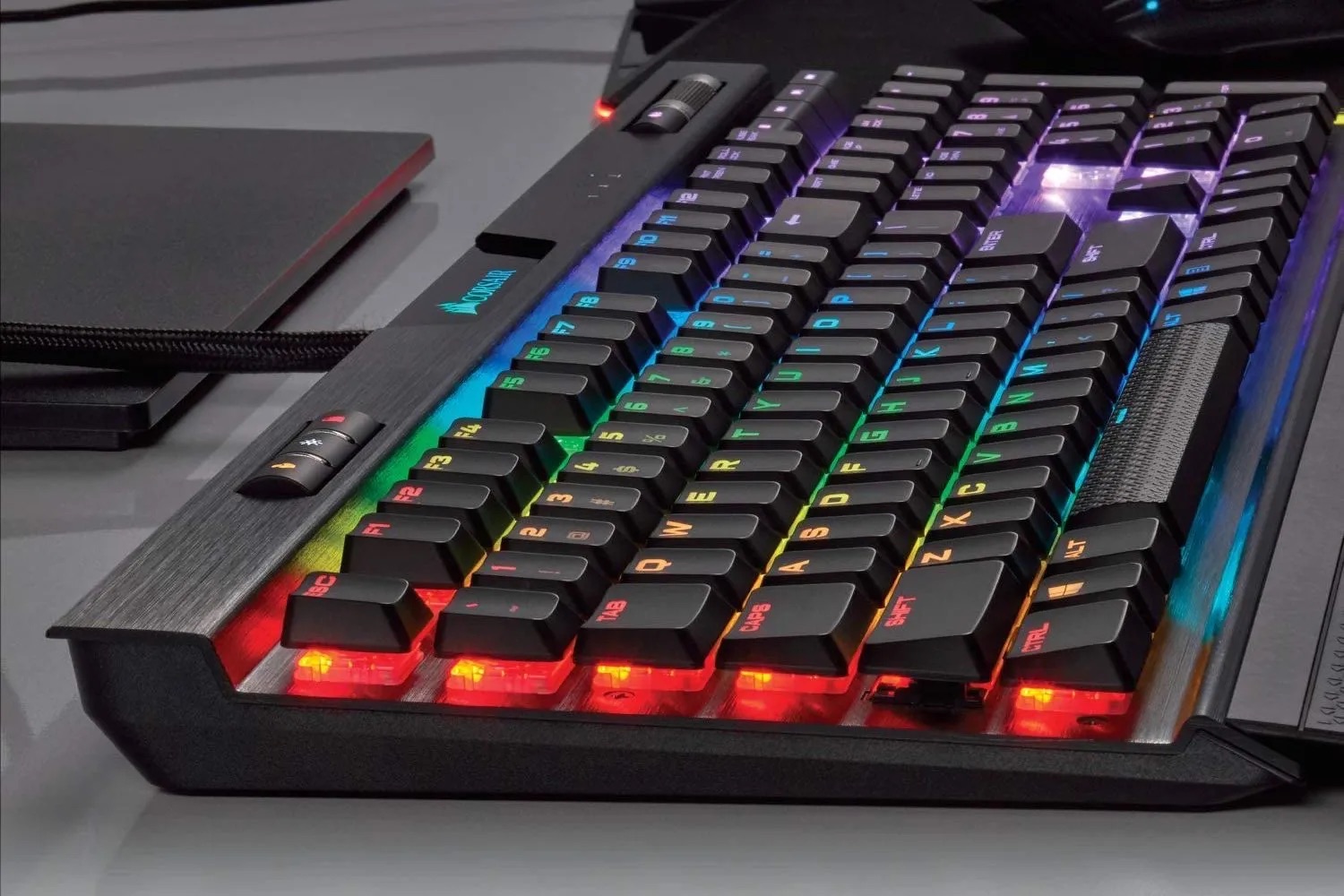
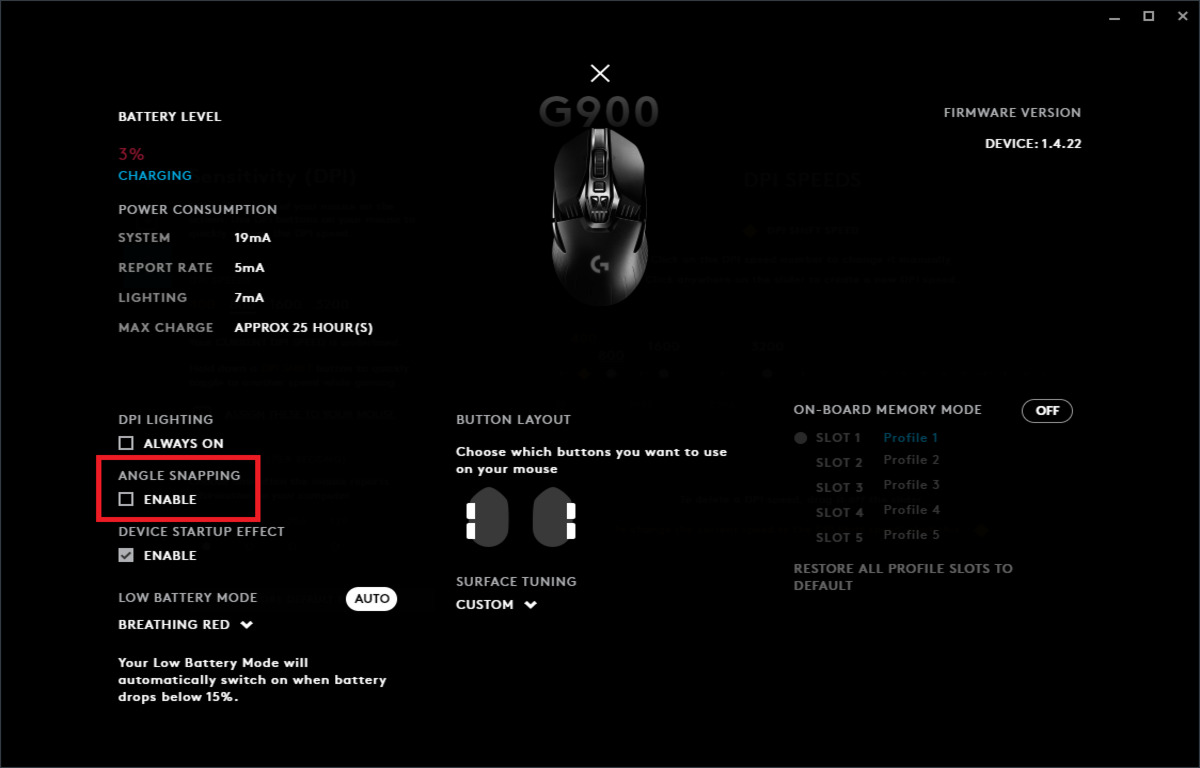
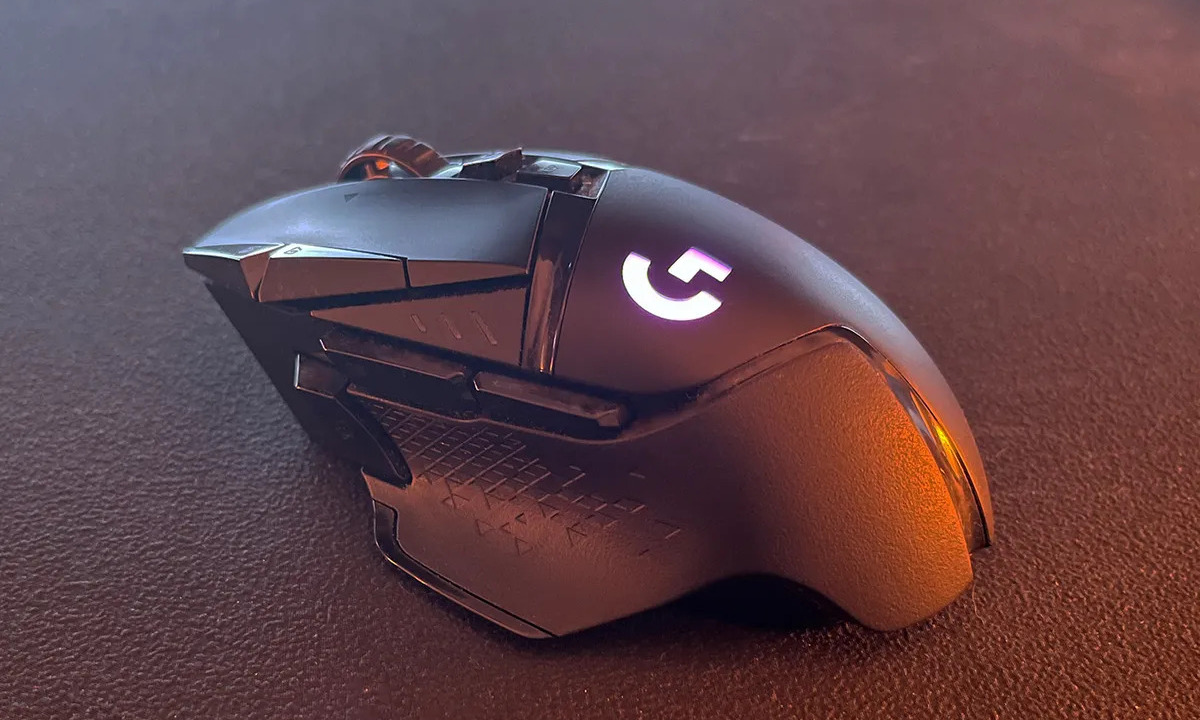
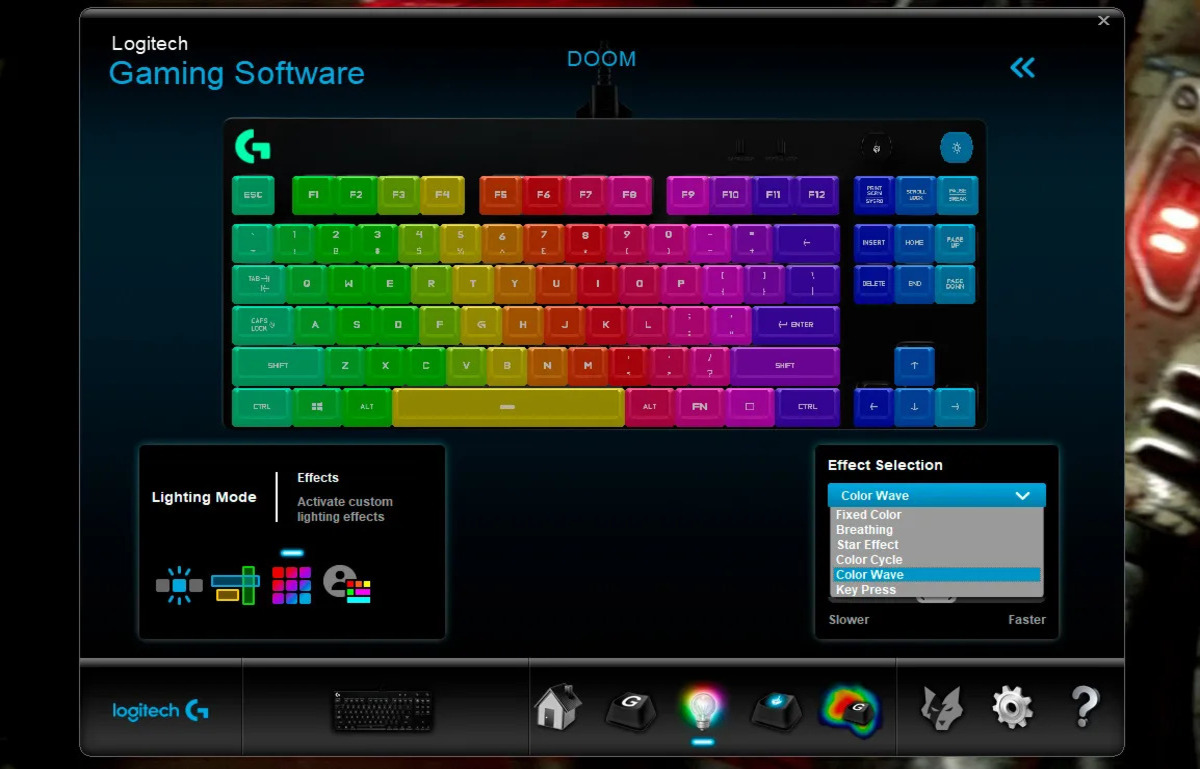
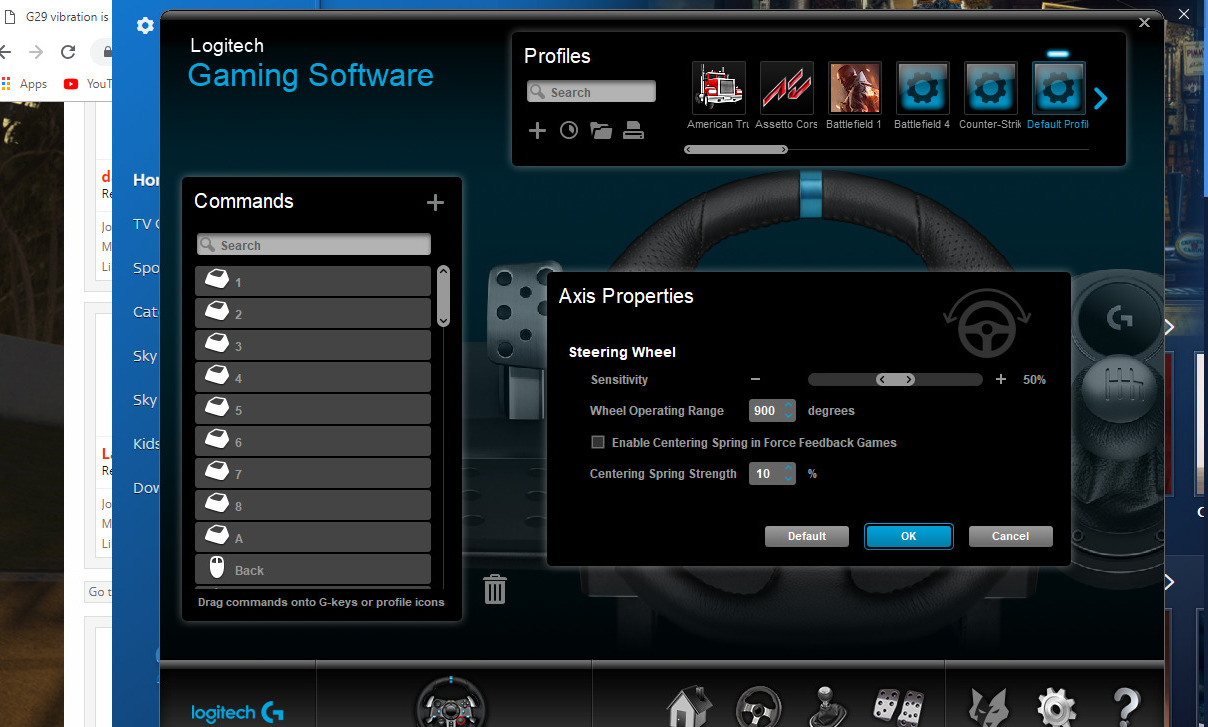
For the first theme, the articles help you take control of how your devices respond to your hands. For example, you can learn how to turn off vibration on the Logitech G29 racing wheel when the force feedback becomes distracting, or how to enable angle snapping on a Logitech mouse for steadier cursor movement. Similarly, there are guides for creating a rapid fire macro on the G502, which helps with repetitive in-game actions, and for changing the keyboard’s backlight color to match your setup. These are all about making the hardware feel less intrusive and more tailored to your comfort, not about gaining an unfair advantage.
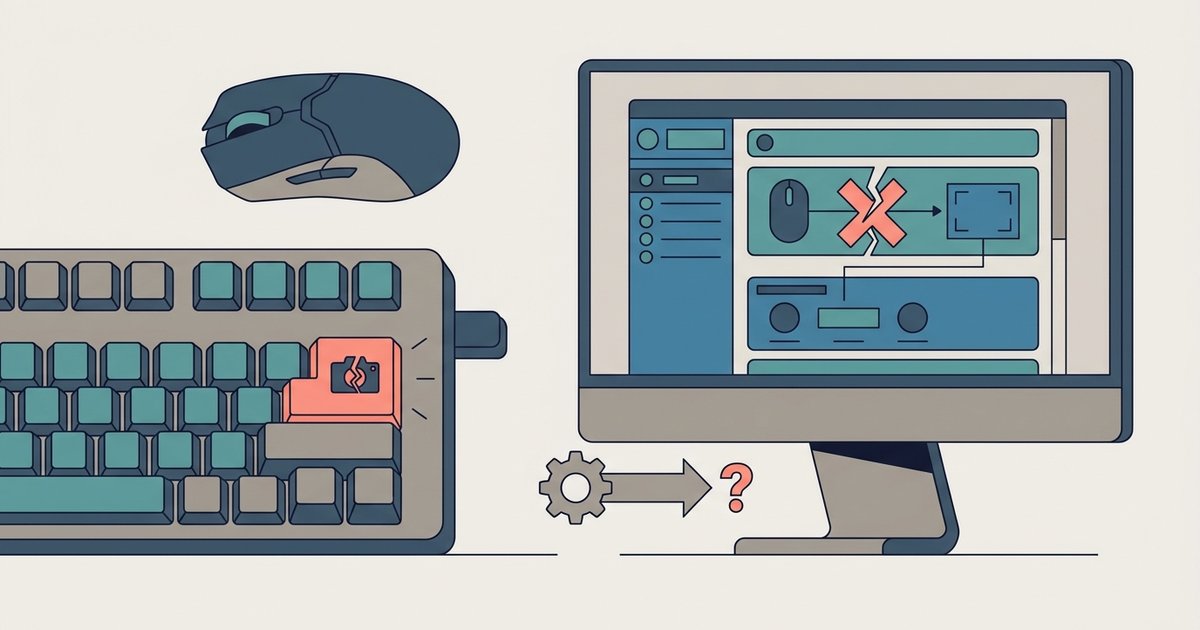
The second theme tackles post-update annoyances and visual quirks. One article explains how to stop the light from flashing on an LED backlit gaming keyboard, a common issue when the G HUB’s lighting profiles misbehave. Another addresses a specific bug where print screen mapping stops working after a G HUB update, walking you through re-binding the key so your workflow isn’t interrupted. These pieces are written strictly as troubleshooting guides, they help you restore intended functionality or adjust settings within the official software, never as workarounds for bypassing protections or cheating in games. The goal is simply a smoother, more predictable experience.