Your Chromebook will continue to work, but it will stop receiving security updates and new features, making it increasingly unsafe to browse the web or handle sensitive data.
How to check your Chromebook AUE date
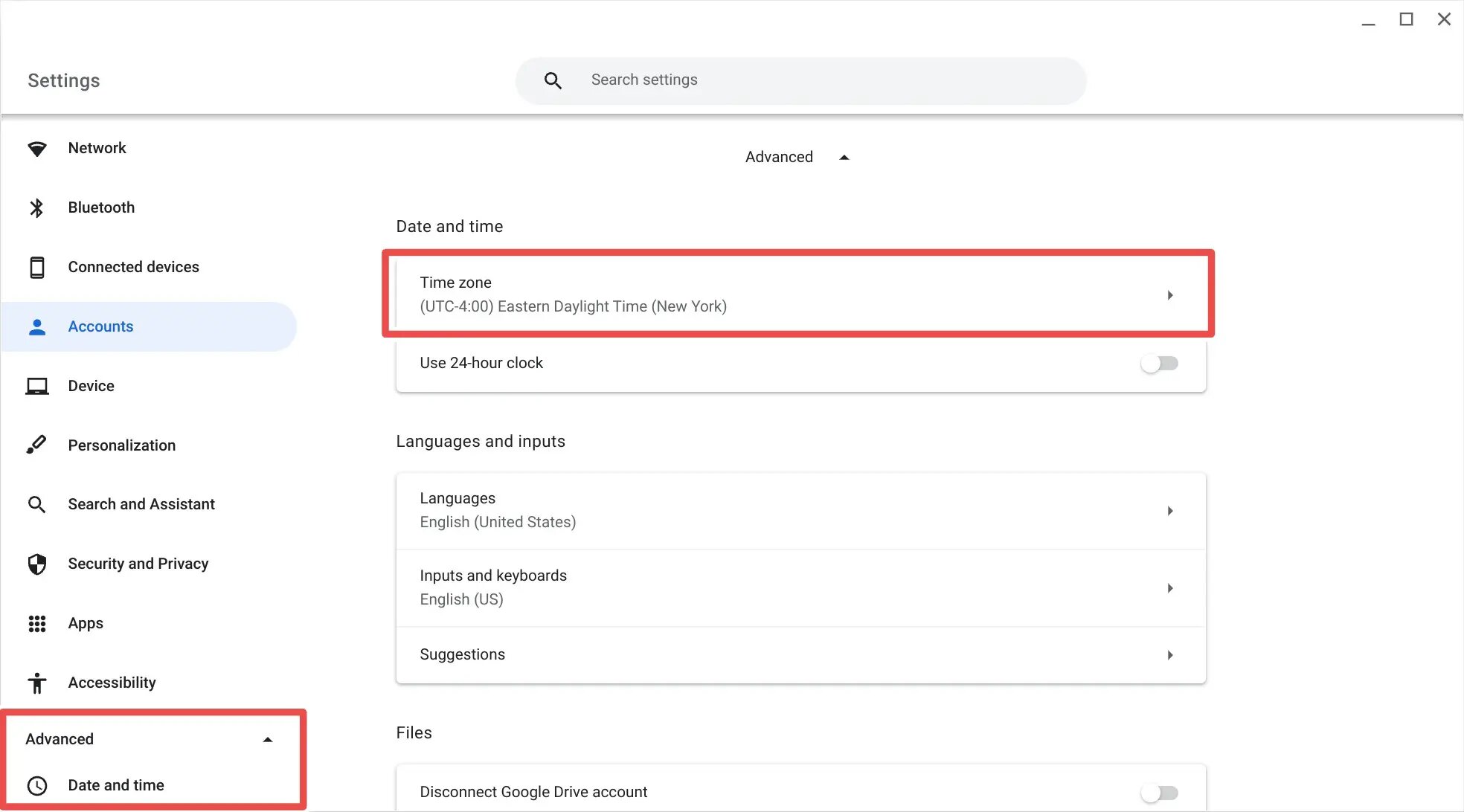
Open Settings from the gear icon in the shelf, then go to About ChromeOS at the bottom of the left panel. Click Additional details and write down the date listed under "Update schedule." For older Chromebooks, visit the Chrome OS support page and search for your model's AUE date. Flip the device over, find the model number, and cross-reference it with Google’s official AUE list. Knowing this date is critical: once it passes, extending updates may not be possible for all devices, though some pre-2021 Chromebooks offer an extension option.
What to book and what to skip before the deadline
Book a replacement Chromebook with a 2030 or later AUE date before your current one expires. Skip any model with less than four years of remaining support, even if the price looks attractive. After the Auto Update Expiration date, the device does not become a brick, you can still open apps, edit documents, and play offline games, but the core risk is that your browser and system will be frozen in time, exposed to every vulnerability discovered after that date. You can still turn on your Chromebook, log in, and use offline apps, but do not rely on it for banking, email, or any site that asks for a password.
Which entrance to use and when to arrive at a decision
Arrive at the decision to stop using the expired Chromebook for sensitive work the day the AUE date passes. Use the Guest mode entrance for any browsing you absolutely must do, because it limits what malware can reach. Do not use your main profile entrance after expiration. The device does not lose its ability to boot or run existing software; it simply stops receiving new code from Google.
Why you can't just ignore it
Ignoring the AUE date exposes you to serious security risks. Without security patches, the Chrome browser becomes a target for malware, exploits, and phishing attacks that target known vulnerabilities. Over time, websites will stop rendering correctly because they rely on newer TLS certificates, JavaScript features, or secure connection protocols that your outdated browser cannot handle. Even if you avoid suspicious sites, a compromised ad network or a malicious redirect can infect your device. This is the failure case many users overlook: the Chromebook doesn’t stop working, but it becomes a weak point in your digital life, especially if you handle sensitive data like banking or email. No amount of careful browsing can protect you from a browser that is permanently unpatched.
When a factory reset won't help
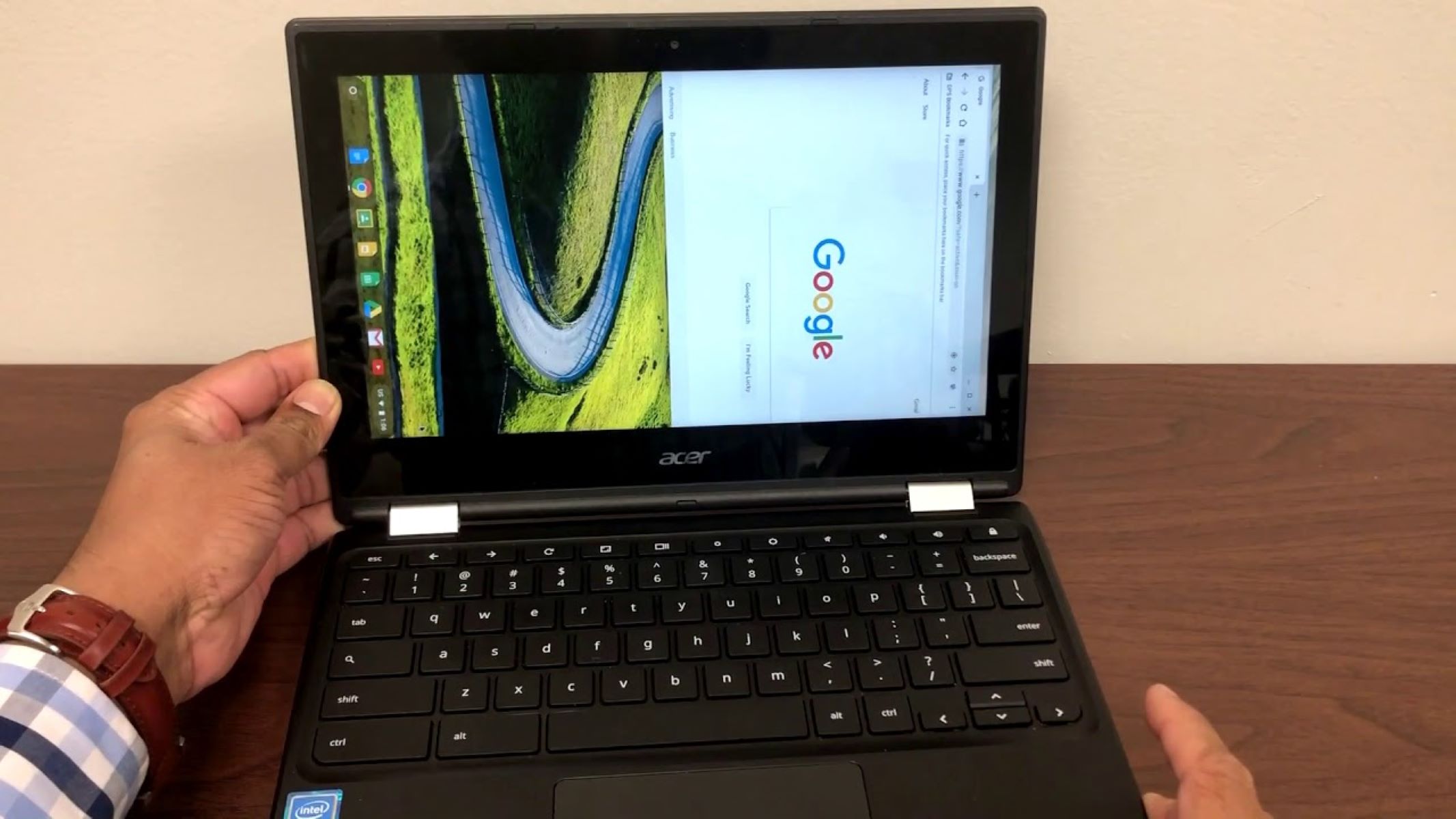
Do not waste time performing a Powerwash to restore updates. The update server checks your device’s hardware ID, not its software state; once that ID is marked as expired, the server refuses to deliver new versions. If you follow a guide to reset an Acer Chromebook, you will end up with a clean, outdated OS that still lacks security patches. Similarly, if you attempt to remove school administrator from Chromebook through a Powerwash, the management enrollment may be cleared, but the underlying hardware expiration remains. Even if you try to unenroll a school Chromebook without developer mode, the AUE date is hard-coded into the firmware and cannot be bypassed by resetting or re-enrolling. The only way to regain updates is to replace the device with one that still has support.