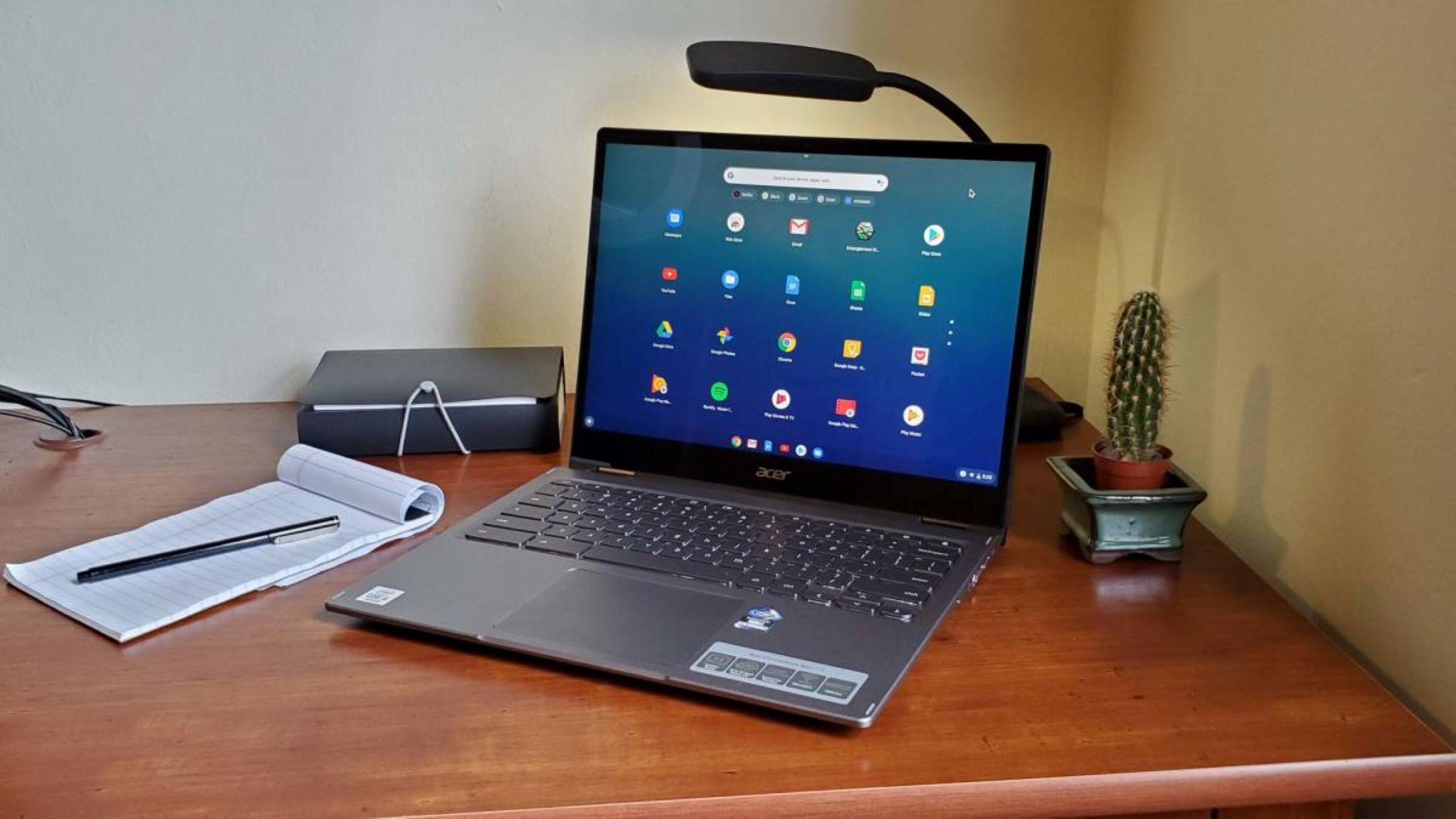
This tag collects practical, everyday guides for people using ChromeOS laptops and Chromebooks. It is written for students, remote workers, and home users who want to get more comfortable with their device’s specific shortcuts and settings, without needing deep technical knowledge. The articles focus on common tasks that often trip up new Chromebook owners, especially those switching from Windows or Mac.
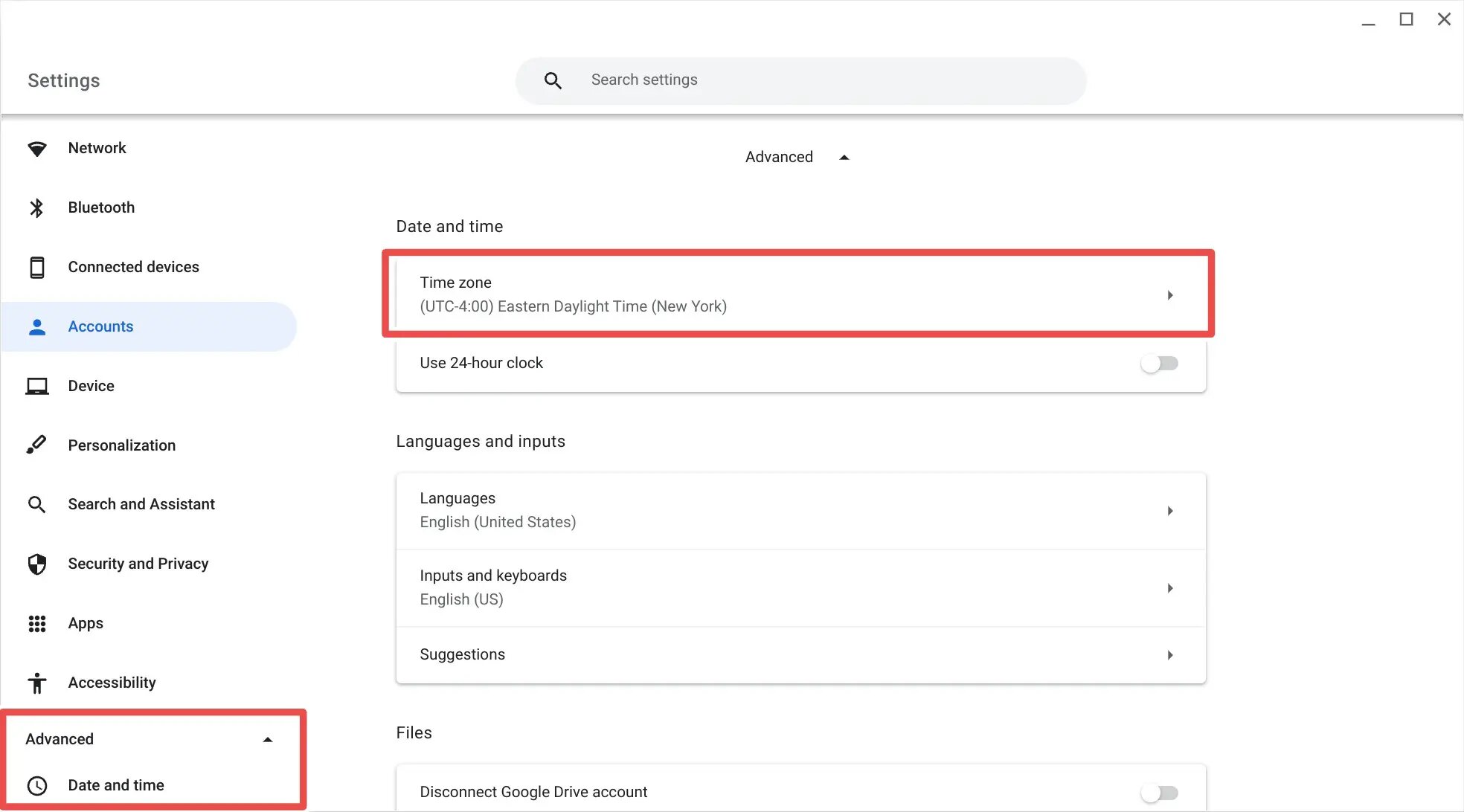
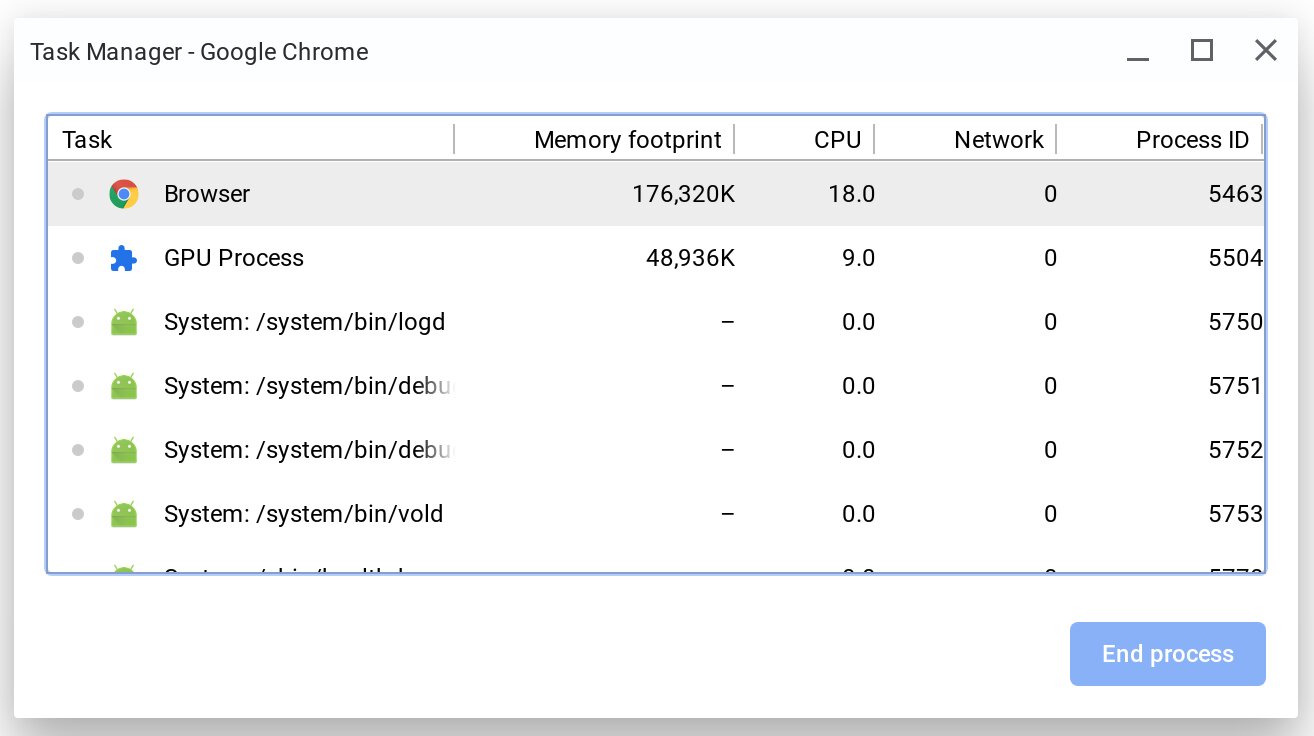
The first group of articles covers basic system control and personalization. For example, you can learn how to turn off your Chromebook using only the keyboard, how to change the time on a Chromebook, and how to perform the equivalent of Control Alt Delete on a Chromebook. These pieces help you navigate the operating system faster and avoid hunting through menus for simple actions. A second theme is location and timezone management: one article explains how to change the browser timezone, while another walks through requesting a time zone unlock on a managed Chromebook, which is useful for users whose school or employer locks those settings.
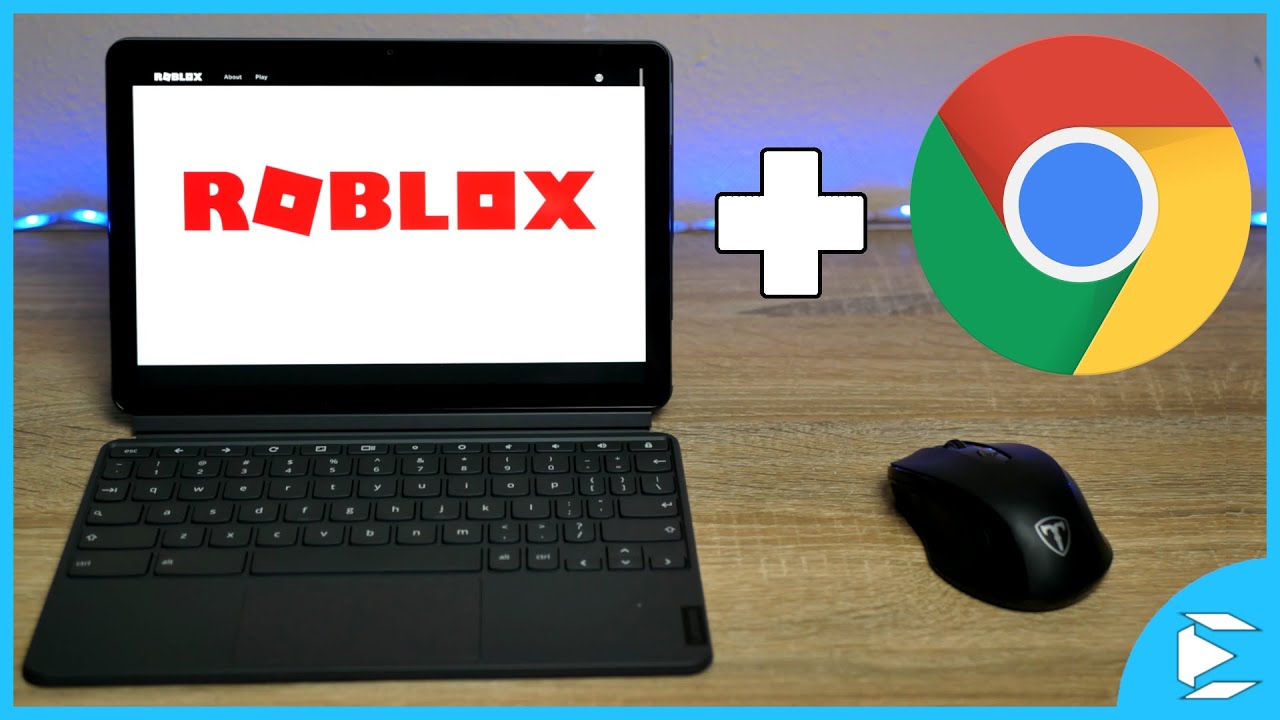
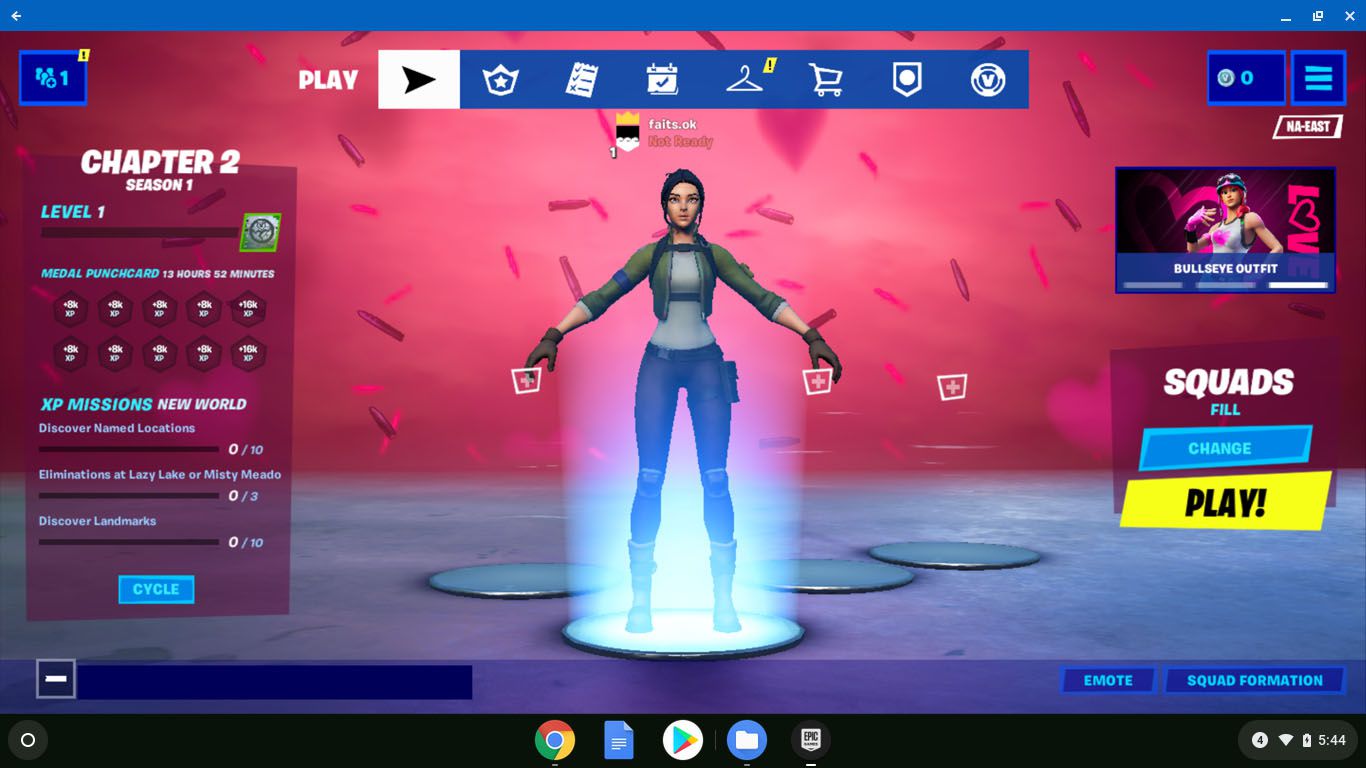
A third theme focuses on software access and long-term planning. Two articles explain how to download the Epic Games Launcher on Chromebook and how to download Roblox on ChromeOS, giving you safe, supported paths to popular games. Finally, the tag includes a forward-looking piece on what happens to your Chromebook after the AUE date, helping you understand end-of-life support and your options for continued use. Together, these guides help you operate your Chromebook more confidently, manage its settings, and make informed decisions about its lifespan.