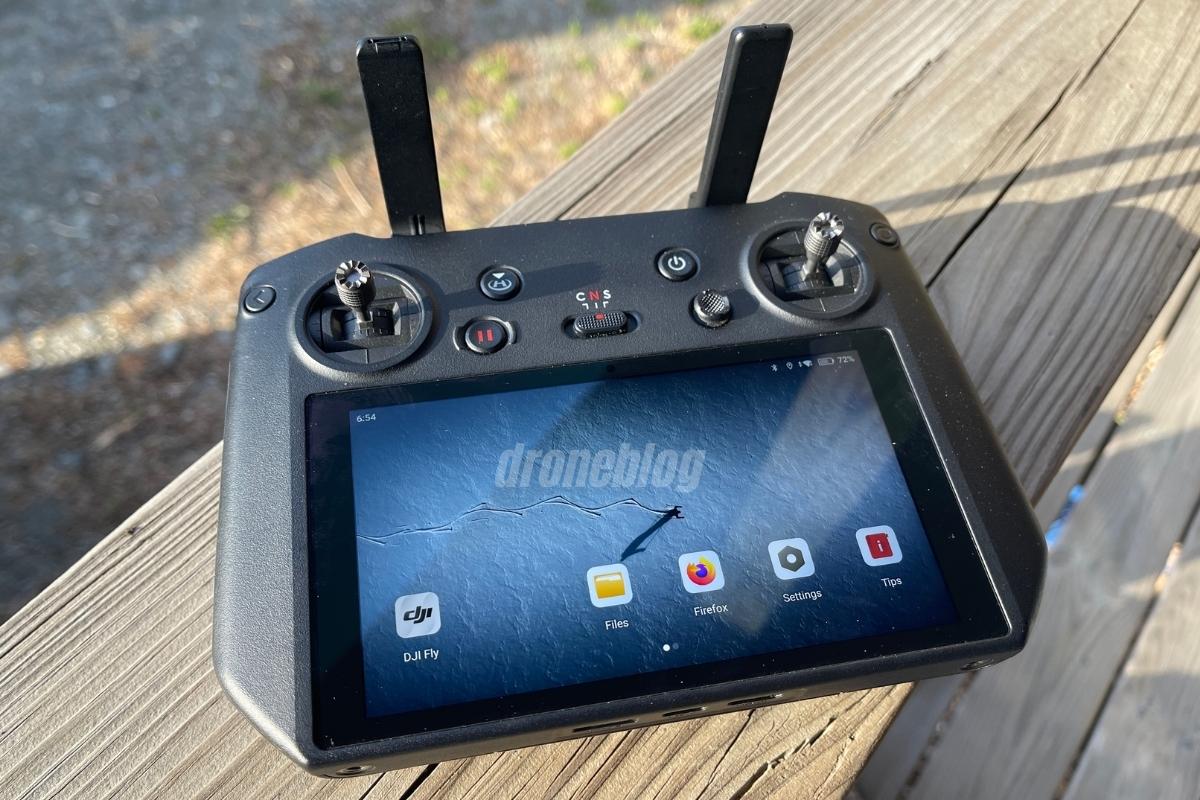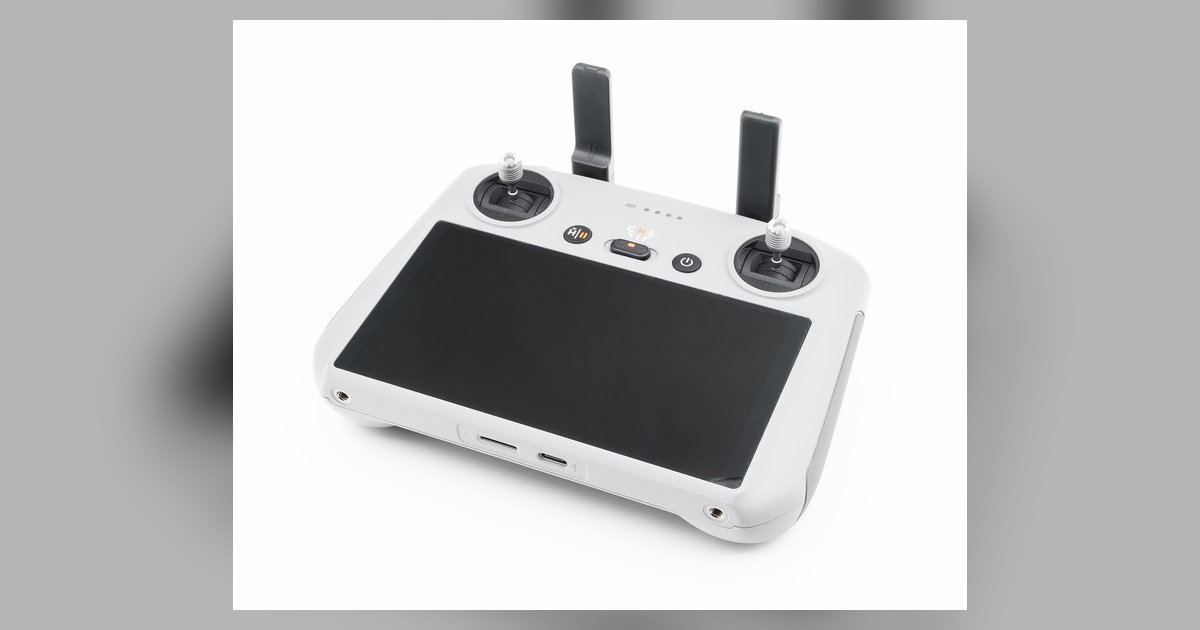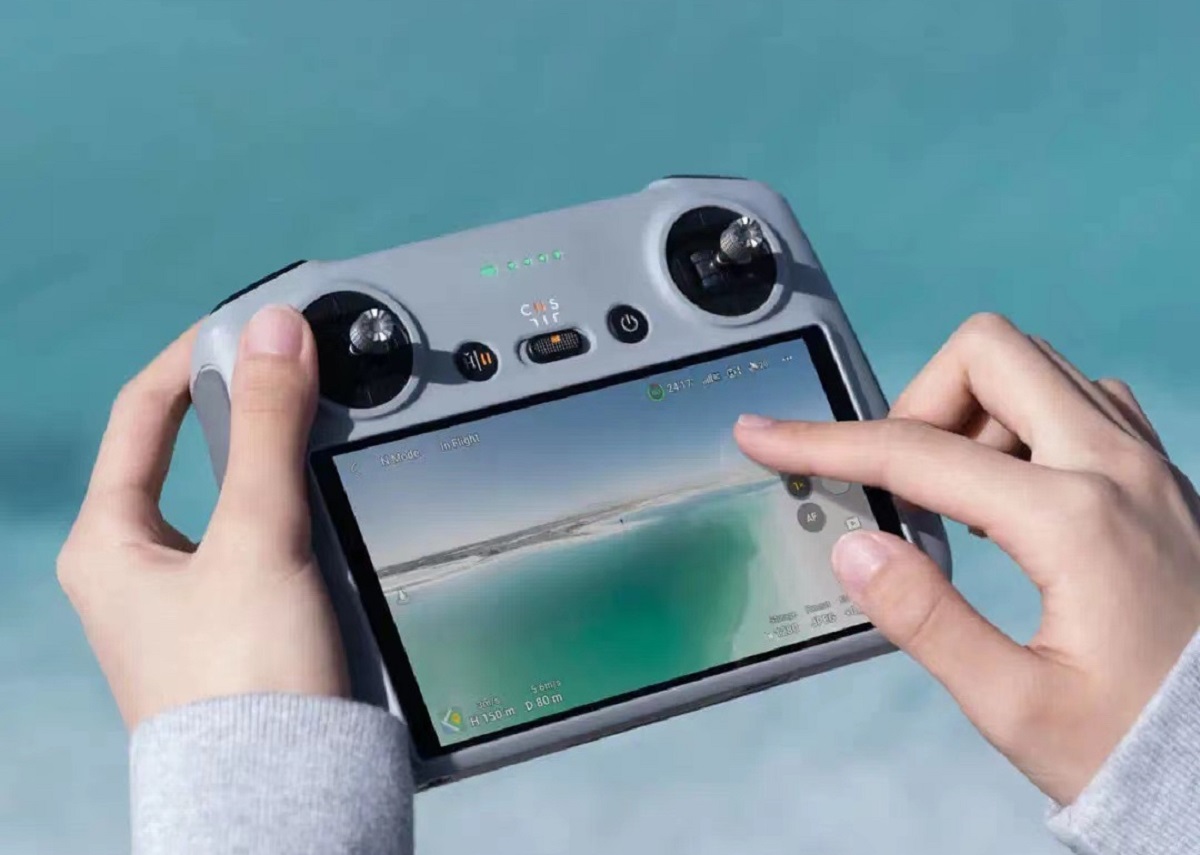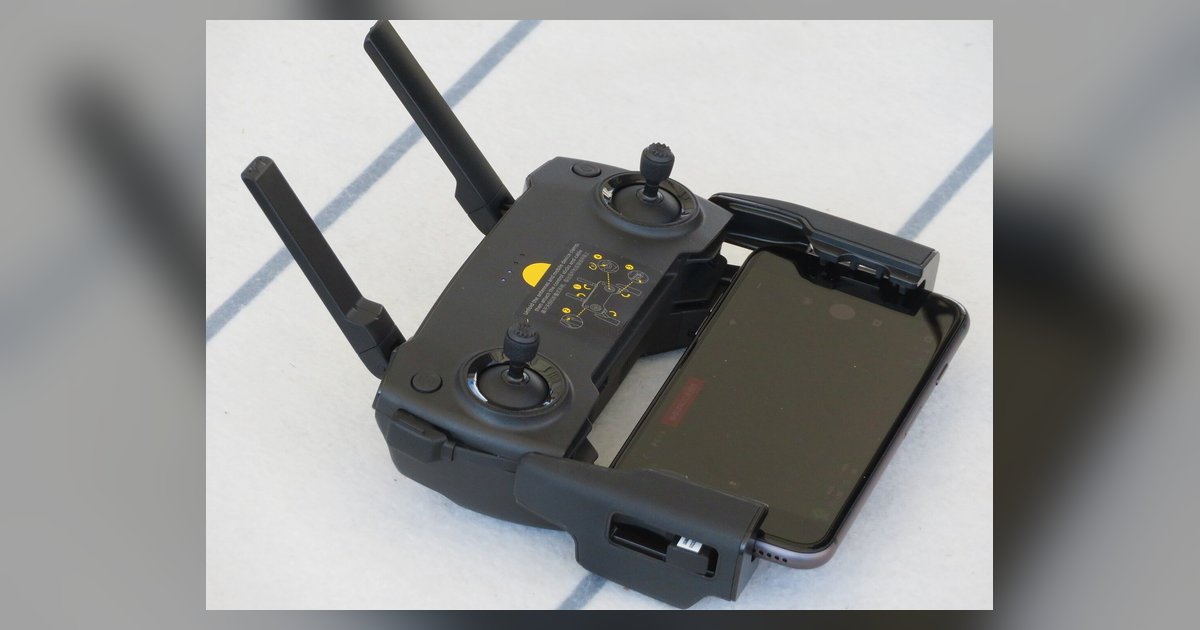
Only DJI's enterprise and older consumer-grade controllers work directly with the DJI Flight Simulator; modern consumer controllers like the DJI RC, RC 2, RC Pro, and the FPV Remote Controller 3 are not compatible and require a workaround.
DJI Simulator Controller: Officially Supported Models
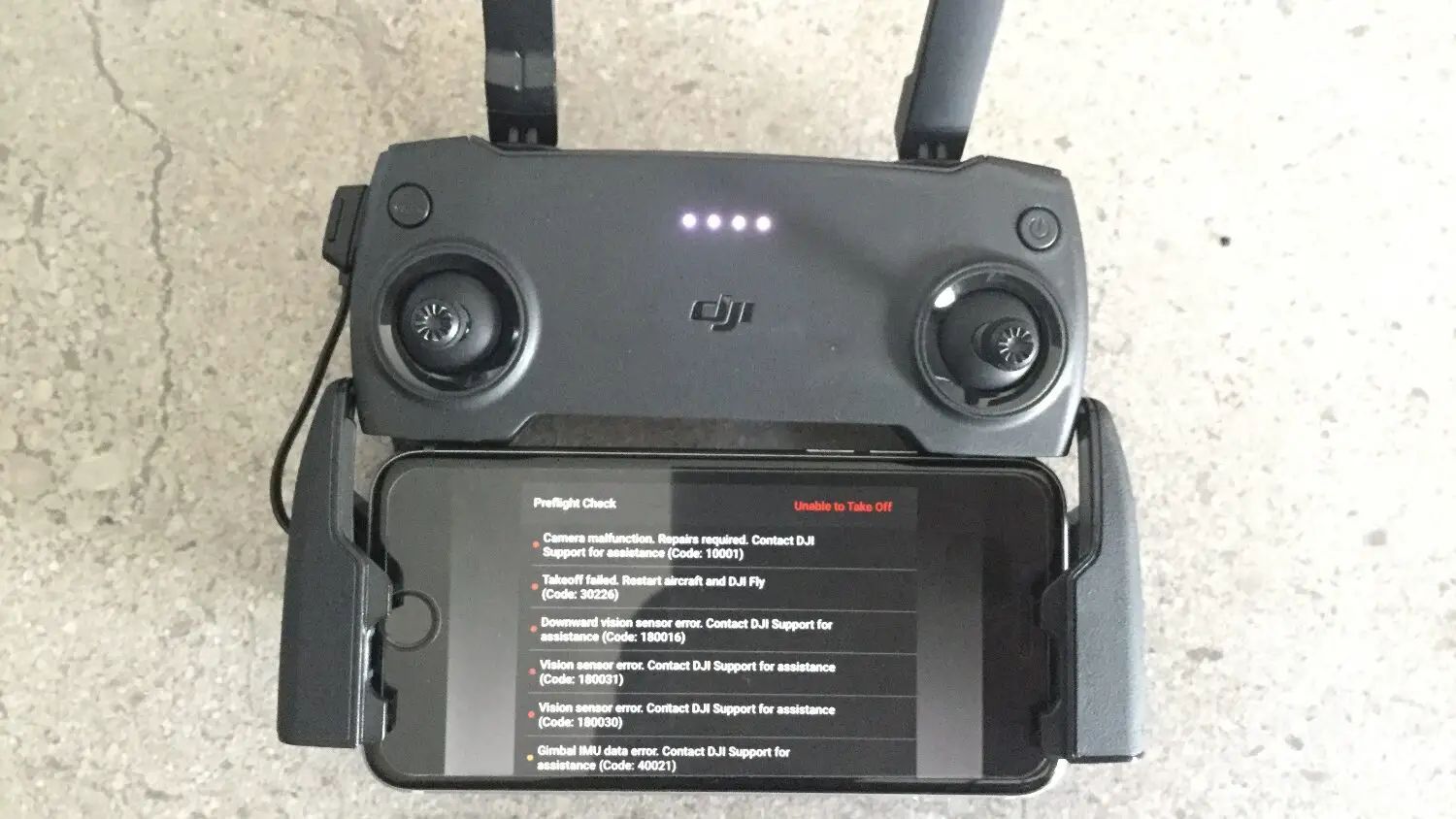
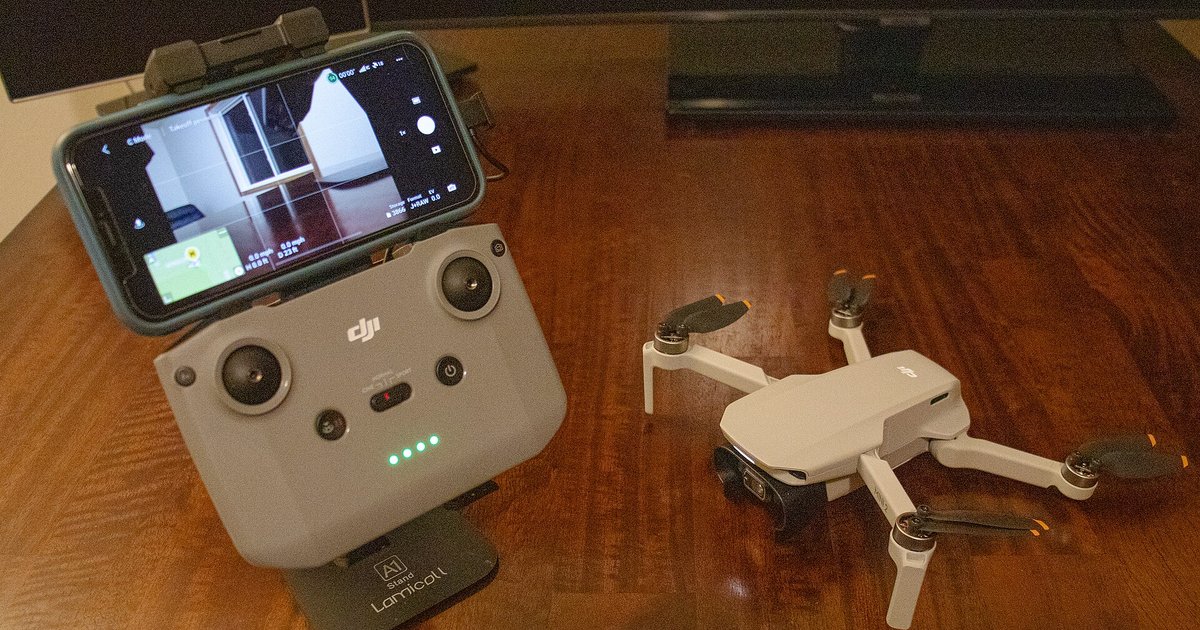
The official DJI Flight Simulator supports wired USB connection only for specific enterprise and legacy consumer remote controllers. For enterprise users, the compatible models include the DJI Smart Controller (the original version with the built-in screen), which connects via USB-C cable. It also works with the DJI RC Plus (used with the Matrice 300 RTK and Matrice 350 RTK) and the DJI RC Pro Enterprise (model RM510). On the legacy consumer side, the compatible hardware includes the DJI RC-N1 (the standard remote for the Mini 3 Pro and Air 2S). The list also covers the DJI RC-N2 (the remote for the Air 3) and the original DJI RC (the first-generation unit with a built-in screen). Additionally, the DJI FPV Remote Controller 2 (the black transmitter with the antenna array, used with the DJI FPV drone) works via USB. These devices are recognized by the simulator as a standard joystick when connected directly to a PC. You can calibrate them in the simulator's controller settings menu. The key requirement is that the hardware must be recognized by Windows as a game controller. If it shows up as an unrecognized device, the simulator will not detect it.
The Modern Consumer Controller Problem
The DJI RC, RC 2, RC Pro (the white version for the Mavic 3 series), and FPV Remote Controller 3 (the silver transmitter for the Avata 2 and Neo) all feature USB-C ports. However, they do not act as standard joysticks when connected to a PC. Instead, these transmitters use a proprietary USB protocol that only supports file transfer (for firmware updates and log exports) and charging. They never expose a game controller interface. This is a common mistake: many drone owners assume that because the hardware has a USB-C port and the DJI Fly app can connect to a phone via that port, it will also work with the simulator. The DJI Flight Simulator relies on the Windows DirectInput API, which these modern transmitters do not implement. When you plug in a DJI RC Pro, for example, the PC's Device Manager may show it under portable devices rather than as a game controller. The simulator then reports "No controller detected" even if you have installed the latest DJI Assistant 2 software. DJI has never updated the simulator to support these newer remotes, and there is no firmware toggle or hidden menu that enables joystick mode for them.
What to Do If Your Controller Is Not Supported
If your transmitter is one of the unsupported modern models, the official DJI Flight Simulator is a dead end for you. The only practical solution is to use a third-party simulator like Liftoff, Velocidrone, or Uncrashed. These applications accept input via an OTG cable or a streaming stick adapter. To use your DJI RC, RC 2, RC Pro, or FPV Remote Controller 3 with these simulators, you must first connect your DJI controller to your PC using a USB-C OTG cable (male USB-C to female USB-A). Then plug in a wireless dongle or a streaming stick that converts the signal into a standard joystick protocol. Alternatively, you can use the built-in Wi-Fi streaming feature to send control data to a receiver on your PC. For that, you need to connect your DJI controller to Wi-Fi, which involves entering the Wi-Fi settings, selecting a network, and then running a UDP listener program on your PC. For the actual flight setup, you will still need to pair drone with remote controller normally (via the DJI Fly app) to verify the control link. For simulator use, you only need the transmitter itself. If you are switching between multiple drones, you may also need to pair your drone with its controller again after the simulator session, as the hardware resets its binding when switching modes. This workaround is not elegant, but it is the only way to use a modern DJI transmitter with a PC simulator without buying an older compatible remote.
DJI has never updated the Flight Simulator to support current-generation consumer transmitters, and no hidden firmware toggle exists to enable joystick mode for these models.