To turn off a DJI drone, press the power button on the battery once, then immediately press and hold it for about two seconds until the LED indicators go dark and the motors spin down. This two-step press-and-hold sequence is the universal method to turn off DJI drone models across the current lineup, and it works the same way on the remote controller.
How to turn off a DJI drone with the battery button
The power button on most current DJI drone models sits directly on the Intelligent Flight Battery. A single, quick press of that button shows the current battery level through the LED indicators, but it does not power the drone on or off. To shut down, press the button once, release it, then immediately press and hold it for roughly two seconds. You will see the LEDs flash briefly and then go dark, and the motors will spin down to a complete stop. That visual and auditory confirmation tells you the drone is fully powered off. This sequence is consistent across most modern DJI camera drones, including the Mavic, Air, and Mini series, so once you learn it on one model, you can apply it to another.
How to power down the remote controller and app
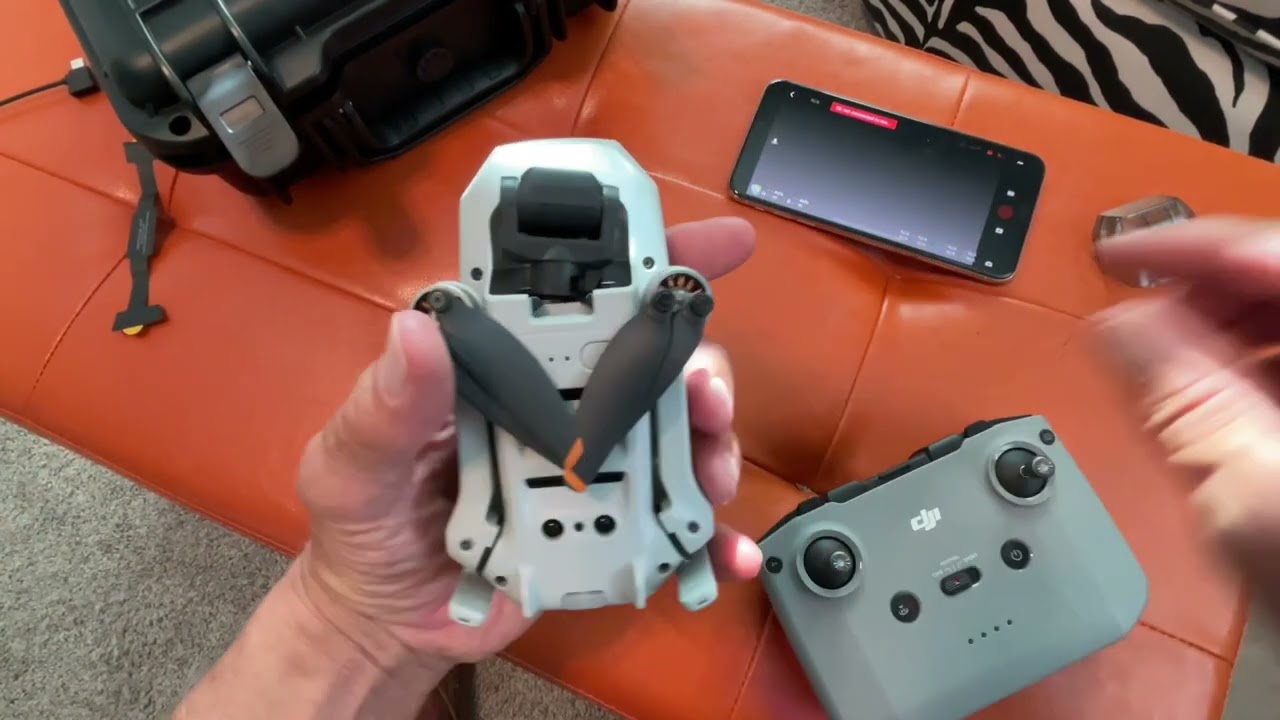
The correct order is to turn off the drone first, then power down the remote controller. After the drone’s LEDs are off and the motors have stopped, locate the power button on the controller. Press it once and then hold it for about two seconds, just like you did on the drone. When the controller powers off, it typically emits a descending audible tone, and its status LEDs turn off. If you are using a controller with a built-in screen or one connected to a mobile device, the DJI Fly app will shut down automatically when the controller powers off. Do not skip the controller shutdown or leave it on, as a powered controller can reconnect to the drone and cause an accidental startup later.
Alternative shutdown methods
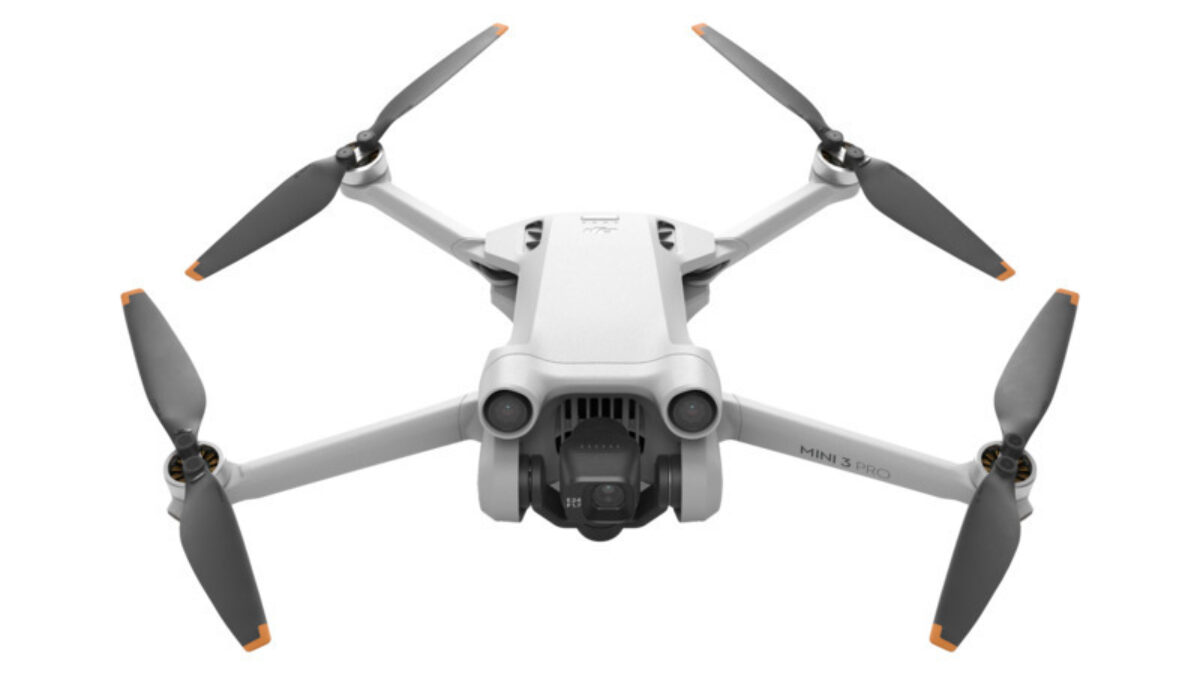
If you prefer not to use the physical battery button, the DJI Fly app offers an on-screen power-off option. With the drone landed and connected to the app, open the settings menu, select the power-off or shutdown option, and confirm when prompted. The app then initiates the same shutdown sequence as the battery button. Some newer models, such as the Mini 5 Pro, have an automatic power-off countdown that starts when you fold the right rear arm. This countdown can be canceled by pressing any button on the drone body, which is useful if you need to reposition the drone before storing it. Both methods are safe alternatives when the battery button is hard to reach or when you want a software-confirmed shutdown.
Important safety rules for powering off
Never turn off the drone or its remote controller while the drone is in flight, as this will cause it to fall or crash. The motors rely on continuous power and signal from the controller; cutting either mid-air removes all lift and control. Always power the drone off completely before removing the battery. Pulling the battery while the drone is still in a powered-on state can interrupt the shutdown sequence, corrupt the flight log, and potentially damage the power management system. Wait until the LEDs are fully dark and the motors are still before you touch the battery release latch. If you need to perform an emergency shutdown on the ground due to a malfunction, press and hold the battery button for at least five seconds, but reserve that action for genuine emergencies only.
Understanding your DJI battery's smart features
DJI Intelligent Flight Batteries are designed with several automatic protections that affect how and when you power down. A single press of the power button checks the level, so you can quickly assess whether the battery needs charging before your next flight. When you store the drone for more than a few days, the battery enters an auto-discharging function that gradually brings the charge down to a safer storage level, typically around 60%, which reduces long-term cell stress. New batteries may arrive in a hibernation mode, and batteries stored for extended periods will enter hibernation to prevent over-discharge; a short press of the power button or charging can activate them. These features mean you do not need to manually drain the battery before storage, just power off the drone normally, and the battery will manage itself over time.
\nRelated reading: How To Unbind DJI Drone From Account, How To Fix A Drone, and How To Find My Lost Drone.