How To Find My Lost Drone
To find my lost drone, your first and most decisive move is to open the companion app (like DJI Fly) and pull up the last recorded GPS coordinates and the final camera frame before signal loss, as these are the most critical clues for recovery. This immediate action gives you a precise starting point and visual context, transforming a frantic search into a targeted rescue mission.
How to find my lost drone using the companion app
The moment you realize your drone is missing, resist the urge to panic and instead grab your phone or tablet. This is your digital breadcrumb trail. The app will display a map with the drone's last known location, but more importantly, it will show you the exact GPS coordinates and the final still frame from the camera before the signal was lost. This last image is a goldmine; it might show a distinctive tree line, a uniquely colored roof, or a specific trail marker that will help you confirm your search area. Remember, this feature works best if your drone has GPS and a solid connection, but even with a weak signal, you'll get a starting point that's far better than guessing.
Navigate to the last known GPS coordinates
Once you have those coordinates from the app, you need to turn them into a route. Copy the latitude and longitude numbers from the drone app and paste them directly into Google Maps or Apple Maps on your smartphone. These mapping apps will give you precise walking or driving directions to the search area, taking the guesswork out of navigating through unfamiliar terrain. This is far more reliable than trying to eyeball your way across a field, especially if the drone went down in a dense forest or a sprawling park. By following the turn-by-turn directions, you'll arrive at the exact spot where the drone was last seen, maximizing the efficiency of your initial search.
Remotely activate sound and lights on your drone
If your drone still has battery power, you have a powerful ally in your corner: the "Find My Drone" feature. In the DJI Fly app (and many others), this feature lets you remotely command a still-powered drone to flash its LEDs and emit a loud, distinct beeping sound. This is invaluable for pinpointing its exact location, especially if it's hidden in tall grass, thick brush, or under a bush. The beeping is designed to be audible from a distance, and the flashing lights are perfect for low-light conditions. Activate this immediately upon entering the search radius, the sound will guide you directly to your drone, saving you hours of fruitless searching. Just remember, this only works if the drone's battery hasn't died and it's within the app's connection range.
Check the takeoff point for a return-to-home landing
While your app is your best friend, don't forget to check the original launch site. Many drones are programmed to trigger a Return-to-Home (RTH) sequence when they lose signal or the battery gets critically low. This means your drone might have autonomously flown back to its takeoff point and landed itself. Head back to where you started and scan the immediate area, it's not uncommon to find the drone sitting a few feet from where you were standing. However, there is a critical warning here: do not rely on the RTH feature if the drone has lost its GPS signal, as it requires GPS to navigate safely and may behave erratically.
Perform a visual search for drones without GPS
If your drone lacks GPS, or if the GPS signal was lost before the crash, your smartphone app won't be much help. For drones without GPS, a thorough visual foot search is necessary, focusing on the last observed direction and estimated distance. The best you can do is recall the last time you saw it and the direction it was heading. Stand at that exact spot and try to estimate how far it could have flown based on your control inputs. Search in a systematic grid pattern, covering the area methodically. Look up, drones often get caught in trees and on rooftops, and look down, checking for broken branches or freshly disturbed leaves that might indicate a crash site. Pay special attention to common hiding spots like dense bushes, tall grass, and thick undergrowth where a small drone can easily disappear from sight.
Keep your controller on and enlist help
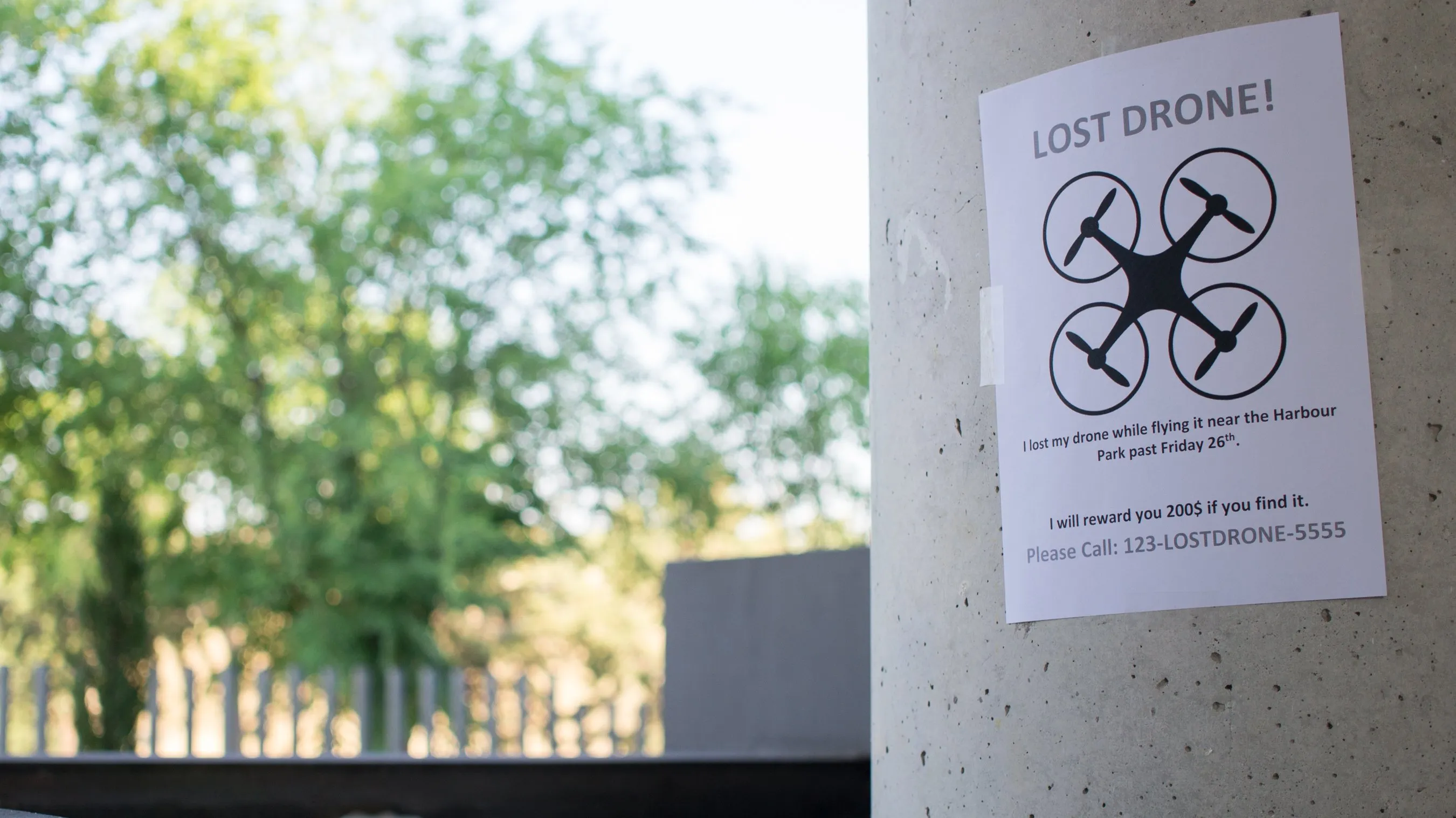
Even if you're searching on foot, keep your controller powered on. The drone might reconnect if it comes back within range, allowing you to use app features like the "Find My Drone" beeper or to see a live camera feed if it's still functional. This is a long shot, but it costs you nothing and could save the day. While you're doing that, don't underestimate the power of a second pair of eyes. Enlist help by posting in local drone Facebook groups, Nextdoor, and even local subreddits. Provide a clear photo of the drone, the last known location, and your contact info. Also, consider contacting local authorities and property owners near the crash site for permission to search their land. A coordinated effort with multiple people covering different areas significantly increases your chances of finding your lost drone quickly.
\nRelated reading: How To Unbind DJI Drone From Account, How To Turn DJI Drone Off, and Where Can I Purchase A Drone.