This tag collects articles about the small lights on everyday consumer electronics, from earbuds and soundbars to network gear and smart glasses, and what those lights are trying to tell you. It’s for anyone who has ever stared at a blinking LED and wondered whether their device is charging, connected, or asking for attention. The pieces are practical and troubleshooting-focused, written for people who want to interpret a status light correctly rather than guess.
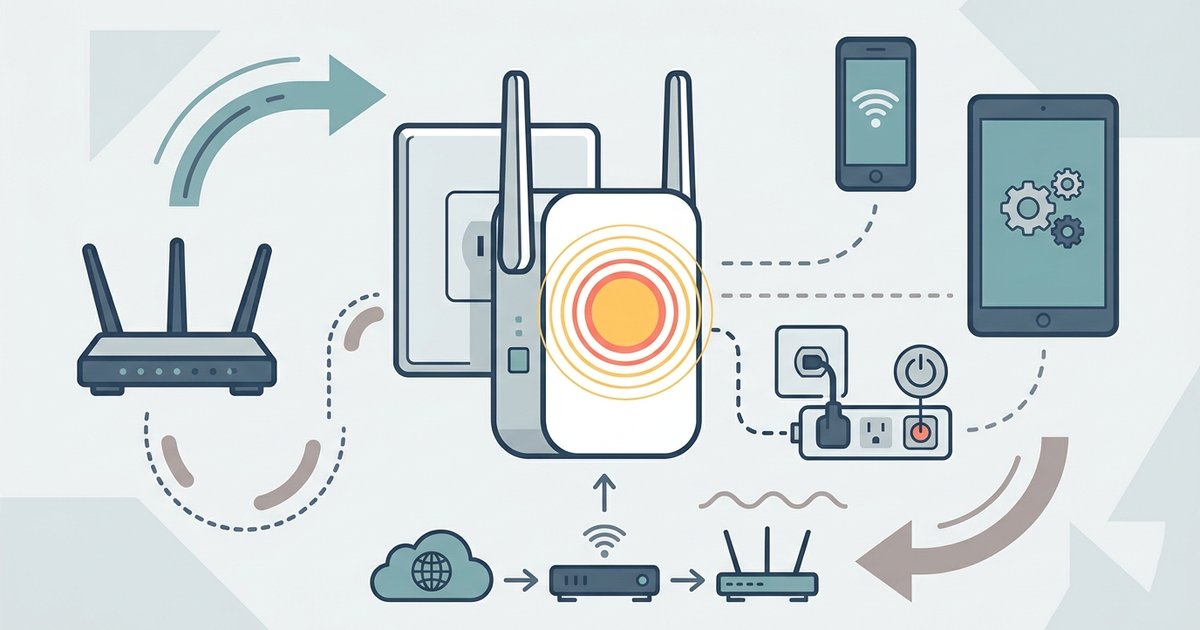
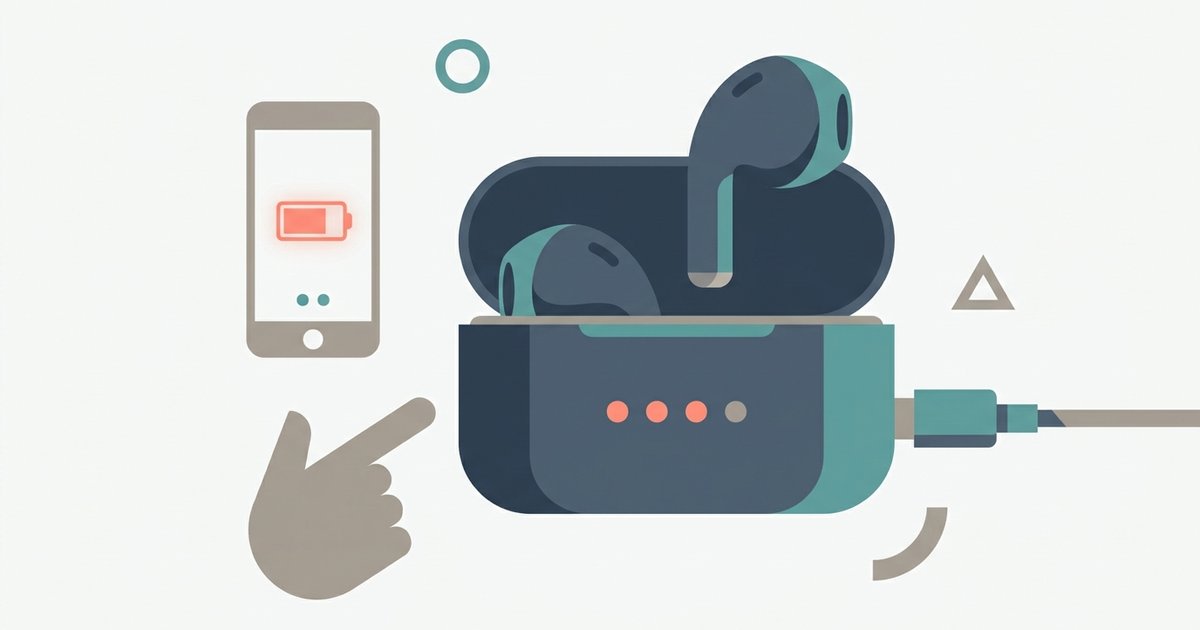
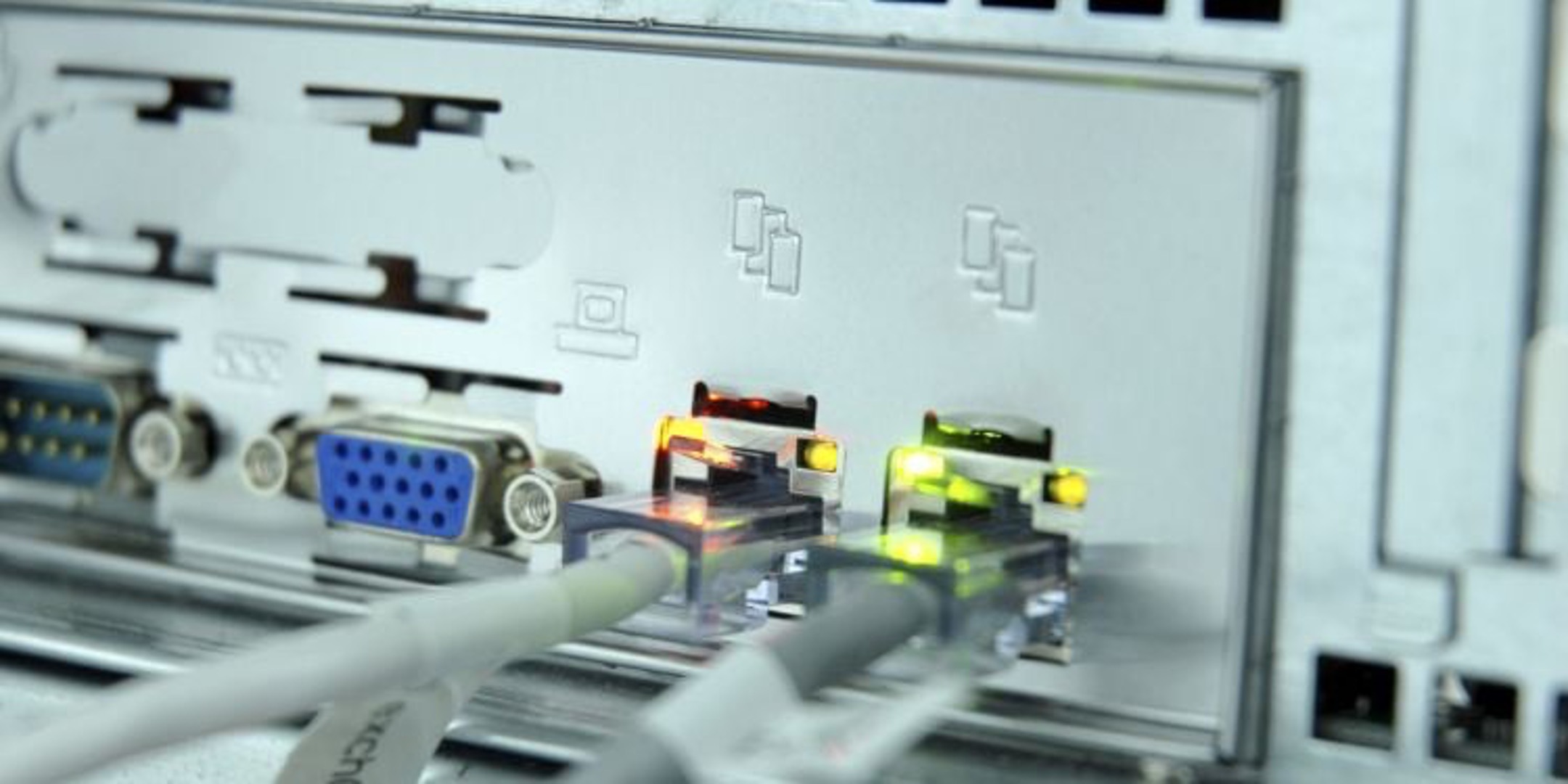
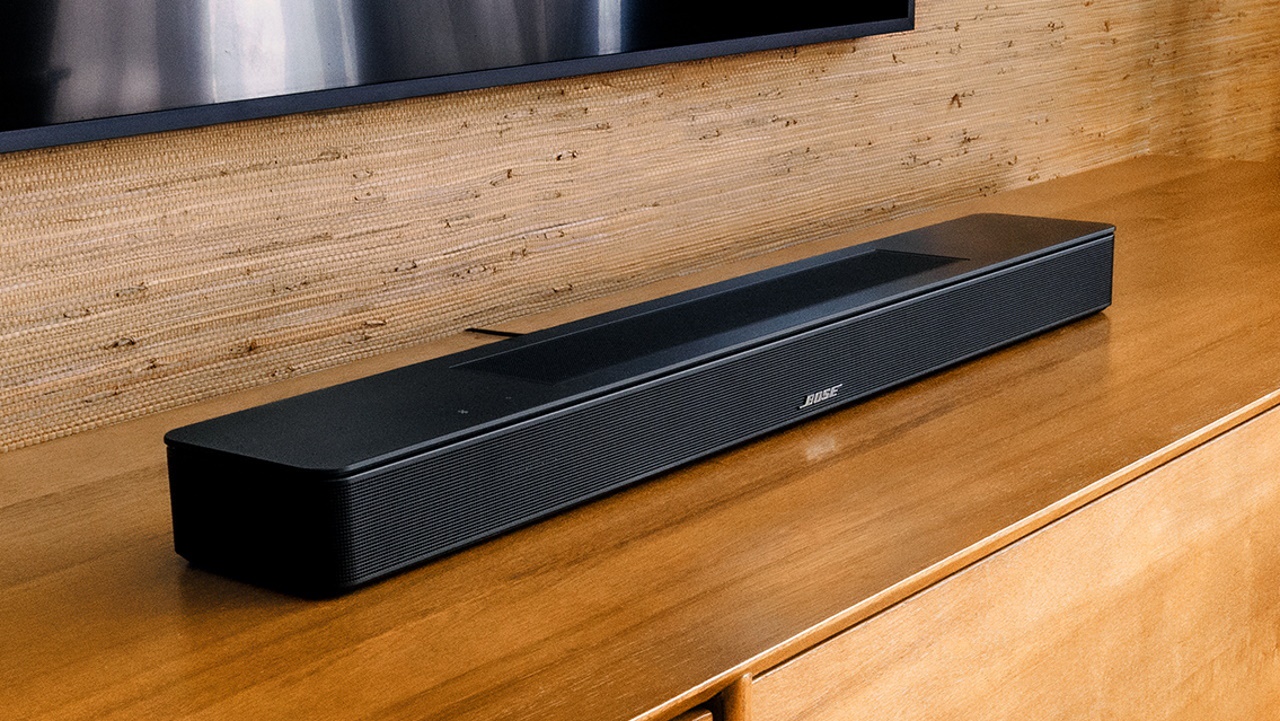
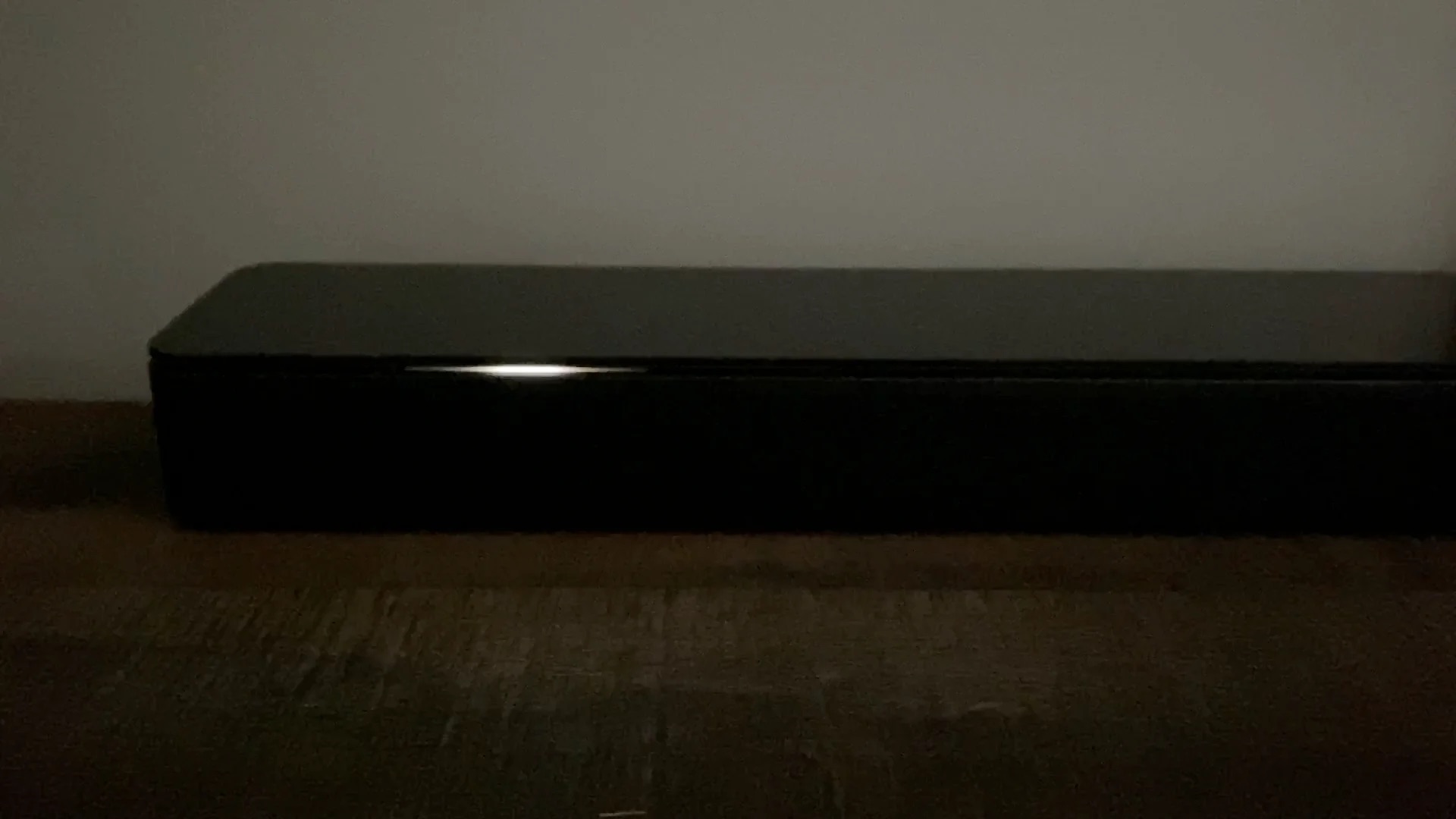
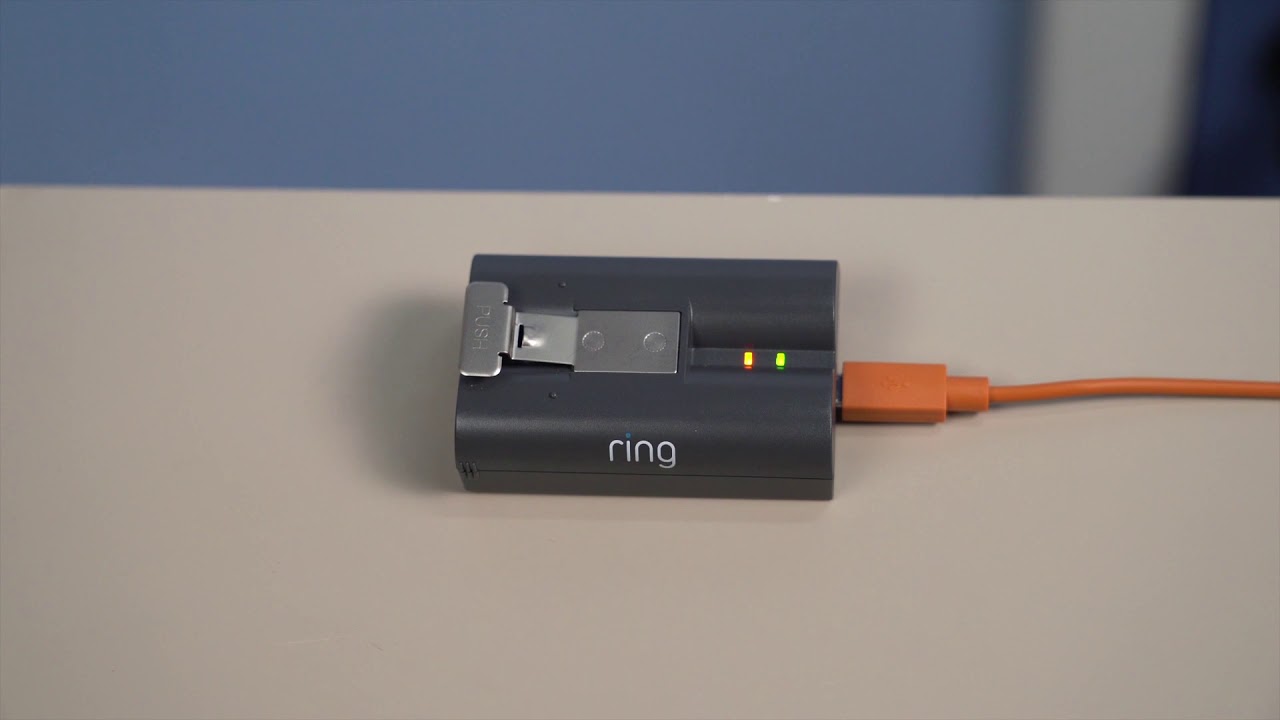
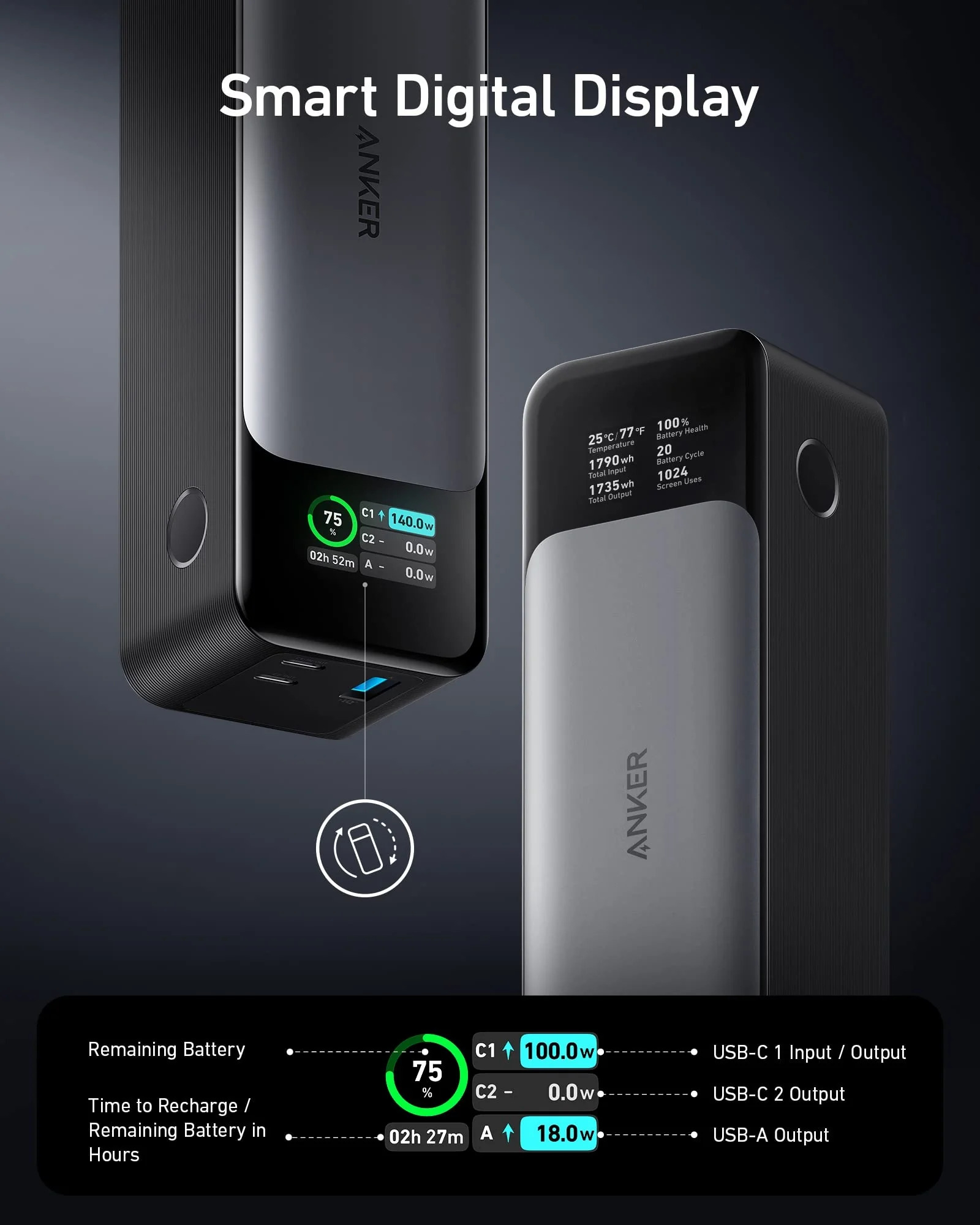
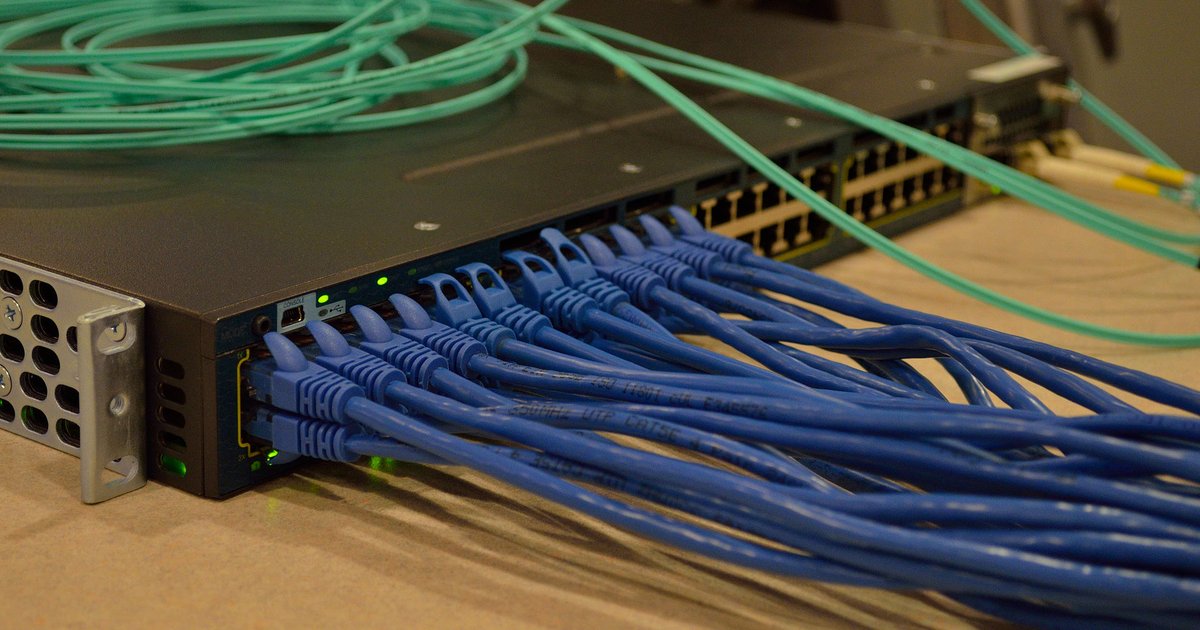
The articles fall into a few clear themes. One is battery and charging status: you’ll find explanations for the green light on an Anker power bank, how to tell when a Ring Video Doorbell is fully charged, and what a flashing blue light on a heart monitor means. Another theme is connectivity and network diagnostics, including what the lights on a network switch mean, how to fix a Verizon Wi-Fi extender that blinks yellow, and what Ethernet lights are trying to say. A third theme covers audio devices, such as the orange or red light on a Bose soundbar, and how to check battery level on JBL wireless earbuds.
Several articles also approach the topic from a safety or security angle. For example, the piece on charging Ray-Ban smart glasses helps you do it correctly and avoid damage, while the drone battery article explains when it’s safe to unplug and fly. These aren’t about bypassing anything, they’re about understanding the signals your devices already give you, so you can use them properly and avoid guesswork.