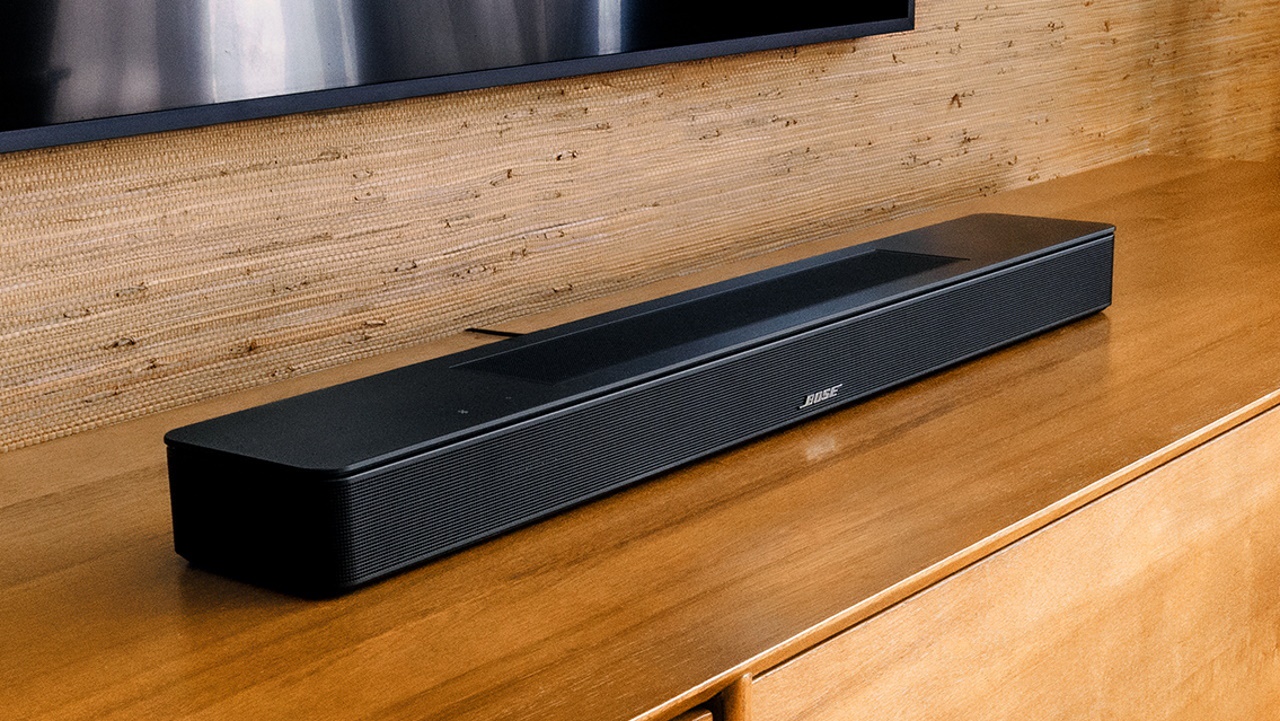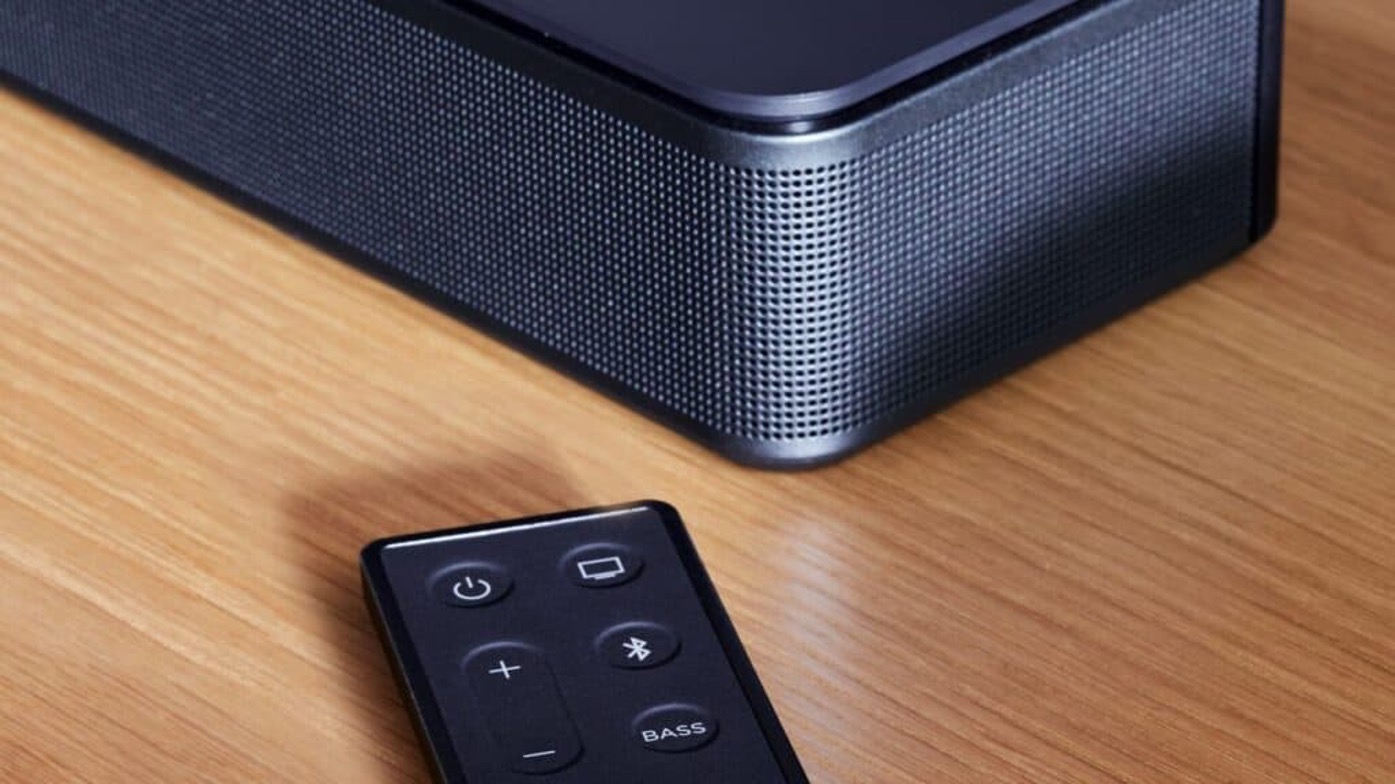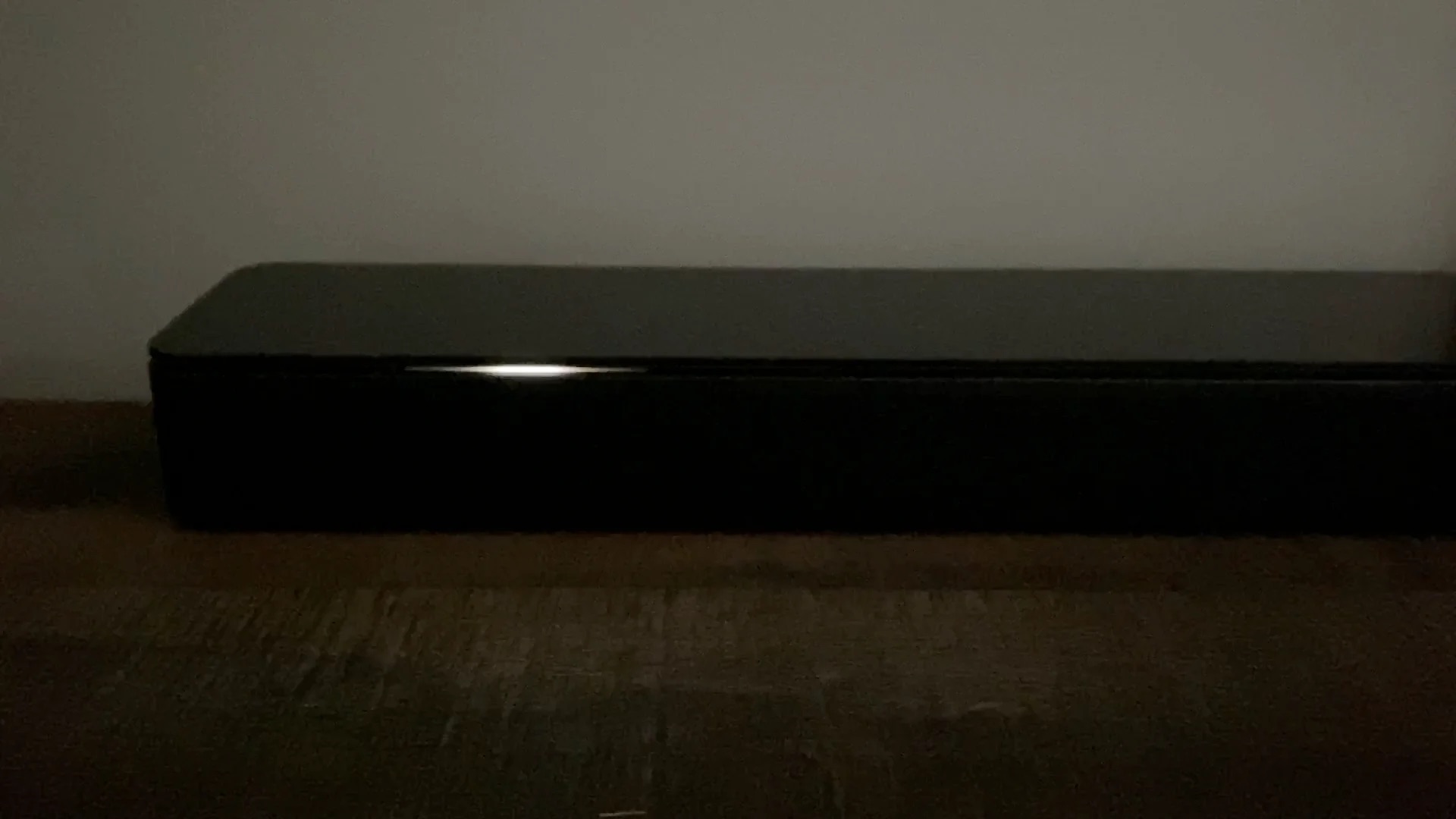
A flashing white light on a Bose soundbar is the device's primary way of communicating its current state, most commonly indicating a startup sequence, an active software update, or a connection attempt. Understanding the specific pattern of the flashing white light on your Bose soundbar is the first step to identifying whether your soundbar is functioning normally or if it requires your attention.
What a flashing white light on your Bose soundbar means
A pulsing white light indicates the system is rebooting. This is a normal behavior you will see when you first plug in your soundbar or after a power cycle. A fast pulsing white light means the soundbar is connecting to a Bluetooth device or a Wi-Fi network. This pattern is common when you are trying to pair a new phone or when the soundbar is reconnecting to your home network after a power outage. A white light sliding from right to left signifies that a system update is being downloaded. Conversely, a white light sliding from left to right indicates that the system is currently updating. If the light bar slides to the center, glows solid, and then pulses, the voice assistant is listening. A white light sliding from the center to the sides and then pulsing means the voice assistant is thinking or processing a command. A continuous white light sliding from sides to center indicates a voice assistant alarm is sounding. A pulsing yellow light indicates a notification from the voice assistant, which can sometimes manifest as a blinking white light until addressed. If you see a different color entirely, like when my Roku soundbar blinking orange, it often points to a specific hardware or connection fault.
Troubleshooting a stuck or error-state white light
If the white light continuously scrolls from left to right for more than 20 minutes, it often indicates an error during a software update. The first step to resolve this is to perform a product reset. Disconnect the power cord from the soundbar (and any accessory bass module or surround speakers) for 30 seconds, then reconnect it. This simple power cycle can clear temporary glitches that cause the light to get stuck. If the light continues to scroll after the reset, ensure the Wi-Fi network the speaker is connected to is working correctly for updates and voice assistant functions. A weak or dropped internet connection can cause an update to fail.
Advanced fixes: manual update and recovery mode
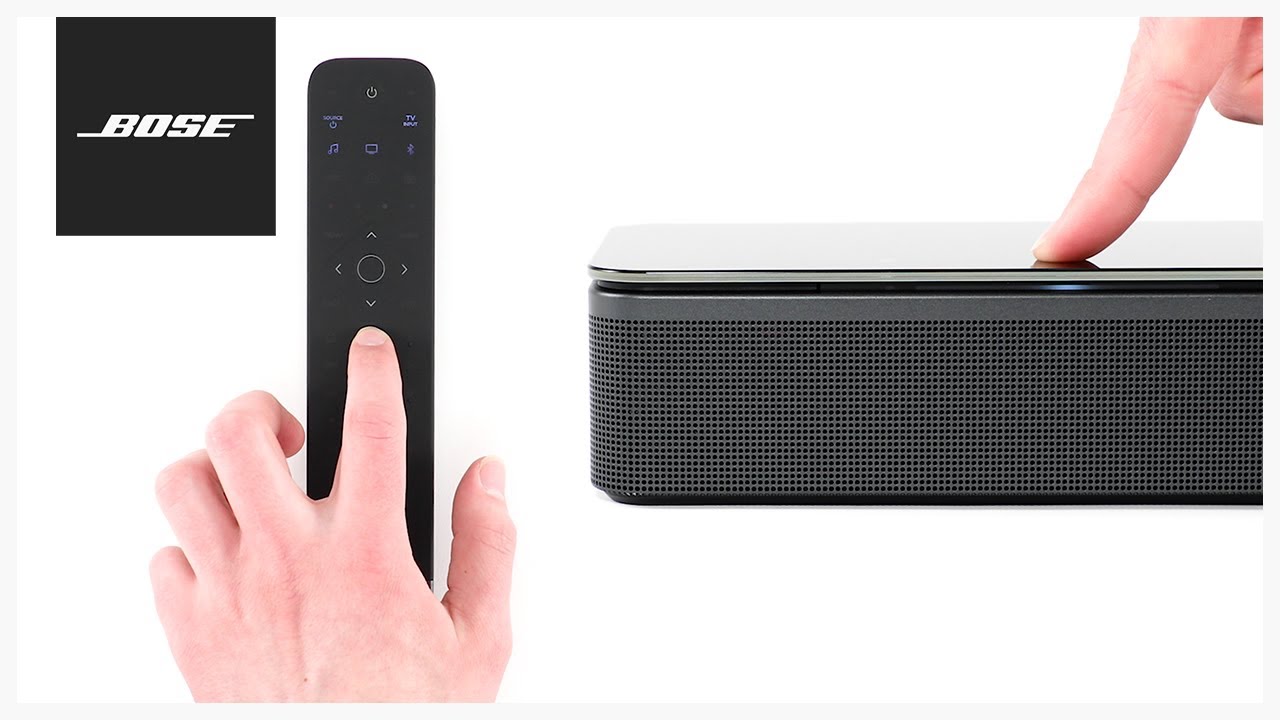
If an update is stuck, try manually installing the update, which may involve using a computer and a USB cable. This bypasses the need for a stable Wi-Fi connection and can push the update through directly. For unresponsive speakers during or after an update, the soundbar can be put into Recovery Mode. On some models (e.g., Smart Soundbar 900), the specific button sequence to enter Recovery Mode is: disconnect power for 30 seconds, reconnect, and within ten seconds, tap the Action button once, then the Microphone Off button once, then the Action button a second time, and the Microphone Off button a second time. Recovery Mode allows you to reinstall the operating system and recover a soundbar that has become unresponsive.
Model-specific white light meanings
Different Bose soundbar models have unique behaviors associated with their white lights. For the Bose Lifestyle Ultra Soundbar, a quickly blinking white light signifies that CustomTune calibration is in process. This is a normal feature that automatically adjusts the soundbar's audio to your room's acoustics. On a SoundTouch 300 soundbar, alternately flashing white lights can mean the USB cable was not disconnected after a system update. If you see this pattern, simply unplug the USB cable from the soundbar to resolve the indicator. If your soundbar shows a solid red light instead, you'll want to understand what the red light mean on bose soundbar for a different set of troubleshooting steps. If a persistent orange glow appears during setup, the orange light on my bose soundbar mean your system is stuck in a setup mode that blocks normal operation. Understanding these model-specific nuances ensures you can correctly interpret the flashing white light on your Bose soundbar and take the appropriate action.