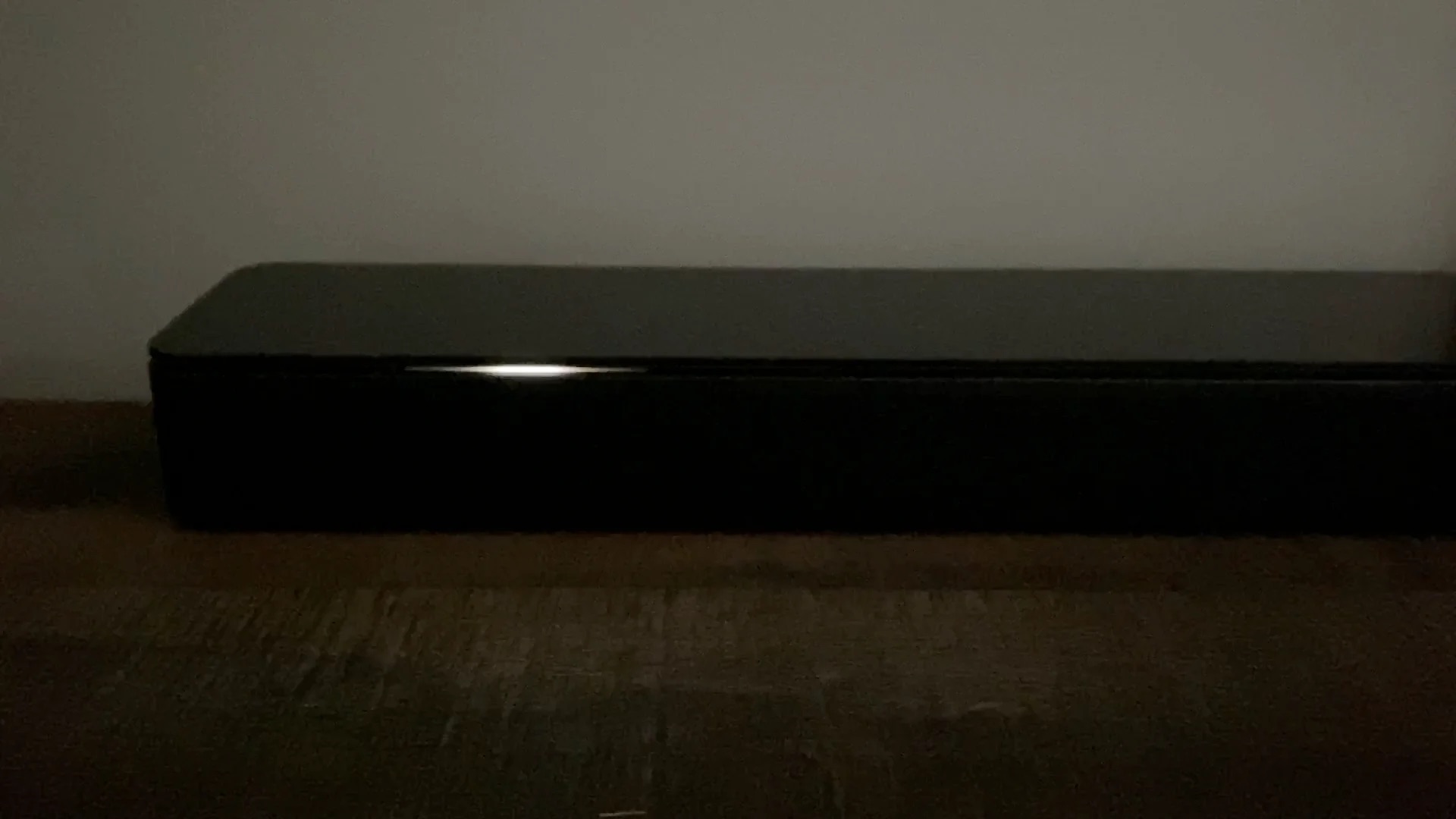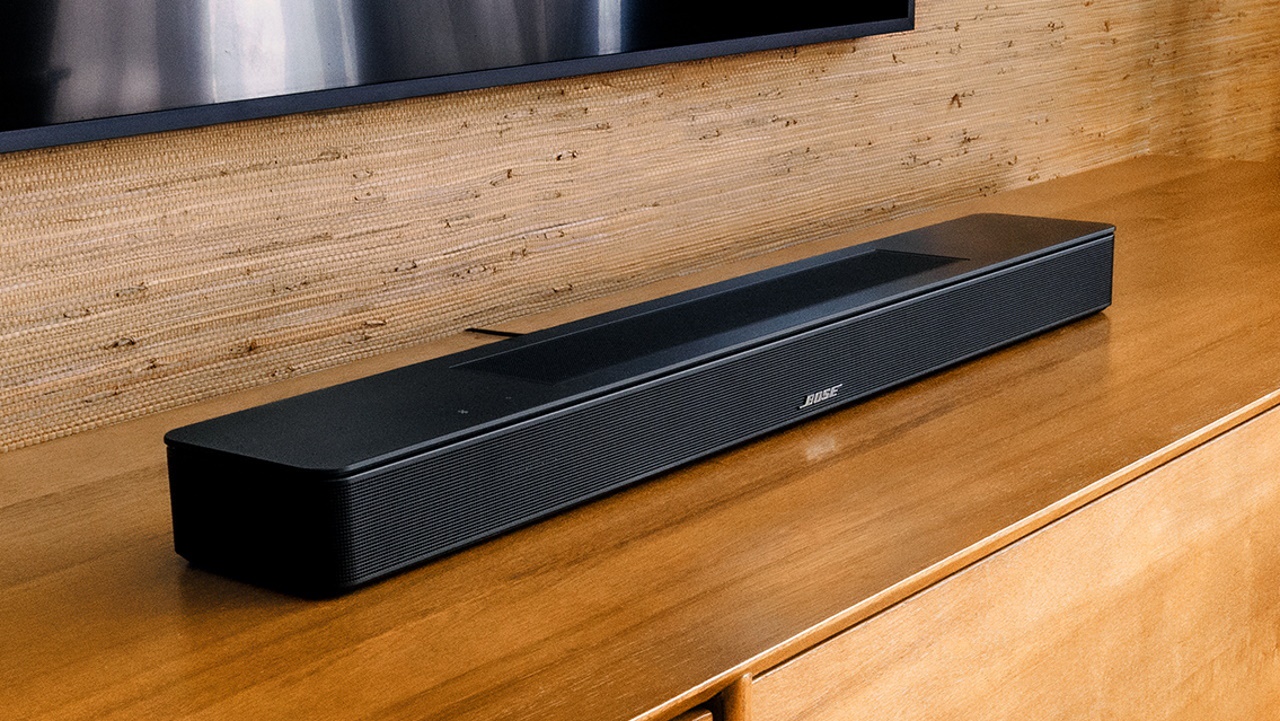
A solid orange light on your Bose soundbar means one of two things, depending on your model. If you own a Smart Soundbar 900, 700, or similar model, the bose soundbar orange light indicates the system is in setup mode or ready to connect to Wi-Fi. On Bose Solo Series II, Solo 10/15, Solo Soundbar 2, and SoundTouch soundbars, a solid orange light means Dialogue mode is enabled, it is a feature, not a fault. If the light is blinking instead, you might need to understand what the red light mean on bose soundbar signals for a different issue, or if you see a flashing white light on bose soundbar mean it's likely stuck during a software update.
Solid orange light: Setup mode or Wi-Fi issues (Smart Soundbars)
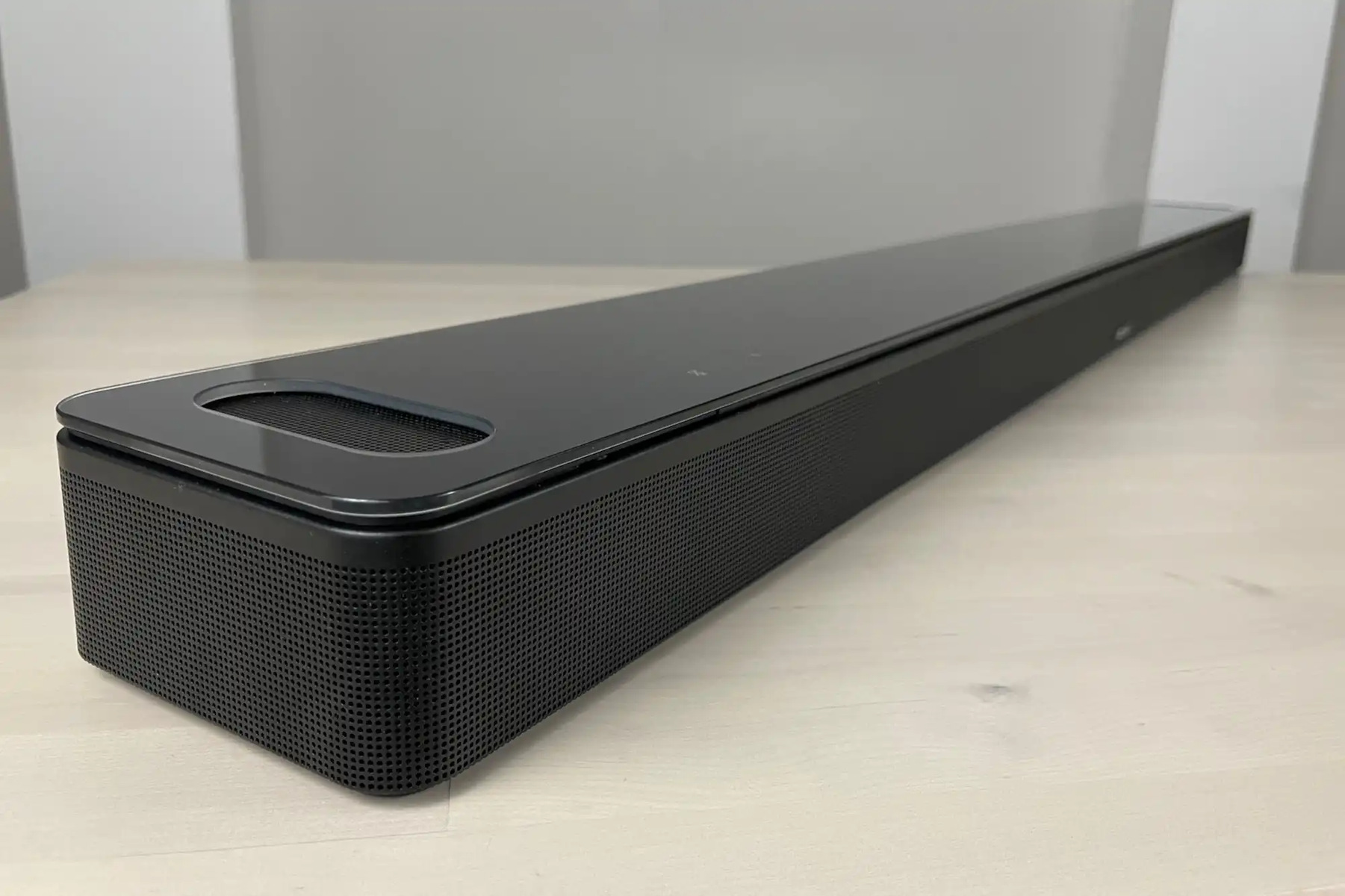
On Bose Smart Soundbar 900 and 700 models, a steady amber light means the soundbar is in setup mode. This most commonly appears after a factory reset, when the soundbar is waiting to be connected to your home network. To resolve this, open the Bose Music app and follow the on-screen prompts to reconnect the soundbar to Wi-Fi.
Solid orange light: Dialogue mode is on (Solo & SoundTouch)
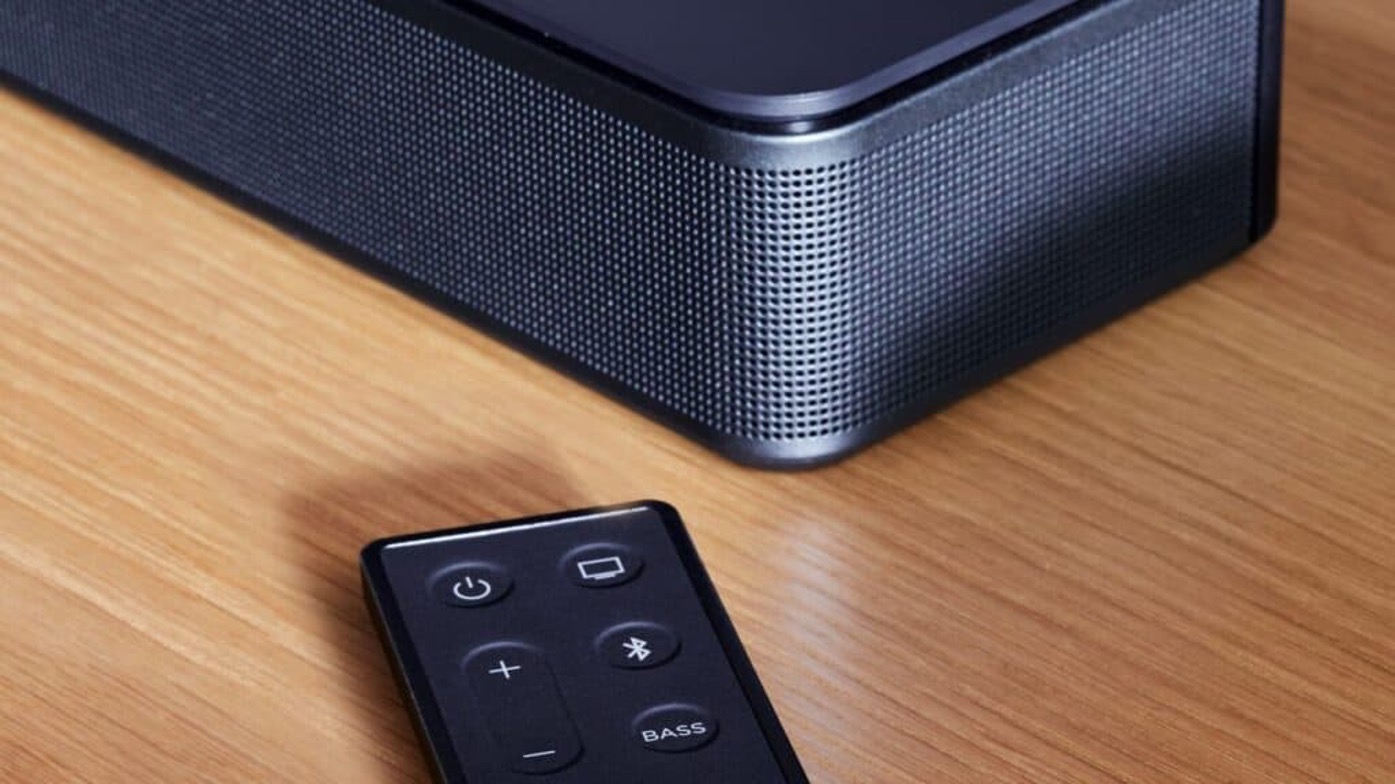
This setting boosts vocal clarity and is toggled using the remote. On the Bose Solo Soundbar Series II, Dialogue mode can be toggled by pressing and holding the Mute button on the remote until the light blinks orange (for on) or green (for off) three times.
Blinking orange light: Connection problems
A blinking amber light generally signals a connection issue. On the Bose Lifestyle Ultra Soundbar, a quickly blinking amber light specifically indicates a lost Wi-Fi connection. For Bose Bass Modules or Surround Speakers, a blinking amber light indicates they are ready to pair, while a solid dim amber light means they are disconnected from the soundbar or control console. If you're troubleshooting a similar blinking light on a different device, you might find the reasons behind my Roku soundbar blinking orange helpful for comparison. A general troubleshooting step for various issues, including persistent orange lights, is to disconnect the soundbar from power for at least 30 seconds, then reconnect it.
Other amber light states and what to do
A dim amber light on the Bose Solo Soundbar Series II or Solo 15 TV sound system indicates the system is in standby with auto-wake enabled. This is normal and means the soundbar will turn on automatically when it detects an audio signal. For SoundTouch Wireless Adapters, a fast blinking amber light indicates a firmware error, while a solid amber light means the adapter is in setup mode, broadcasting its "Bose SoundTouch Wi-Fi Network."
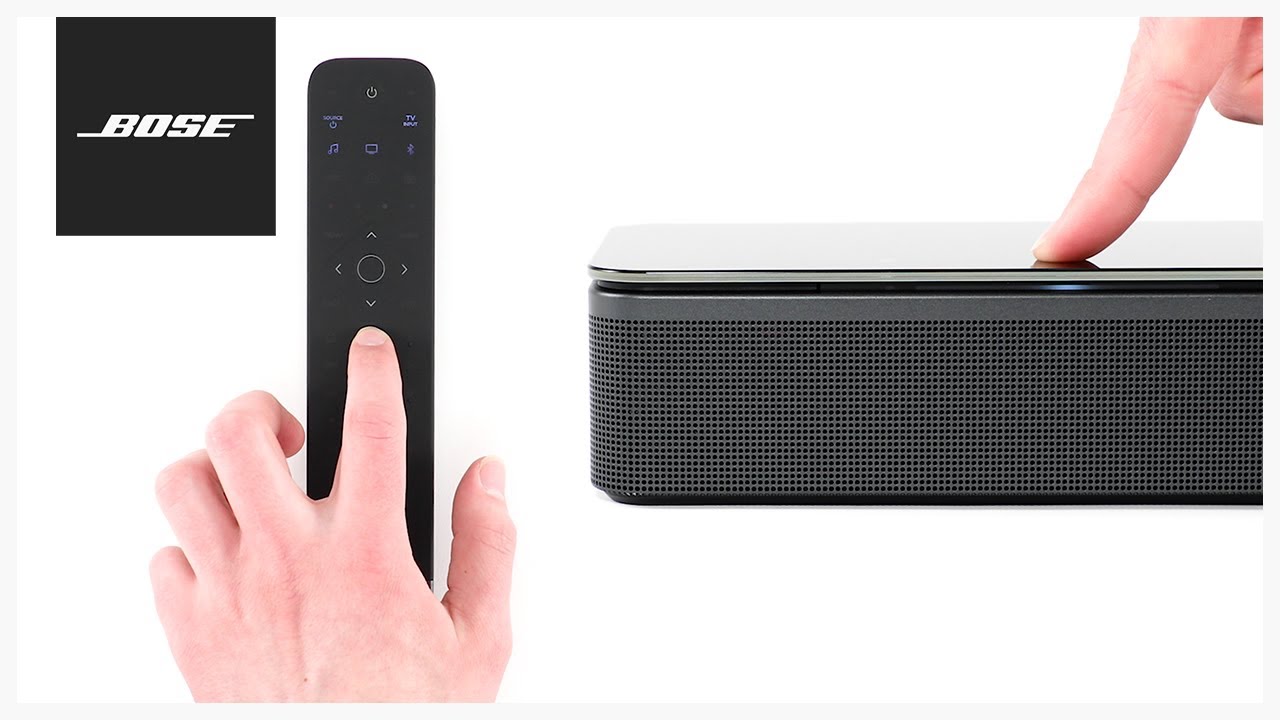
If you have tried reconnecting to Wi-Fi and power-cycling your soundbar but the orange light persists on a Smart Soundbar, a factory reset is the last resort. To restore factory default settings on Bose Smart Soundbar 900 or 700, simultaneously press and hold the Power and Skip forward buttons on the remote for 5 seconds until the light bar blinks twice and the soundbar reboots. After the reset, the soundbar will return to setup mode with a steady amber light, ready to be configured again.