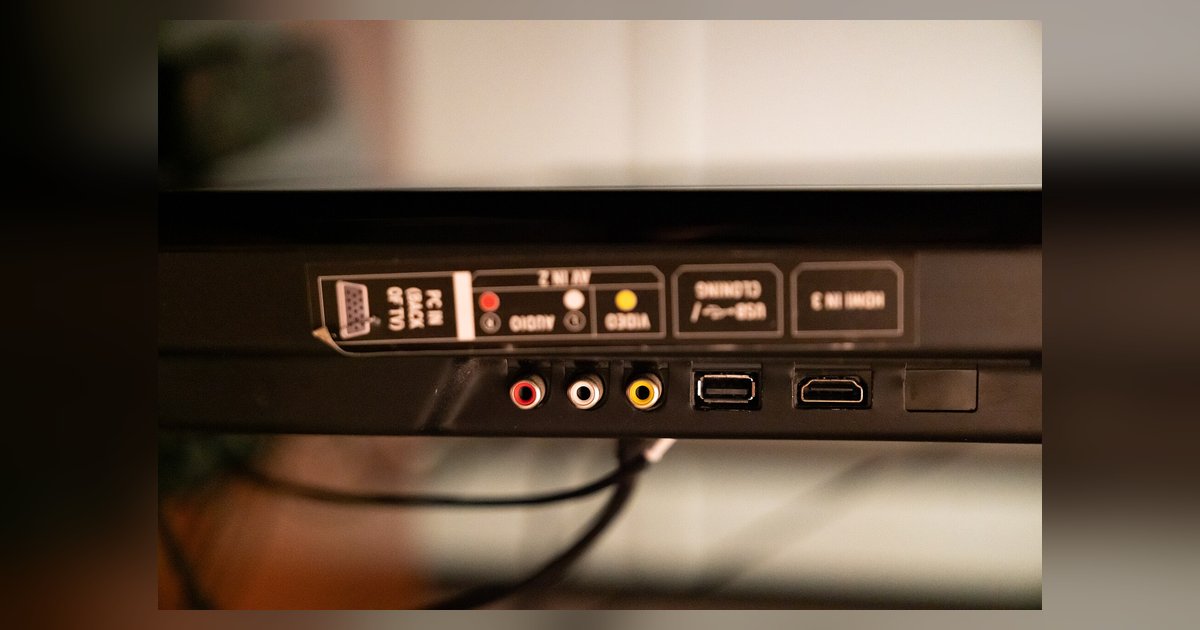
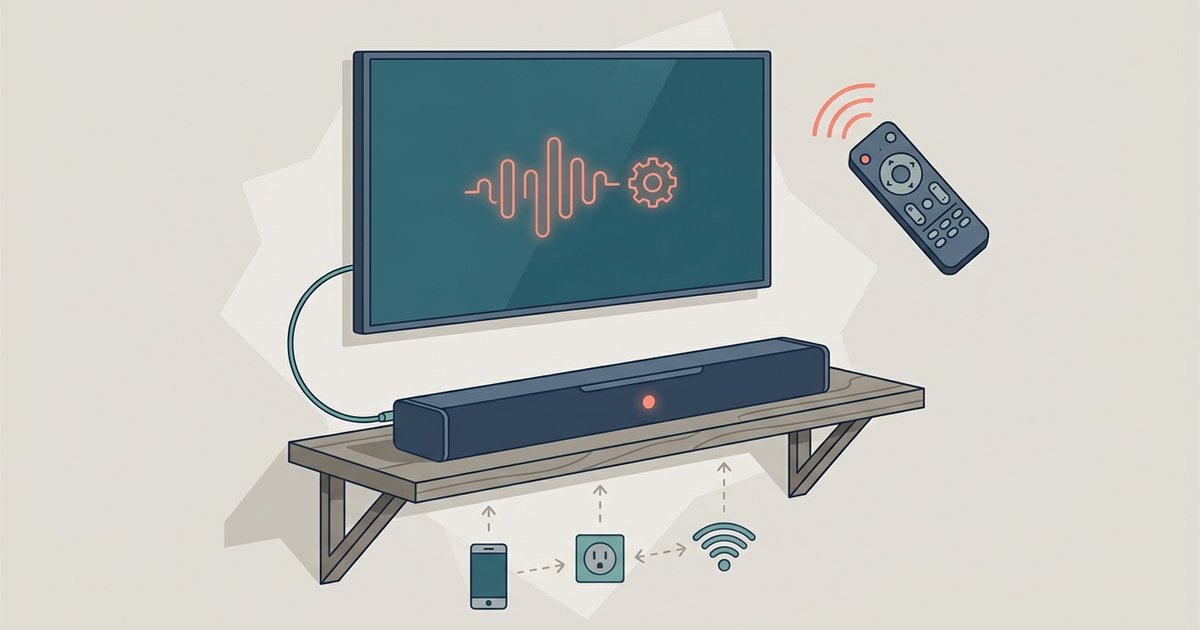
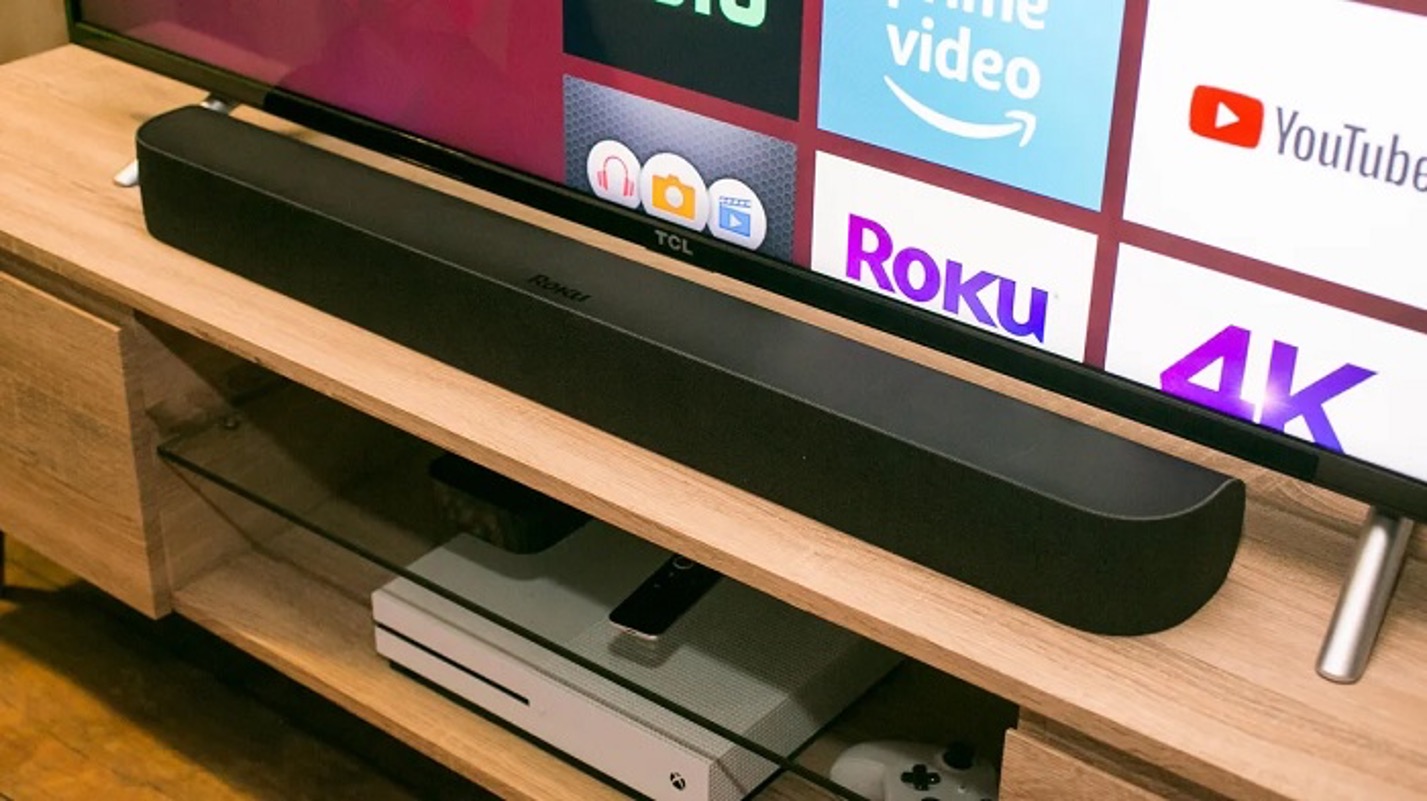
Start here: match your ports and cables to connect a soundbar To connect a soundbar, start by looking at the ports on the back of your TV and the input...
Check the basics on your TV no sound issue If your TV no sound issue just started, begin with the remote in your hand. Press the volume-up button several times...
Locate the right TV HDMI ports To successfully connect your devices, you must first identify the specific capabilities of your TV HDMI ports. Look closely at the row of ports...
Go to Settings > All Settings > Sound > Advanced Settings > Match Screen and Sound (or Additional Settings > AV Sync Adjustment on older models), turn it on, and...
You cannot get Vizio TV optical Atmos sound because optical cables lack the bandwidth to carry the Dolby TrueHD or Dolby Digital Plus bitstreams that contain Atmos metadata. The connection...
To connect surround sound to your Vizio Smart TV, start by powering off both the TV and the audio device to prevent electrical shock or component damage. Then, identify which...
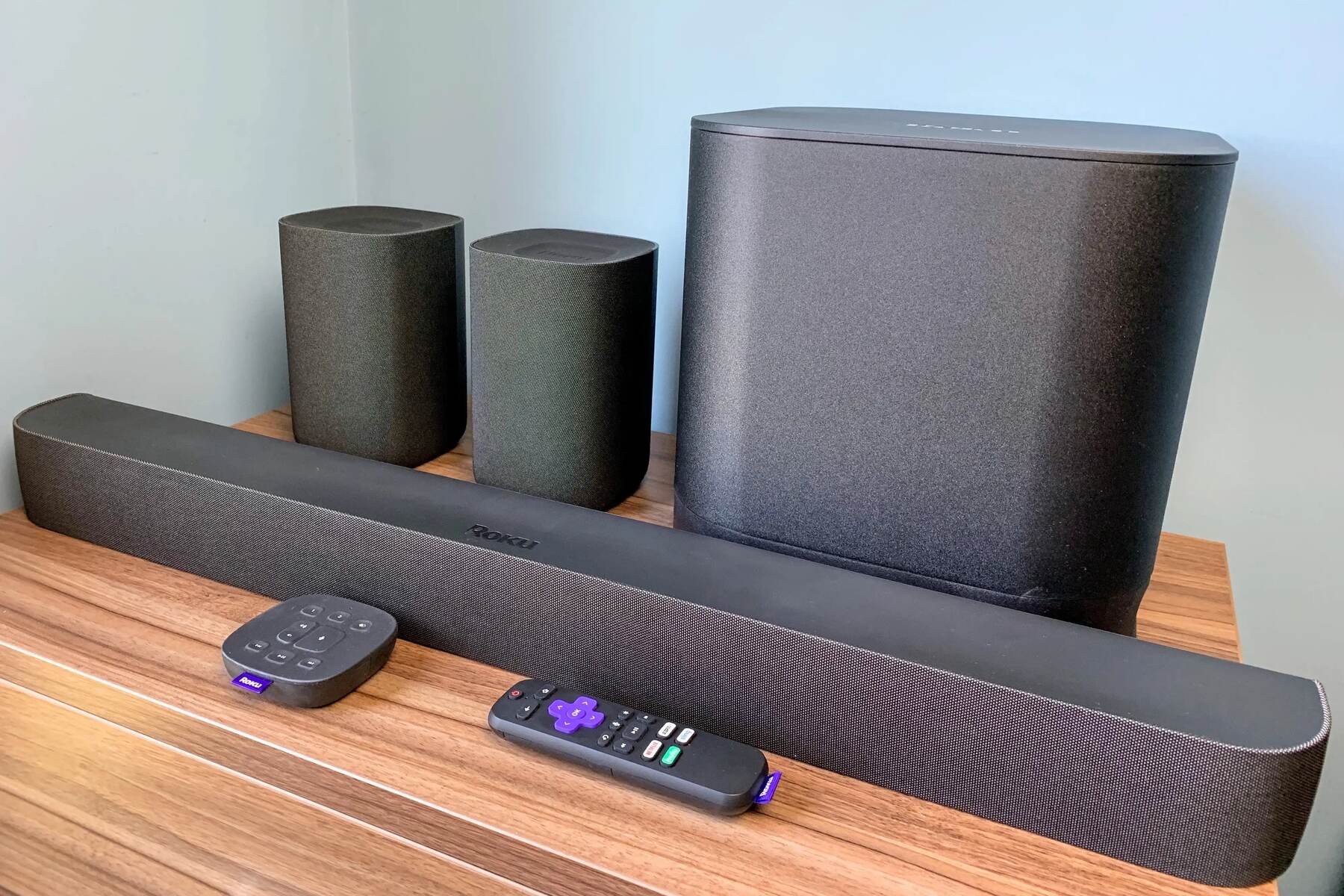
To achieve a proper Roku surround sound setup, you need a Roku player that supports surround sound formats like Dolby Digital or DTS, a surround sound system (AV receiver, soundbar,...
If your soundbar not working with Netflix is the issue, the most common fix is to change your TV’s digital audio output from PCM to Bitstream or Dolby Digital. This...
A Roku soundbar blinking orange means it has lost its wireless pairing with your Roku TV. This specific indicator tells you the soundbar is disconnected and needs to be re-paired...
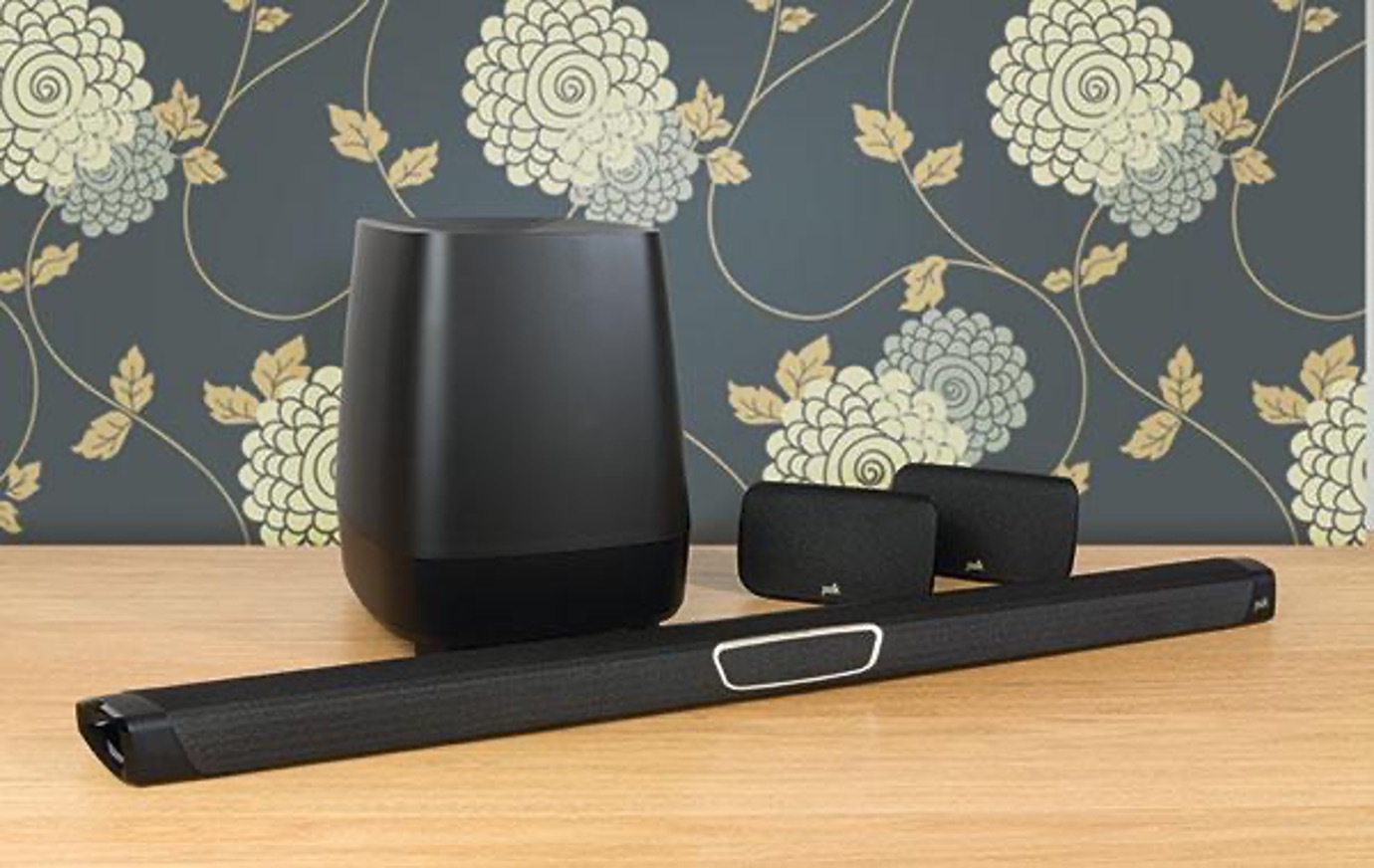
To update my Polk soundbar, the easiest path depends on your model: most current Polk soundbars like the MagniFi Max and MagniFi Mini update themselves automatically overnight when connected to...
To connect a Bose soundbar to an LG TV, use an HDMI ARC cable for the best audio quality and remote control integration, or an optical cable if your TV...
This website uses cookies so that we can provide you with the best user experience possible. Cookie information is stored in your browser and performs functions such as recognising you when you return to our website and helping our team to understand which sections of the website you find most interesting and useful.
Strictly Necessary Cookies
Strictly Necessary Cookie should be enabled at all times so that we can save your preferences for cookie settings.
If you disable this cookie, we will not be able to save your preferences. This means that every time you visit this website you will need to enable or disable cookies again.