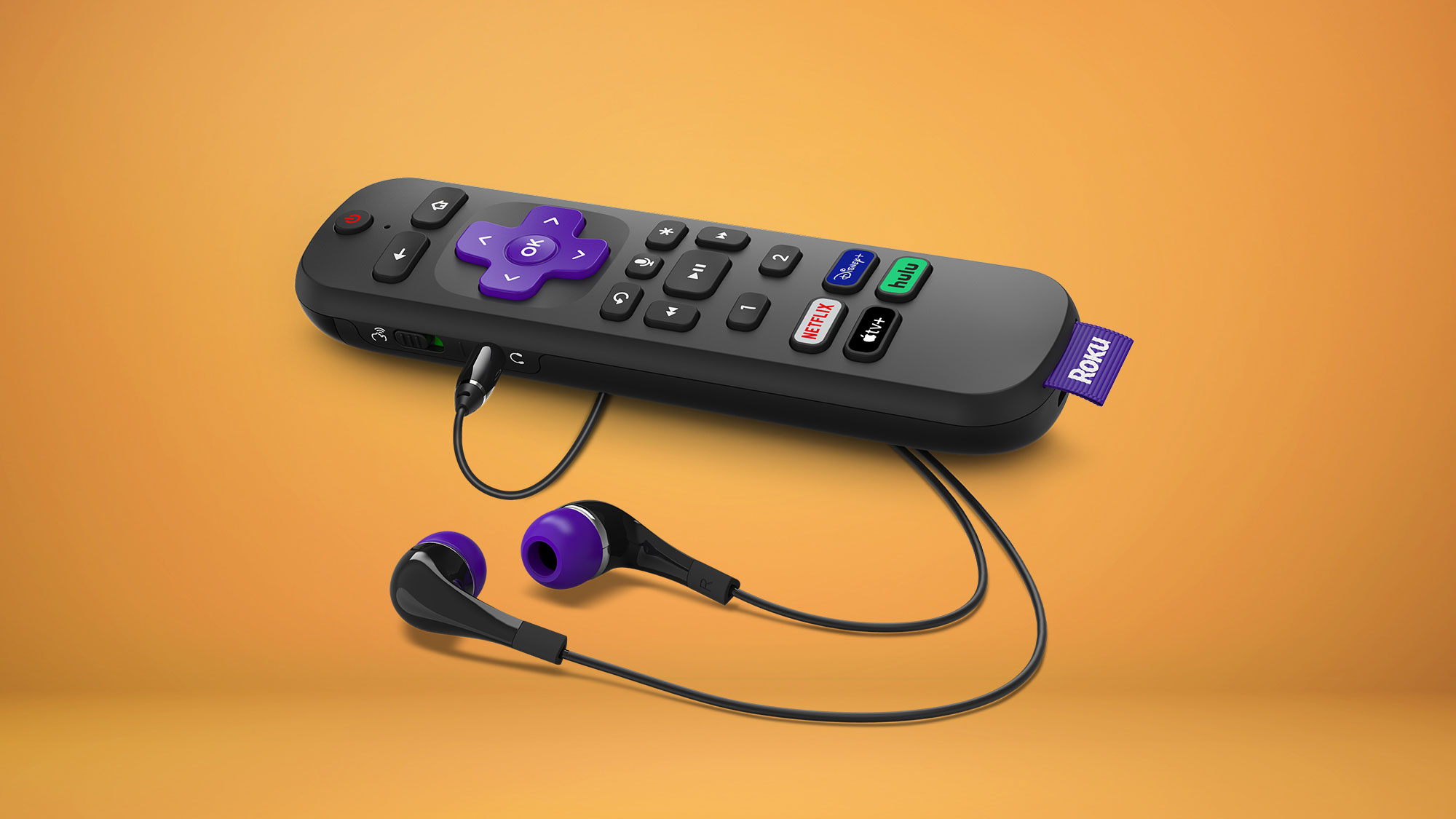
To connect a soundbar to Roku Stick, you must connect the soundbar directly to your TV, not to the Roku Stick itself. The Roku Stick plugs into your TV's HDMI...
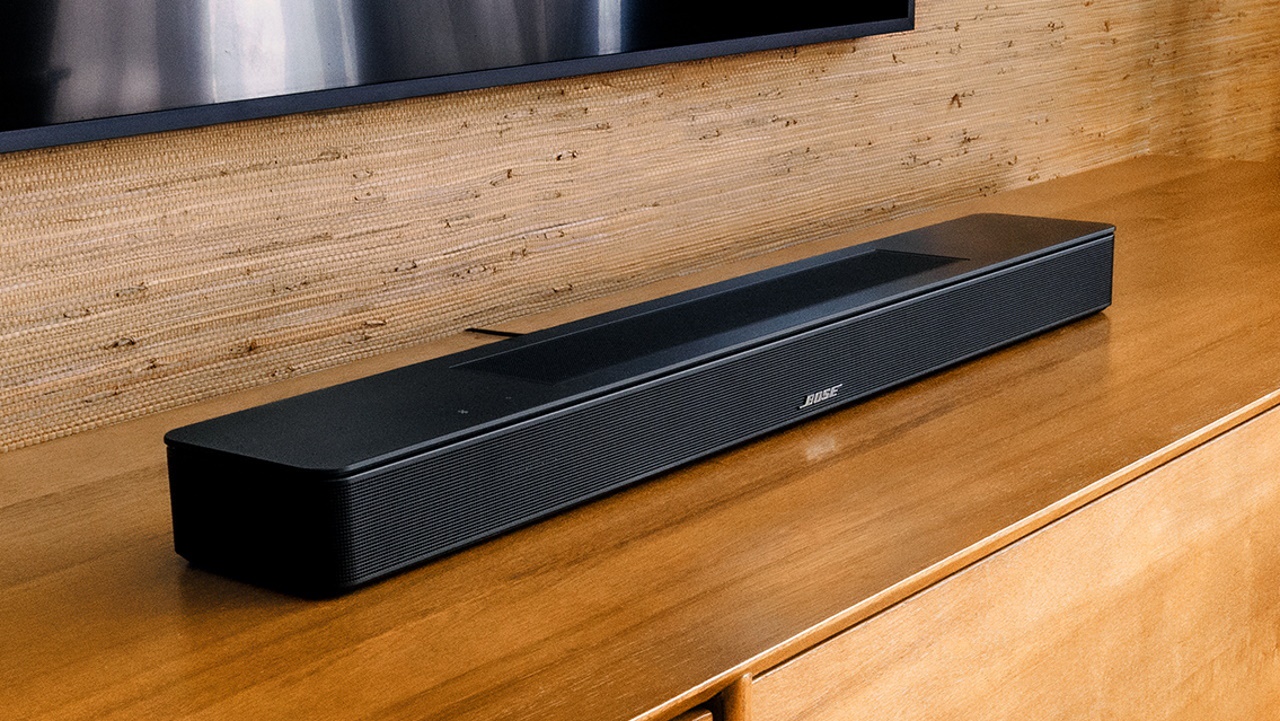
A solid orange light on your Bose soundbar means one of two things, depending on your model. If you own a Smart Soundbar 900, 700, or similar model, the bose...
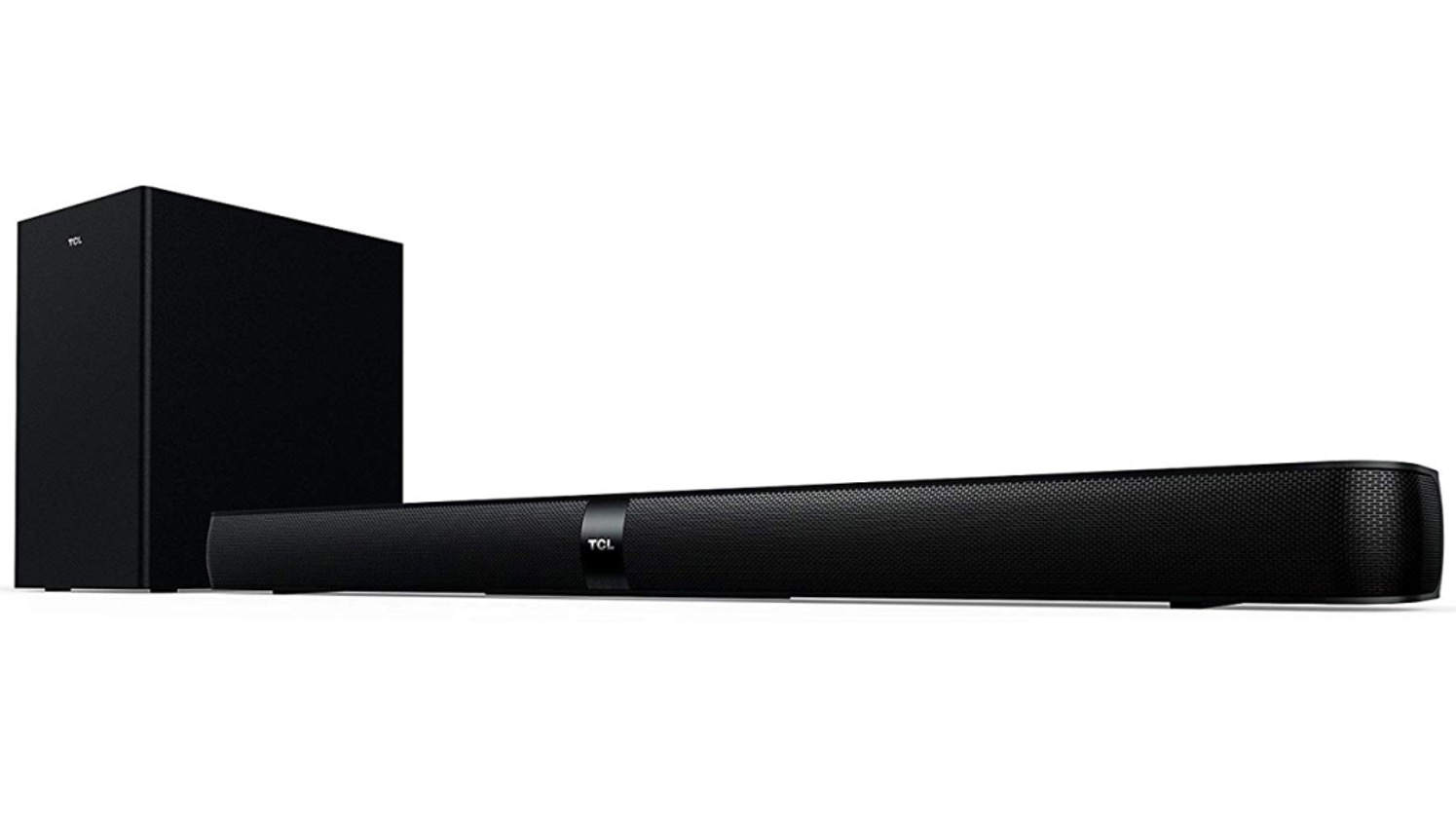
To pair a TCL soundbar to a subwoofer, simply plug both into power and turn them on, the wireless connection usually establishes itself within a few seconds. If the subwoofer’s...
A flashing white light on a Bose soundbar is the device's primary way of communicating its current state, most commonly indicating a startup sequence, an active software update, or a...
To program a Roku remote to a soundbar, you primarily use HDMI-CEC to let your TV pass volume and power commands through to the soundbar, or you set up a...
To connect Alexa to a soundbar, you have two main paths: pair your Echo device to a Bluetooth or AUX soundbar for louder audio, or activate the Alexa features already...
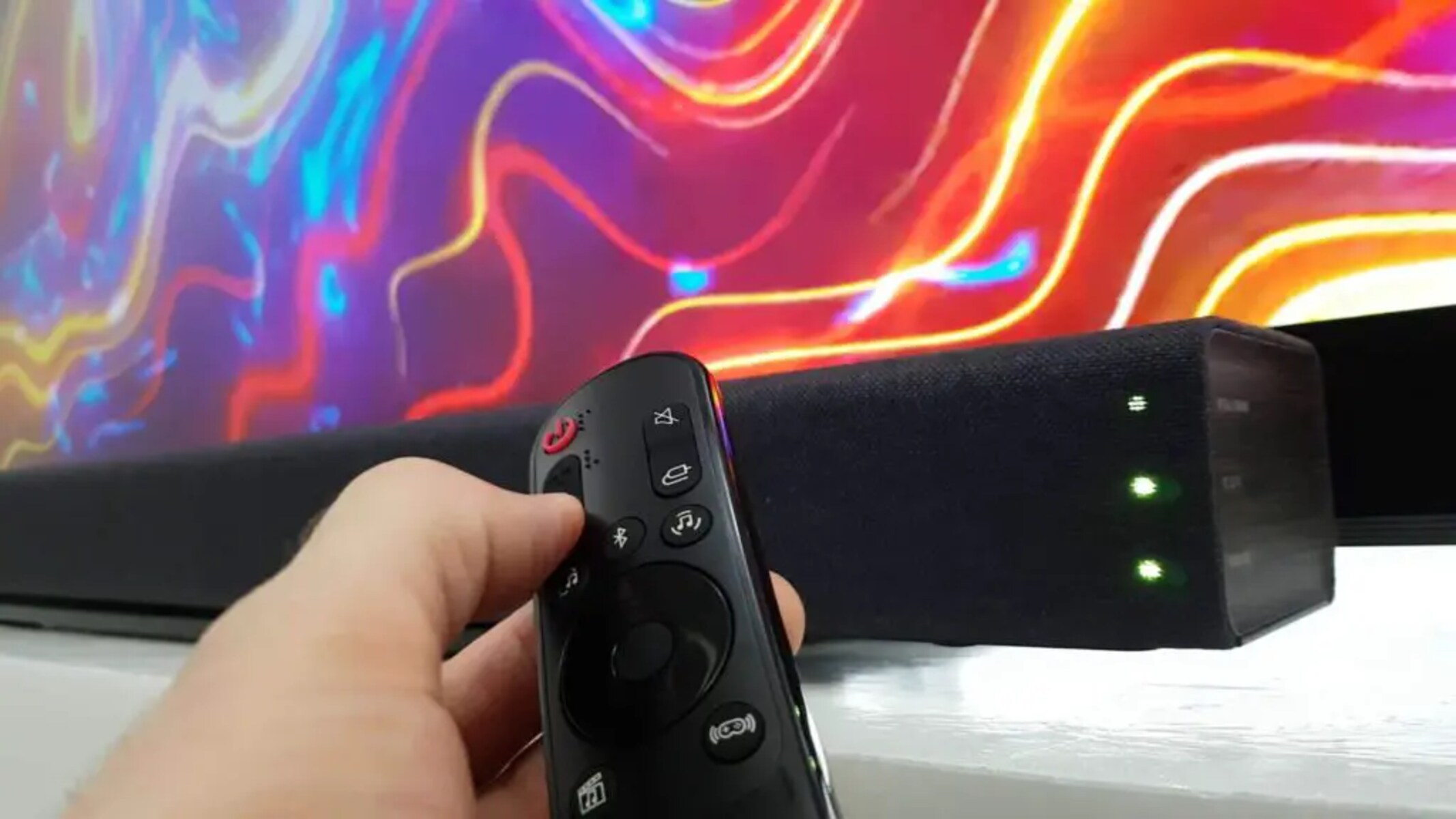
To control a soundbar with an LG TV remote, you need to enable HDMI-CEC (called SIMPLINK on LG TVs) or set up the Magic Remote as a universal remote. These...
To turn down bass on a Bose soundbar, use the Bose Music app for most models or the dedicated BASS button on the SoundTouch 300 remote. This lets you quickly...
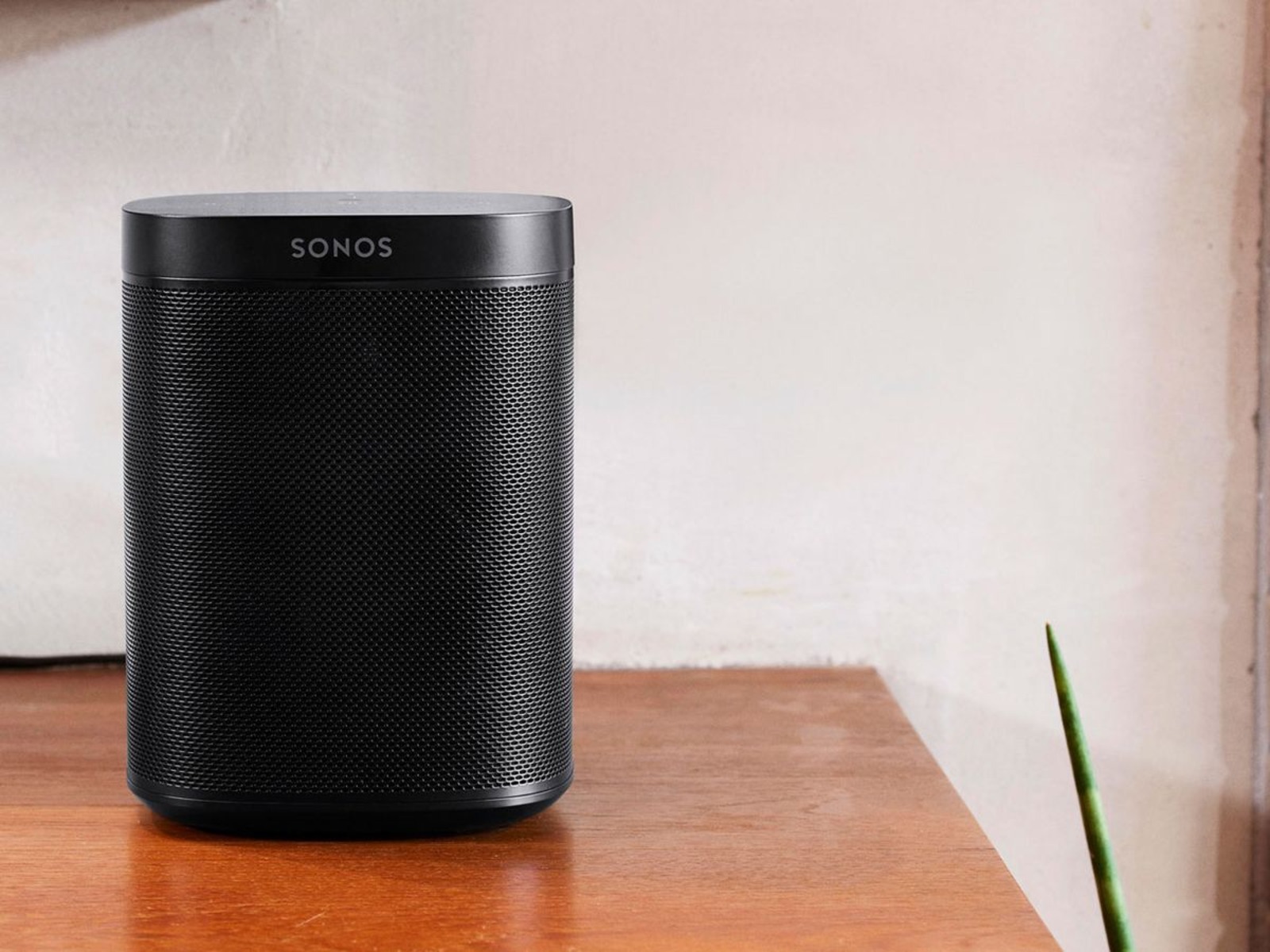
To reset a Sonos soundbar, you can use either the Sonos app for a soft reset or the physical buttons on the device for a full factory reset. The method...
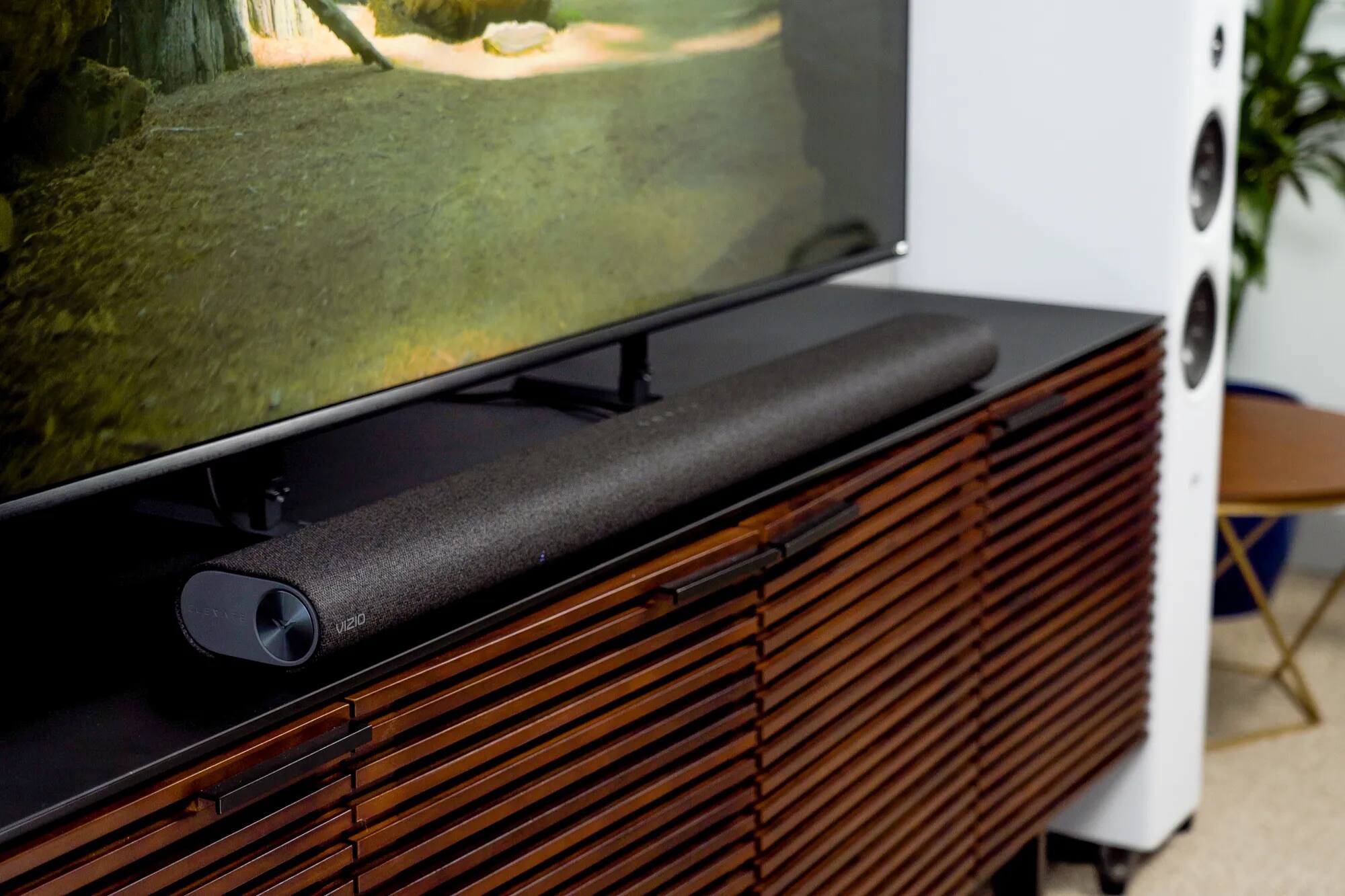
To connect a soundbar to a Vizio TV, use an HDMI cable plugged into the HDMI ARC/eARC port on both devices for the best audio quality and the ability to...
To connect a Bose soundbar to a Samsung TV, use an HDMI cable with the ARC or eARC ports for the best audio quality and unified remote control. This method...
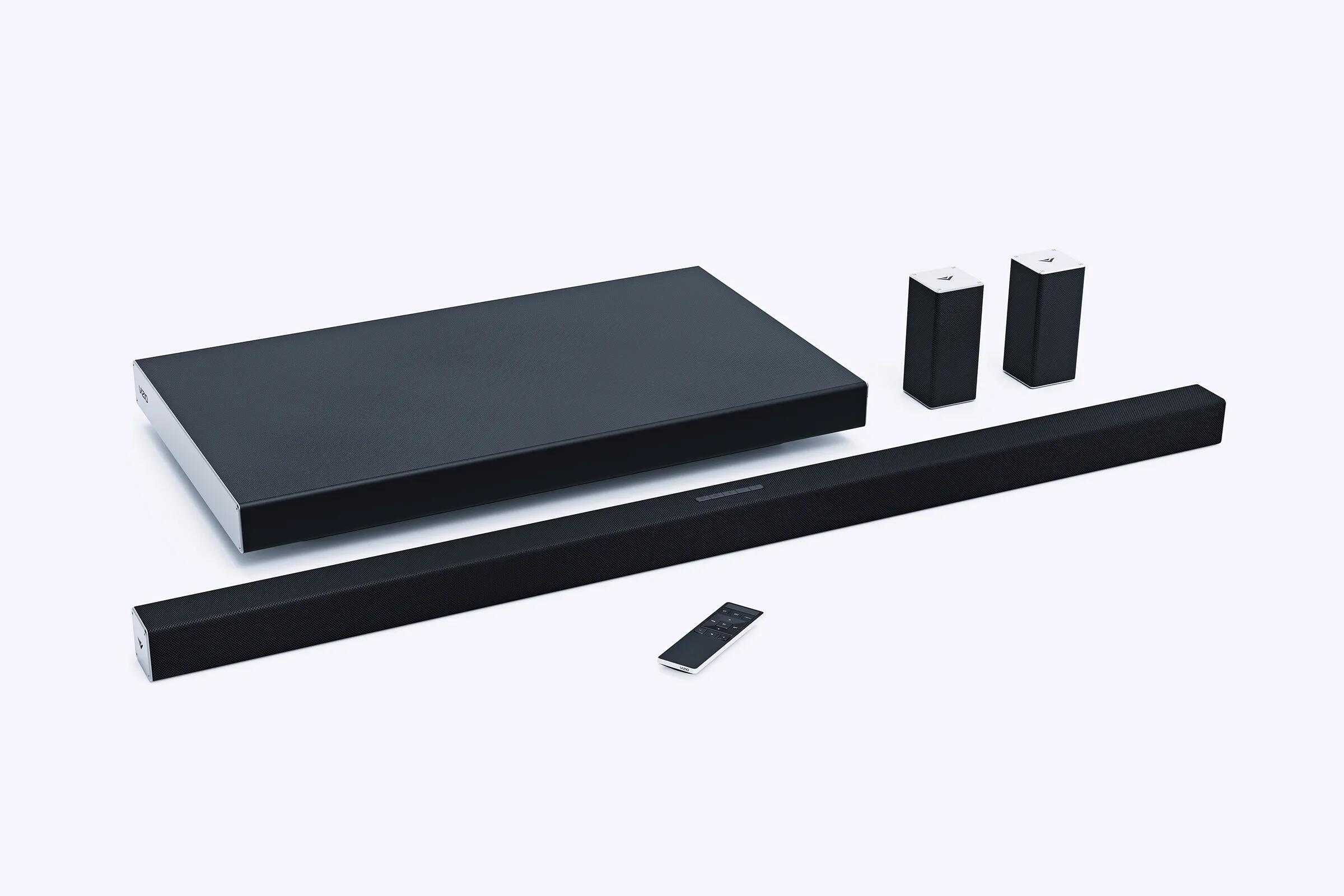
To pair a Vizio remote to a soundbar, you generally do not need to do anything beyond inserting batteries. The included remote uses infrared (IR) signals and is ready to...
This website uses cookies so that we can provide you with the best user experience possible. Cookie information is stored in your browser and performs functions such as recognising you when you return to our website and helping our team to understand which sections of the website you find most interesting and useful.
Strictly Necessary Cookies
Strictly Necessary Cookie should be enabled at all times so that we can save your preferences for cookie settings.
If you disable this cookie, we will not be able to save your preferences. This means that every time you visit this website you will need to enable or disable cookies again.