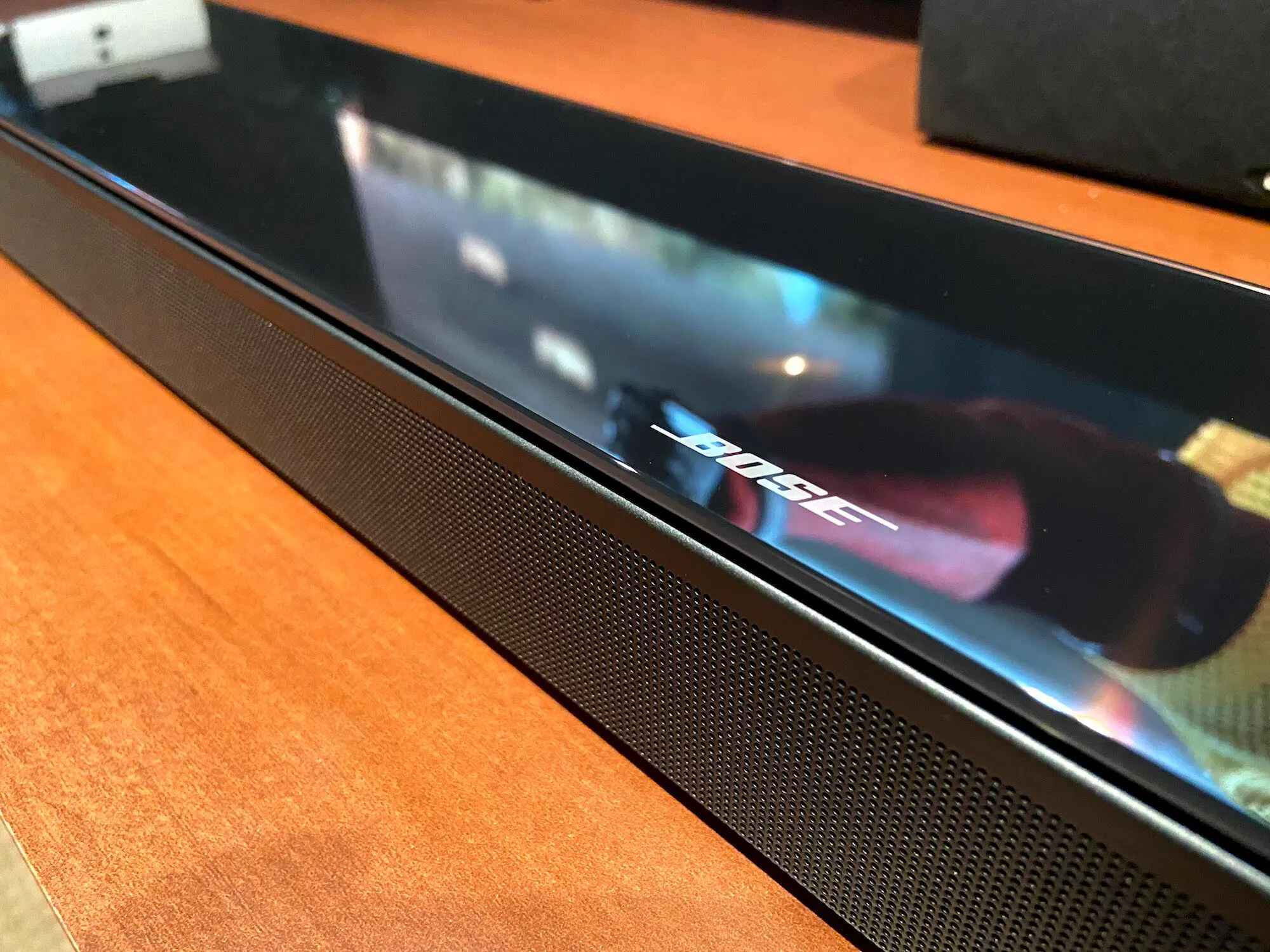
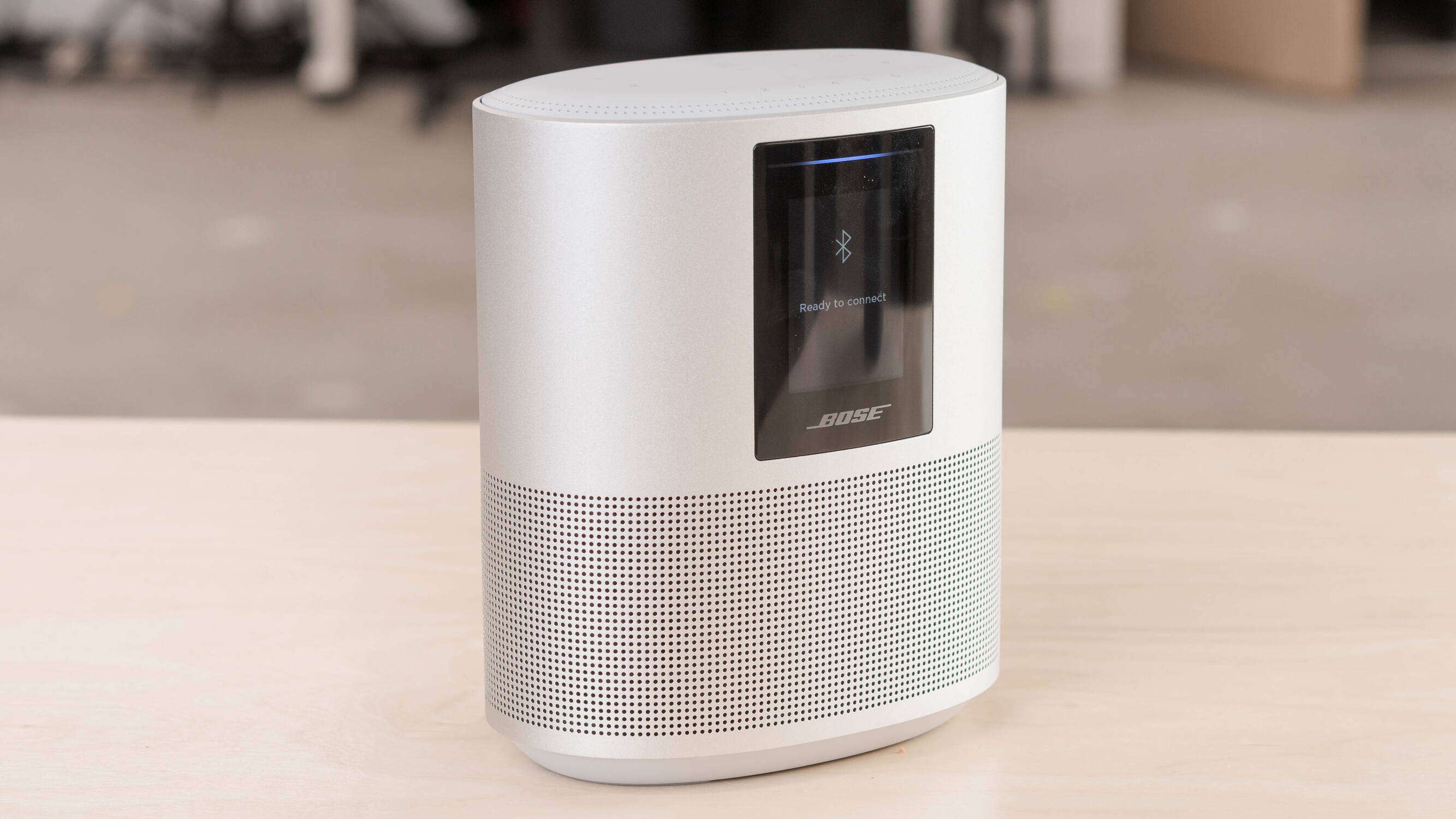
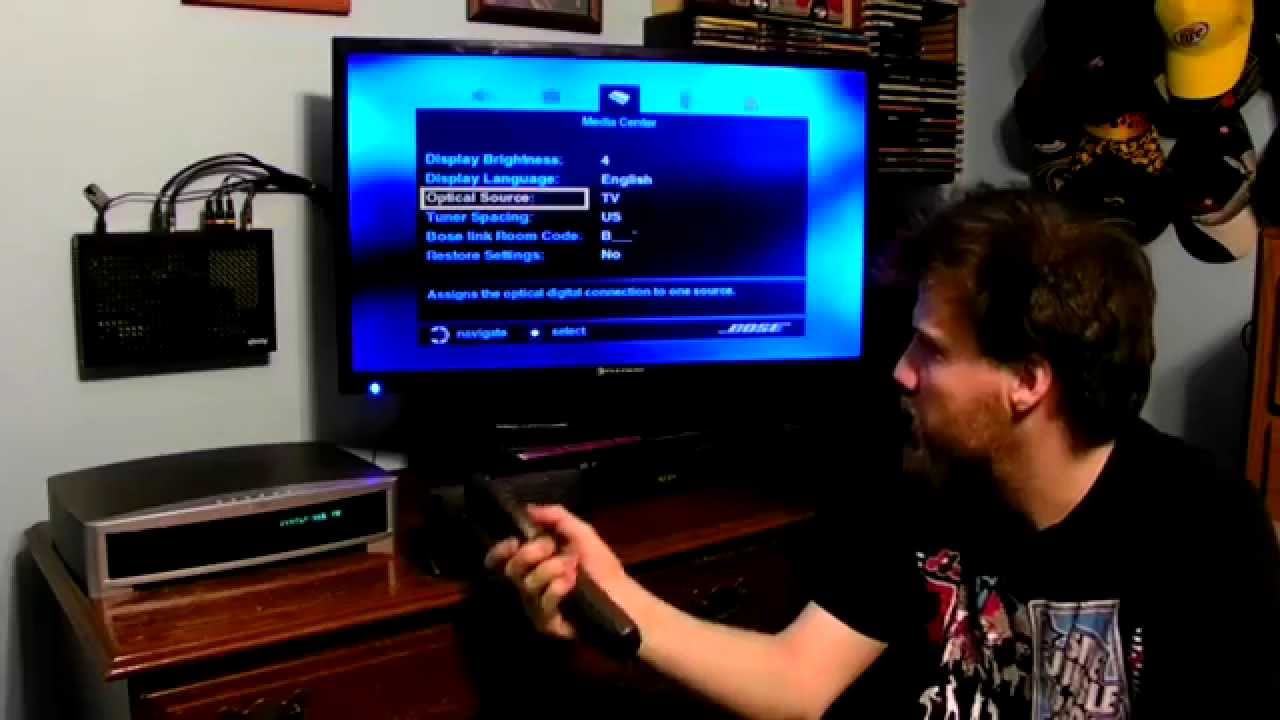
This tag collects our guides for getting the most out of Bose audio gear, from soundbars and smart speakers to noise-cancelling headphones. It is written for everyday owners who want to troubleshoot a problem, set up a new connection, or simply understand what their device is telling them. Whether you are dealing with a TV that will not talk to your soundbar or a headphone that has stopped pairing, these articles are here to walk you through the fix step by step.
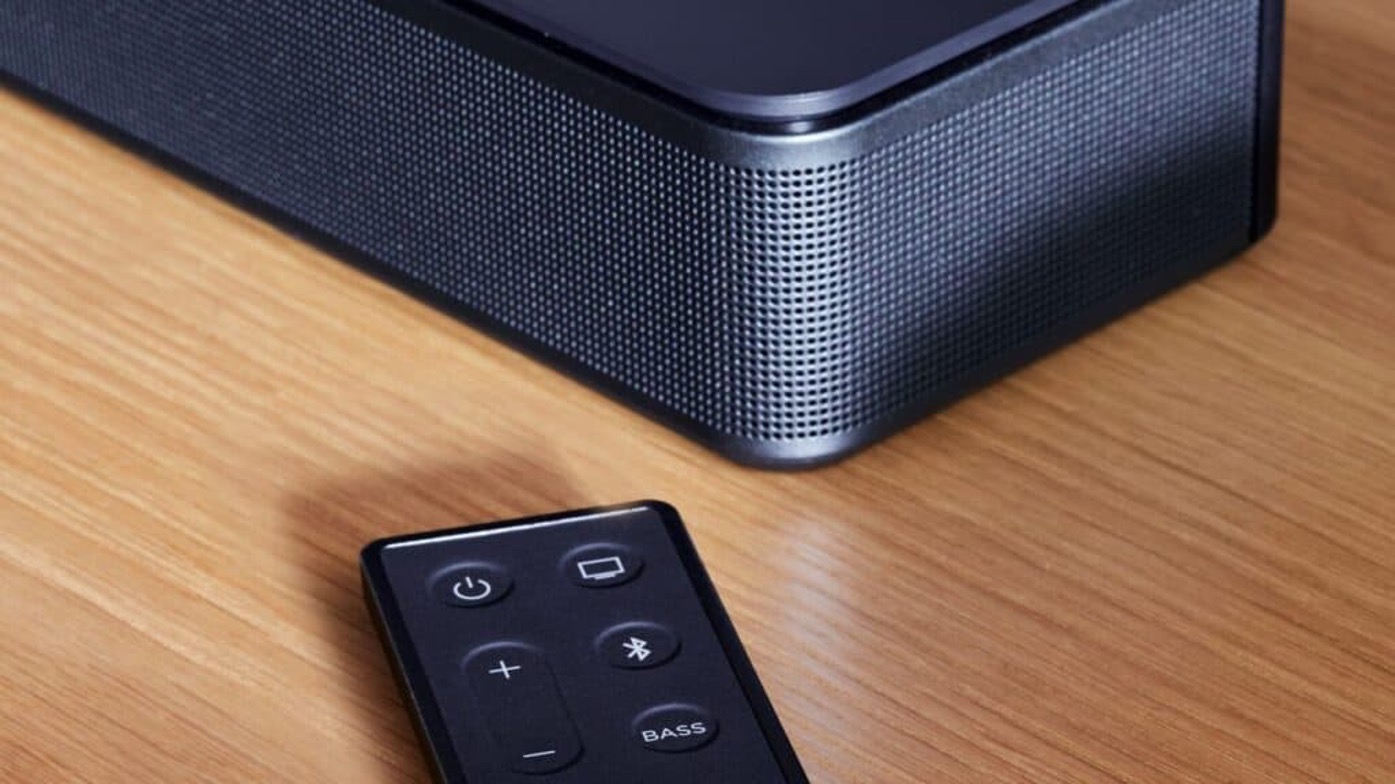
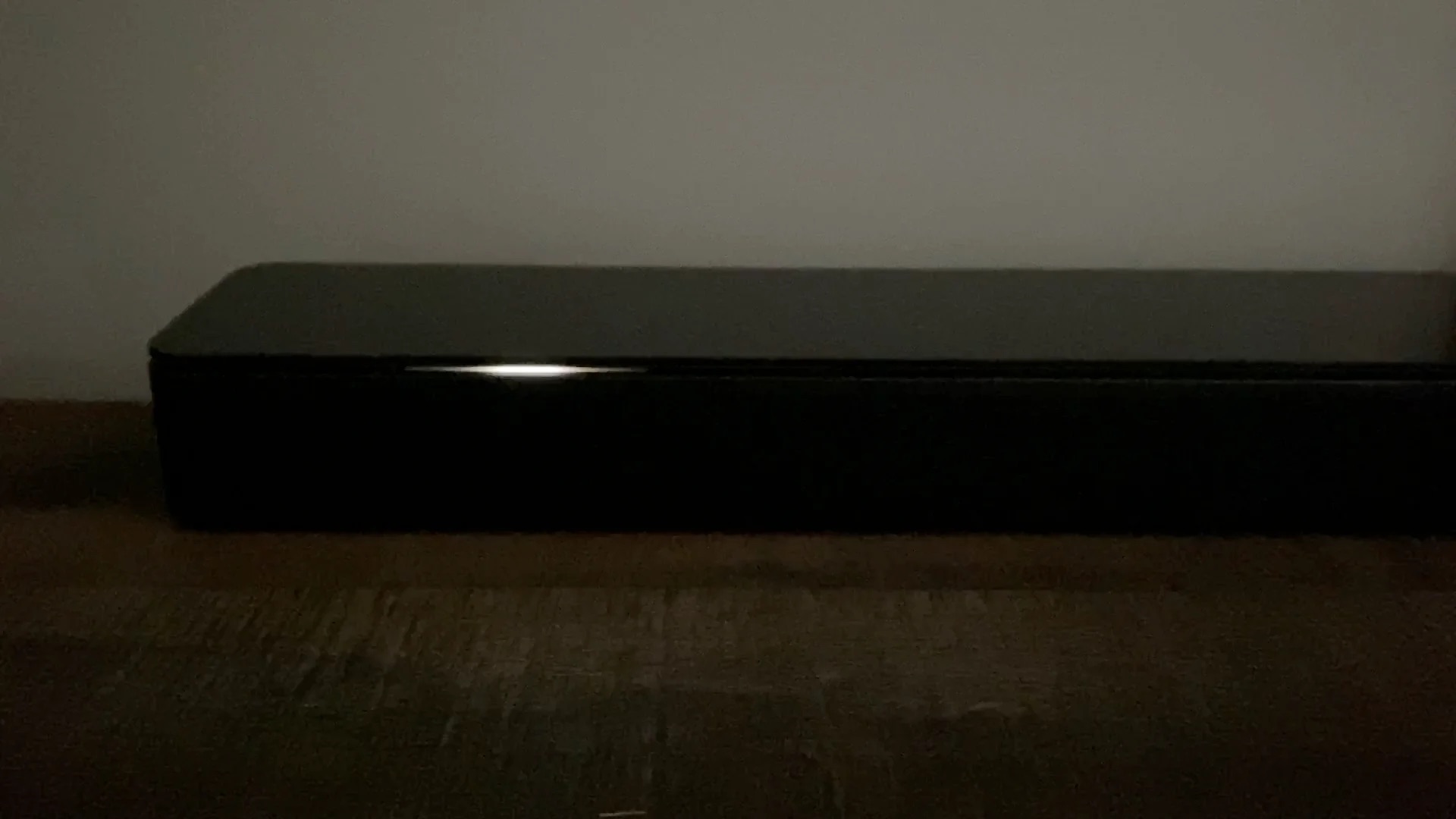
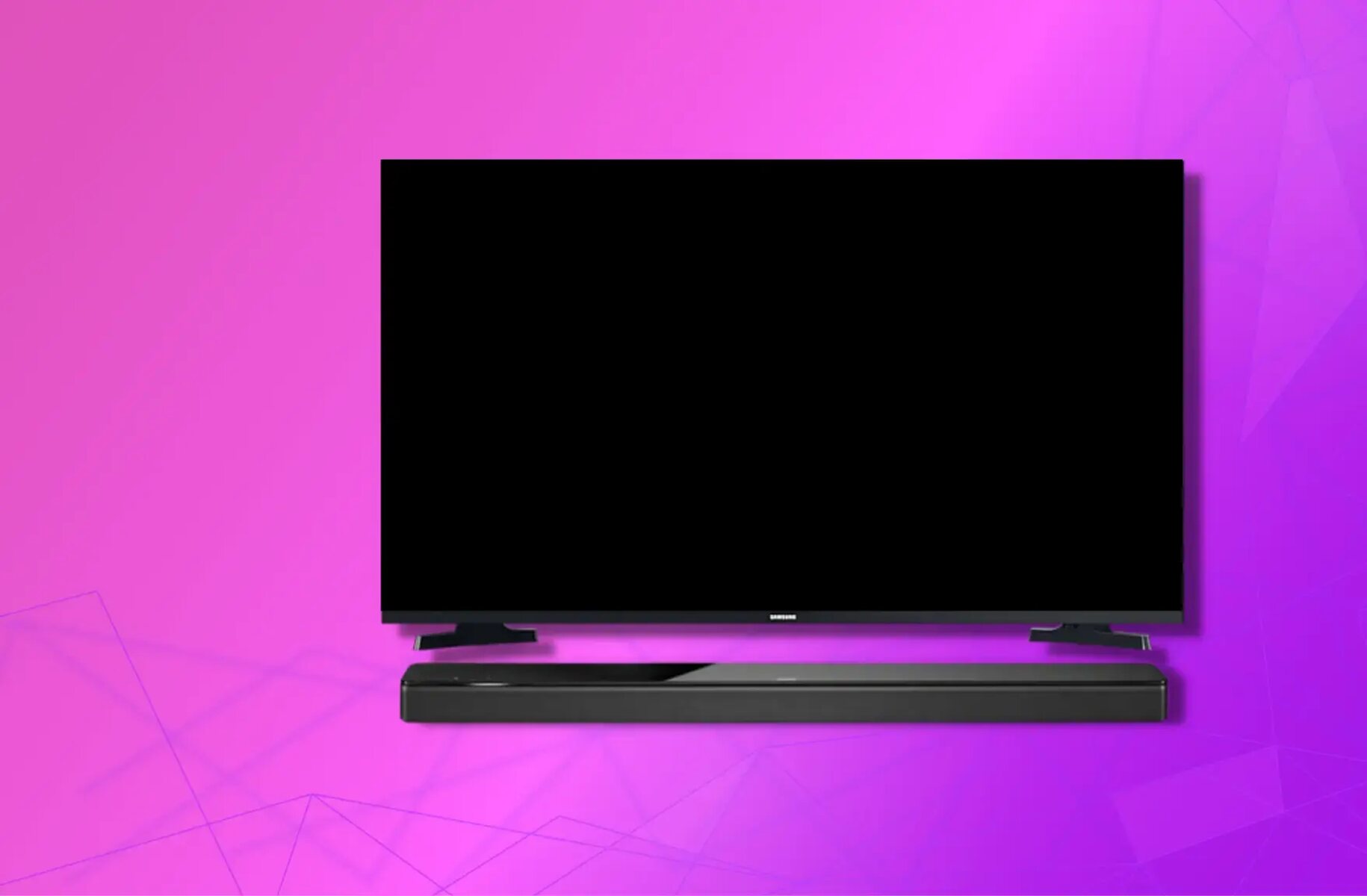
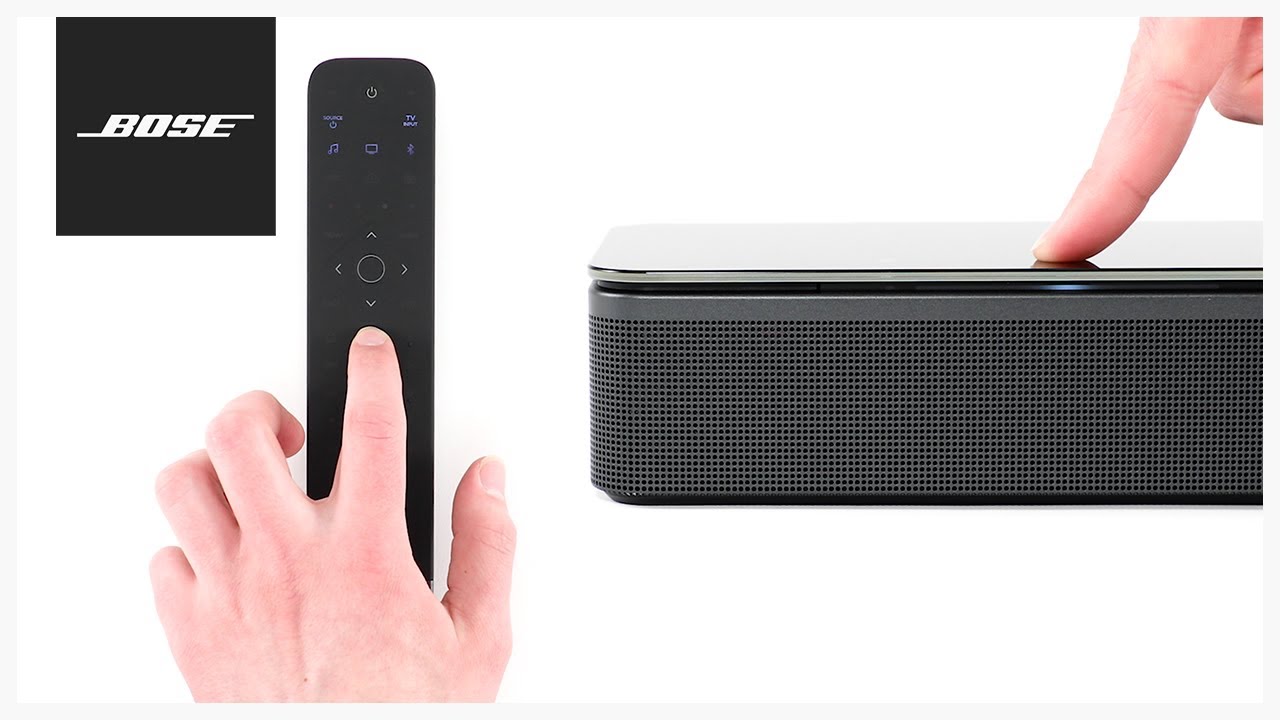
The articles fall into two broad themes. The first is connectivity and setup: several pieces explain how to link older Bose systems to a smart TV, how to pair noise-cancelling headphones, and how to connect a soundbar to an LG, Samsung, or other television via Bluetooth or a remote. The second theme is diagnostics and adjustment: here you will find explanations for what the orange, red, or flashing white light on your soundbar means, plus practical advice on resetting a smart speaker or a Soundbar 700 without a remote, and how to turn down the bass when it feels too heavy.
In short, these articles help you do things like get your old system working with a new TV, decode a warning light instead of panicking, and fine-tune your soundbar’s audio to your liking. They focus on safe, supported methods, like using the right buttons on your remote or performing a factory reset, so you can solve the problem without risking your gear or resorting to unsupported workarounds.