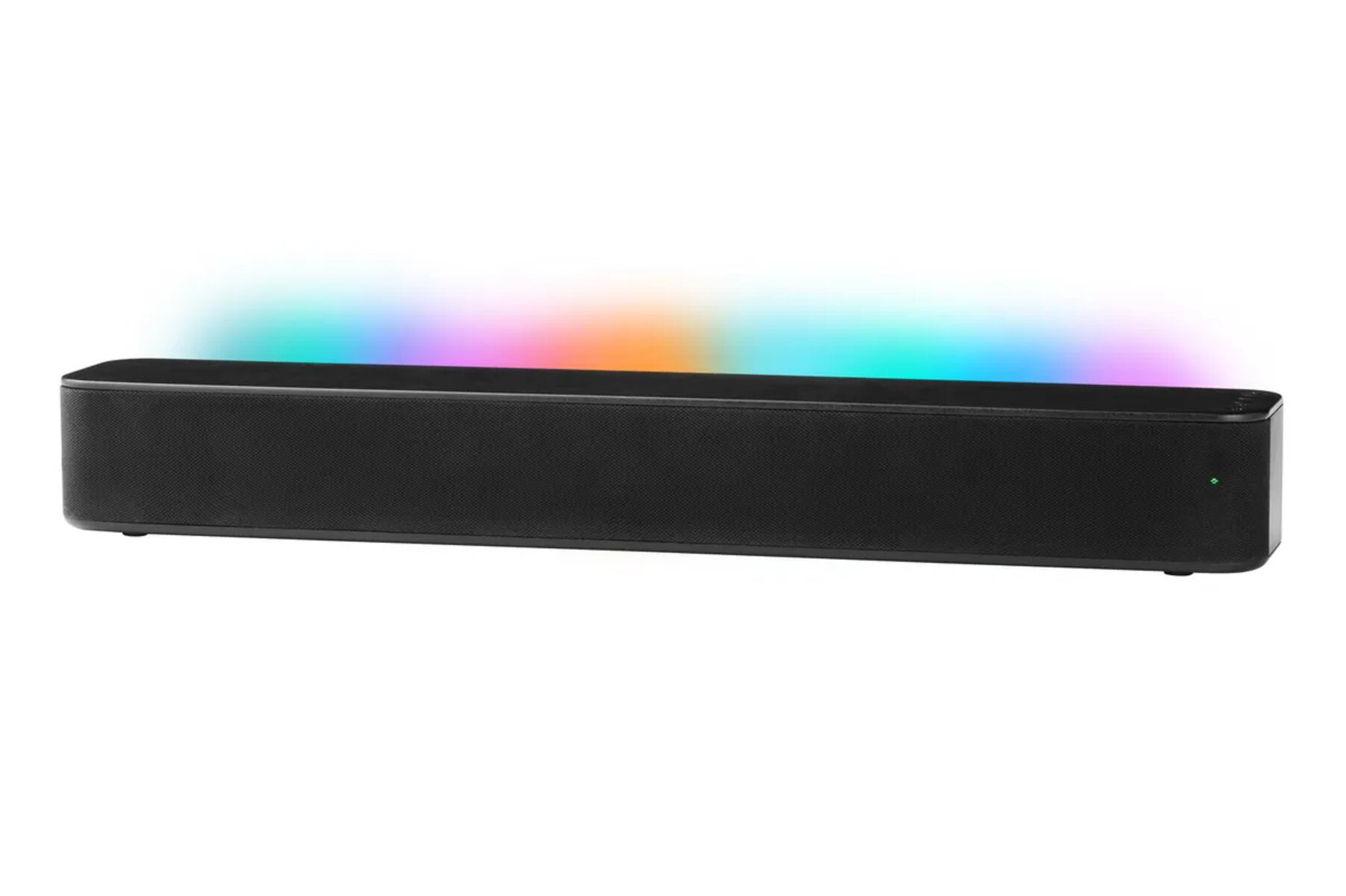
To stop someone from connecting to your Bluetooth soundbar Vizio, you need to remove the unwanted device from the soundbar's paired list and then prevent future pairing attempts by using the soundbar's settings, the VIZIO mobile app, or a factory reset. The fastest fix is to check the paired device list, unpair anything you don't recognize, and then disable Bluetooth entirely if the problem persists.
Why someone can connect to your Vizio soundbar without permission
Vizio soundbars enter Bluetooth pairing mode when you press and hold the Bluetooth button on the soundbar or remote for 5 seconds. During pairing mode, the LED indicators flash sequentially, and the soundbar remains discoverable for new Bluetooth connections for approximately 15 minutes. If no device pairs within that window, the soundbar typically powers down and exits pairing mode. However, anyone within Bluetooth range, generally up to 30 feet, can connect during that discoverable window if they see your soundbar listed on their phone or tablet. This is why a neighbor or housemate might hijack your audio: they simply waited for you to put the soundbar into pairing mode, or they triggered it themselves if they have physical access to the remote.
Only one Bluetooth device can stream audio to the Vizio soundbar at a time, so once an unauthorized device connects, your own playback is cut off. The intruder can control volume, change tracks, or play their own content. Understanding this pairing window is the first step to locking down your soundbar.
Check which devices are currently connected to your Vizio soundbar
Before you can stop someone from connecting, you need to see what is already paired. Use the soundbar's on-screen menu or the VIZIO mobile app to view the list of paired or connected devices. On the VIZIO mobile app, select your soundbar from the device list, then tap "Mobile Device (Bluetooth)" to see every phone, tablet, or computer that has ever paired with it. Review the list carefully and look for unfamiliar device names, these are likely the unauthorized connections you need to remove.
Disconnect an unwanted device that is currently streaming
If an intruder is actively streaming to your soundbar right now, you cannot unpair them from the soundbar itself. You can, however, temporarily kick them off by switching the soundbar's input away from Bluetooth. Changing the input to HDMI, optical, or auxiliary will disconnect any currently connected Bluetooth device. The downside is that if you switch back to Bluetooth, the most recently connected device will automatically attempt to reconnect, so this is only a temporary fix until you unpair or reset.
Unpair devices using the Vizio mobile app
The VIZIO mobile app gives you the most direct control over the paired device list. Open the app, select your soundbar, then navigate to "Mobile Device (Bluetooth)." From there, you will see a list of every paired device. Tap "Unpair Device" next to the unwanted entry and confirm the action. This removes the device from the soundbar's memory, so it can no longer connect automatically. For iOS users, there is an additional step required to fully unpair: go to the iOS device's Bluetooth settings, tap the information button next to the soundbar's name, and select "Forget This Device" or "Unpair from 'VIZIO mobile app'." Without this extra step, the iPhone may still attempt to reconnect even after you unpair it from the app.
Factory reset your Vizio soundbar to erase all paired devices
If you cannot identify the unwanted device or the app method fails, a factory reset is the definitive solution. Ensure the soundbar is powered on, then press and hold the "Bluetooth" and "Volume Down (, )" buttons on the soundbar simultaneously for 5 seconds until the lights flash three times. This erases all custom settings and preferences, including every previously paired Bluetooth device, returning the soundbar to its original out-of-box state. After the reset, you will need to pair your own devices again from scratch, but you can be confident that no unknown device remains in memory. This is the most thorough way to stop someone from connecting to your Bluetooth soundbar Vizio if they have paired without your knowledge.
Disable Bluetooth entirely on your Vizio soundbar
For a permanent solution, you can turn off Bluetooth functionality altogether. Navigate to the soundbar's settings menu via the remote and look for the Bluetooth settings option. Select the option to disable Bluetooth, this removes the soundbar from discoverable mode entirely, so no device can connect wirelessly. The trade-off is that you will need to use wired connections like HDMI, optical, or auxiliary for all audio playback. If you still want to use voice assistant features without Bluetooth streaming, you can also disable the Voice Assistant Bluetooth (BT VA) feature by pressing and holding the Bluetooth button on the remote for approximately 10 seconds until you hear a low tone double-beep or see an LED confirmation. This keeps voice assistant functionality while blocking audio streaming from unknown devices.
Keep your Vizio soundbar firmware updated
Vizio periodically releases firmware updates that address Bluetooth security vulnerabilities and improve overall device performance. Check the official Vizio website or support page for your specific soundbar model to see if a newer firmware version is available. Download the update file, transfer it to your soundbar via USB or through the VIZIO mobile app, and follow the on-screen instructions to install it. Keeping firmware current reduces the risk of exploits that could allow unauthorized connections. Even if you have already disconnected and unpaired devices, updating firmware closes known security gaps and makes it harder for someone to connect in the future. Check for updates every few months, or whenever Vizio announces a new release, to maintain a secure Bluetooth soundbar Vizio.
\nRelated reading: Why Does My Polk Soundbar Keep Turning Off, What Does Flashing White Light On Bose Soundbar Mean, and How Do I Update My Polk Soundbar.