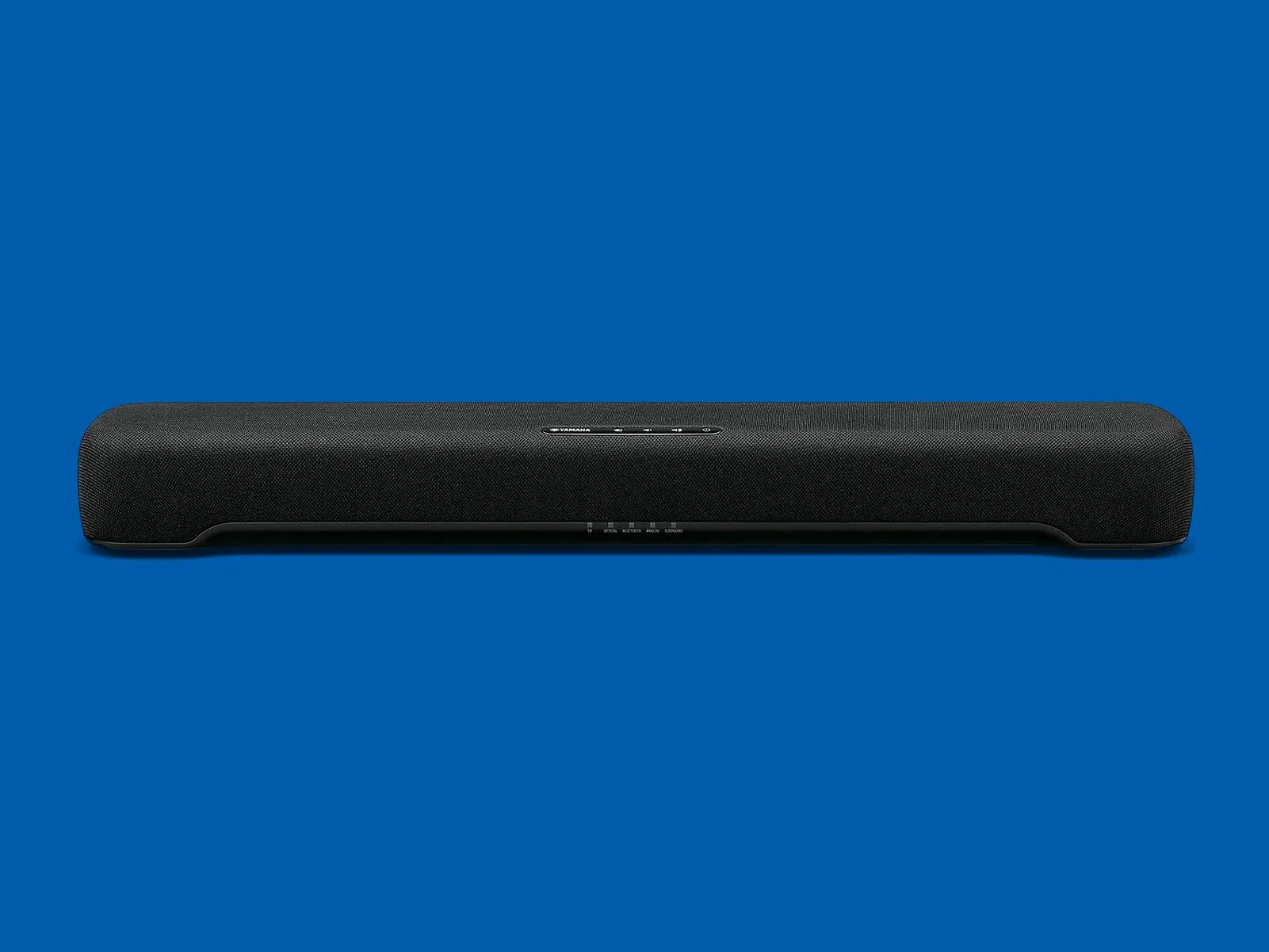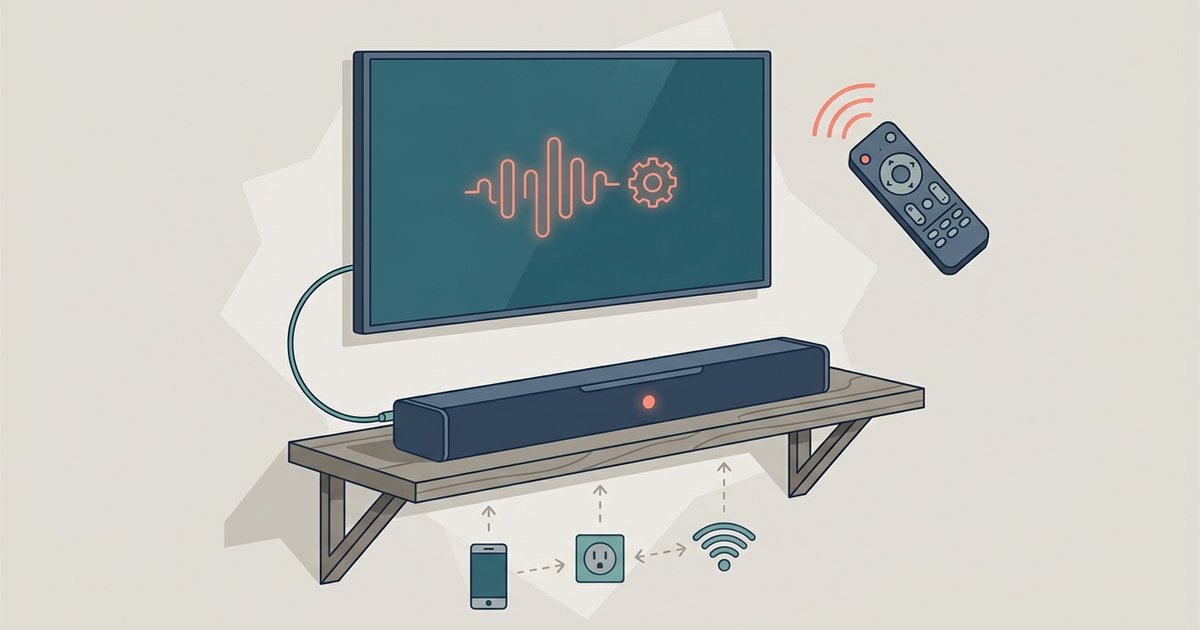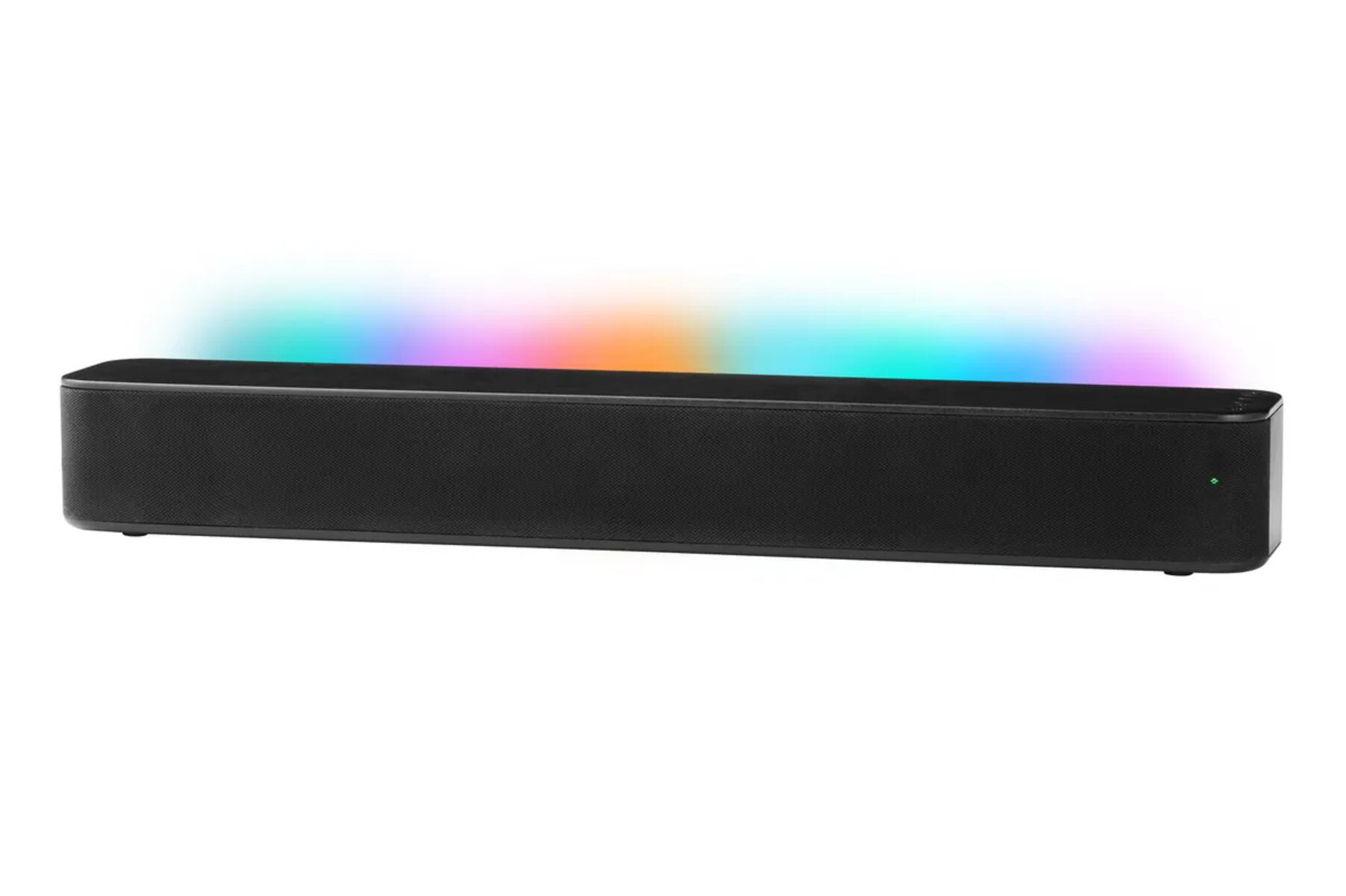
To turn off the voice on your Onn soundbar, press and hold the volume up (+) and volume down (-) buttons on the soundbar itself simultaneously for about 5 seconds.
How to Turn Off Voice on an Onn Soundbar
The most reliable way to stop your Onn soundbar from announcing every action is to use the physical buttons on the unit, not the remote. This button-hold method works for many Onn 2.1 channel models, including the Onn 2.0 Channel LED Soundbar and the Onn 36" 2.1 Soundbar System. Here's the exact procedure:
- Power on the soundbar using the power button on the unit or the remote.
- Locate the volume up (+) and volume down (-) buttons on the top or side of the soundbar (not the remote).
- Press and hold both buttons simultaneously for approximately 5 seconds.
- Release the buttons when you hear the audible confirmation.
If successful, the soundbar will state "Voice prompt is now OFF" or "Voice prompt disabled" to confirm the change. This method is designed to silence prompts like "Power On" and "Bluetooth Connected" that otherwise play every time you use the device.
What If the Button Combination Doesn't Work?
If the volume button combination doesn't disable the voice, your specific Onn model likely doesn't support turning off voice prompts at all. This is a crucial limitation to understand: many budget-friendly Onn soundbars have voice prompts hard-coded into the firmware, meaning there is no built-in setting or button combination to disable them.
For these incompatible models, the voice prompt volume is tied directly to the master volume. That means you can't mute the voice without also muting all other audio. However, you can mitigate the annoyance with a simple workaround: lower the soundbar's volume to its minimum setting before powering it off. This reduces the loudness of the "Power Off" announcement the next time you turn the device on. Another trick is to press the Mute button on the remote before turning off the soundbar or TV, this may bypass the "Power Off" announcement on some units, though it's not guaranteed across all models.
Some troubleshooting suggestions also mention pressing and holding the Mute button on the remote for several seconds while the unit is on, but this is not explicitly documented for Onn soundbars and may not work. A few newer 'onn. Roku TV Ready' models might offer a 'System Sounds' toggle inside a dedicated mobile app, but this is unlikely for standard 2.0/2.1 non-smart units. Similarly, some larger 2.1 Onn models may have a 'Night' or 'EQ' button on the remote that can occasionally dampen system sounds on certain firmware versions, though this primarily adjusts bass rather than disabling voice prompts.
How to Re-enable Voice Prompts
If you've successfully disabled the voice prompts and later decide you want them back, re-enabling is just as simple. Repeat the same button combination: press and hold the volume up (+) and volume down (-) buttons on the soundbar simultaneously for 5 seconds. This works on the same compatible 2.1 models where the original disable method succeeded.
\nRelated reading: How Do I Update My Polk Soundbar, Understanding Trigger In And Out On Your AV Receiver, and Why Does My Polk Soundbar Keep Turning Off.